
Presentations.AI
Generates on-brand, editable presentations from ideas, documents, or data at scale.
FreemiumFree planWeb
Last verified Jul 12, 2026
Generates on-brand, editable presentations from ideas, documents, or data at scale.
Last verified Jul 12, 2026
Fast-read signals for fit, pricing, and trust.
Presentations.AI is an AI presentation platform that turns ideas, documents, or data into editable, on-brand decks and exports them to PowerPoint. It is aimed at teams and professionals who need polished slides quickly without building each one by hand. A free Starter plan is available; Pro starts at $20/month (billed annually).
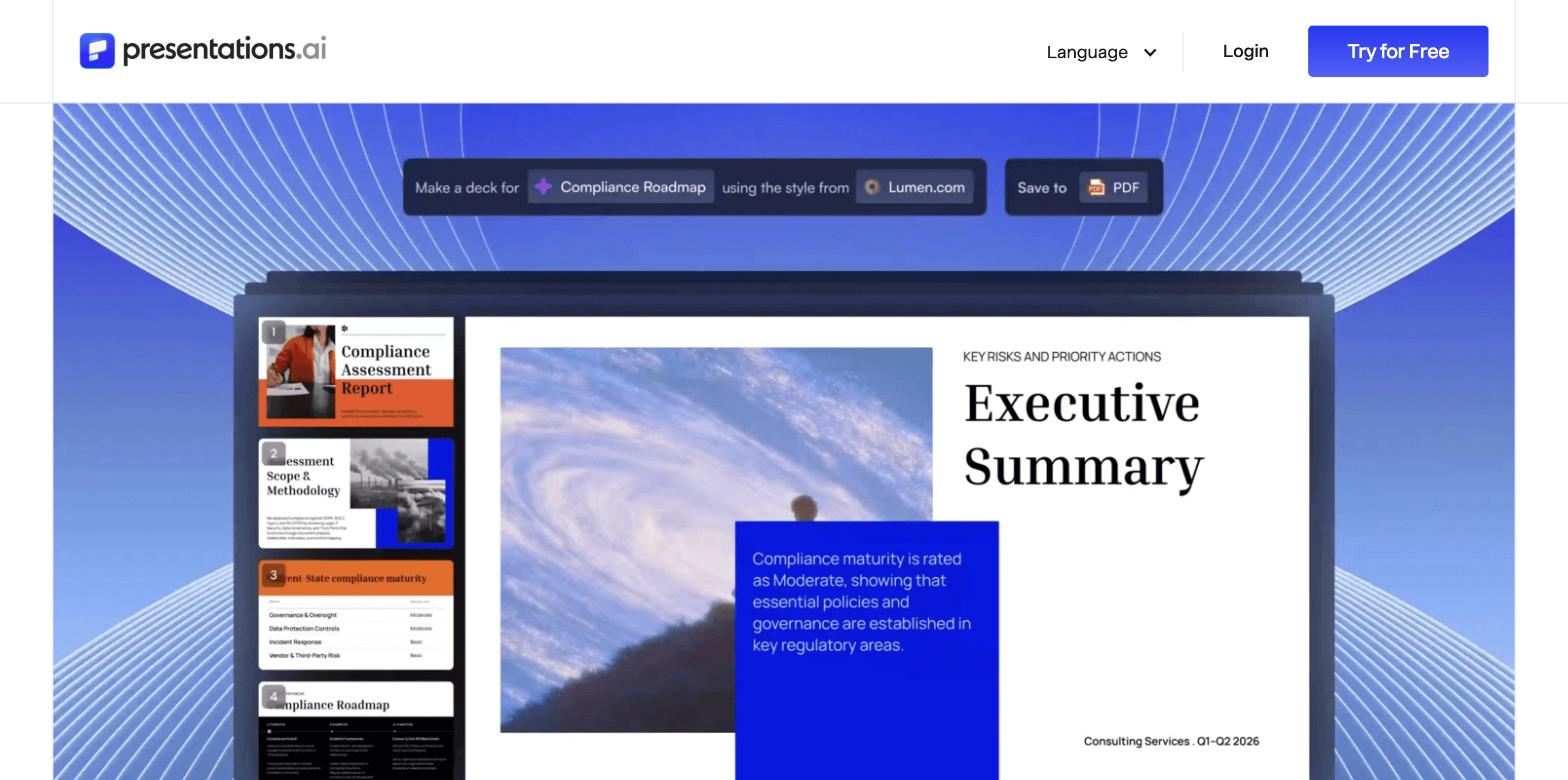
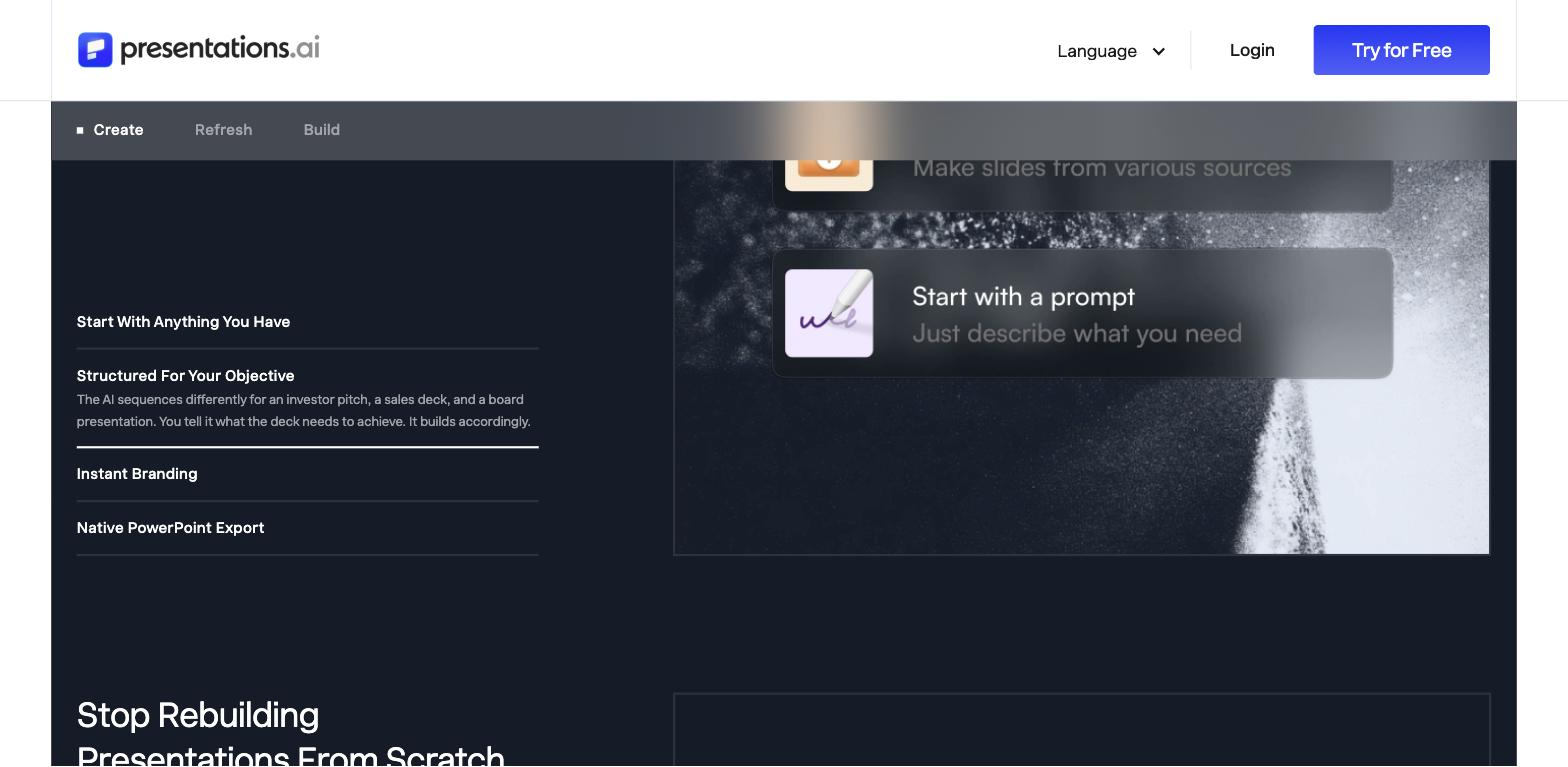
You start from a prompt, a document, or data and it builds an editable deck with on-brand styling, then lets you share it, track views, and present across devices. Generated PowerPoint files stay editable, fitting into existing workflows. The Starter plan includes 100 AI credits; the Pro plan adds advanced AI, analytics, and guest collaboration.
Quick fit check against how you actually work.
What you can actually do with this tool.
Builds an editable deck from a prompt, document, or data, so a draft exists before you touch a slide.
Applies brand styling across slides, keeping decks consistent without manual formatting work.
Uses templates that adjust as content changes, so layouts hold together instead of breaking when text length changes.
Exports editable PowerPoint files, so decks fit existing workflows rather than locking you into the platform.
Shares decks and tracks views, useful when a presentation is sent rather than presented live.
Presents responsively across devices, so a deck holds up wherever it is shown.
Pricing tiers and what's included in each.
Presentations.AI has a free Starter plan (100 AI credits, up to 20 slides) and paid plans. Pro is $20/month billed annually ($240/year) with 5,000 annual AI credits, advanced AI, PowerPoint export, analytics, and up to 10 guest collaborators. Gold is $100/month billed annually for larger teams.
A short path to first value.
How to Make a Presentation with AI in Minutes | Presentations.AI
Common questions about this tool, answered.
Yes — output stays editable, including as PowerPoint, so you refine rather than accept a locked result.
Styling gets you close, but brand-exact spacing, fonts, and custom visuals may still need a manual check before an external deck.
Yes — copy follows your source and prompt, so confirm figures and claims before presenting.
It suits teams producing many consistent decks, though an individual can use it for a quick, presentable draft.
Context for choosing between this tool and alternatives.
Among AI deck tools, the split is scale-and-brand versus design depth or coaching. Presentations.AI leans on consistent, editable output at volume. Decktopus adds delivery coaching; Plus AI and SlidesAI sit in the Google Slides and content-input niche; Beautiful.ai focuses on design-forward layouts.
Other tools that show up for the same kind of work.
Plus AI
Paid
SlidesAI
Freemium
Decktopus
Paid
Beautiful.ai
Paid
SlideSpeak
Freemium