
SlideSpeak
Generates, summarizes, and chats with presentations from text or documents, kept on your brand.
FreemiumFree planWeb
Last verified Jul 8, 2026
Generates, summarizes, and chats with presentations from text or documents, kept on your brand.
Last verified Jul 8, 2026
Fast-read signals for fit, pricing, and trust.
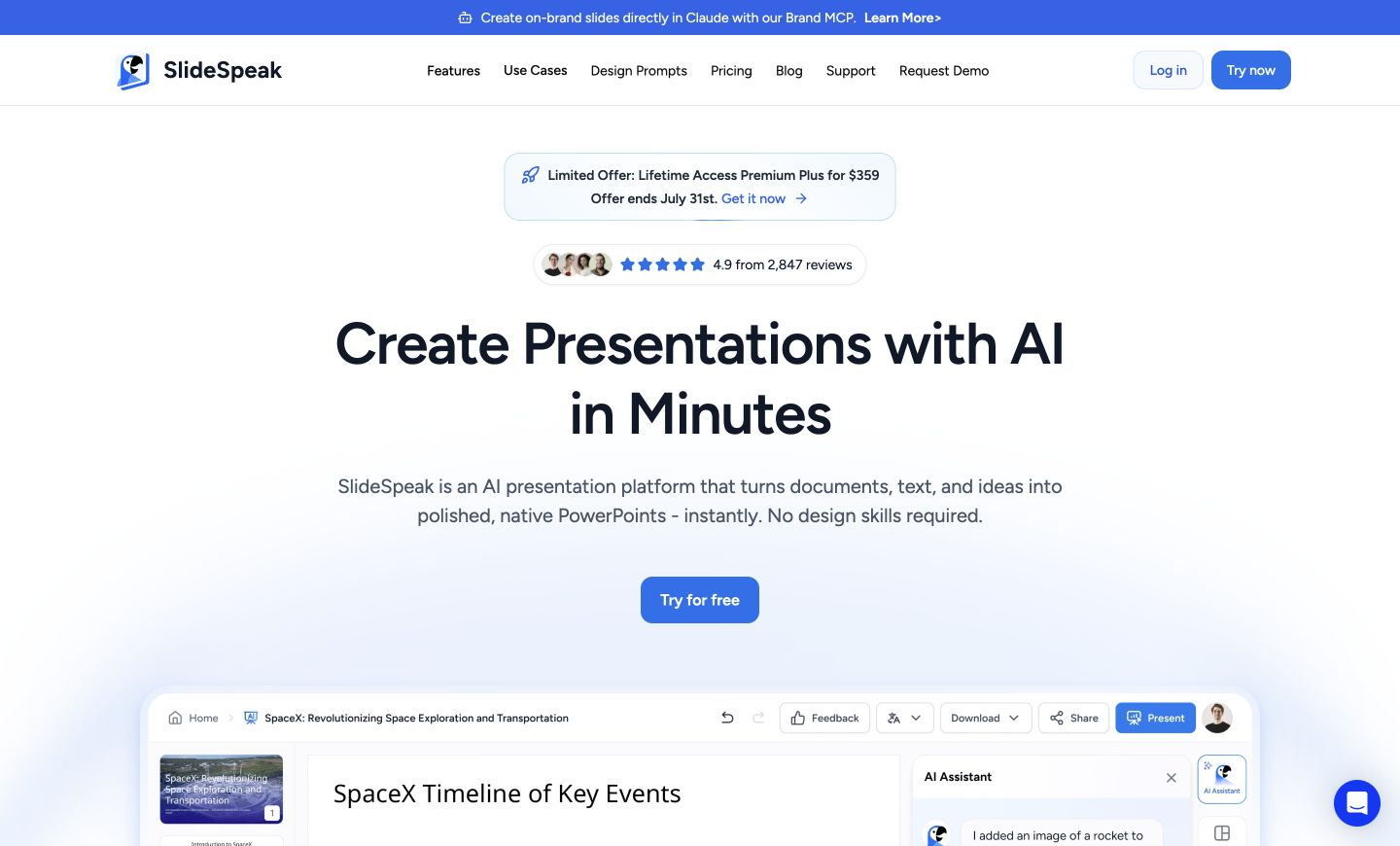
SlideSpeak is an AI presentation tool that builds, summarizes, and answers questions about slide decks. It is aimed at marketers, consultants, and teams who create decks and digest documents regularly and want a faster path than starting from a blank slide. It works from your text and files, and a brand-context layer keeps generated decks on your colors, fonts, and layouts. It produces drafts to refine, not finished, designed presentations.
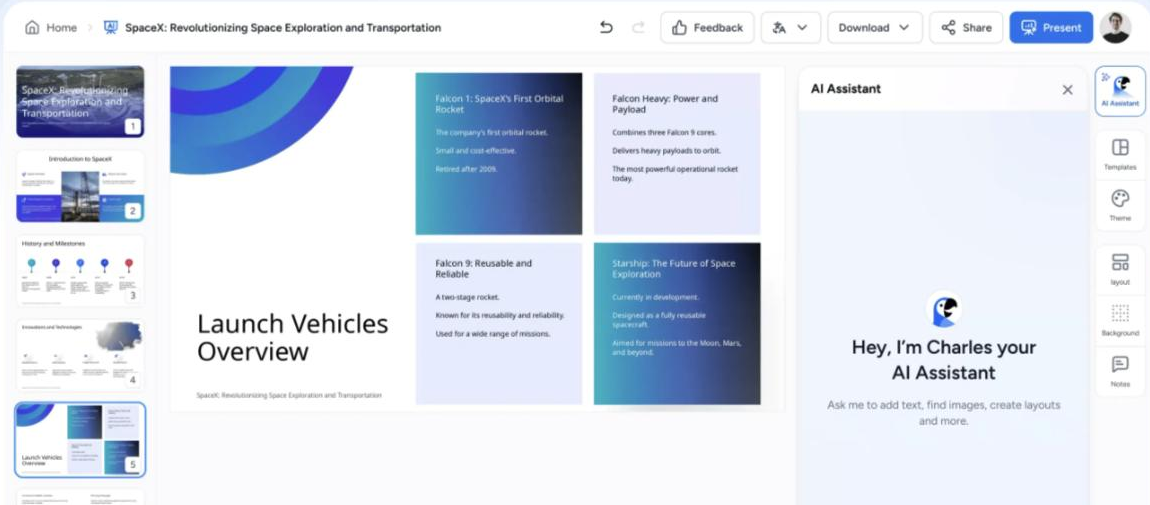
Feed it a prompt, a PDF, or an existing document and it drafts a presentation; point it at a PowerPoint or PDF and it summarizes the file, pulls out action items, or answers questions about the content in chat. A brand-context layer can supply your logos, colors, fonts, and approved layouts so generated decks come out on-brand rather than generic.
Marketers, consultants, and operations teams who turn documents into decks — or need the gist of long files fast — are the main users. It works at the drafting and review stage, ahead of the manual polish a final deck still gets.
A boundary to keep in mind: it accelerates structure and first drafts, so layout finesse and design judgement remain a human step, and summaries reflect the source file's quality.
Quick fit check against how you actually work.
What you can actually do with this tool.
Generates a draft presentation from a text prompt, a PDF, or an existing document, so you start with structure rather than blank slides.
Lets you ask questions about a PowerPoint or PDF and get answers from its content, useful for digging into a long deck quickly.
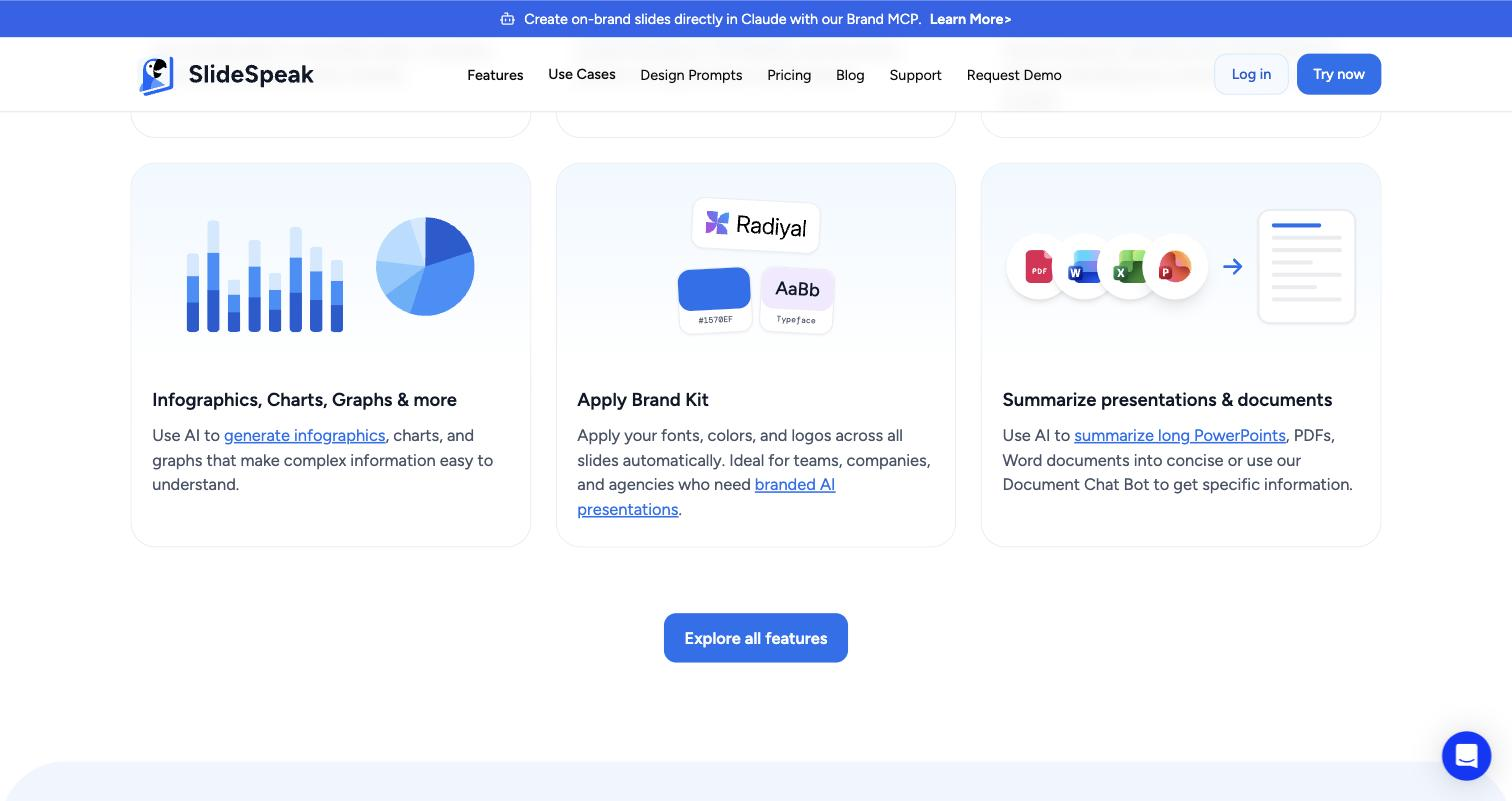
Condenses PDFs, Word files, and presentations into a short summary, so the gist of a long document is a click away.
Pulls tasks and next steps out of a presentation, turning a deck into a follow-up list.
Supplies your logos, colors, fonts, and approved layouts so generated decks stay on-brand instead of generic.
Organizes related files together so the AI can work across a set rather than one file at a time.
Pricing tiers and what's included in each.
SlideSpeak has a free plan with 100 starting credits and a 50 MB file limit. The Premium plan is $29 per month (1,000 credits per month, no file size limit). Premium Plus is $34 per month (2,500 credits per month). Annual billing saves approximately 15% on paid plans. Enterprise pricing is available for larger teams. Credits are consumed per generation or document-chat operation.
A short path to first value.
How to create a PowerPoint presentation from PDF with SlideSpeak AI
Common questions about this tool, answered.
Summaries and extracted action items reflect the structure and quality of the source file, so clear, well-organised documents produce more reliable output than messy or scanned ones.
The brand-context feature only helps once your logos, colors, fonts, and approved layouts are supplied; until then, generated decks use generic styling you would need to rework.
It produces structured drafts that speed the build, but layout finesse and design judgement stay manual, so the output is a strong starting point rather than a finished deck.
It works with presentations, PDFs, and Word documents for generating, summarising, and chatting, covering the formats teams move between most often.
Context for choosing between this tool and alternatives.
The choice here is whether you want document-to-deck generation plus file summarization in one place. For richer slide design and templates, presentation-first tools such as Decktopus or Presentations.AI cover more of the visual side. Teams that mostly need to read and act on documents may get more from a document-summary tool. Decide by which half of the job — building decks or digesting files — you do more often.
Other tools that show up for the same kind of work.
Tome
Freemium