
Beautiful.ai
A presentation tool whose templates auto-design slides as you add content.
PaidFree trialWeb
Last verified Jul 8, 2026
A presentation tool whose templates auto-design slides as you add content.
Last verified Jul 8, 2026
Fast-read signals for fit, pricing, and trust.
Beautiful.ai is a presentation tool built around design-automation templates that adjust slides automatically as you add content, with AI deck generation, brand controls, and collaboration. It is aimed at teams and professionals who want consistently designed decks without manual formatting. Smart, self-adjusting templates are its defining idea. It automates layout, so it trades some manual control for speed and consistency.
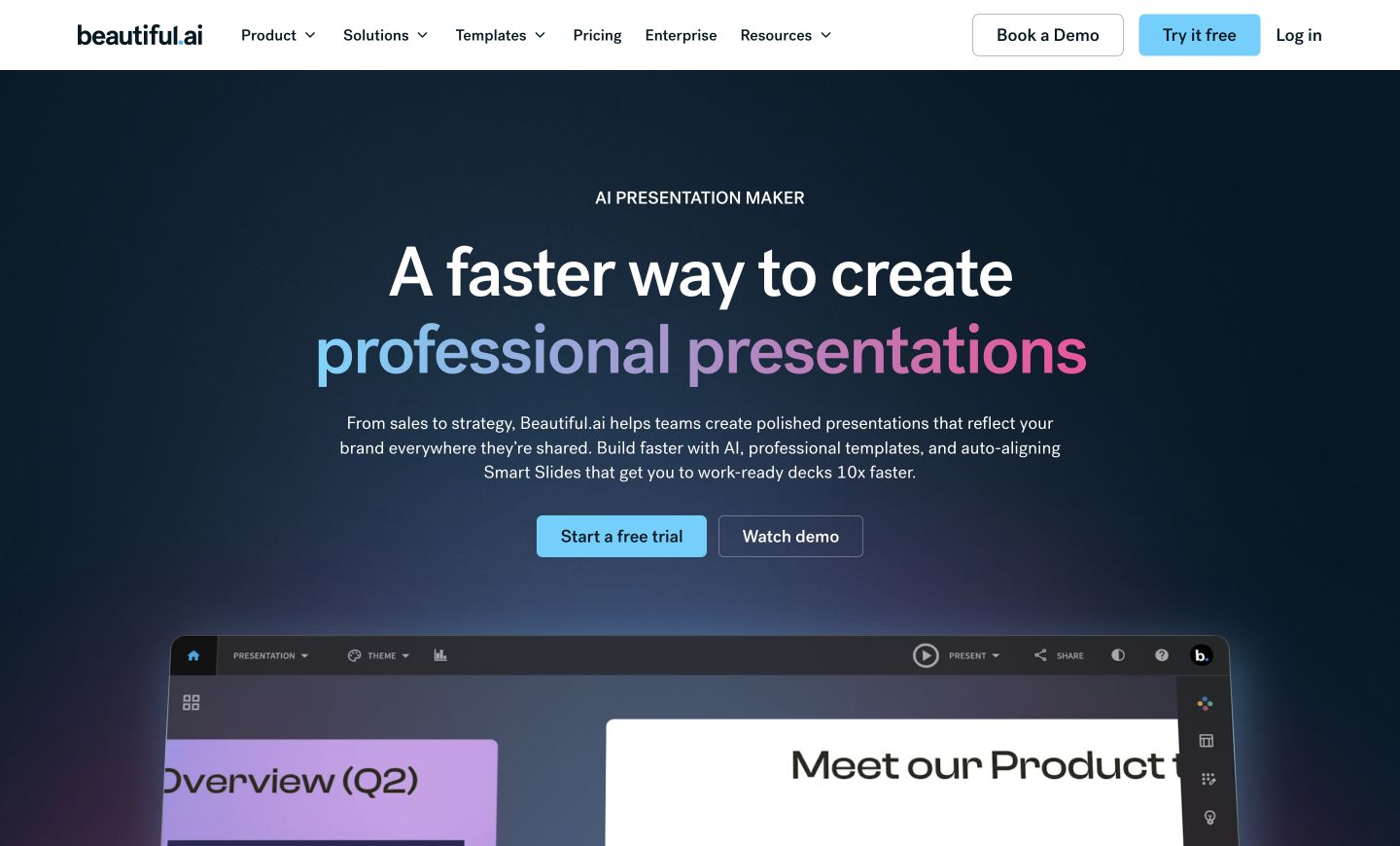
You build decks from smart templates that re-arrange and re-design slides automatically as content changes, with AI generation to start a deck, brand controls to stay consistent, collaboration for teams, and integrations with common workplace tools.
It suits teams and professionals who want polished, on-brand decks without fiddling with layout, and who present often enough to value design automation. Paid plans add unlimited AI content generation, a library of 300-plus Smart Slide layouts, custom branding, and viewer analytics, while Team plans layer on real-time collaboration, centralized libraries, version control, and live data linking.
Design automation keeps slides balanced and on-brand, but it means less granular control than a freeform editor, so highly custom slides can fight the templates.
Quick fit check against how you actually work.
What you can actually do with this tool.
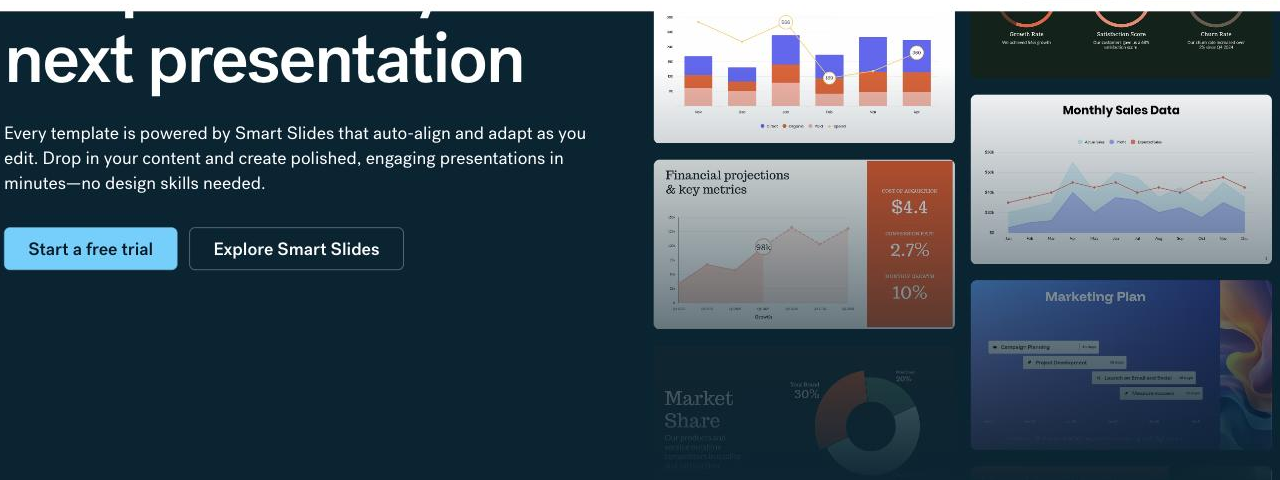
Auto-adjusts slide design as content changes, so layouts stay balanced.
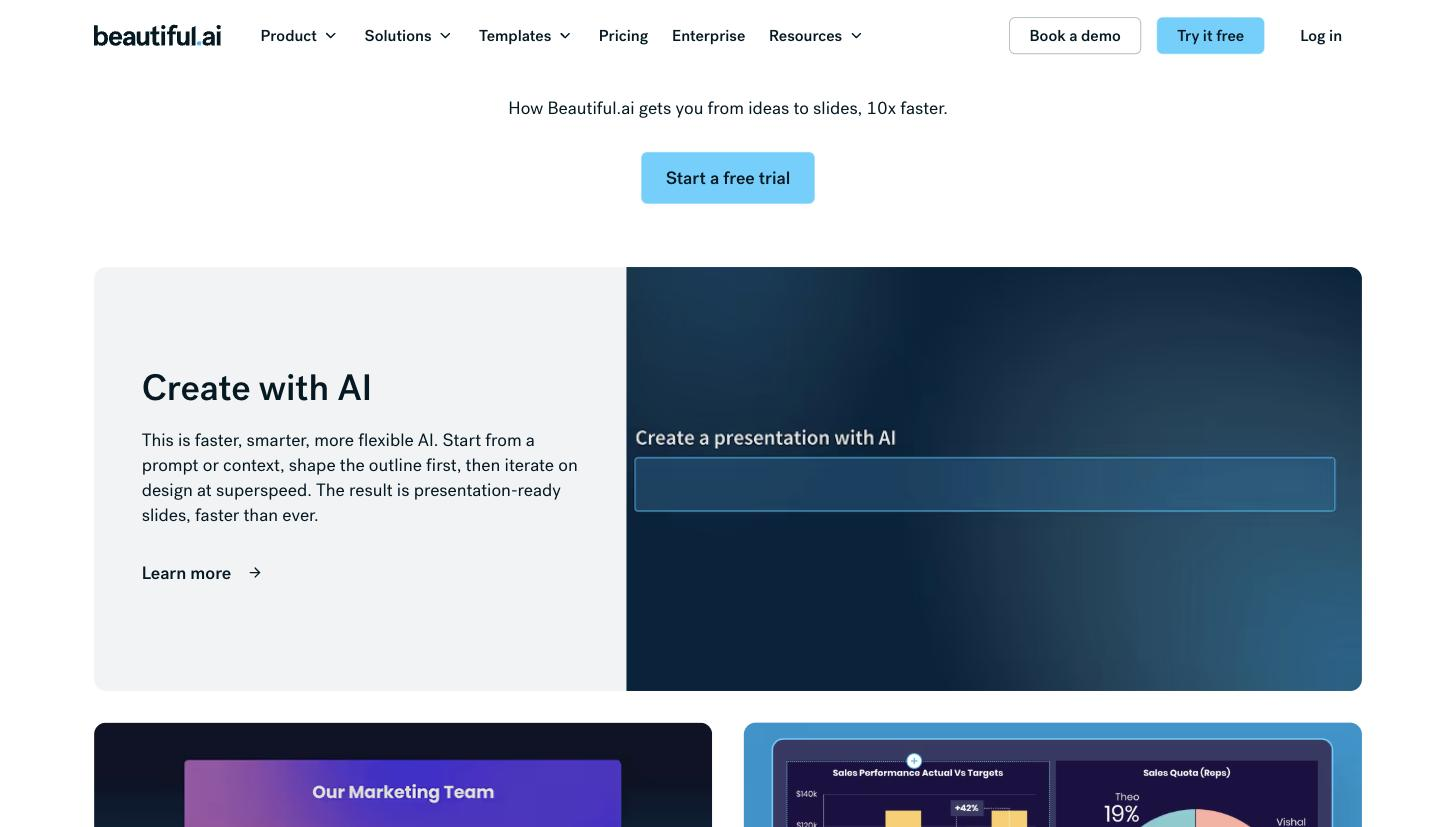
Generates a starting deck to build on.
Keeps decks on brand across a team.
Supports teams building decks together.
Connects with tools like PowerPoint and Slack.
Pricing tiers and what's included in each.
Beautiful.ai has no permanent free plan. A 14-day free trial is available on all plans. The Pro plan for individuals is $12/month billed annually, or $45 for a single presentation (one-time). The Team plan is $40/user/month billed annually ($50/user/month billed monthly) for teams of 2–20, adding real-time collaboration, centralized brand libraries, version control, and analytics. Enterprise (20+ users) is custom pricing and includes SOC 2 Type II, GDPR, and CCPA compliance, SSO, SCIM, and dedicated onboarding. Students with a valid .edu email receive one year free. Verified from beautiful.ai/pricing on 2026-07-08.
A short path to first value.
How Smart Slides Work | Beautiful.ai
Common questions about this tool, answered.
Templates handle layout automatically, which keeps decks consistent but gives less granular control than a freeform editor, so very custom slides can take more effort.
They re-arrange and re-design slides automatically as you add content, so layouts stay balanced without manual formatting.
Brand controls aim to keep decks consistent, though a final check before an external deck is still worthwhile.
Yes — collaboration and brand controls suit teams producing consistent decks together.
Context for choosing between this tool and alternatives.
Beautiful.ai leans on design-automation templates; next to Plus AI, which lives inside Slides and PowerPoint, and Decktopus, which adds delivery coaching, it competes on automatic design. Compare on whether self-designing templates or another presentation approach fits.
Other tools that show up for the same kind of work.