
SlidesAI
Generates slide presentations from text inside Google Slides, with AI layout and templates.
FreemiumFree planWeb
Last verified Jul 11, 2026
Generates slide presentations from text inside Google Slides, with AI layout and templates.
Last verified Jul 11, 2026
Fast-read signals for fit, pricing, and trust.
SlidesAI is a Google Slides add-in that converts text, outlines, or uploaded documents into structured presentations, with AI-chosen layouts and templates. It is aimed at people who work inside Google Slides and want a quick first draft without building slides from scratch. Simpler and more affordable than Plus AI; does not support PowerPoint.
You install SlidesAI from the Google Workspace Marketplace and run it inside Google Slides. Type or paste text, an outline, or upload a document (on paid plans), and the add-in generates a structured slide deck with layouts and templates applied. Results need review and editing — the AI produces a starting structure, not a finished presentation. It does not extend to PowerPoint or other presentation tools.
Quick fit check against how you actually work.

What you can actually do with this tool.
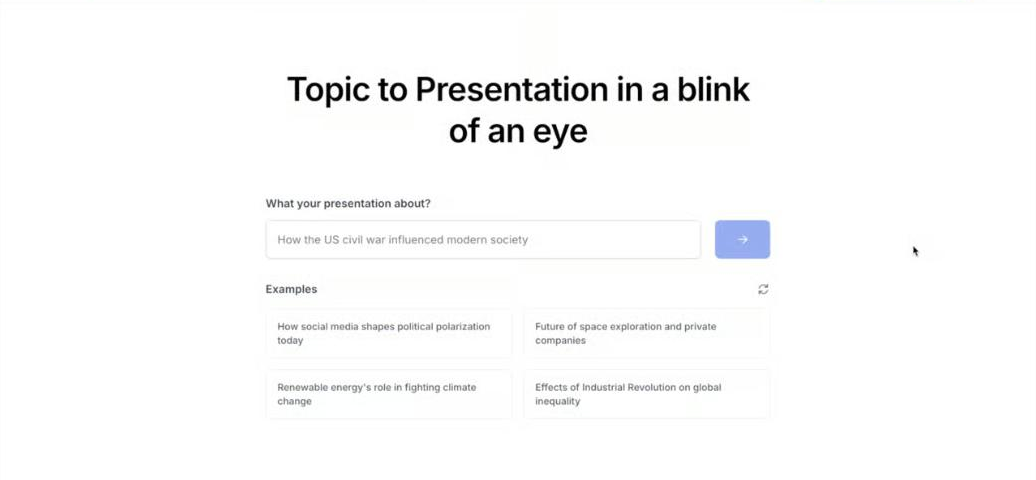
Converts text input or an outline into a full slide presentation inside Google Slides.
Accepts PDF, DOCX, and TXT files as input on Pro and Premium plans.
Applies layout and design templates during generation for structured output.
Character limit per presentation scales with plan — from 2,500 (Free) to 12,000 (Premium).
Generation is credit-based with monthly or annual allocations by plan tier.
Pricing tiers and what's included in each.
SlidesAI has a Free plan (12 presentations/year, 120 AI credits/year) and paid plans: Pro at $10/month ($120/year) for 120 presentations and 600 AI credits, and Premium at $20.83/month ($250/year) for unlimited presentations. Document upload is available on paid plans.
A short path to first value.
Common questions about this tool, answered.
No — SlidesAI is a Google Slides add-in only. For PowerPoint support, consider Plus AI.
The Free plan allows 12 presentations per year. Pro ($10/month or $120/year) gives 120/year; Premium ($20.83/month or $250/year) is unlimited.
Document upload (PDF, DOCX, TXT) is available on Pro and Premium plans, not on Free.
Credits are consumed per generation. Free gives 120 credits/year; Pro gives 600/year; Premium gives 1,200/year.
Context for choosing between this tool and alternatives.
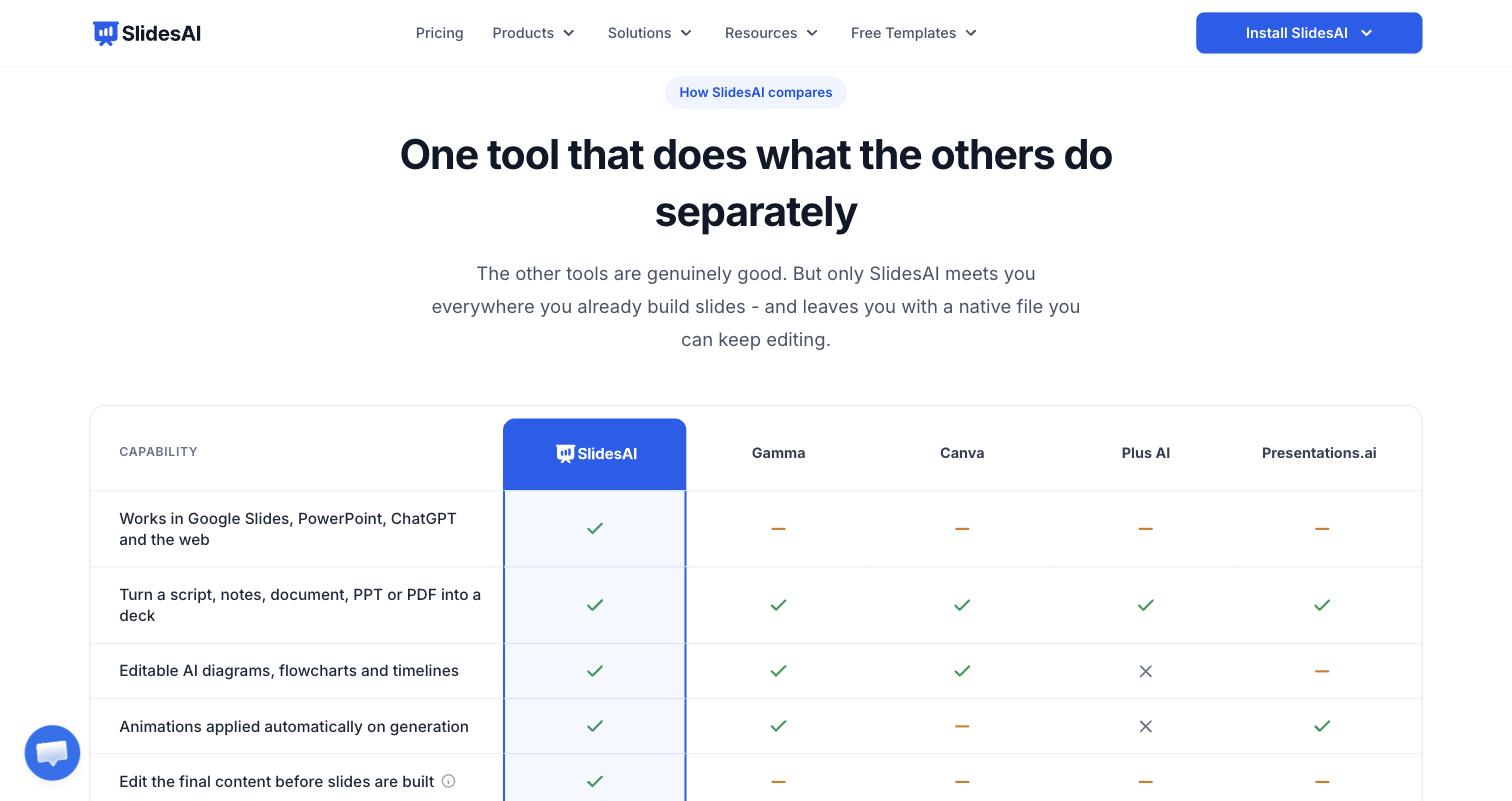
Google Slides presentation tools split on power vs simplicity; Plus AI works in both Google Slides and PowerPoint with more credits and branding controls; SlidesAI is simpler and cheaper for Google Slides users who want quick generation without advanced features.
Other tools that show up for the same kind of work.
Plus AI
Paid
Beautiful.ai
Paid
Decktopus
Paid
SlideSpeak
Freemium