
remove.bg
The category-defining automatic background remover that cuts subjects out of photos in seconds, with a free low-res preview and credit-based full-resolution output.
FreemiumFree planWeb
Last verified Jul 14, 2026
The category-defining automatic background remover that cuts subjects out of photos in seconds, with a free low-res preview and credit-based full-resolution output.
Last verified Jul 14, 2026
Fast-read signals for fit, pricing, and trust.
remove.bg automatically removes image backgrounds in seconds and is a category benchmark for quality on people, products, and animals. Previews are free at low resolution; full-resolution output is credit-based via subscriptions or packs.
remove.bg is the tool most people think of first when they need a background gone, and it earned that position by doing one thing extremely well: automatic, one-click subject cutouts that look clean without manual masking. You upload an image, and within seconds it isolates the subject — reliably for people, products, and animals, which are the cases it's most tuned for. That reliability, plus an API and integrations, is why it's embedded in so many e-commerce, design, and marketing workflows. The practical value is speed at scale. A store owner batching product shots, a marketer prepping images for ads, or a designer needing quick transparent PNGs all get a result in seconds instead of minutes in Photoshop. The output quality on well-lit subjects with clear edges is the benchmark others are measured against, and it handles tricky edges like hair better than most automatic tools. Where an honest caveat matters most is the pricing model. The free tier gives unlimited previews but only at a low 0.25-megapixel resolution, which is fine for checking a result but not for production use. Full-resolution downloads run on credits — one credit per image — sold through monthly subscriptions (roughly $9/mo for 40 credits up to $39/mo for 200) or one-time packs, with a money-back window. That means the real cost is per-image, so anyone processing high volume should do the credit math rather than assuming a flat subscription covers unlimited output. Quality also drops on very complex scenes, low-contrast edges, or unusual subjects where the subject isn't clearly separated from the background. For fast, dependable cutouts at predictable per-image economics, remove.bg is hard to beat; for unlimited flat-rate batch processing, a differently priced competitor may fit better. The simplest way to decide is to estimate your monthly image count, multiply it by the per-image credit cost, and compare that total against a flat-rate alternative before you subscribe.
Quick fit check against how you actually work.
What you can actually do with this tool.
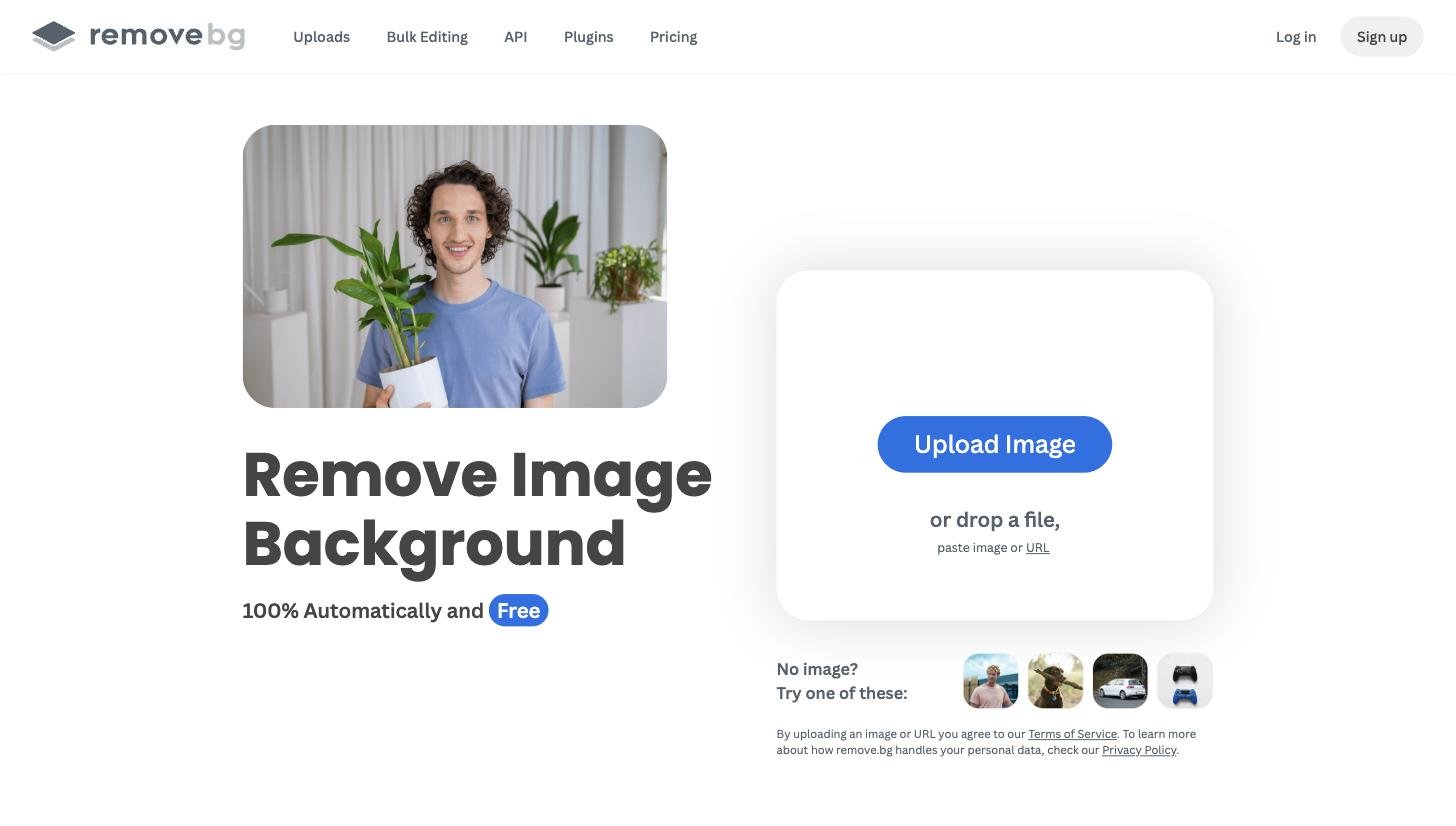
Cut out subjects automatically in seconds with no manual masking.
Handles hair and fine edges better than most automatic tools.
Check results before spending credits, at 0.25 MP.
Choose recurring or one-time credit purchases to match usage.
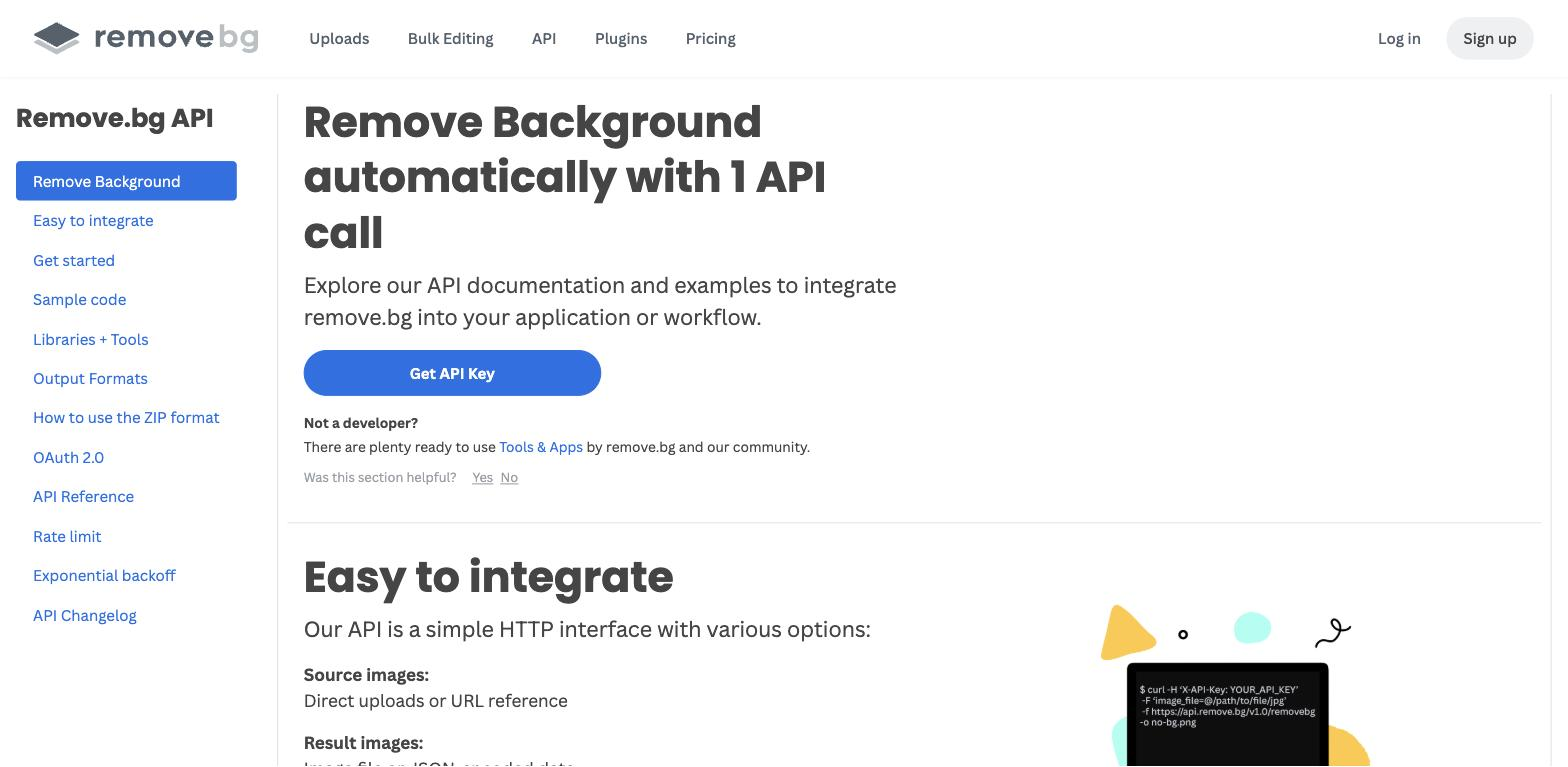
Embed background removal into e-commerce and design pipelines.
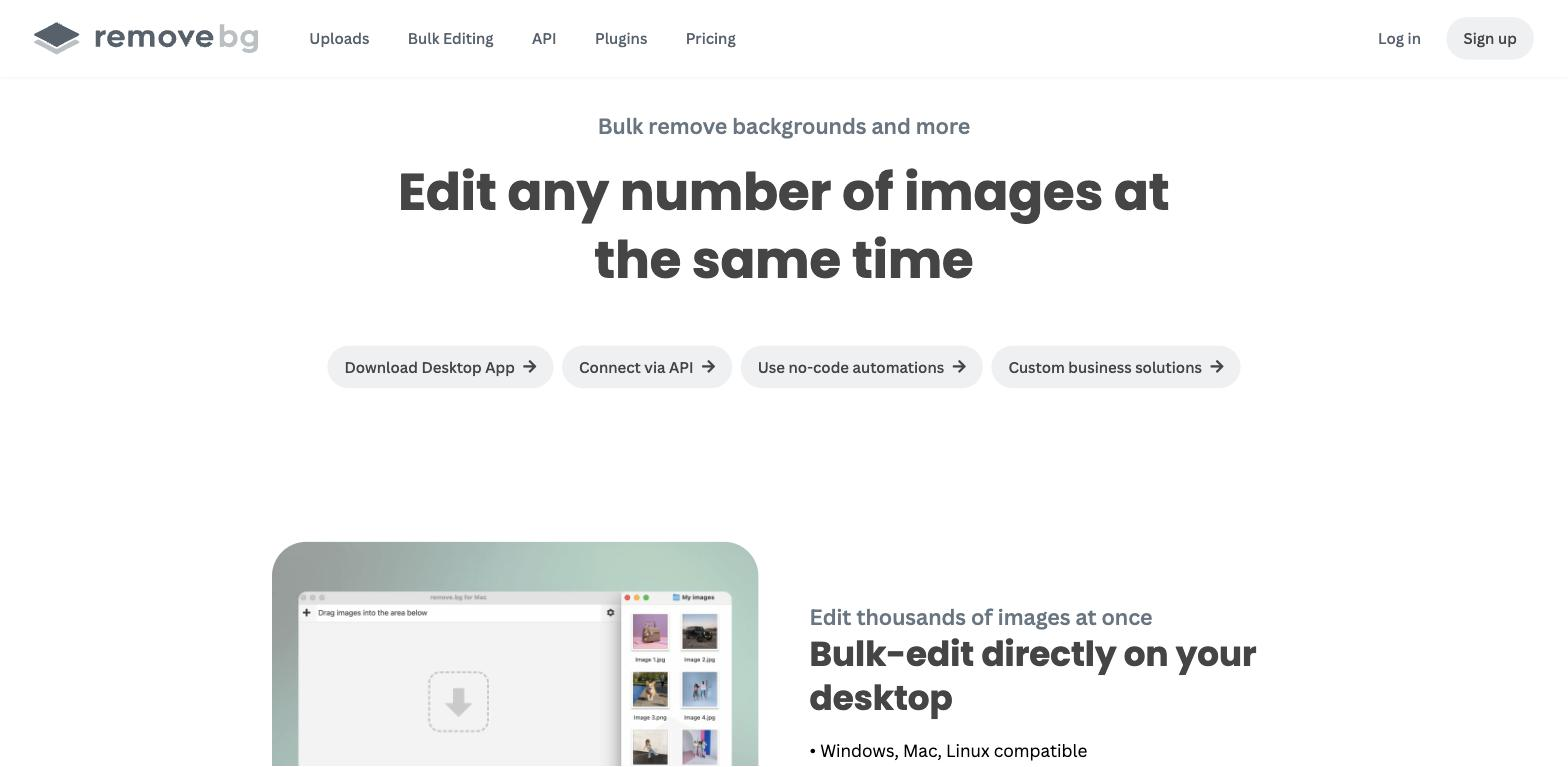
Process many product or profile images quickly.
Reduces risk when trying a paid plan.
Pricing tiers and what's included in each.
remove.bg is free for unlimited low-resolution (0.25 MP) previews. Full-resolution output is credit-based, with subscriptions from $9/mo (40 credits) up to $39/mo (200 credits), plus one-time credit packs and a 14-day money-back window.
A short path to first value.
Common questions about this tool, answered.
Previews are free but limited to 0.25 MP. Full-resolution downloads use credits via subscriptions or packs.
It's credit-based — roughly one credit per image — with subscriptions from $9/mo and one-time packs.
People, products, and animals with clear edges; complex, low-contrast scenes are harder.
Yes, which is why it's widely embedded in e-commerce and design workflows.
Other tools that show up for the same kind of work.
Erase.bg
Freemium
Pixelcut
Freemium
Clipdrop
Freemium
WatermarkRemover.io
Freemium
Upscale.media
Freemium
Claid.ai
Paid