
Upscale.media
Upscales and sharpens images, removing artifacts, with bulk and API options for teams.
FreemiumFree planNo credit cardWeb
Last verified Jul 4, 2026
Upscales and sharpens images, removing artifacts, with bulk and API options for teams.
Last verified Jul 4, 2026
Fast-read signals for fit, pricing, and trust.
Upscale.media is an AI image upscaler that increases resolution while cleaning up artifacts and enhancing detail. Part of PixelBin, it handles multiple formats, improves faces, and supports bulk processing and API access for higher volumes. It is aimed at marketers, ecommerce sellers, and teams that need larger, cleaner images from low-resolution source files. It focuses on upscaling and enhancement, not full image editing.
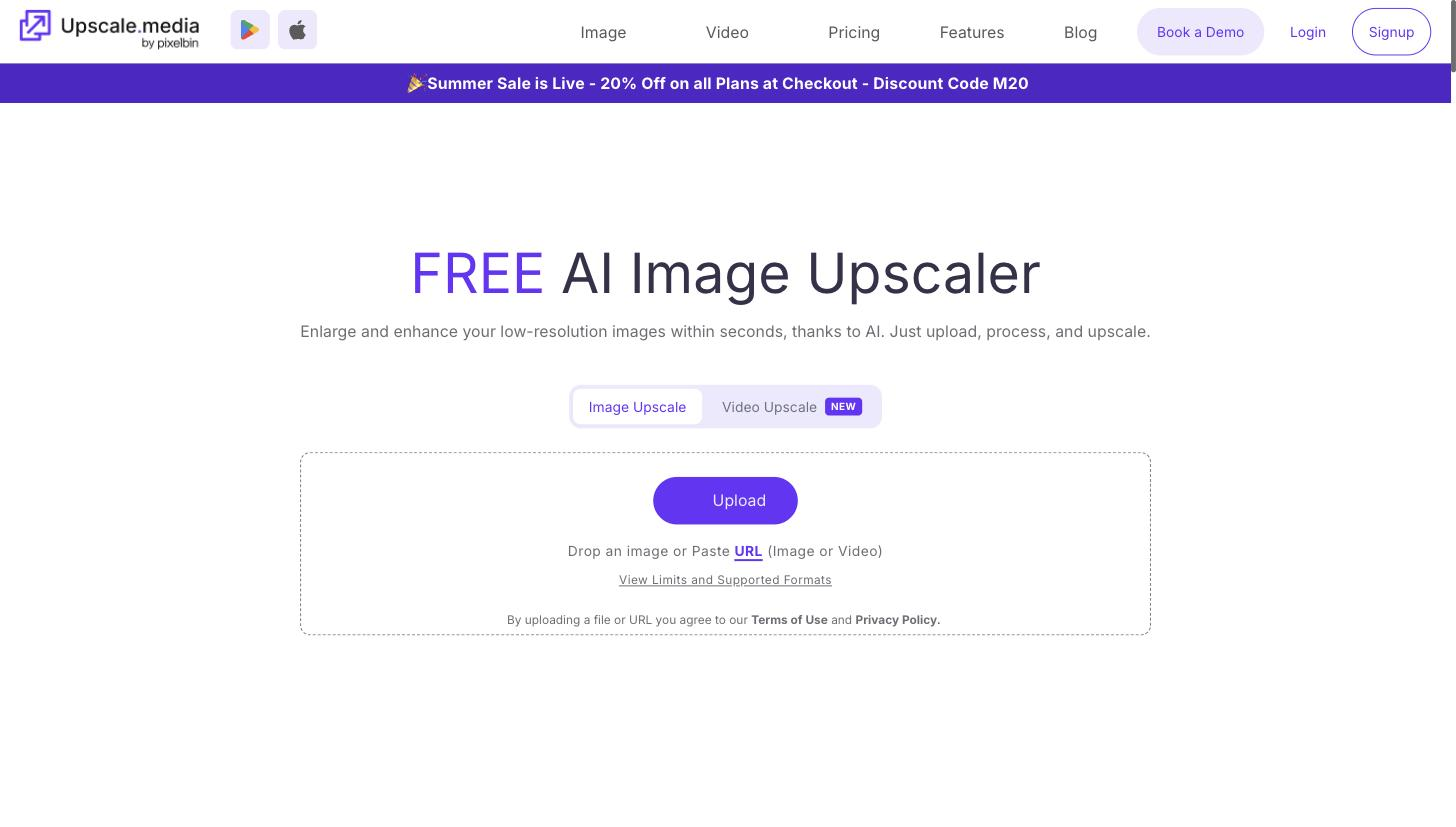
You upload a small or compressed image, pick an upscale factor, and it raises the resolution while removing JPEG artifacts and sharpening detail, with a pass that improves faces. It works across common formats, and through PixelBin it adds bulk processing and an API so the same enhancement runs over a whole catalogue or inside another workflow.
Marketers, ecommerce sellers, and designers are the typical users — anyone handed low-resolution product shots, user uploads, or old assets that need to look sharp larger, for listings, ads, or print. It slots in as a focused enhancement step between raw source images and wherever they get published.
Where it ends: it improves images that already exist. Composing, retouching, or generating new visuals falls to a separate editing or generation tool.
Quick fit check against how you actually work.
What you can actually do with this tool.
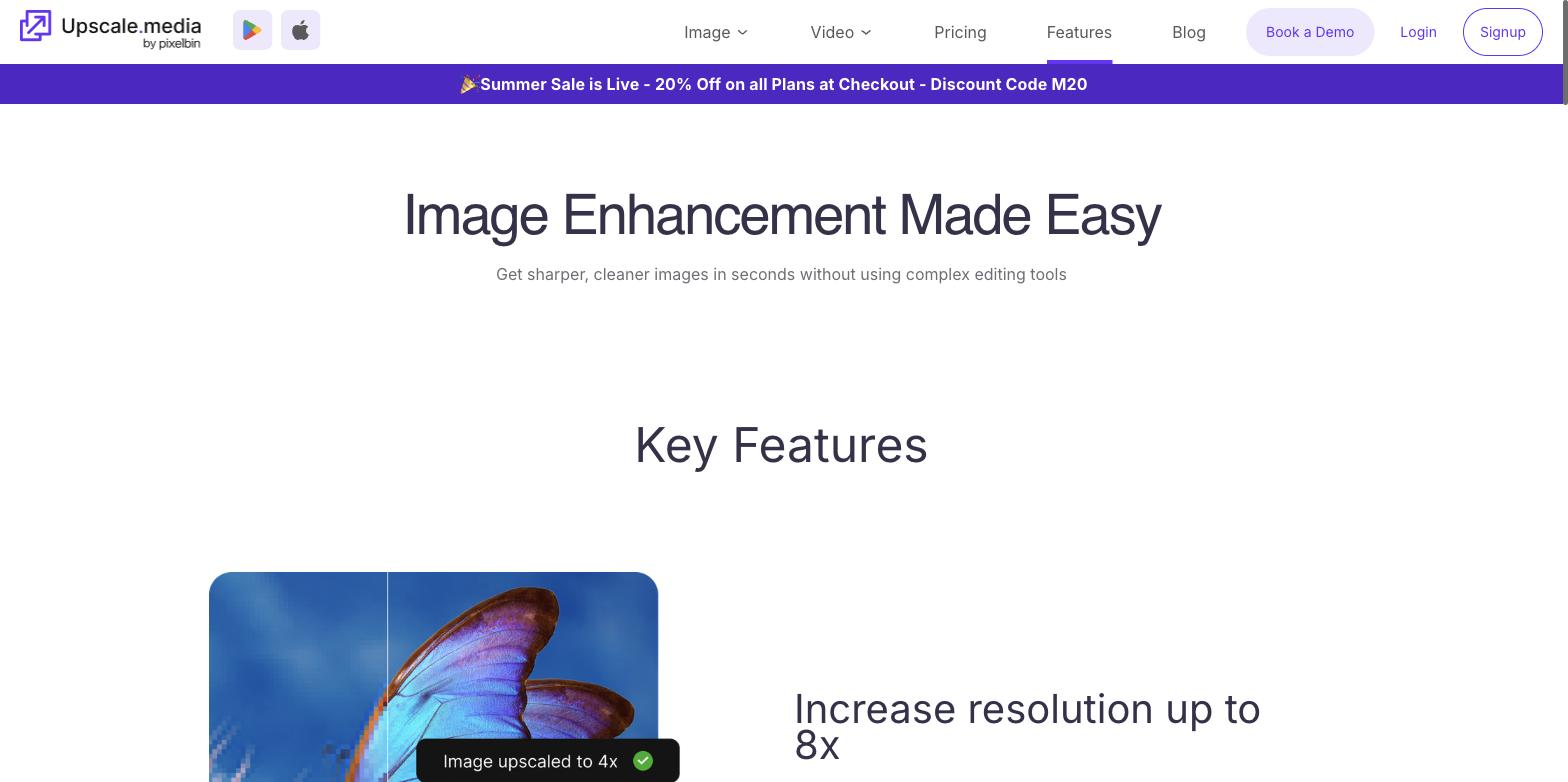
Increases the resolution of low-quality images while preserving and enhancing detail, so an enlarged version looks sharp rather than stretched.
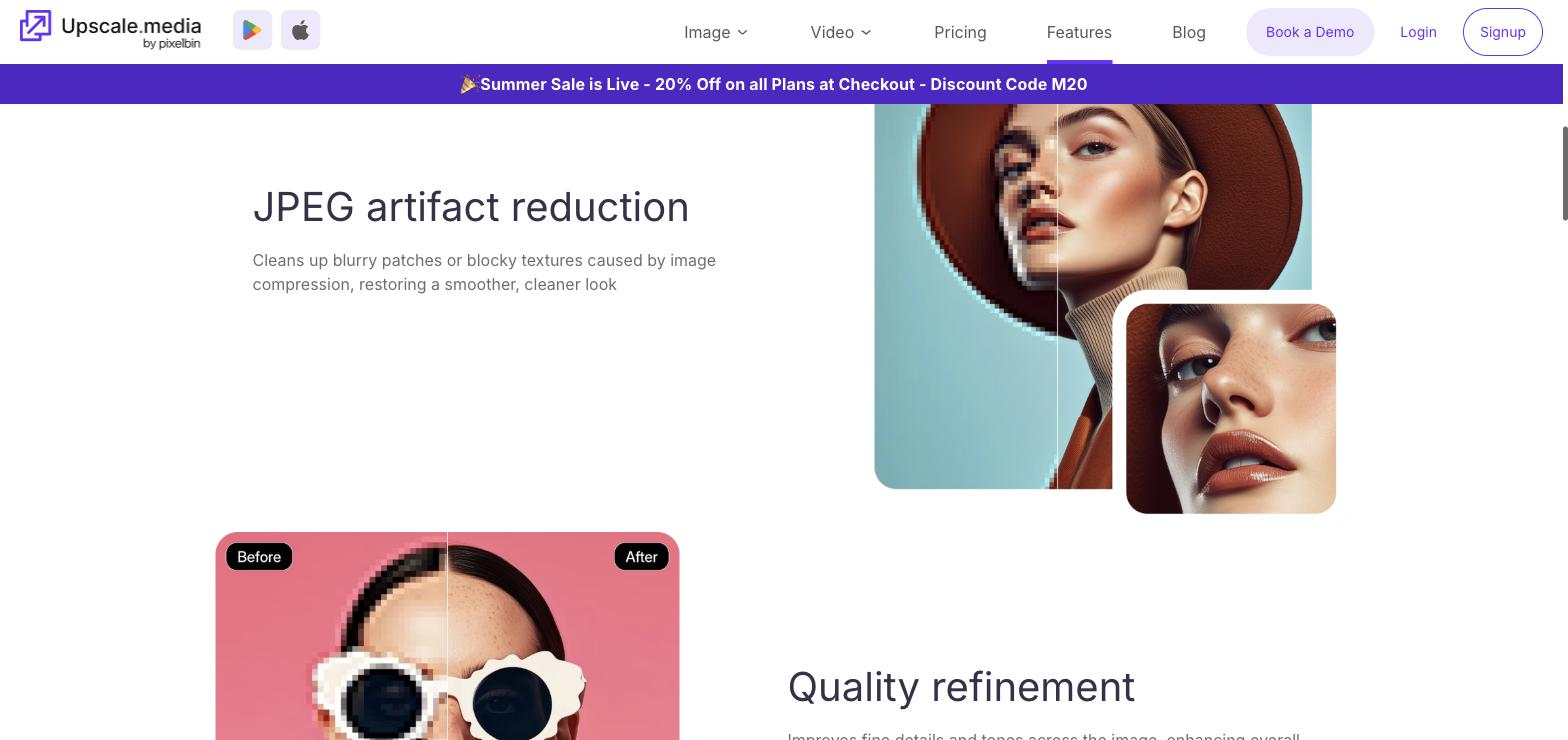
Cleans up the blocky JPEG compression artifacts that make small or saved images look rough, producing a cleaner result for listings and ads.
Improves faces during the upscaling pass, which matters for portraits and product shots where a person appears.
Handles common image formats on input and output, so it fits into different catalogue and design pipelines without conversion steps.
Enhances many images at once through PixelBin, which suits ecommerce catalogues and teams processing large batches.
Exposes an API so teams can build enhancement into their own product or content workflow rather than uploading by hand.
Pricing tiers and what's included in each.
A limited free plan is available (no credit card). Paid access is offered via subscription and pay-as-you-go credit packs; exact current paid prices are not confirmed in USD on the official page — check the official site for current prices.
A short path to first value.
Common questions about this tool, answered.
It raises resolution on small or low-quality images and removes JPEG compression artifacts, with face enhancement for portraits, so existing assets look sharp at a larger size.
Yes — bulk processing through PixelBin and an API let teams enhance many images in one pass or inside their own workflow, rather than uploading one at a time.
No. It is focused on upscaling and cleanup, so composing new visuals, retouching, or generating images from scratch needs a separate editing or generation tool.
It is built by PixelBin, which is where the bulk and API capabilities come from, so heavier image-at-scale needs connect to that wider platform.
Context for choosing between this tool and alternatives.
Focus is the deciding factor. Choose Upscale.media when upscaling and artifact cleanup at volume — with bulk processing and an API behind them — is exactly the need. Let's Enhance covers the same upscaling job as a direct alternative, while Remini leans to photo restoration and enhancement more broadly. A dedicated upscaler suits teams processing many images that all need the same resolution fix; a wider editor fits when the work is more varied.