Pixelcut
Removes image and video backgrounds for ecommerce sellers, with cleanup tools on web, mobile, and an API.
Last verified Jun 30, 2026
Removes image and video backgrounds for ecommerce sellers, with cleanup tools on web, mobile, and an API.
Last verified Jun 30, 2026
Fast-read signals for fit, pricing, and trust.
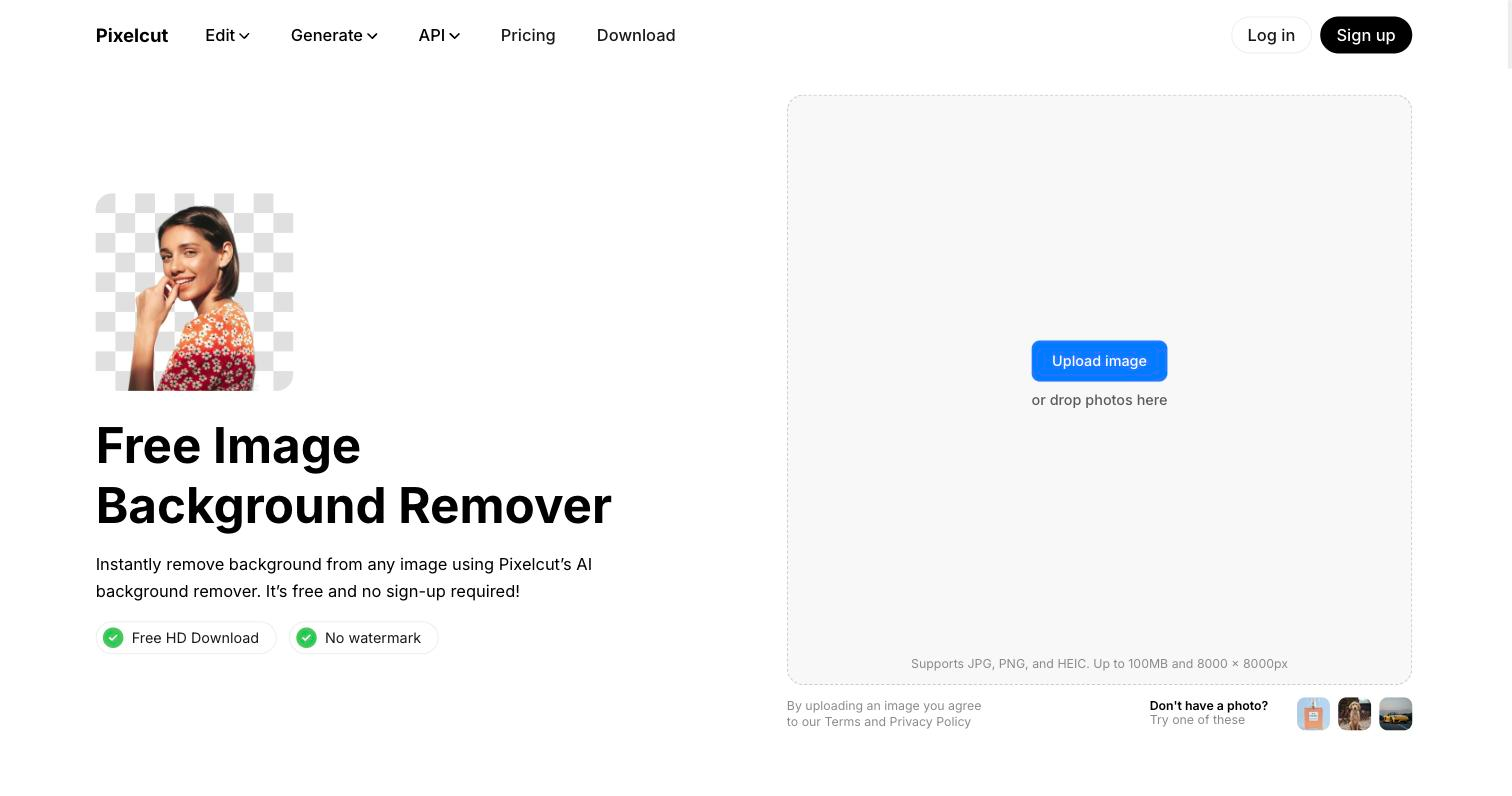
Pixelcut is a background remover for small ecommerce sellers who need clean product cut-outs without a studio or desktop editor. It strips backgrounds from images and video and adds object erasing, upscaling, and product-shot generation around that core, working largely from a phone. It is built for quick commerce visuals, not precision retouching.
At its core Pixelcut isolates a product from its background in photos and video, then offers supporting edits around that job: a magic eraser for stray objects, upscaling for low-resolution shots, generated studio-style product imagery, and batch processing that runs the same edit across a whole catalogue. A prompt-driven mode chains several edits in sequence so a set of listings stays visually consistent.
It is aimed at solo store owners and small sellers who need listing-ready images but lack a photographer or desktop suite, and much of it runs on a phone to match how those sellers work. The trade-off is deliberate: this is a consumer-friendly commerce editor, so sellers who need exact, pixel-level retouching or art-directed shoots will reach for a professional tool.

Quick fit check against how you actually work.
What you can actually do with this tool.
Cuts the product out of images and video, the tool's primary job.
Removes unwanted objects or distractions from a shot.
Raises the resolution of low-quality images for cleaner output.
Creates studio-style product imagery from a prompt.
Applies the same edits across many images at once.
Pricing tiers and what's included in each.
Free tier available. Check the official pricing page for current paid-plan pricing.
A short path to first value.
across the catalogue.
Common questions about this tool, answered.
Yes. Background removal runs on both images and short video, alongside the photo cleanup and upscaling tools.
Yes — rather than repeat each step, you point it at the set and a prompt-driven mode chains the edits, which is what keeps a run of listings looking consistent.
No. It is a fast, commerce-oriented editor, so precise pixel-level retouching or art-directed work still needs a professional tool.
Context for choosing between this tool and alternatives.
Which adjacent tool fits depends on how narrow the job is. remove.bg and Erase.bg are worth comparing when background or object removal is the only thing you need; Clipdrop overlaps if you want a broader set of quick image edits in one place rather than a commerce-focused, mobile-first workflow.