
Erase.bg
Removes or replaces image backgrounds automatically, with bulk and API for higher volumes.
FreemiumFree planWeb
Last verified Jun 16, 2026
Removes or replaces image backgrounds automatically, with bulk and API for higher volumes.
Last verified Jun 16, 2026
Fast-read signals for fit, pricing, and trust.
Erase.bg is an AI tool that removes or changes the background of an image automatically. It is aimed at ecommerce sellers, marketers, and anyone who needs clean, background-free images without manual editing software. It handles single images in a few clicks and offers bulk processing and an API for volume. It does one job — backgrounds — rather than full image editing.
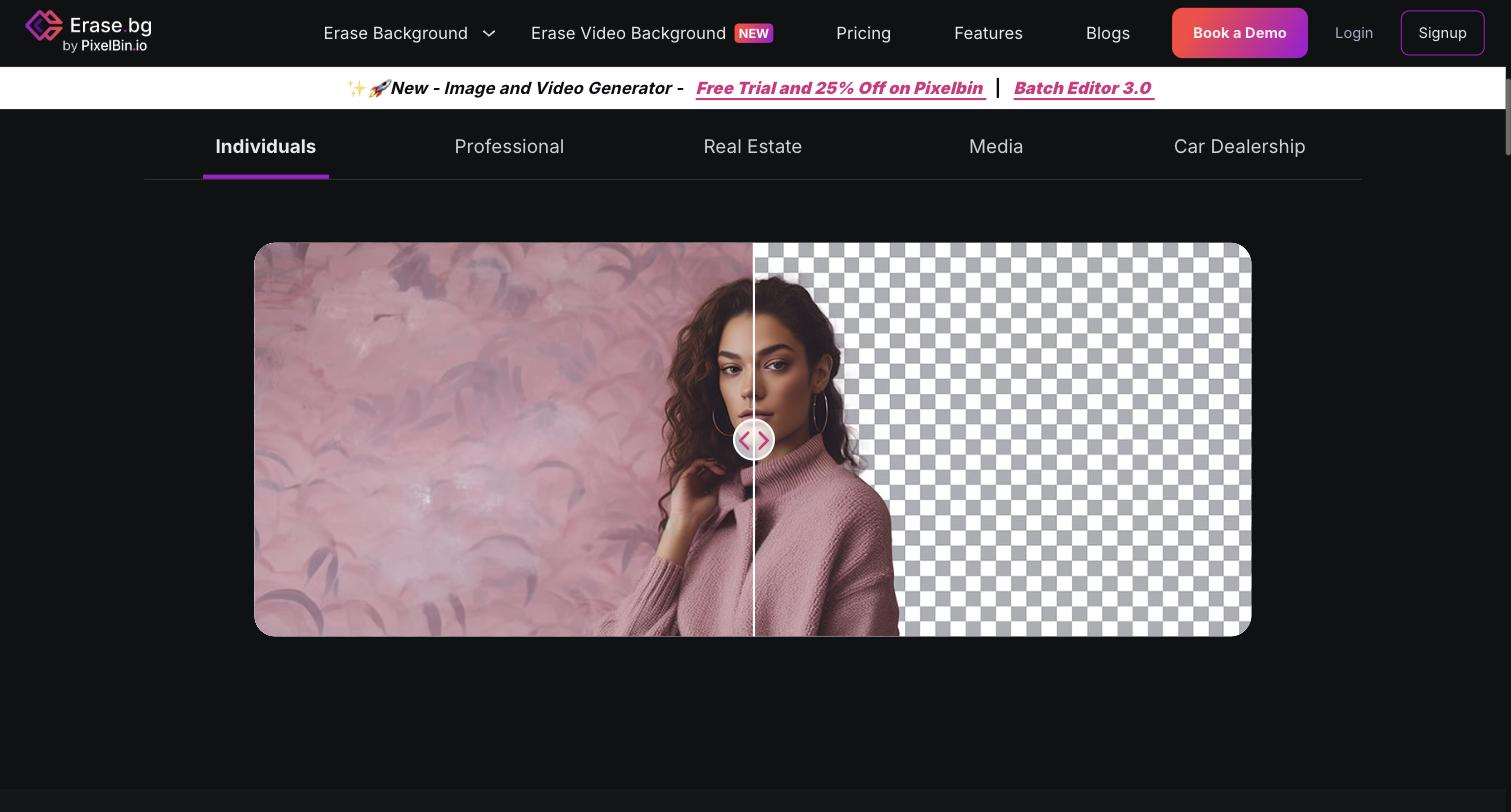
You upload an image and it detects the subject and strips the background automatically, returning a clean cutout you can keep transparent or drop onto a new background; it works across common formats and converts between them as needed. For higher volumes, bulk processing handles many images at once and an API folds the same step into another workflow.
The users are ecommerce sellers, marketers, and designers who need product or subject images without backgrounds for listings, ads, and compositions, and don't want to do it by hand in editing software. It works as a single, focused step between a raw image and where it gets used.
The boundary is its scope: it removes and replaces backgrounds well, but composing, retouching, or generating imagery falls to a separate tool.
Quick fit check against how you actually work.
What you can actually do with this tool.
Detects the subject and removes the background in a few clicks, returning a clean transparent cutout without manual masking.
Lets you drop the subject onto a new background instead of leaving it transparent, for composed product or marketing shots.
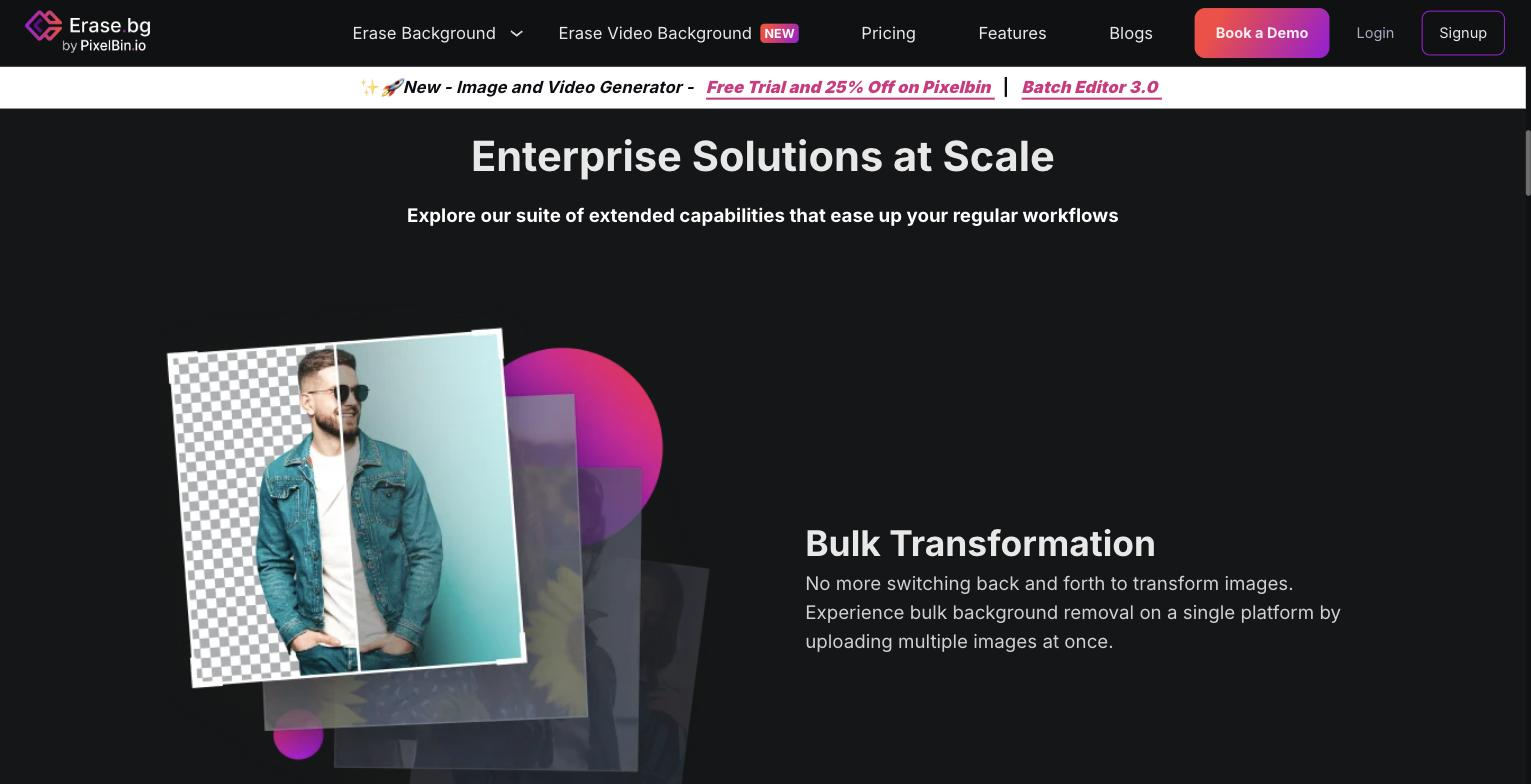
Removes backgrounds from many images in one pass, which suits preparing a full product catalogue rather than one photo at a time.
Exposes an API so the removal step can run inside your own product or content workflow automatically.
Handles common image formats and converts between them, such as JPG to PNG, as part of removing or changing the background.
Pricing tiers and what's included in each.
Erase.bg uses pay-as-you-go credit packs. Check the official pricing page for current prices.
A short path to first value.
Common questions about this tool, answered.
Yes — bulk processing removes backgrounds from many images at once, and an API lets the step run inside your workflow, both aimed at catalogue-scale volume.
No — beyond a transparent cutout you can place the subject onto a new background, so it covers both removal and replacement in one tool.
It handles common formats and converts between them, such as JPG to PNG, as part of removing or changing the background.
No — its scope is backgrounds, so retouching, composition, or generating new imagery needs a separate editing or generation tool.
Context for choosing between this tool and alternatives.
The decision is a focused background tool versus a broader editor. Erase.bg suits teams that need fast, bulk, or API-driven cutouts and nothing more. For upscaling alongside cutouts, a tool like Upscale.media adds resolution work; for full editing, a general editor does more. Choose by whether backgrounds are the whole job or one part of wider image work.
Other tools that show up for the same kind of work.
Pixelcut
Freemium