
Clipdrop
A suite of one-tap image tools — remove, upscale, relight, cleanup, generate — plus an API.
FreemiumFree planWeb
Last verified Jul 8, 2026
A suite of one-tap image tools — remove, upscale, relight, cleanup, generate — plus an API.
Last verified Jul 8, 2026
Fast-read signals for fit, pricing, and trust.
Clipdrop is a suite of AI image tools — background removal, upscaling, cleanup, relighting, uncrop, text removal, replace background, and text-to-image — usable on the web, mobile, or via API. It is aimed at creators, photographers, and developers who want many quick image edits in one place. Breadth of single-tap tools plus an API is its draw. Each tool is focused; complex compositing or full design still needs a dedicated editor.
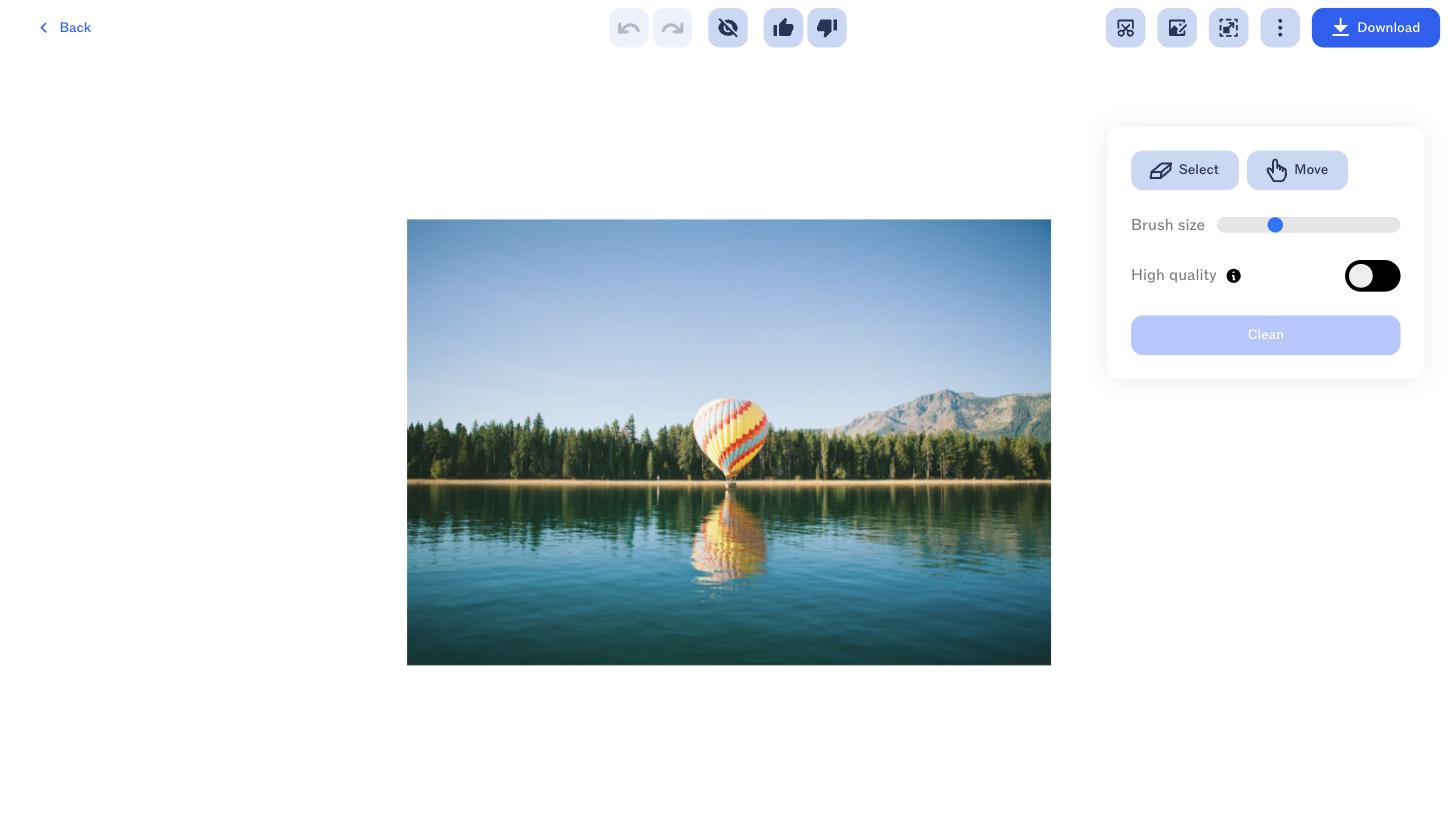
You pick a tool — remove or replace a background, upscale, clean up objects, relight, uncrop, remove text, or generate from text — apply it in a tap, and download the result, with an API to run the same tools inside another app and a mobile app for on-the-go edits.
It suits creators, e-commerce sellers, photographers, and developers who want a toolbox of fast, single-purpose image operations rather than one heavy editor.
Each tool does one job well, so multi-step compositing, detailed retouching, or full design work falls to a dedicated editor, and generated results can vary by image.
Quick fit check against how you actually work.
What you can actually do with this tool.
Bundles background removal, upscaling, cleanup, relight, uncrop, and more in one place.
Generates images from a text prompt alongside the editing tools.
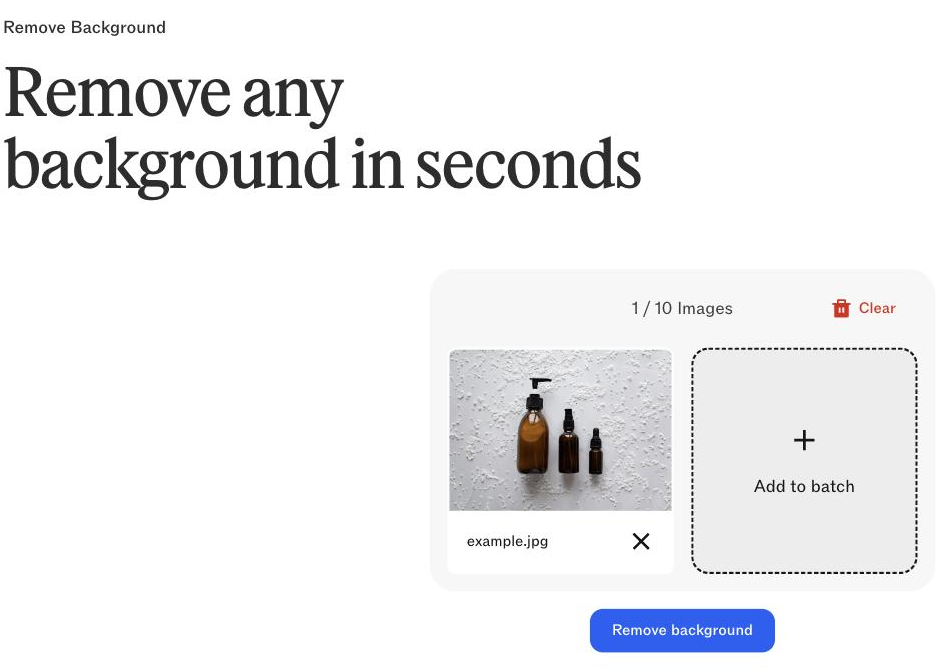
Removes or replaces backgrounds, a common e-commerce and design step.
Runs the tools via API, so edits can be automated inside another app.
Works on the web and via a mobile app for edits anywhere.
Pricing tiers and what's included in each.
Clipdrop has a free plan and a Pro plan shown at ₹1,350/month on the official pricing page. API usage is priced separately on a usage-based model.
A short path to first value.
Common questions about this tool, answered.
Many single-purpose tools in one place, so the value is breadth — for one deep capability, a focused tool may go further.
Yes — an API runs the same tools inside another app, which suits repeatable or high-volume edits.
Results vary by image, so some edits need a re-run or a manual touch-up, especially on complex sources.
No — it's a set of focused operations, so layered compositing and detailed design still need a dedicated editor.
Context for choosing between this tool and alternatives.
Versus single-purpose image tools, Clipdrop bundles many; remove.bg and Erase.bg focus on background removal, Pixelcut on e-commerce edits. Compare on whether a broad toolbox plus API or one focused, deep tool suits your work.
Other tools that show up for the same kind of work.
Erase.bg
Freemium
Pixelcut
Freemium