Read AI
Summarizes meetings and searches across calls, emails, and chats for the answers you need.
FreemiumFree planWeb
Last verified Jul 11, 2026
Summarizes meetings and searches across calls, emails, and chats for the answers you need.
Last verified Jul 11, 2026
Fast-read signals for fit, pricing, and trust.
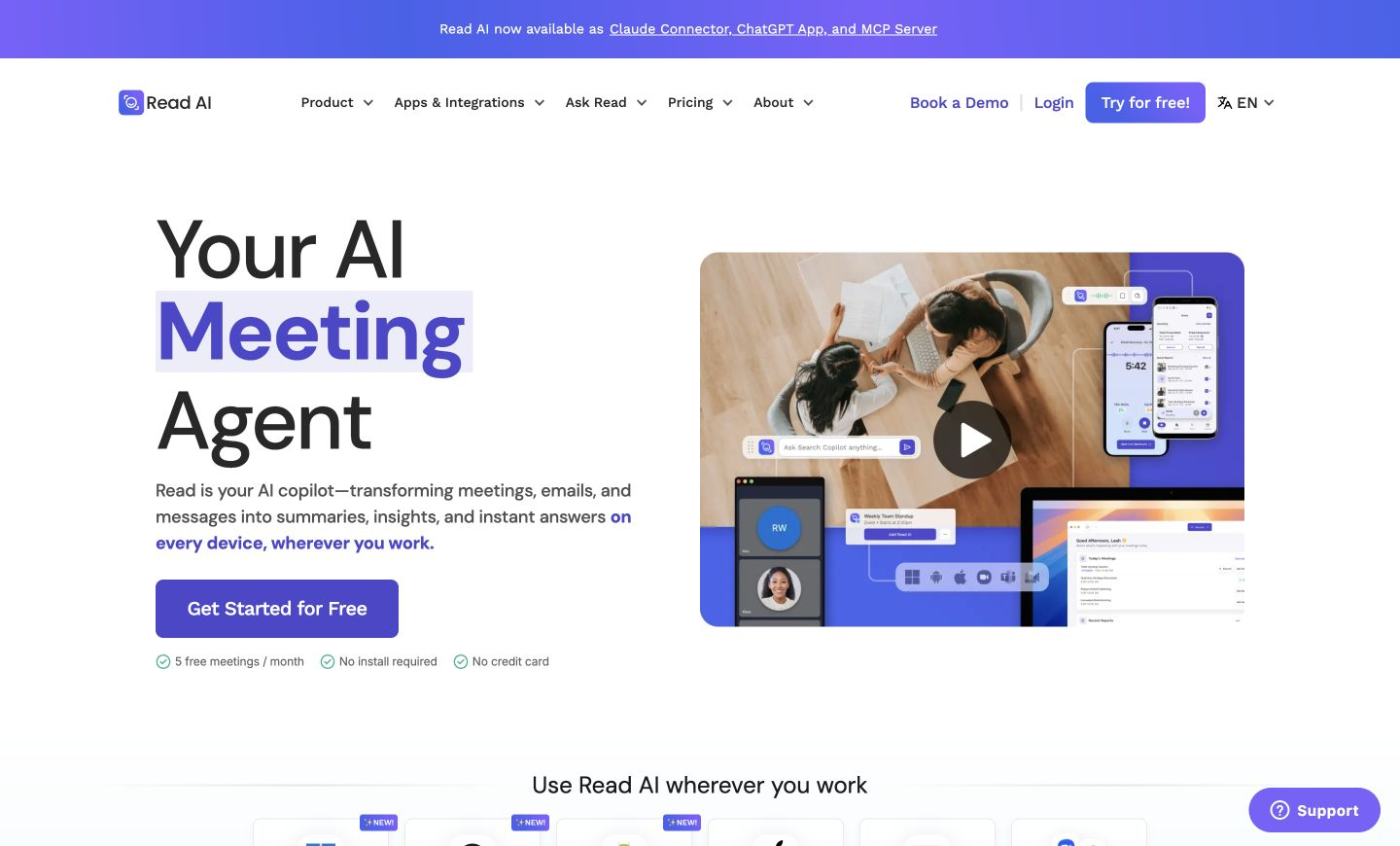
Read AI is a meeting and conversation assistant that generates recaps and action items, then lets you search and ask questions across meetings, emails, and chats. It is aimed at teams who want both a meeting record and a way to find decisions afterward, across the tools they already use. Search across conversations — not just one meeting — is its angle. It surfaces and summarizes; the team still acts on what it finds.
During a call on Google Meet, Zoom, or Teams it builds a recap with the decisions and next steps, then indexes that alongside your emails and chats.
It suits teams that run many meetings and lose track of decisions across tools, and want one place to recall what was said and share it into Slack, email, or a workspace.
Recaps reflect the call and audio quality, and what you can recall is limited to the conversations it can access, so coverage and a review still matter for important decisions.
Quick fit check against how you actually work.
What you can actually do with this tool.
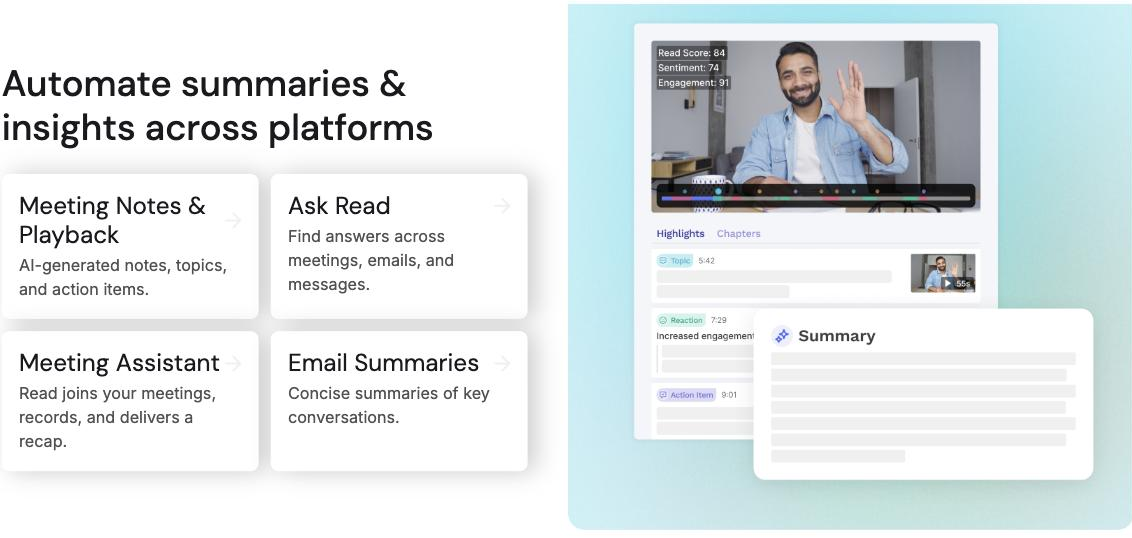
Generates recaps, action items, and highlights from a meeting automatically.
Answers questions across meetings, emails, and chats, with citations to where information was discussed.
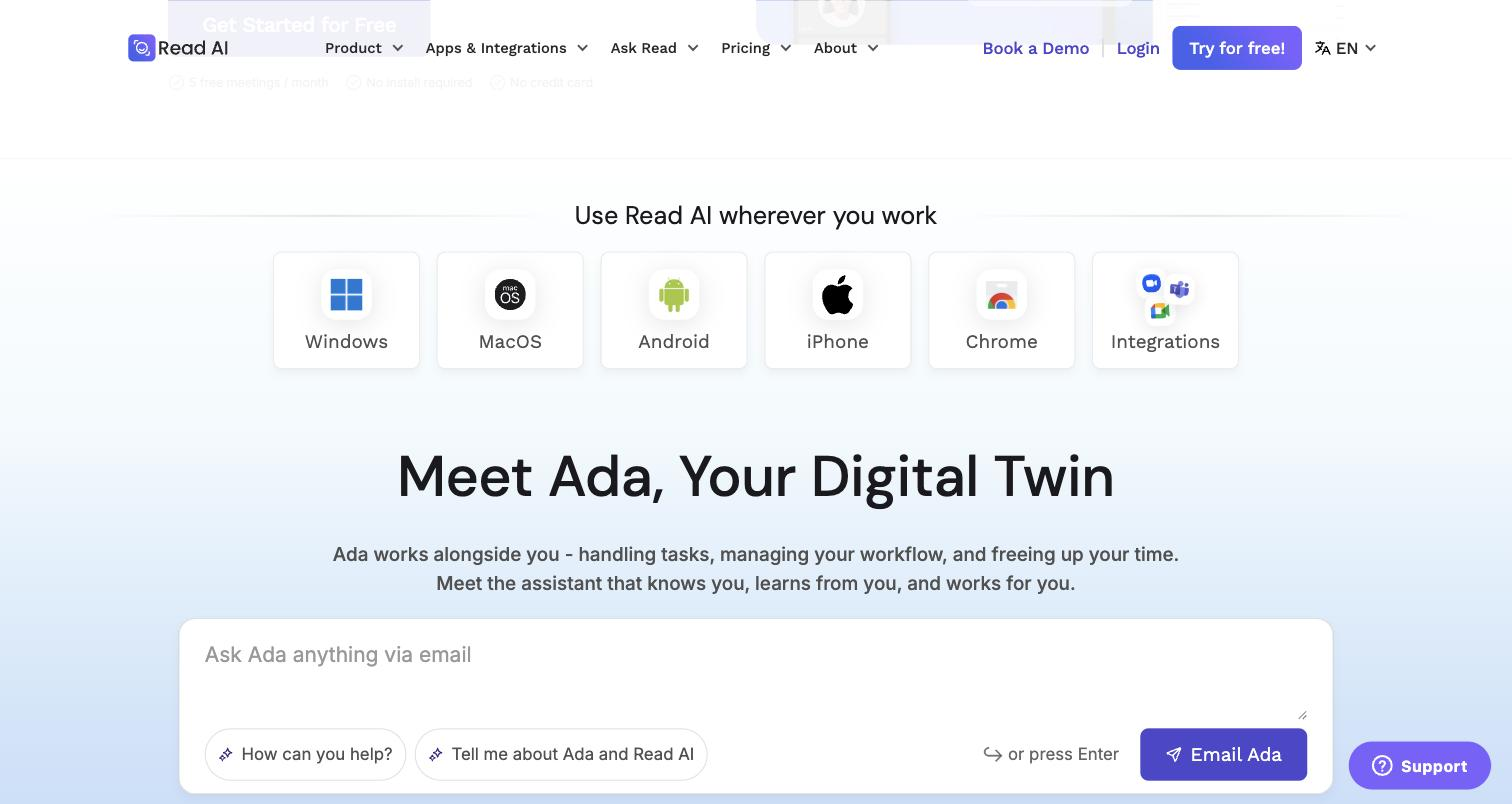
Works with Google Meet, Zoom, and Teams.
Shares summaries and decisions into Slack, email, or a workspace.
Offers feedback on meeting participation and delivery.
Runs on desktop and mobile so recall is available wherever you work.
Pricing tiers and what's included in each.
Read AI offers a Free plan (5 meetings/month) and paid plans from $15/month annual. Pro ($15/mo annual) gives unlimited meetings with premium integrations. Enterprise plans need 5+ licenses and start at $22.50/month annual. All paid tiers save 25% on annual billing.
A short path to first value.
Common questions about this tool, answered.
It can only recall conversations it has access to, so anything in a disconnected tool or a meeting it didn't capture won't appear — coverage depends on what you connect and the permissions you grant.
They reflect the call and audio quality, so clear meetings give better recaps; verify important points against the citation.
Google Meet, Zoom, and Teams, with desktop and mobile apps, so it fits common meeting stacks.
It records and indexes conversations, so confirm participant consent and review the current data and retention terms before sensitive use.
Context for choosing between this tool and alternatives.
Among meeting assistants, Read leans on search across conversations rather than the meeting alone; Avoma adds sales coaching, MeetGeek routes notes to a CRM, and Jamie captures in person without a bot. Compare on whether cross-conversation recall or another capture style matters most.
Other tools that show up for the same kind of work.
Avoma
Freemium
Granola
Freemium
Sembly AI
Paid
MeetGeek
Freemium