
Sembly AI
Records meetings and turns them into notes, action items, and client deliverables for service teams.
PaidFree trialWeb
Last verified Jul 8, 2026
Records meetings and turns them into notes, action items, and client deliverables for service teams.
Last verified Jul 8, 2026
Fast-read signals for fit, pricing, and trust.
Sembly AI is a meeting-intelligence assistant that records calls and turns them into notes, decisions, and action items. Beyond transcripts, it can draft client-facing outputs like proposals, briefs, and reports from a meeting, track commitments and risks across calls, and sync outcomes to CRM and project tools. It is aimed at sales and professional-services teams that run client meetings and want the follow-up work handled. Heavier than a plain notetaker.
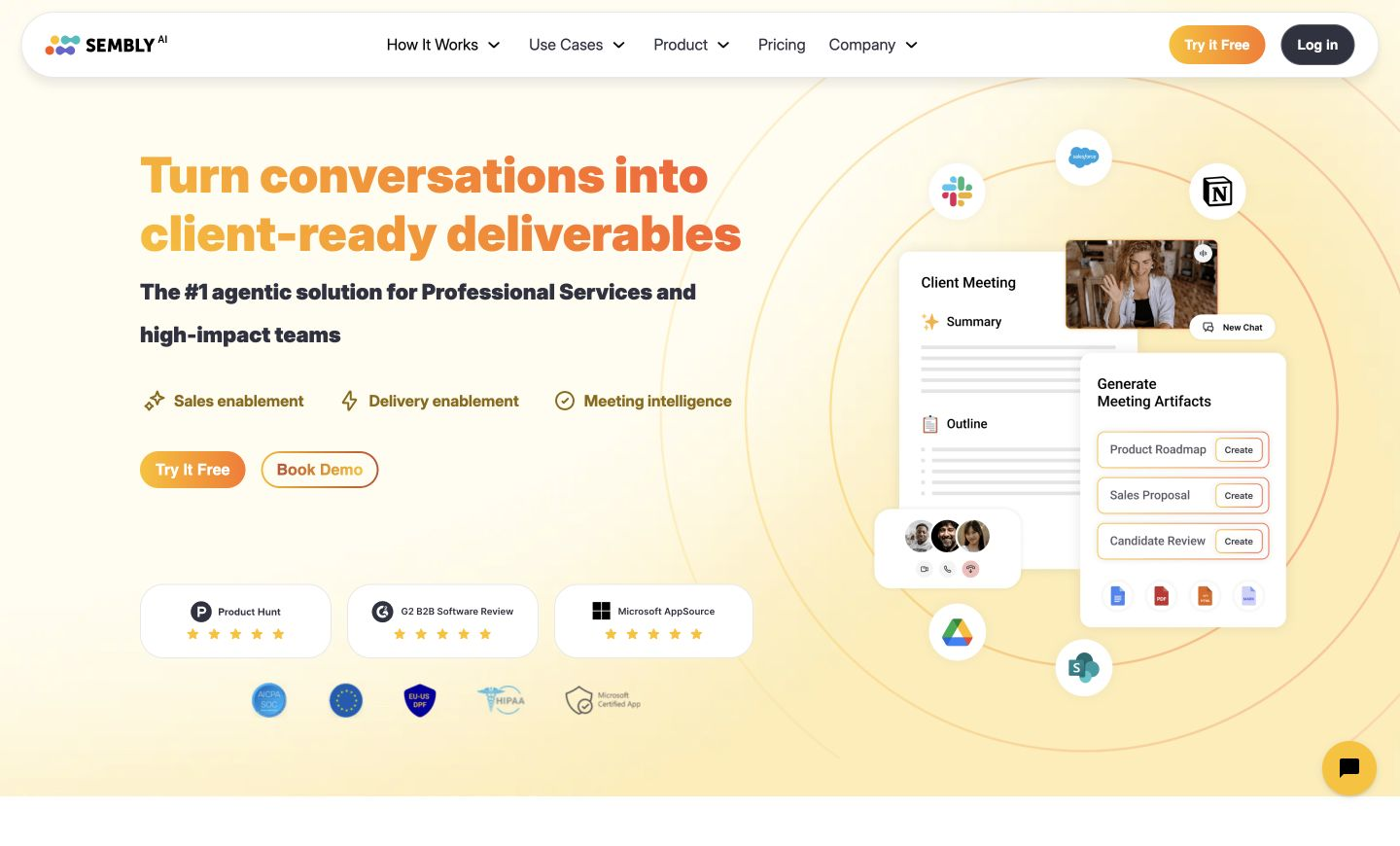
It joins your client calls, transcribes them across many languages, and turns each into structured notes, decisions, and tasks with owners and deadlines — then goes a step further, drafting documents like proposals, briefs, and reports straight from what was said. Sentiment, talk-time, and recurring topics are read automatically, and an AI chat lets you query past meetings or assemble a follow-up.
It suits sales, delivery, and consulting teams whose conversations turn into real work, and who lose hours converting calls into follow-ups and client paperwork. It plugs in between conferencing tools and the systems work lives in — Salesforce, HubSpot, Notion, Slack — pushing outcomes downstream.
The boundary: it is a broad meeting-intelligence platform, so a team that only wants a quick transcript is buying more than the job needs, and recording is required for everything it does.
Quick fit check against how you actually work.
What you can actually do with this tool.
Captures each call and structures it into notes, key decisions, and a summary, so the record is ready without anyone writing it up by hand afterward.
Extracts tasks from the conversation with their owners, deadlines, and dependencies, then syncs them out so follow-ups land in the team's existing tools.
Drafts client-facing documents — proposals, project briefs, status reports — directly from a meeting's content, turning the call into usable output.
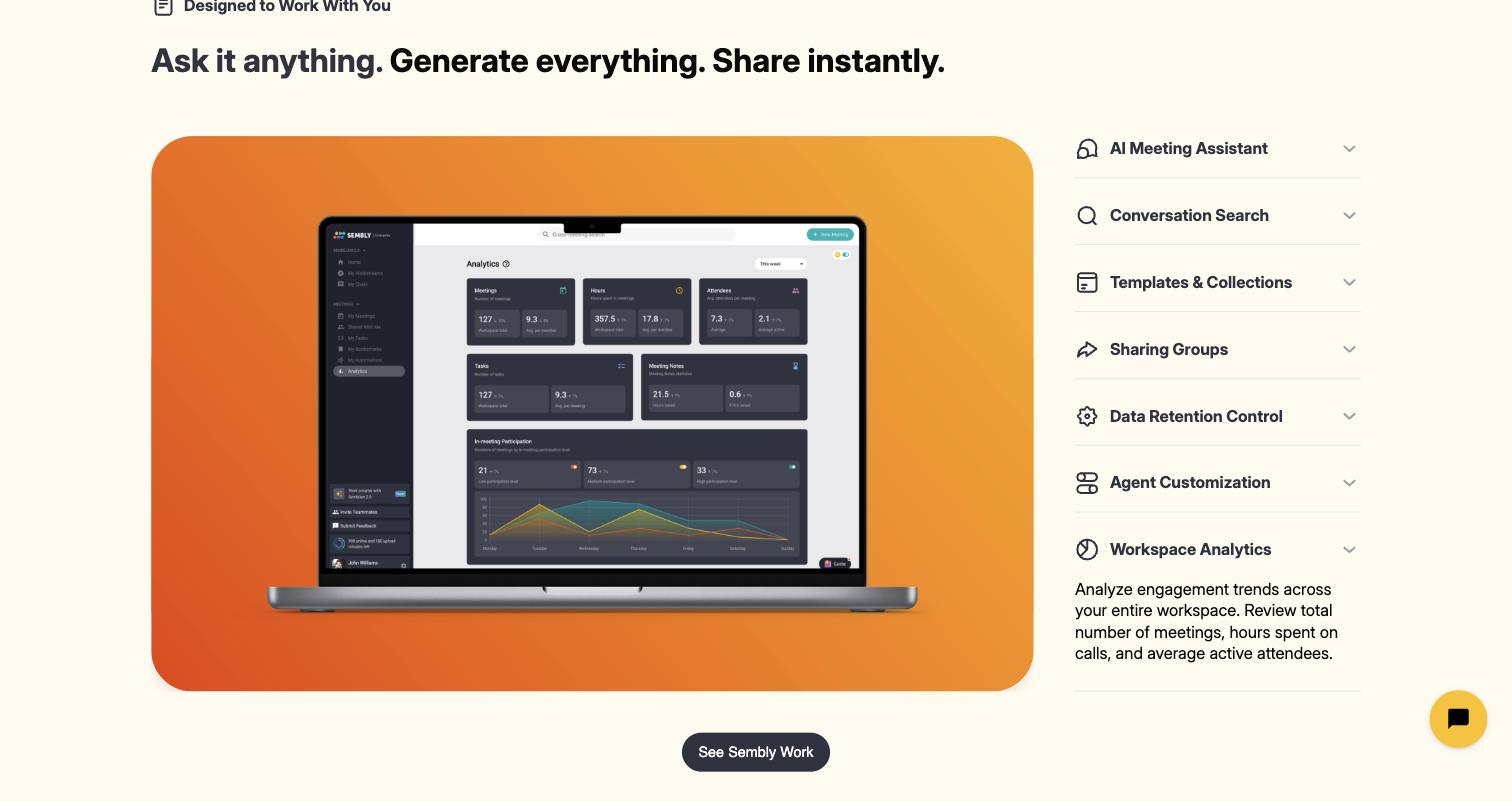
Reads call dynamics such as sentiment, engagement, talk-time, and recurring topics, giving managers a read on how conversations actually went.
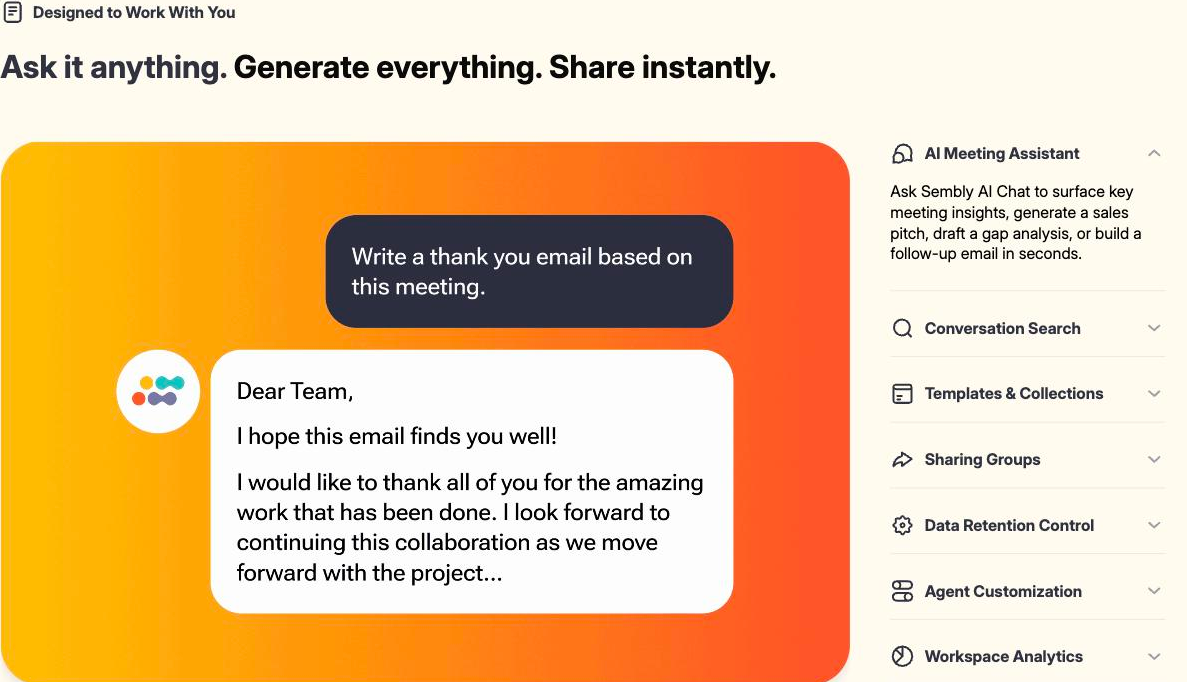
Answers questions across your past meetings and can draft a follow-up email, pitch, or gap analysis from what was discussed.
Pushes meeting outcomes and action items to Salesforce, HubSpot, Notion, Slack, and dozens of other tools the team already runs on.
Pricing tiers and what's included in each.
Sembly AI starts at $17 per month for a single-user Basic plan ($10 per month on annual billing), covering unlimited meeting hours and 5 hours of upload per month. The Pro plan is $29 per user per month ($20 annual) for up to 40 users, adding multi-meeting AI chat and 10 upload hours. The MAX plan is $39 per user per month ($30 annual) for up to 500 users, adding HIPAA compliance, HD recording, and custom SSO. Enterprise pricing is available on request. All plans include a free trial.
A short path to first value.
Welcome to Sembly! The smartest AI assistant for your online meetings
Common questions about this tool, answered.
It connects with CRM and project tools including Salesforce, HubSpot, Notion, and Slack, plus many others, so meeting outcomes flow into the systems your team already uses.
Meeting analytics surface sentiment, talk-time, and recurring topics, so a manager can understand how a call went from the dashboard rather than listening to every recording.
Yes — the AI chat lets you ask questions across previous meetings by keyword, speaker, or topic, and can pull together a follow-up or summary from several calls.
It provides data-residency choices aimed at teams with compliance requirements, which matters for professional-services firms handling sensitive client information.
Context for choosing between this tool and alternatives.
What separates it from a notetaker is the deliverable and cross-meeting tracking layer. Reach for it when meetings feed client documents and you want notes, tasks, and drafts from one place. For a simpler day-to-day, lighter notetakers such as Avoma, MeetGeek, or Read AI handle accurate notes for any meeting. Services and sales teams tend to want the document generation; internal-meeting-heavy teams often do fine with a focused notetaker.
Other tools that show up for the same kind of work.
Avoma
Freemium
Granola
Freemium