
Granola
Enhances your own meeting notes with a transcript, turning rough jottings into clean summaries.
FreemiumFree planWeb
Last verified Jun 16, 2026
Enhances your own meeting notes with a transcript, turning rough jottings into clean summaries.
Last verified Jun 16, 2026
Fast-read signals for fit, pricing, and trust.
Granola is a meeting notepad that combines the notes you type with an automatic transcript, then rewrites them into a clean, structured summary. It is aimed at people in back-to-back meetings — product, sales, and founder-types — who want better notes without a bot visibly joining the call. You jot what matters; it fills in the rest from the transcript. It enhances your notes rather than replacing your attention.
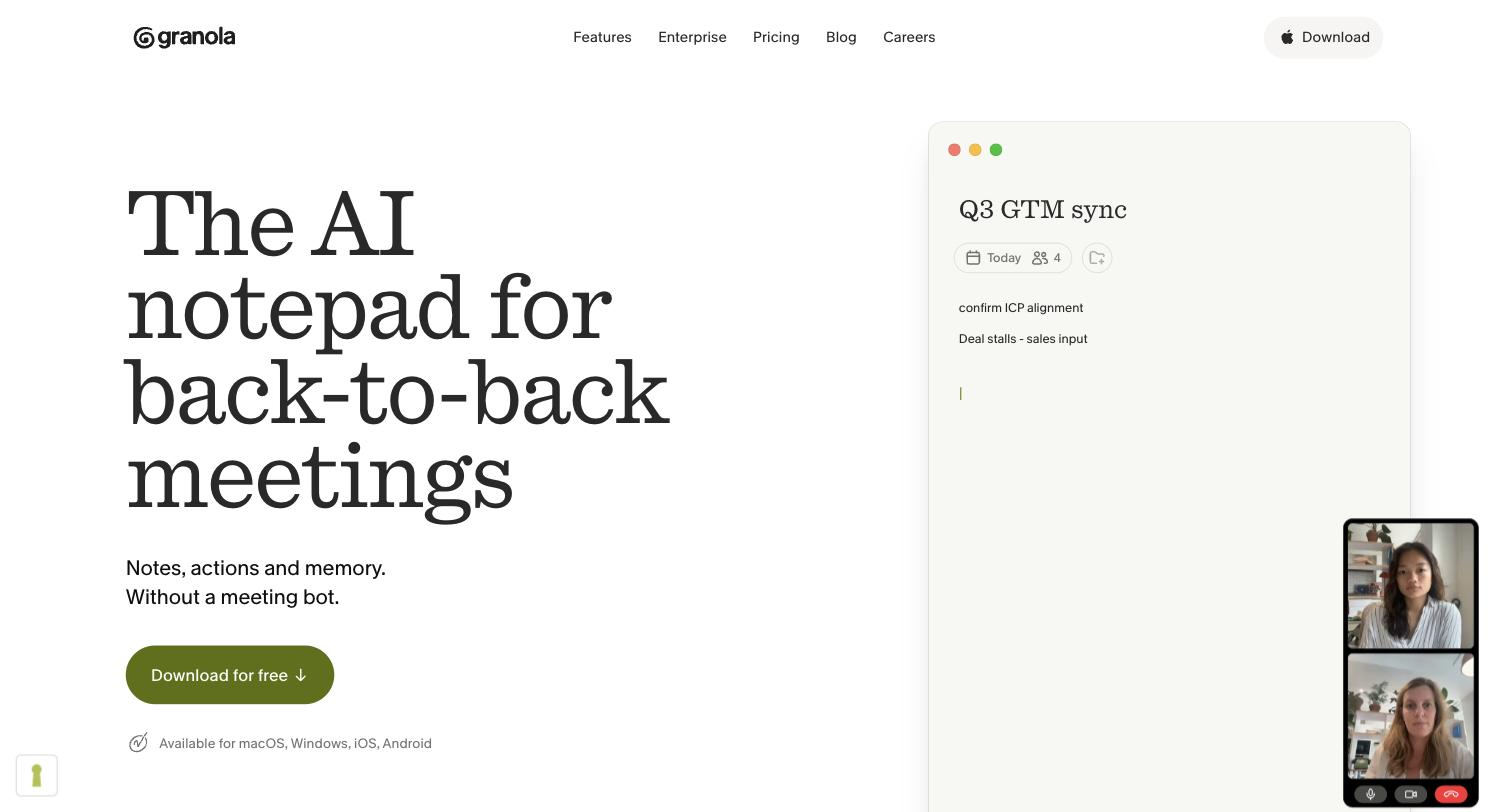
As a meeting runs, you take rough notes in what feels like a plain notepad; in the background it transcribes the call, and when the meeting ends it merges your jottings with the transcript into an organized summary. The result keeps the points you cared about while filling in the details and decisions you didn't have time to write.
The people it suits are those stacked with meetings — product managers, founders, account teams — who want sharper notes without a separate notetaker bot appearing in the call. It works on the device during the meeting, then hands a clean summary to wherever you keep notes.
The limit worth naming: it leans on you to capture what matters in the moment, so it sharpens human notes rather than producing a full record unattended.
Quick fit check against how you actually work.
What you can actually do with this tool.
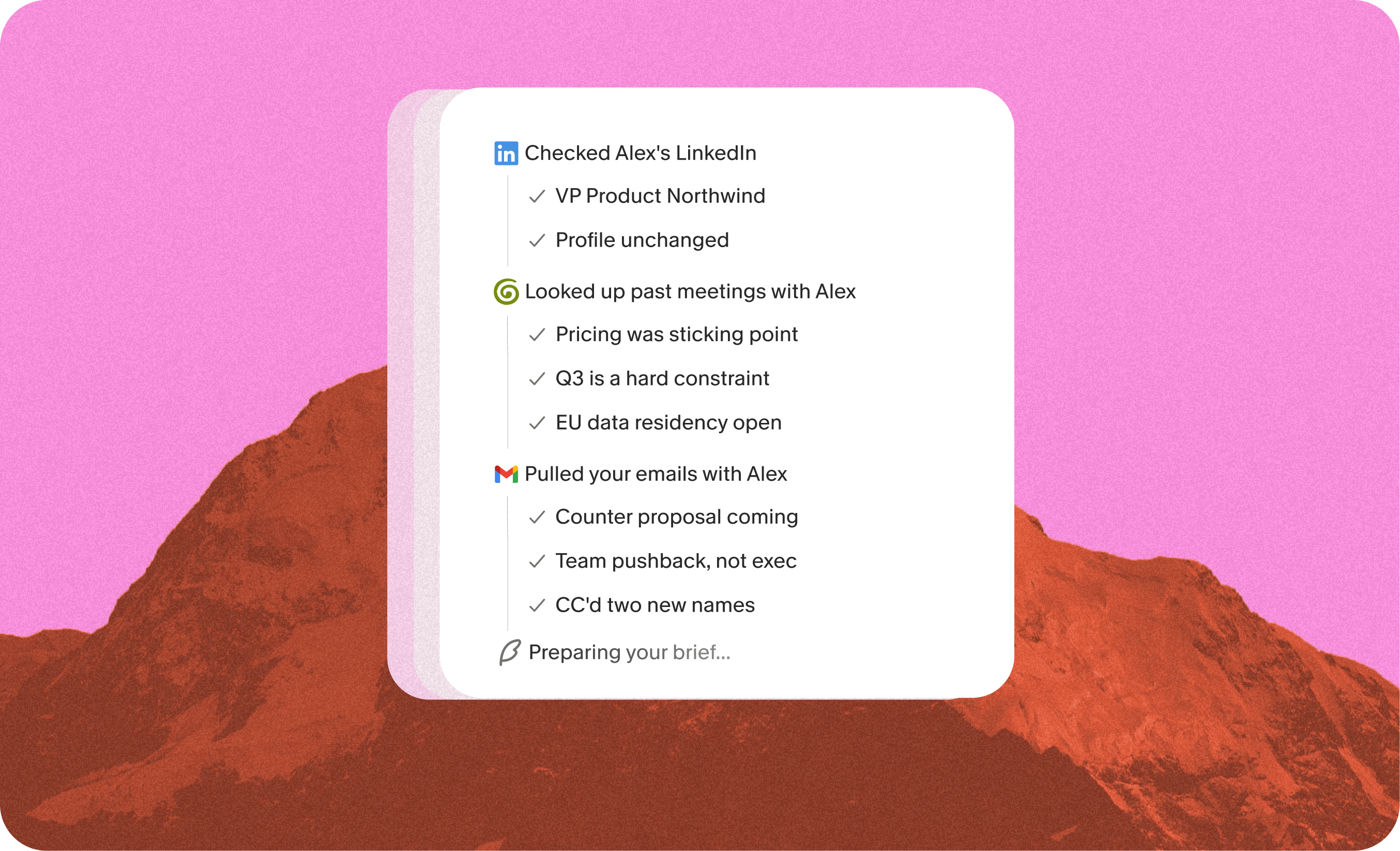
Merges your raw notes with the transcript into a clean, structured summary, keeping the points you flagged while filling in the rest.
Transcribes the meeting quietly without a visible bot joining the call, which suits sensitive or external conversations.
Works like a simple notepad during the call, so jotting a few points doesn't pull your attention from the conversation.
Shapes the enhanced notes into a consistent format, so summaries across meetings read the same way.
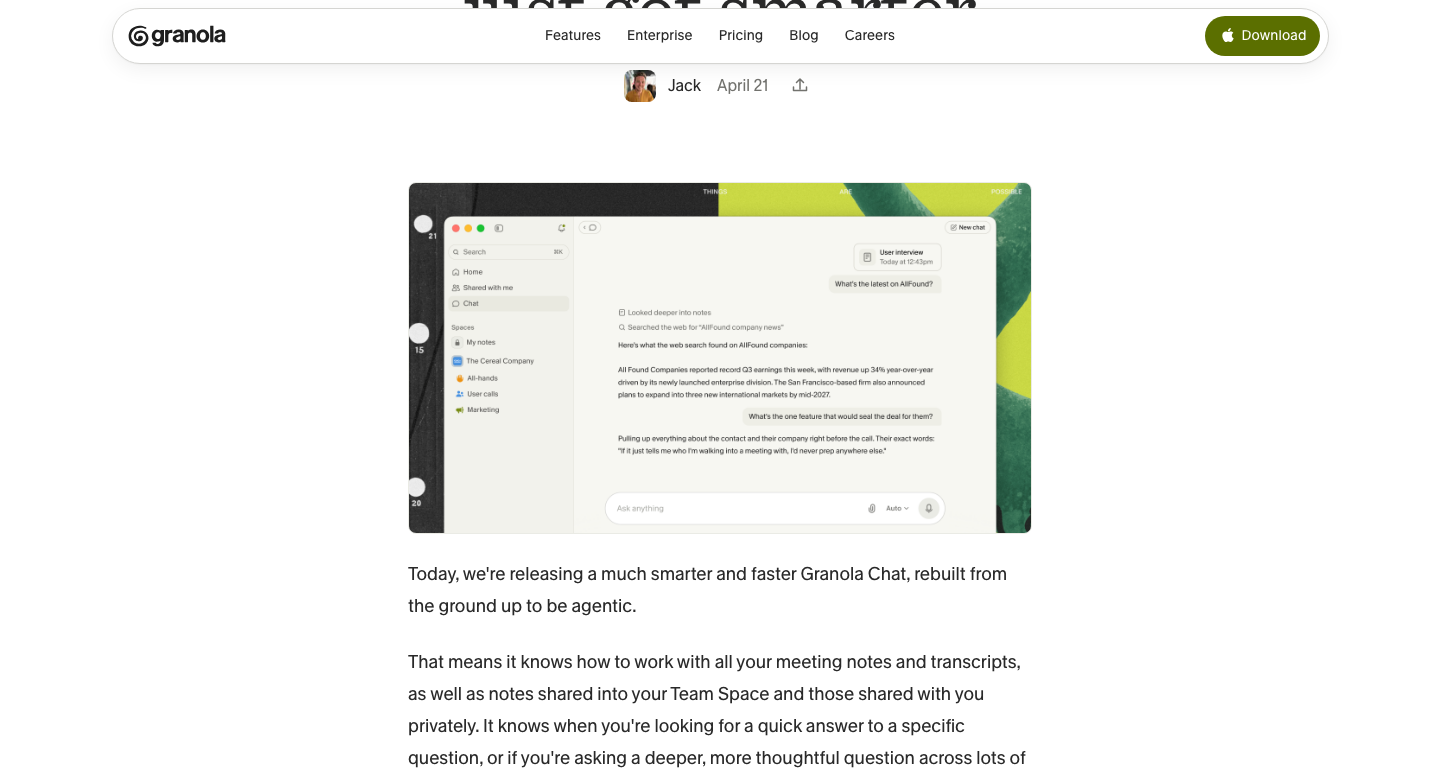
Keeps your meeting notes together so past calls and decisions can be found later.
Pricing tiers and what's included in each.
Free plan available. Paid plans start at $14 per user/month.
A short path to first value.
Common questions about this tool, answered.
It enhances the notes you capture, so jotting a few key points gives the best summaries; with almost no input it has less of your intent to shape the result around.
Because it transcribes in the background without adding a visible participant, it suits external and sensitive meetings where a notetaker bot joining would feel intrusive.
Notes stay together and can be shared, so a team can reference the same meeting summaries and decisions rather than each person keeping separate records.
It focuses on clean notes rather than CRM sync, scoring, or coaching, so revenue teams needing those pair it with, or pick, a sales-specific notetaker.
Context for choosing between this tool and alternatives.
It comes down to how hands-on you want to be. Granola fits people who take some notes and want them sharpened, without a bot in the call. If you'd rather capture nothing and get a full record with CRM sync and scoring, fuller notetakers such as Avoma or MeetGeek do more of the work automatically. The deciding factor is whether you value light, private capture or a complete hands-off system.
Other tools that show up for the same kind of work.
Avoma
Freemium