
Avoma
Records, transcribes, and scores sales calls, then syncs notes and follow-ups to your CRM.
FreemiumFree planWeb
Last verified Jun 30, 2026
Records, transcribes, and scores sales calls, then syncs notes and follow-ups to your CRM.
Last verified Jun 30, 2026
Fast-read signals for fit, pricing, and trust.
Avoma is a meeting assistant for sales and customer-facing teams. It joins calls, writes the notes, and pushes summaries and next steps into the CRM, so reps spend less time on admin. On top of that it adds scheduling, lead routing, call scoring, and deal-risk signals for managers who want a coaching and forecasting view. It works best for teams with steady call volume and a defined sales process; teams that only want quick transcripts will find it heavier than they need.
Avoma is a meeting assistant built for sales and customer-facing teams. It joins calls, transcribes them, and turns each conversation into structured notes, follow-up drafts, and CRM updates. Around that core it adds scheduling and lead routing, call scoring against your sales methodology, and deal-risk signals drawn from what was actually said.
It fits revenue teams that run many calls a week and want the admin work handled automatically, plus a coaching layer for managers. Reps get time back; managers get a view of which calls follow the playbook and which deals are slipping, without listening to every recording.
In the operator stack it sits between the calendar and conferencing tools on one side and the CRM on the other, feeding the CRM rather than replacing it. The honest limitation: this is a suite, not a single feature, so the value depends on adopting several modules — teams that only want raw transcripts may prefer a lighter notetaker.
Quick fit check against how you actually work.
What you can actually do with this tool.
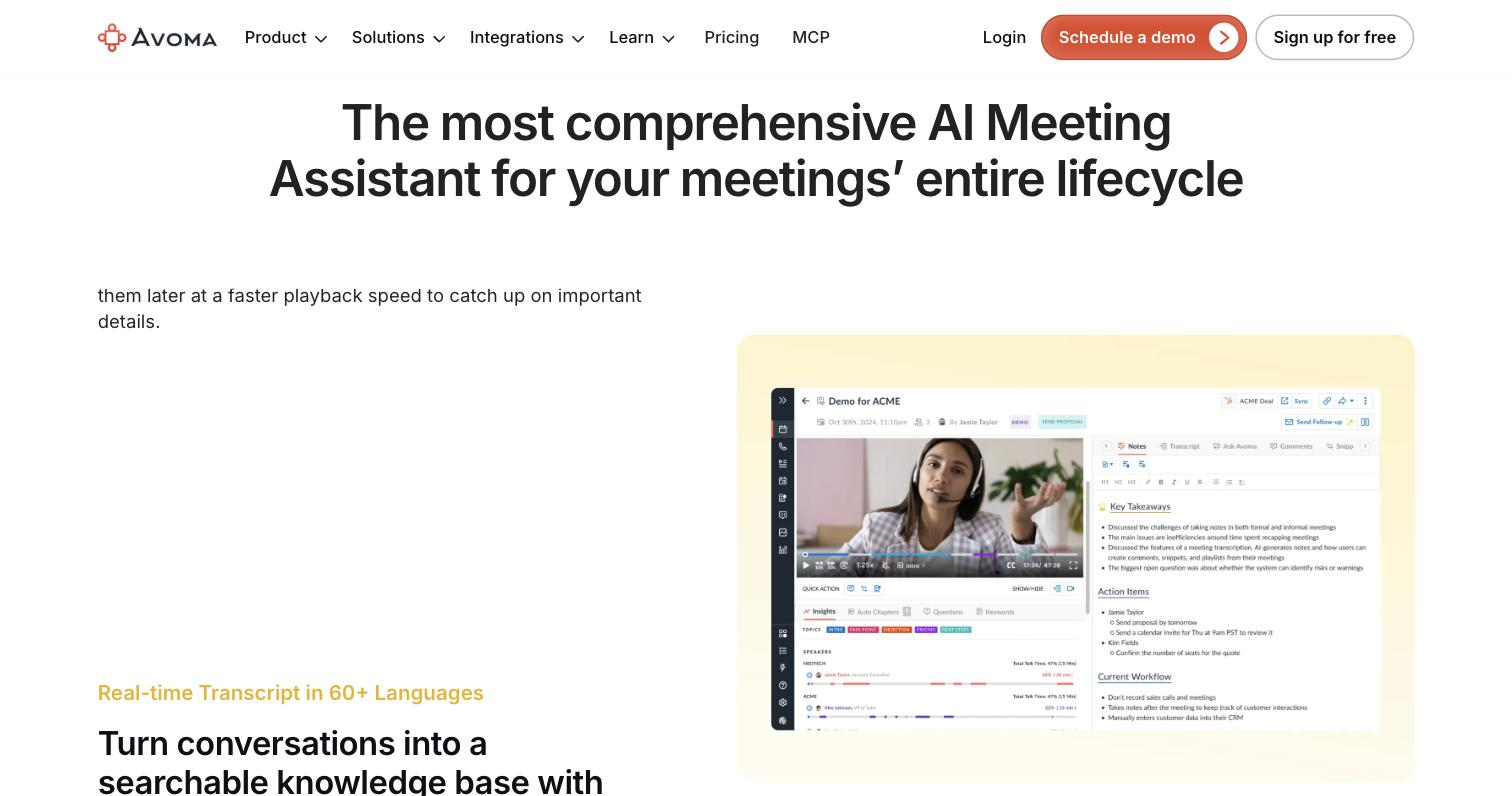
Captures every call and produces a structured summary with action items, so reps skip the manual write-up.
Shares booking links and routes inbound leads to the right rep, cutting the back-and-forth of finding a time.
Scores conversations against your sales methodology, so managers can coach on specific moments and track how consistently reps follow the playbook.
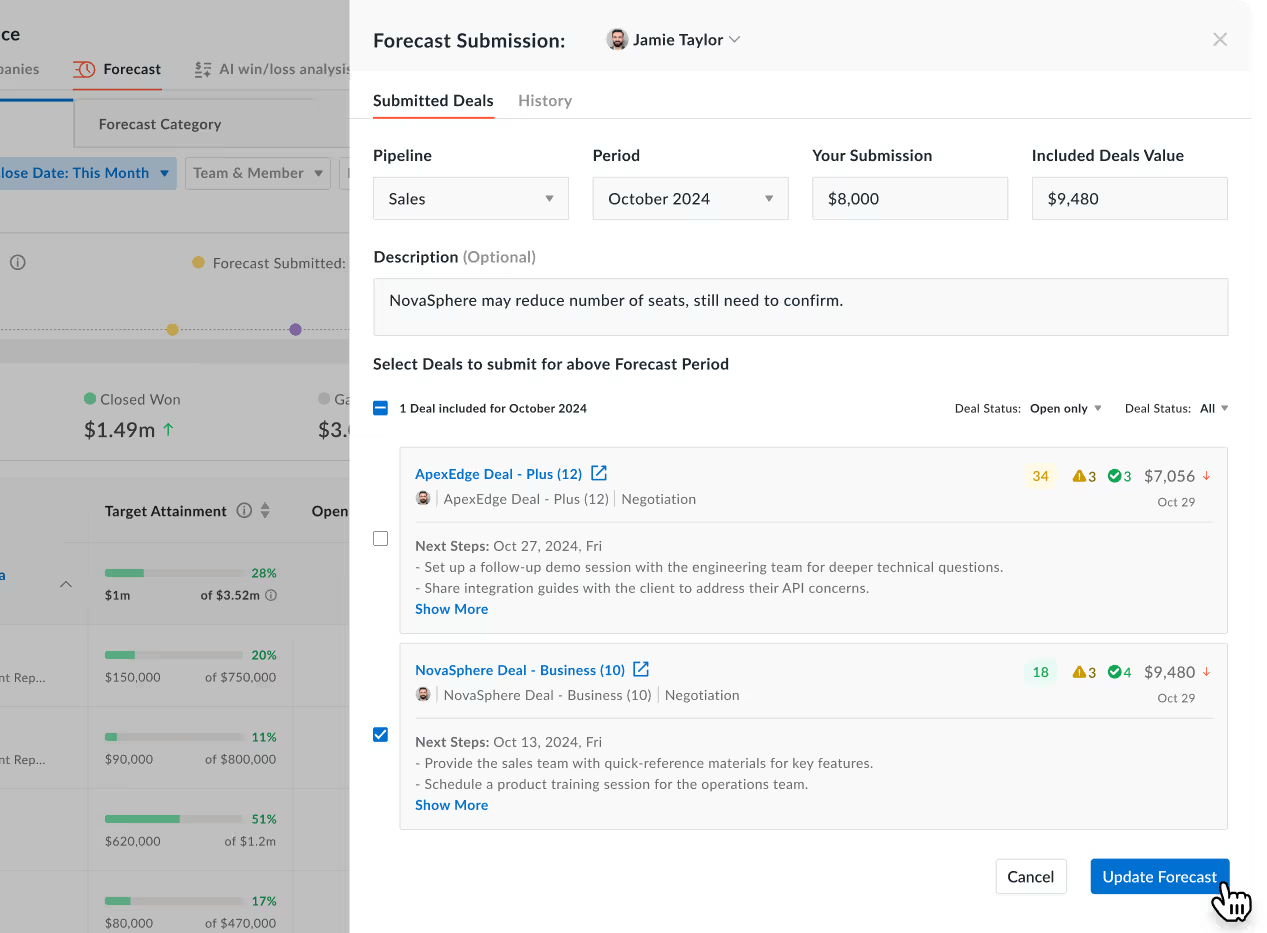
Reads conversation signals to flag stalled deals, giving managers an earlier warning than a CRM stage change alone.
Writes notes, summaries, and next steps back into the CRM after each call, keeping records current without manual entry.
Builds on recorded call history to review why deals closed or slipped, supporting forecasting and methodology tracking.
Pricing tiers and what's included in each.
Free view-only access is available. Paid plans start at $19 per user/month.
A short path to first value.
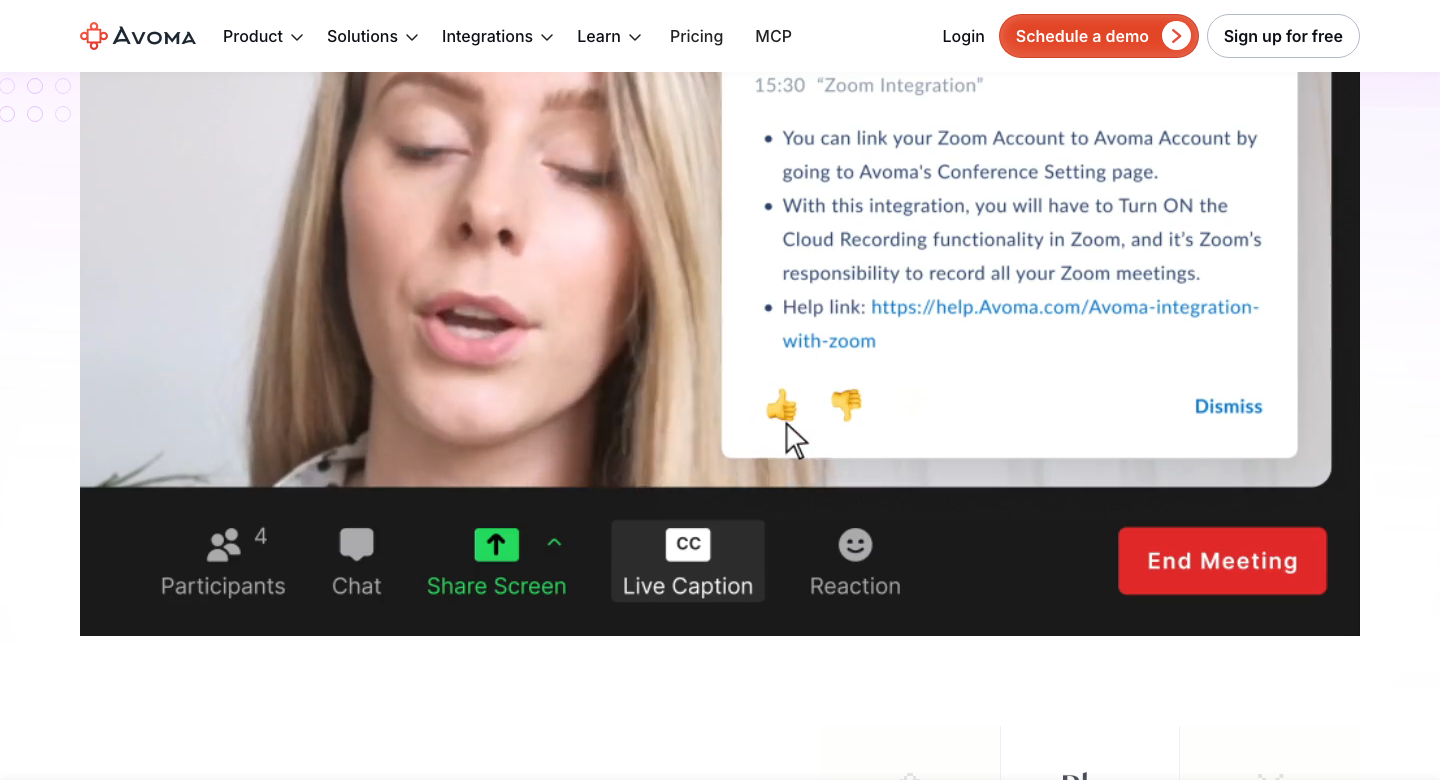
can see your schedule and join the right meetings automatically.
let inbound leads route to the correct rep, so meetings are booked with the right person.
in the background, identifying speakers and tracking the topics as they come up.
action items, and the score against your sales playbook.
CRM, where the deal record updates automatically instead of reps retyping them.
on specific moments and to check which deals show risk signals.
Avoma Overview
Common questions about this tool, answered.
It is designed to write notes and next steps back into a CRM automatically, but the supported integrations depend on your stack, so check the official integrations list for your CRM before relying on it.
Calls are recorded, so you should follow your local consent rules and tell participants. Teams that cannot record for privacy or compliance reasons will get limited value, since the recording is the foundation.
A plain notetaker stops at the transcript and summary. Avoma adds scheduling, lead routing, call scoring, and deal-risk signals, which is why it leans toward sales workflows rather than general note-taking.
It offers a free tier and paid plans, but exact pricing needs verification before it is shown here. Check the official pricing page for current figures.
Context for choosing between this tool and alternatives.
Choose Avoma when the goal is a connected sales workflow — notes, scheduling, coaching, and CRM sync in one place — rather than a single feature. If you mainly want fast, accurate notes for any kind of meeting, lighter notetakers like Granola, Read AI, or Jamie AI are worth comparing; they are simpler and less tied to a sales process. MeetGeek sits in between, with a notetaking focus and some workflow features. The comparison usually comes down to breadth versus simplicity: Avoma rewards teams that adopt several modules and have a sales motion to support, while a focused notetaker is the better fit when you want one job done well.