
MeetGeek
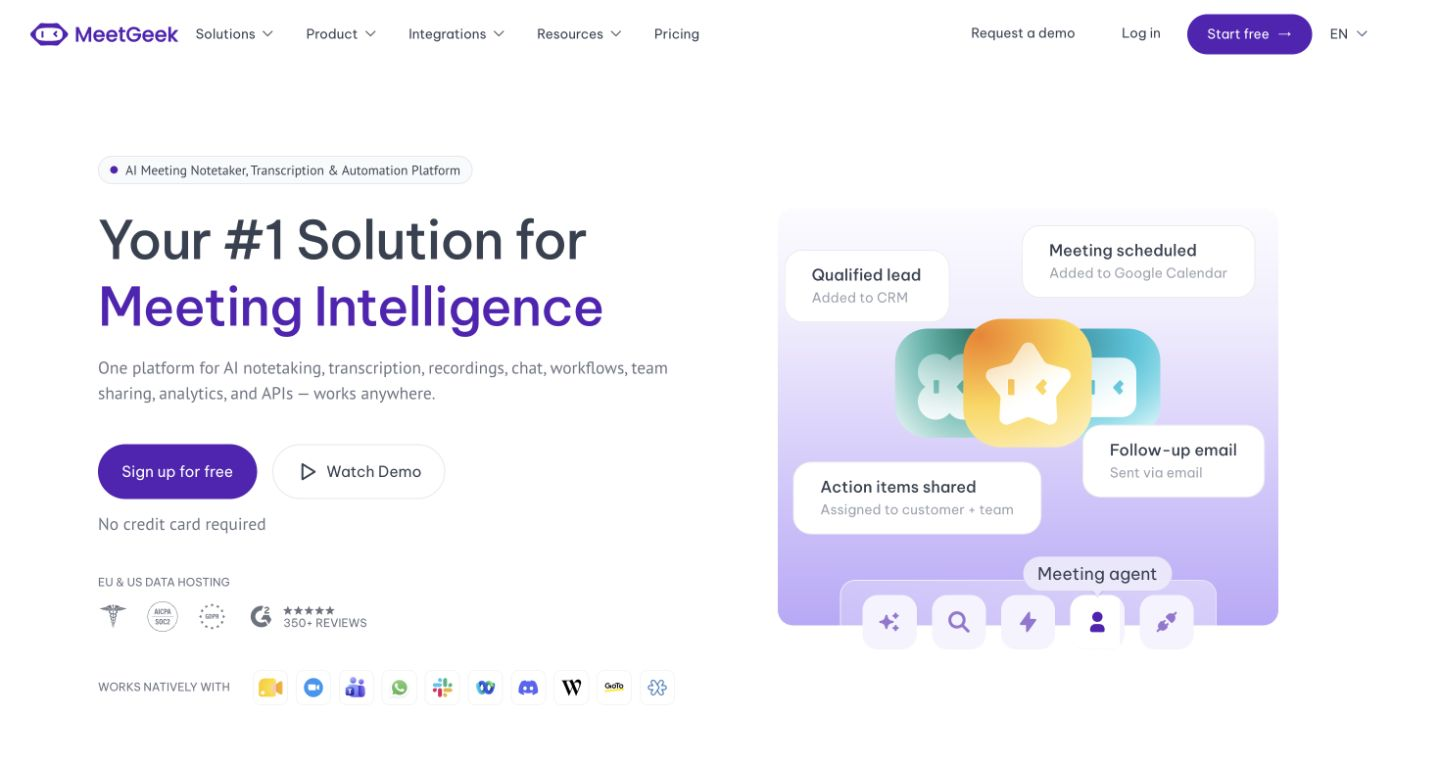
Records, transcribes, and summarizes meetings, and syncs notes to your CRM.
FreemiumFree planWeb
Last verified Jul 9, 2026
Records, transcribes, and summarizes meetings, and syncs notes to your CRM.
Last verified Jul 9, 2026
Fast-read signals for fit, pricing, and trust.
MeetGeek is an AI meeting assistant that records, transcribes, and summarizes calls, then syncs notes and action items to your CRM and tools. It is aimed at sales, product, and customer teams who want meetings captured and turned into follow-up without manual note-taking. Automatic capture plus CRM sync is its angle. It records and summarizes; how teams act on the notes stays with them.
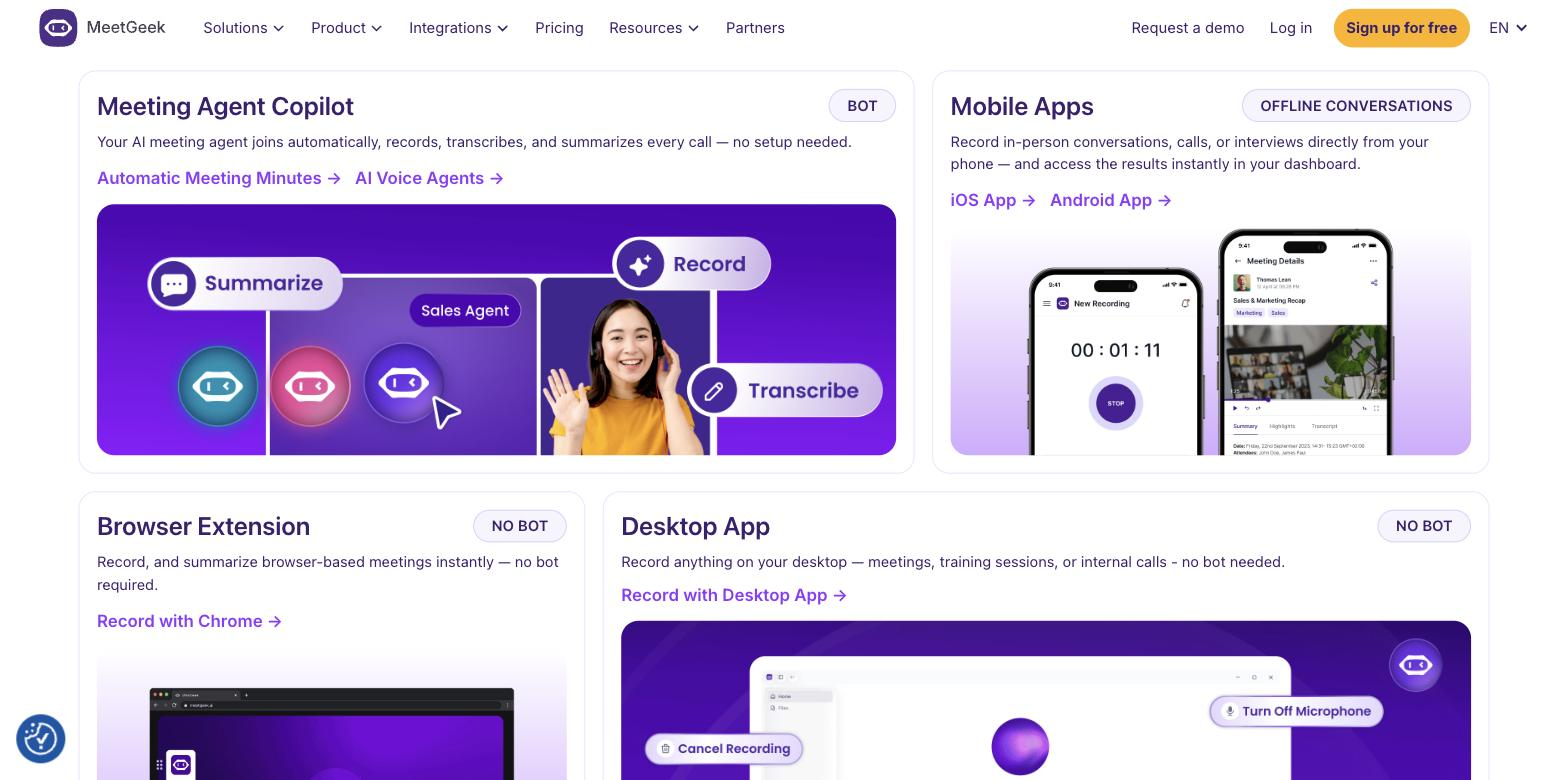
It joins your meetings to record and transcribe them, generates summaries and action items, lets you chat with past meetings, and syncs the notes into a CRM and other tools so follow-up doesn't depend on manual notes.
It suits sales, product, and customer-facing teams who run many calls and want them captured, summarised, and routed into the systems where work happens.
Summaries reflect the call and the audio quality, so a review matters for accuracy.
Quick fit check against how you actually work.
What you can actually do with this tool.
Records and transcribes meetings automatically.
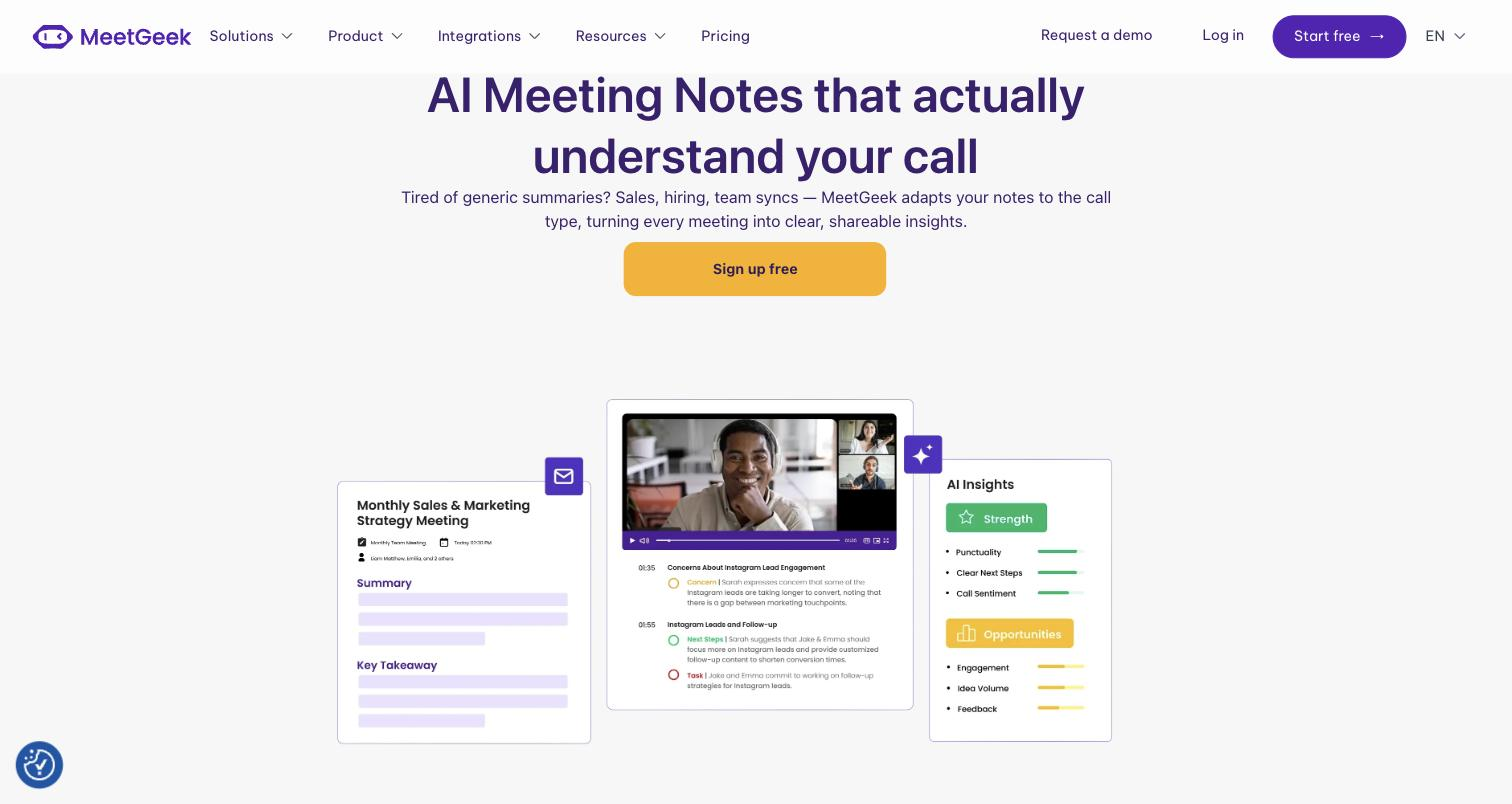
Generates summaries and action items from each call.
Syncs notes and action items into a CRM and other tools.
Lets you ask questions across past meetings.
Pulls out key moments and lets you share them, so a team gets the gist without the full recording.
Pricing tiers and what's included in each.
MeetGeek has a permanent free Basic plan (3 hours of transcription per month, 3 months transcript storage, 1 month audio storage). The Pro plan is $9.99/user/month and includes 20 hours of transcription per month, 1 year transcript storage, 6 months audio storage, and a 14-day free trial; overage is $0.50 per extra hour. The Business plan is $17/user/month with unlimited transcription, unlimited transcript storage, and 12 months video storage. Annual billing is available and offers up to 40% savings. Enterprise is custom pricing via sales. A 30% discount is available for startups, nonprofits, and educational institutions. Verified from meetgeek.ai/pricing on 2026-07-09.
A short path to first value.
MeetGeek Desktop App: Getting Started
Common questions about this tool, answered.
They reflect the call and the audio quality, so clear recordings give better results and a review is worth it for important calls.
Yes — captured notes and follow-ups can post straight to your CRM, so the team finds them where they already work.
Yes — you can search and query earlier calls instead of re-watching them, so a decision from weeks ago is easy to find.
It states SOC 2 Type II; for sensitive meetings, confirm the current security and data terms before relying on it.
Context for choosing between this tool and alternatives.
Meeting assistants differ on what they do with the transcript; MeetGeek leans to CRM sync and team insights, while Avoma adds deeper sales coaching, Granola enhances your own notes, and Jamie AI focuses on private capture. Compare on whether CRM-routed notes or another capture style fits.
Other tools that show up for the same kind of work.