
Uizard
Turns prompts, sketches, and screenshots into editable UI mockups a whole team can iterate on.
FreemiumFree planWeb
Last verified Jul 8, 2026
Turns prompts, sketches, and screenshots into editable UI mockups a whole team can iterate on.
Last verified Jul 8, 2026
Fast-read signals for fit, pricing, and trust.
Uizard is a UI design generator for product teams and founders who need editable mockups without deep design tooling. It creates screens from a text prompt, a hand-drawn sketch, or a screenshot, and lets anyone edit components by describing the change. It is built for early, low-fidelity concepts, not production handoff.
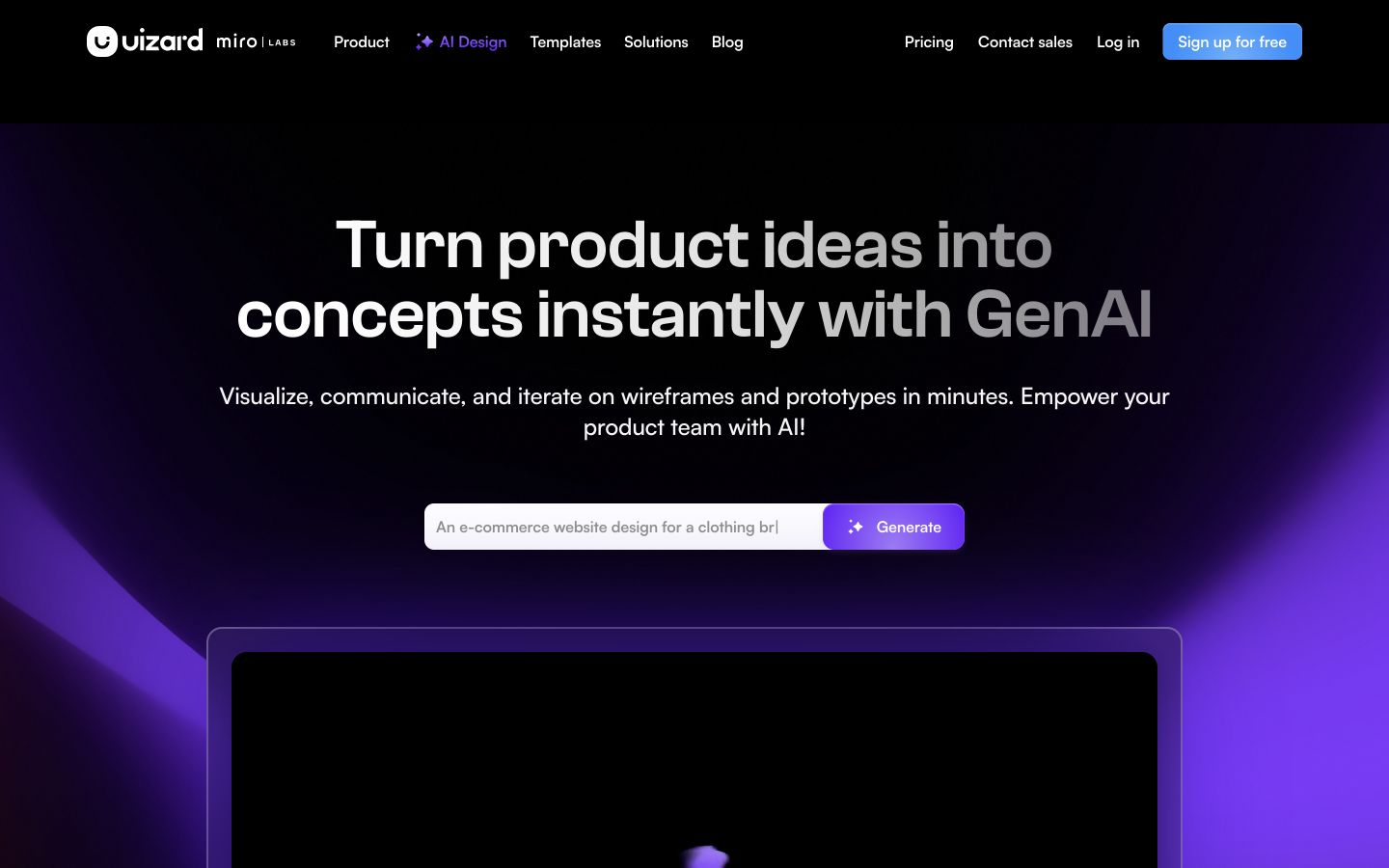
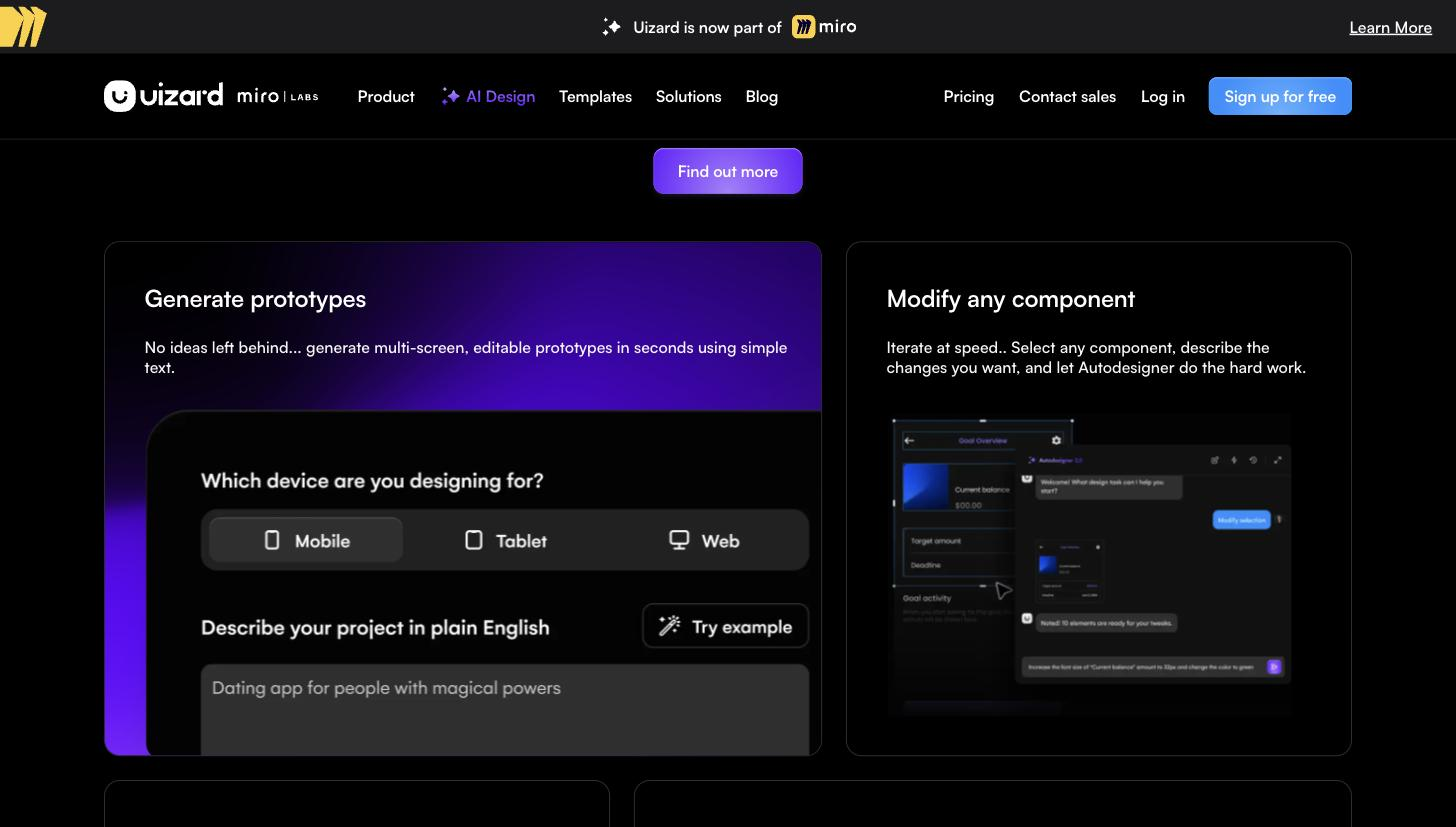
Give Uizard a plain-text description, a photo of a wireframe, or a screenshot, and it returns editable digital screens. You change any element by selecting it and describing what you want, rather than manipulating it by hand, and pre-built components and templates speed the first pass. Real-time collaboration lets a whole team work in the same project, and a predictive attention map offers a rough read on where a viewer might look first.
The people it serves are product managers, founders, and non-designers who need to show an idea as a clickable mockup quickly, plus designers wanting a rough starting point. Its scope is the concept stage: built for fast, low-fidelity screens, it is not a production design tool, so most teams move an approved concept into a dedicated tool for pixel-level work, design systems, and developer handoff.
Quick fit check against how you actually work.
What you can actually do with this tool.
Generates multi-screen mockups from a written prompt.
Converts hand-drawn wireframes or screenshots into editable screens.
Changes a selected component by describing the edit in plain language.
Starts a design from pre-built UI elements and layouts.
Brings the whole team into one shared project.
Estimates where a viewer's attention may land first.
Pricing tiers and what's included in each.
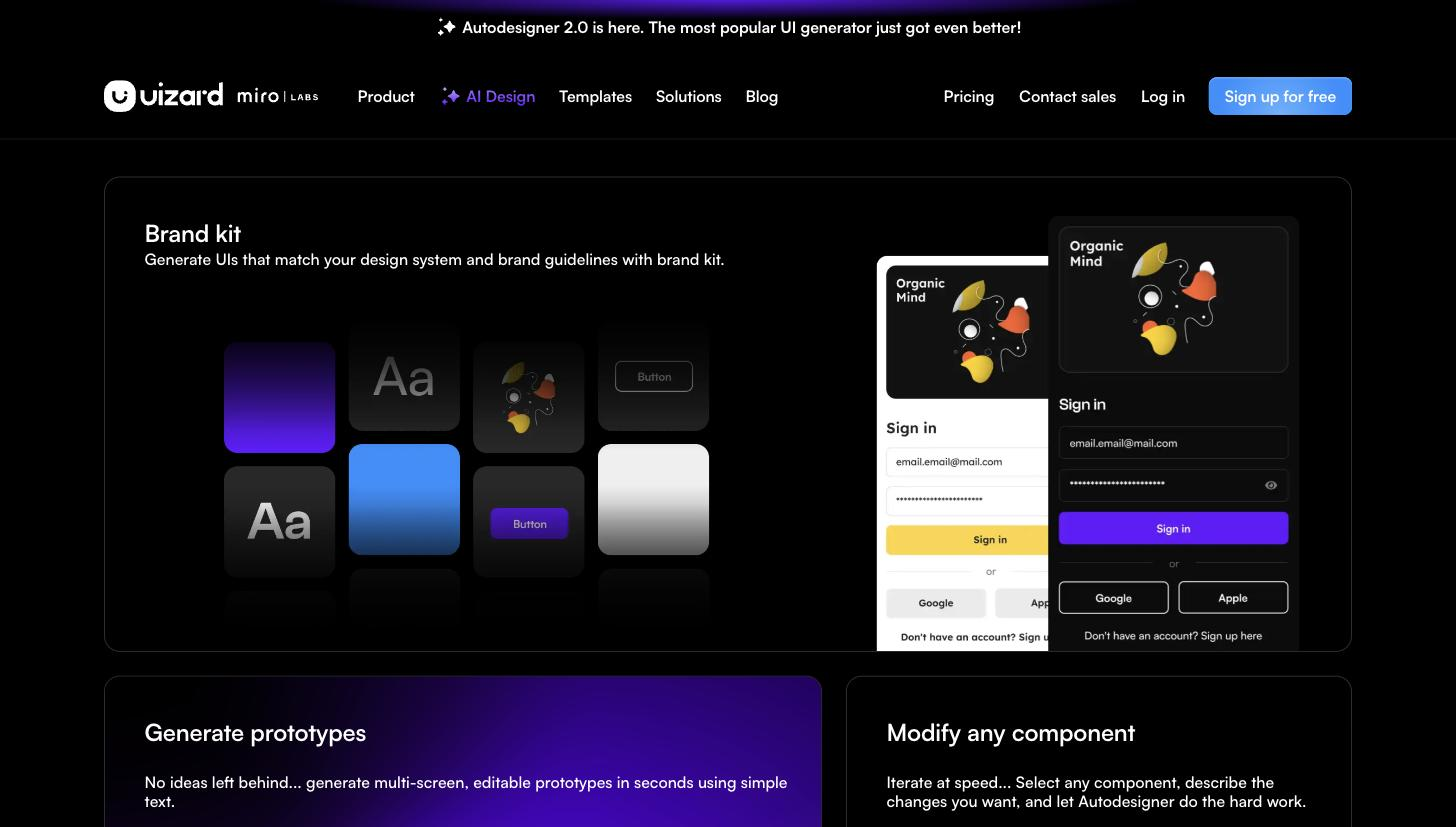
Uizard has a permanent free plan with 3 AI generations/month, 2 projects, and 10 templates. The Pro plan is $12/month billed annually (40% annual discount) with 500 AI generations/month, up to 100 projects, Autodesigner 2.0, developer handoff (React CSS), and unlimited viewers. The Business plan is $39/month annually with 5,000 AI generations/month, custom brand kit, unlimited projects, faster generation, and priority support. Enterprise is custom for 15+ team members with unlimited generations, custom billing, dedicated setup, and AI data SLA. Verified from uizard.io/pricing on 2026-07-08.
A short path to first value.
Uizard Autodesigner Full Walkthrough
Common questions about this tool, answered.
A plain-text prompt, a photo of a hand-drawn wireframe, or a screenshot, each of which becomes editable digital screens.
You select a component and describe the change in plain language instead of manipulating it manually, which is what lets non-designers contribute.
No. It is built for low-fidelity concepts, so pixel-level work, design systems, and deep handoff belong in a dedicated tool.
Context for choosing between this tool and alternatives.
The comparison turns on fidelity and where the work continues. Figma Make and Framer AI are worth weighing when you want to push a concept toward production or a live site; Visily is the closest peer if you simply want another fast, low-fidelity mockup generator for early concepts.
Other tools that show up for the same kind of work.
Visily
Freemium
Figma Make
Freemium
Framer AI
Freemium