Decision snapshot

Fast-read signals for fit, pricing, and trust.

Category
UI/UX & Web Design
Best for
ai website design generator
Pricing
Freemium
Access
Free plan available

What is this tool?

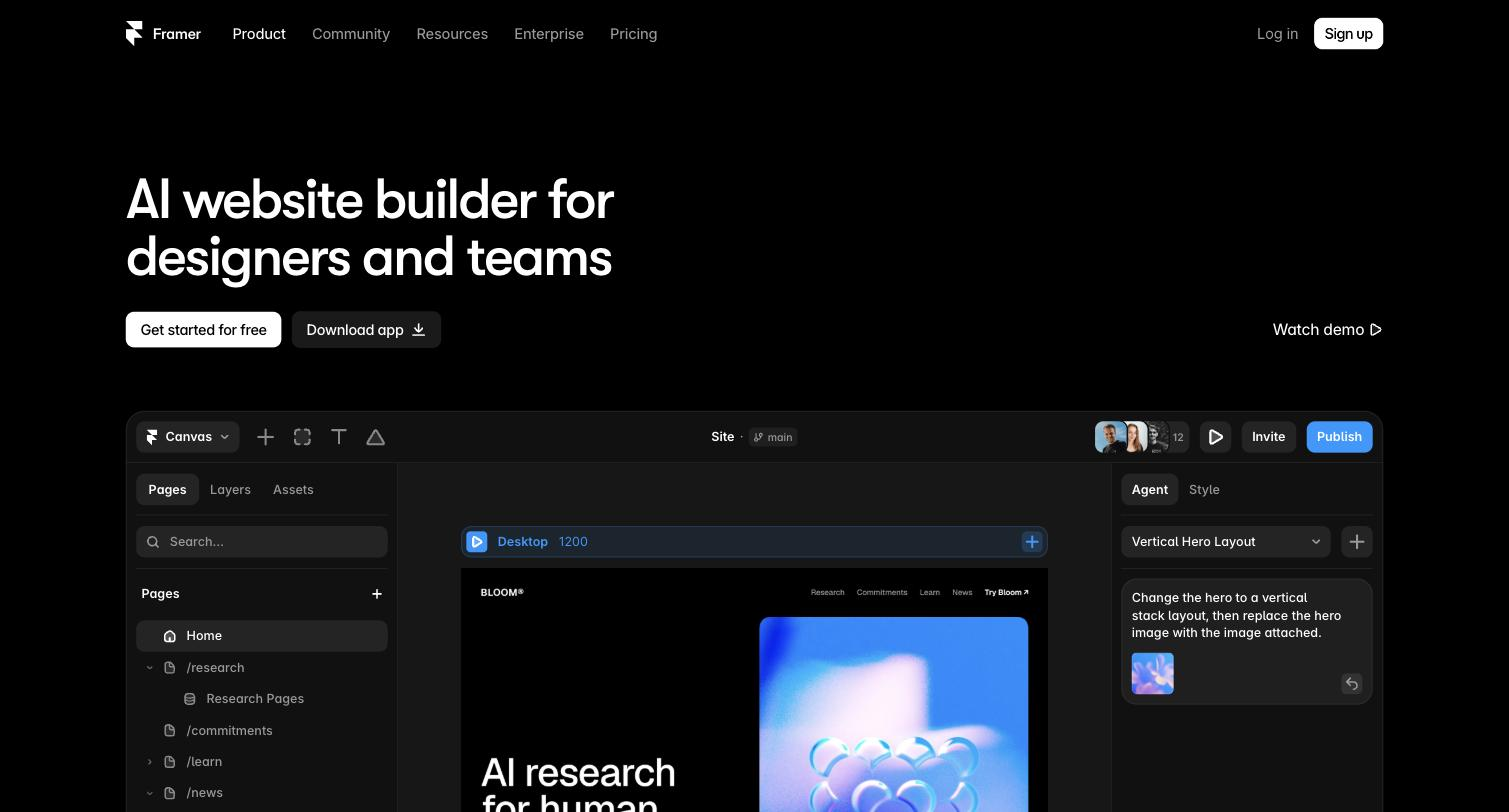
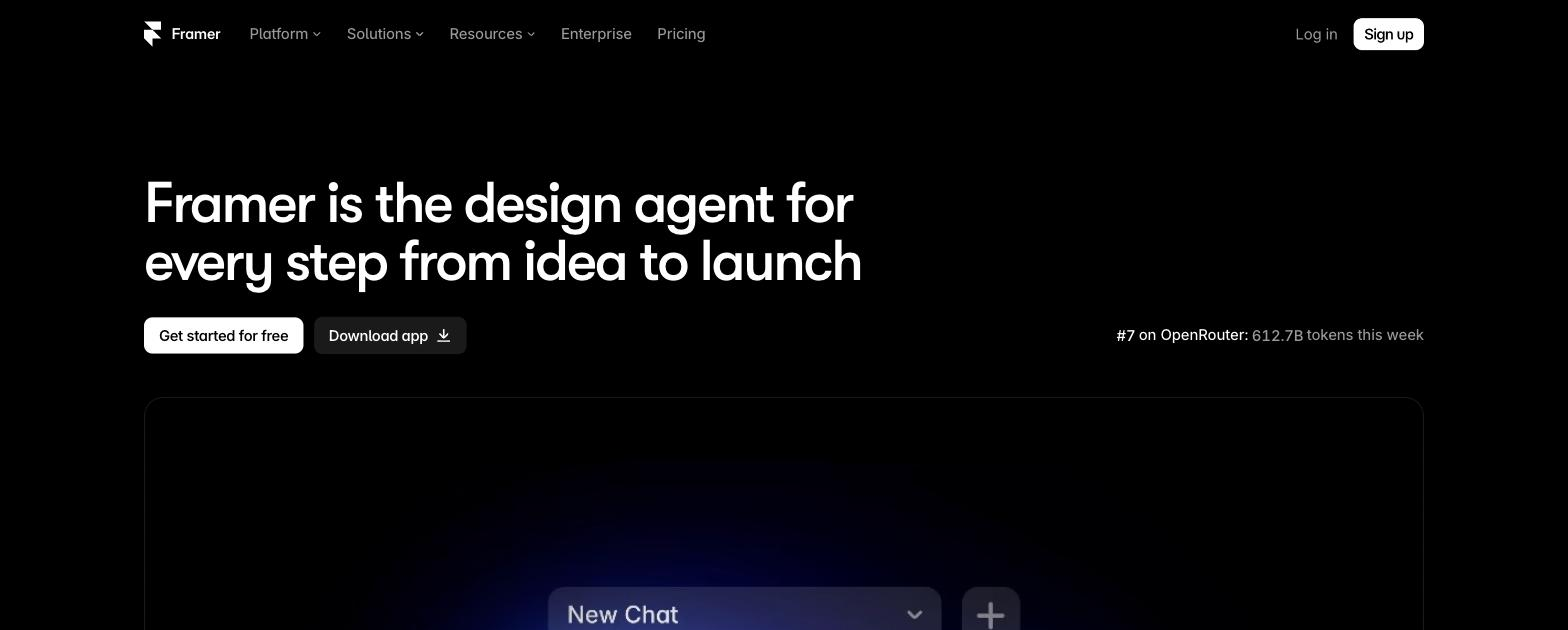
Framer AI is a website design and publishing platform — a no-code builder with a CMS, animations, and hosting — where AI assists by generating a starting layout from a prompt. It is aimed at designers and teams who want to design, manage, and publish a site in one place. AI is a key capability within a full website platform. It speeds the first draft; the design, content, and launch decisions stay with you.

By QT Desk
Read full overview

You can start from a prompt and it helps generate a layout, then refine it in a no-code builder with CMS, animation, and interaction tools, import designs from Figma, and publish with hosting included — AI assists within a full website platform rather than being the whole product.

It suits designers, agencies, and teams who want design, build, and publish in one place, with AI speeding the starting layout.

Because it spans design, CMS, and hosting, it is more tool than someone who only needs a quick AI layout requires, and adopting it means running your site on its platform rather than a separate stack.

Is this right for you?

Quick fit check against how you actually work.

Choose this if
  • You want design, build, and publish in one tool
  • You'd start a layout from a prompt
  • You need a CMS and animations
  • You import designs from Figma
Consider alternatives if
  • You want only an AI layout generator
  • You already have a separate host and CMS
  • You need a simple one-page builder

Key features

What you can actually do with this tool.

AI design assistance

Helps generate a starting layout from a prompt within the builder.

No-code builder

Builds and refines sites without code.

CMS

Manages content through a built-in CMS.

Animation and interaction

Adds animations and interactions to a site.

Figma import

Imports designs from Figma to build on.

Hosting and publishing

Publishes sites with hosting included.

Plans & pricing

Pricing tiers and what's included in each.

A free plan is available ($0). Paid Framer plans start at $10 per month (Basic); Pro is $30 per month; Enterprise is custom. AI features consume credits bundled with these plans — Framer AI is not a separate subscription.

Free

$0

Basic

$10/mo

Pro

$30/mo
Pricing last checked: Jun 16, 2026Official pricing pagePricing may have changed. Always verify before purchasing.

How to use this tool

A short path to first value.

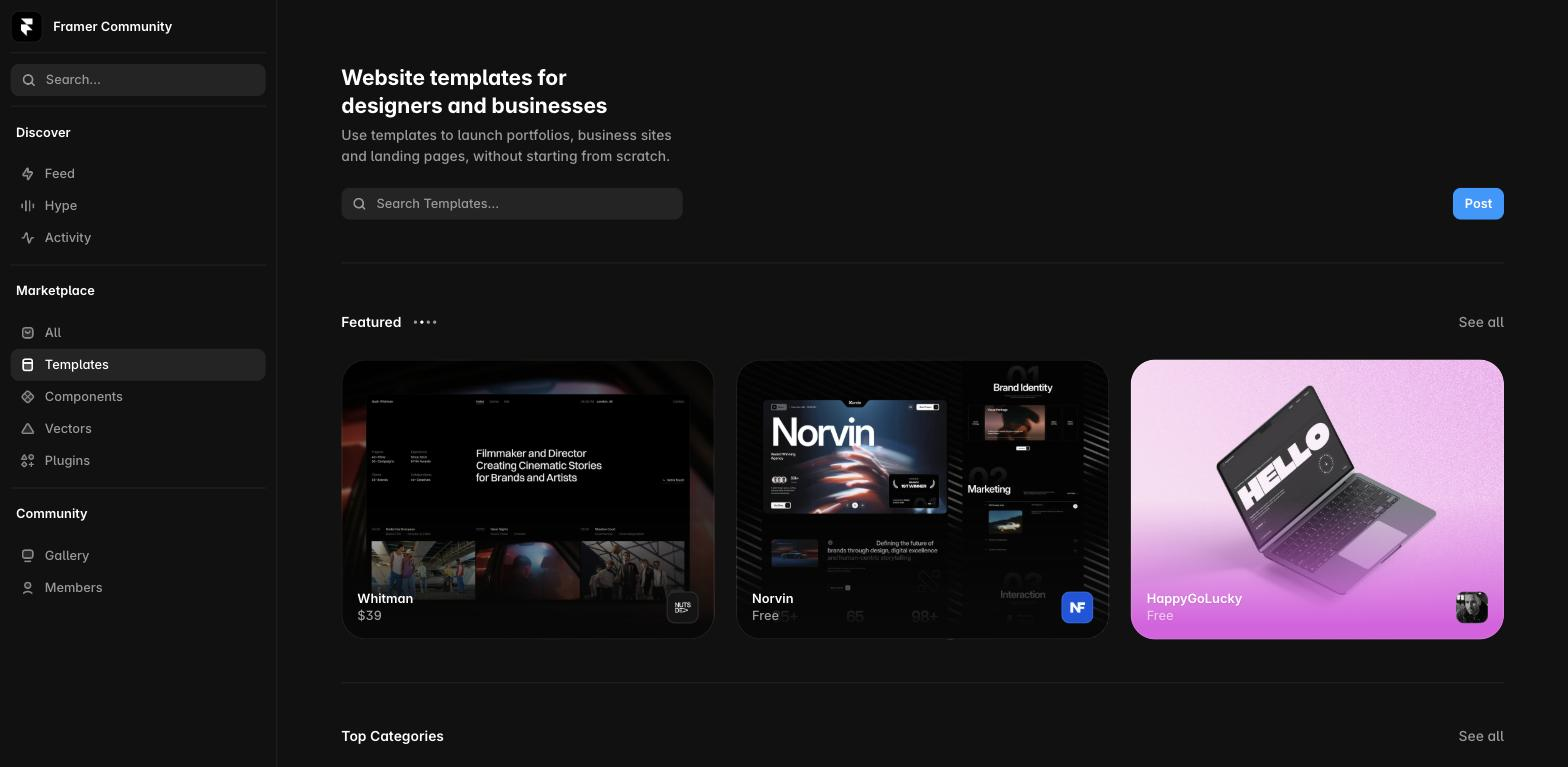
  1. Start from a prompt or a template.

  2. Let AI help generate a starting layout.

  3. Refine the design in the no-code builder.

  4. Add CMS content, animations, and interactions.

  5. Import any Figma designs you need.

  6. Publish the site on included hosting.

Frequently asked

Common questions about this tool, answered.

Is this just an AI website generator?

No — AI assists within a broader design, CMS, and hosting platform, so you're adopting a full website tool rather than only a layout generator.

Do I need separate hosting?

No — publishing and hosting are built in, so a site can go live without a separate host.

Can I bring Figma designs in?

Yes — a Figma import lets you build on existing designs rather than starting over.

Who is it not ideal for?

Anyone wanting only a quick AI layout, or who already has a separate CMS and host, may find the full platform more than needed.

How it compares

Context for choosing between this tool and alternatives.

Framer AI sits between design and publishing; against other website tools, it bundles building, CMS, and hosting, where Uizard and Visily focus on early UI design and Figma Make on design generation. Compare on whether an end-to-end design-and-publish platform or a focused design tool fits.

Verified against the official siteLast verified Jun 16, 2026