
Figma Make
Turns prompts into functional prototypes inside Figma, from a design or a description.
FreemiumFree planWeb
Last verified Jul 8, 2026
Turns prompts into functional prototypes inside Figma, from a design or a description.
Last verified Jul 8, 2026
Fast-read signals for fit, pricing, and trust.
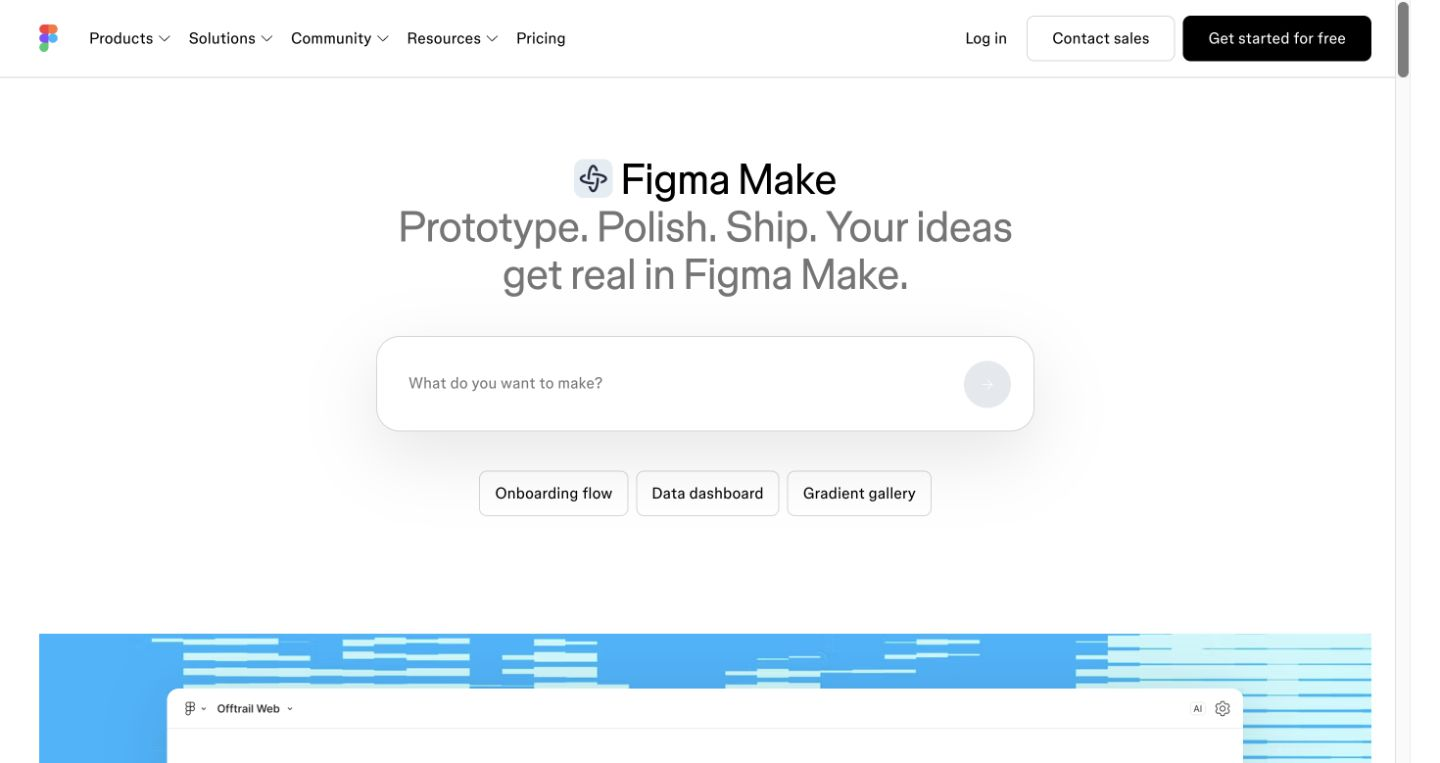
Figma Make is Figma's AI capability for turning a design or a text prompt into a functional prototype, generating and editing interface and content. It is aimed at designers and product teams who want to move from idea to a clickable prototype quickly in Figma. Prompt-to-prototype is its focus. Generated output is a starting point that designers refine.
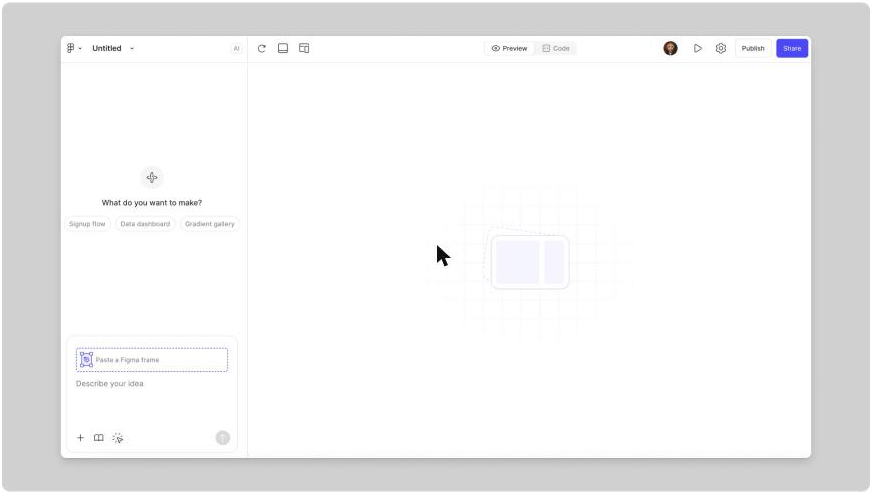
You start from a design or a prompt and it generates a working prototype — building interface and editing content with AI — inside Figma, so you can select part of a design and prompt your way to a polished, clickable result.
It suits designers and product teams who want to prototype from a prompt rather than building screens by hand, working where they already design.
Generated layouts and content are a fast draft, so they need a designer's refinement for usability and brand, and it lives inside Figma rather than standing alone.
Quick fit check against how you actually work.
What you can actually do with this tool.
Turns a prompt or design into a functional, clickable prototype inside Figma.
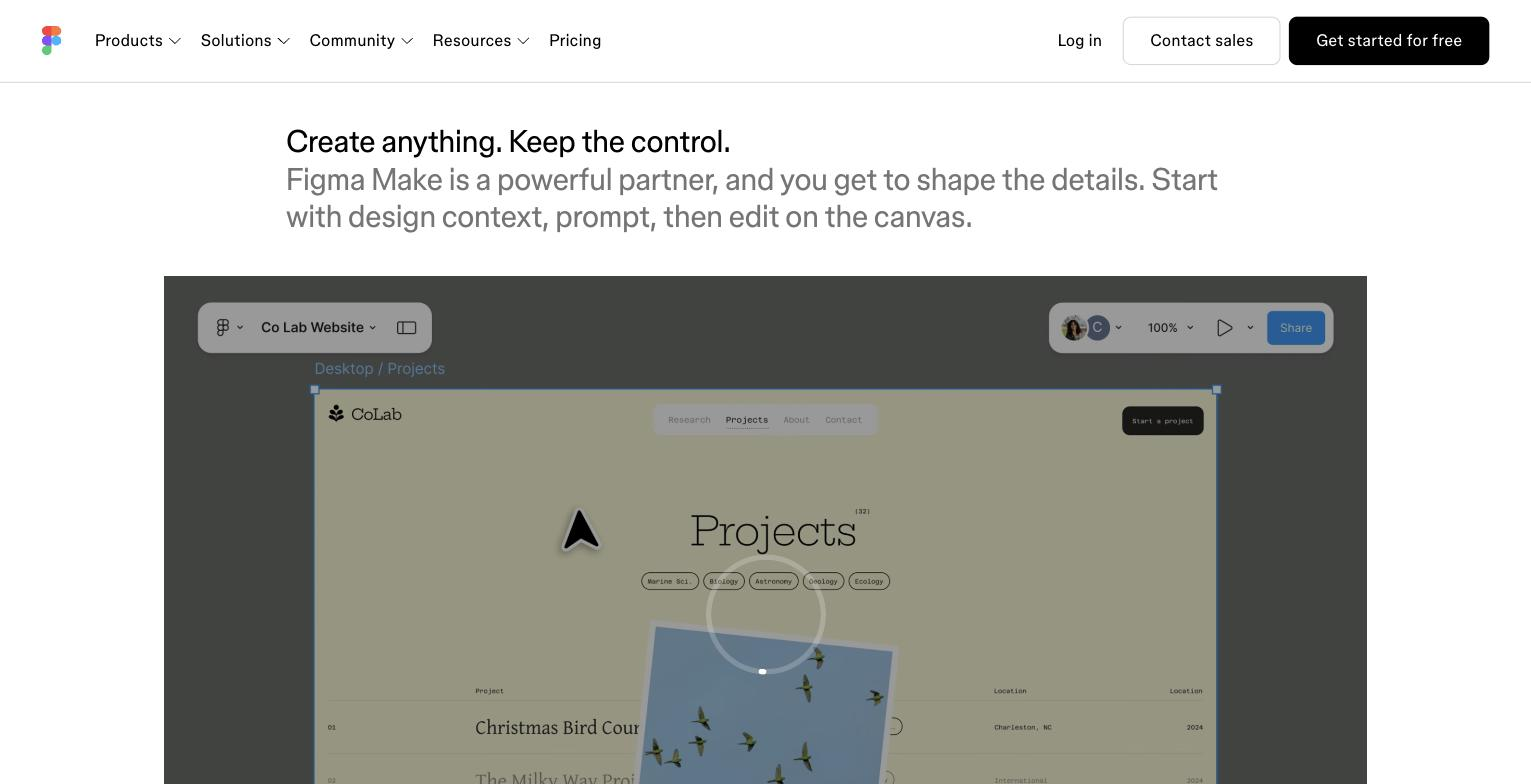
Generates and edits interface and content with AI.
Takes an existing design and prompts it toward a working version.
Works within the Figma platform rather than a separate tool.
Re-prompts an existing prototype for targeted changes, so you can adjust a specific section without rebuilding the entire flow from scratch.
Pricing tiers and what's included in each.
Figma Make is part of the Figma platform and uses Figma AI credits. The free Starter plan provides 150 AI credits per day (up to 500 per month). Professional is $16 per editor per month with 3,000 AI credits per month. Organization is $55 per editor per month (3,500 credits). Enterprise is $90 per editor per month (4,250 credits). During the beta period, Figma Make is free to use without consuming credits. Additional AI credits can be purchased as add-ons. Dev and Collab seats have lower credit allocations (500/mo) and lower per-seat prices.
A short path to first value.
Figma tutorial: Intro to Figma Make
Common questions about this tool, answered.
Yes — it's a capability within the Figma platform, so it suits teams already designing there rather than as a standalone tool.
It's a prototype to refine, not finished production code, so a designer or developer pass still follows.
Yes — you can select part of a design and prompt it toward a functional version rather than starting from scratch.
Teams not on Figma, or anyone wanting a separate end-to-end builder, will find a different tool fits better.
Context for choosing between this tool and alternatives.
Within the Figma platform, Make turns prompts into prototypes, where Framer covers design through publishing and hosting, and Uizard or Visily focus on quick early UI. Compare on whether prototyping inside Figma or a separate design-and-publish tool fits.
Other tools that show up for the same kind of work.
Visily
Freemium
Framer AI
Freemium