
Remini
Enhances and restores photos and video — unblur, denoise, upscale, and fix old images.
FreemiumFree planWeb
Last verified Jul 7, 2026
Enhances and restores photos and video — unblur, denoise, upscale, and fix old images.
Last verified Jul 7, 2026
Fast-read signals for fit, pricing, and trust.
Remini is an AI photo and video enhancer that sharpens, denoises, upscales, and restores low-quality or old images, with face and background enhancement and AI photo generation. It is aimed at consumers and creators who want clear, high-quality results from imperfect or aged source material. Restoration of old and blurry photos is a particular strength. Enhancement works from existing detail, so heavily degraded sources have limits.
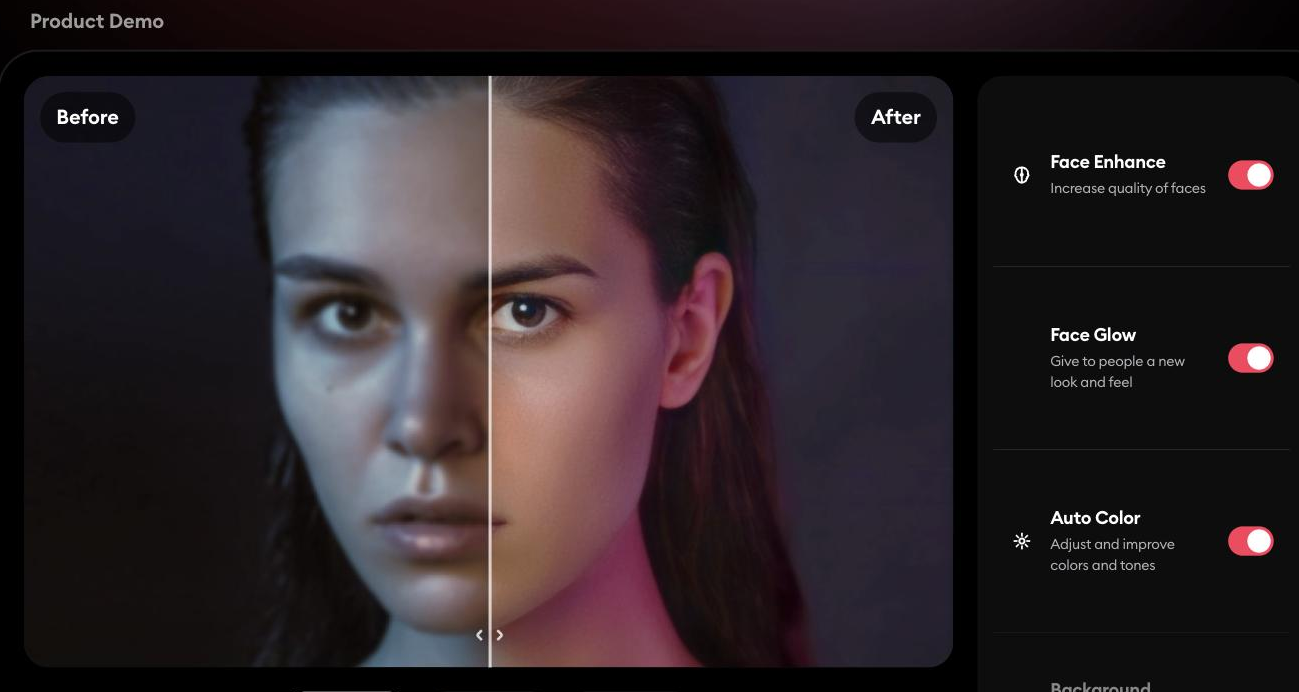
You upload a photo or video and it enhances quality — unblurring, denoising, upscaling, correcting colour, and improving faces and backgrounds — and can restore old or damaged photos to sharper detail; it also offers AI-generated photos of yourself.
It suits everyday users restoring family photos and creators upgrading low-quality visuals to a more professional level, across phone and web.
Because enhancement reconstructs from what's present, very degraded sources have a ceiling, and restored or generated detail should be checked against the original for accuracy.
Versus adjacent tools already in the directory: Pixelcut is a background-remover-first tool with photo editing as a secondary capability, not a restoration specialist; Upscale.media is a bulk/API resolution-upscaling tool built for teams processing many images, not a consumer restoration app. Remini's distinct job is restoring old, damaged, or blurry personal photos and enhancing faces — pick it for that restoration angle, not for background removal or high-volume batch upscaling.
Quick fit check against how you actually work.
What you can actually do with this tool.
Sharpens, denoises, and upscales low-quality images for a cleaner result.
Restores faded or damaged photos to greater detail.
Improves faces in portraits, a common weak point in low-quality shots.
Applies enhancement to video as well as stills.
Adjusts colour and light to improve overall quality.
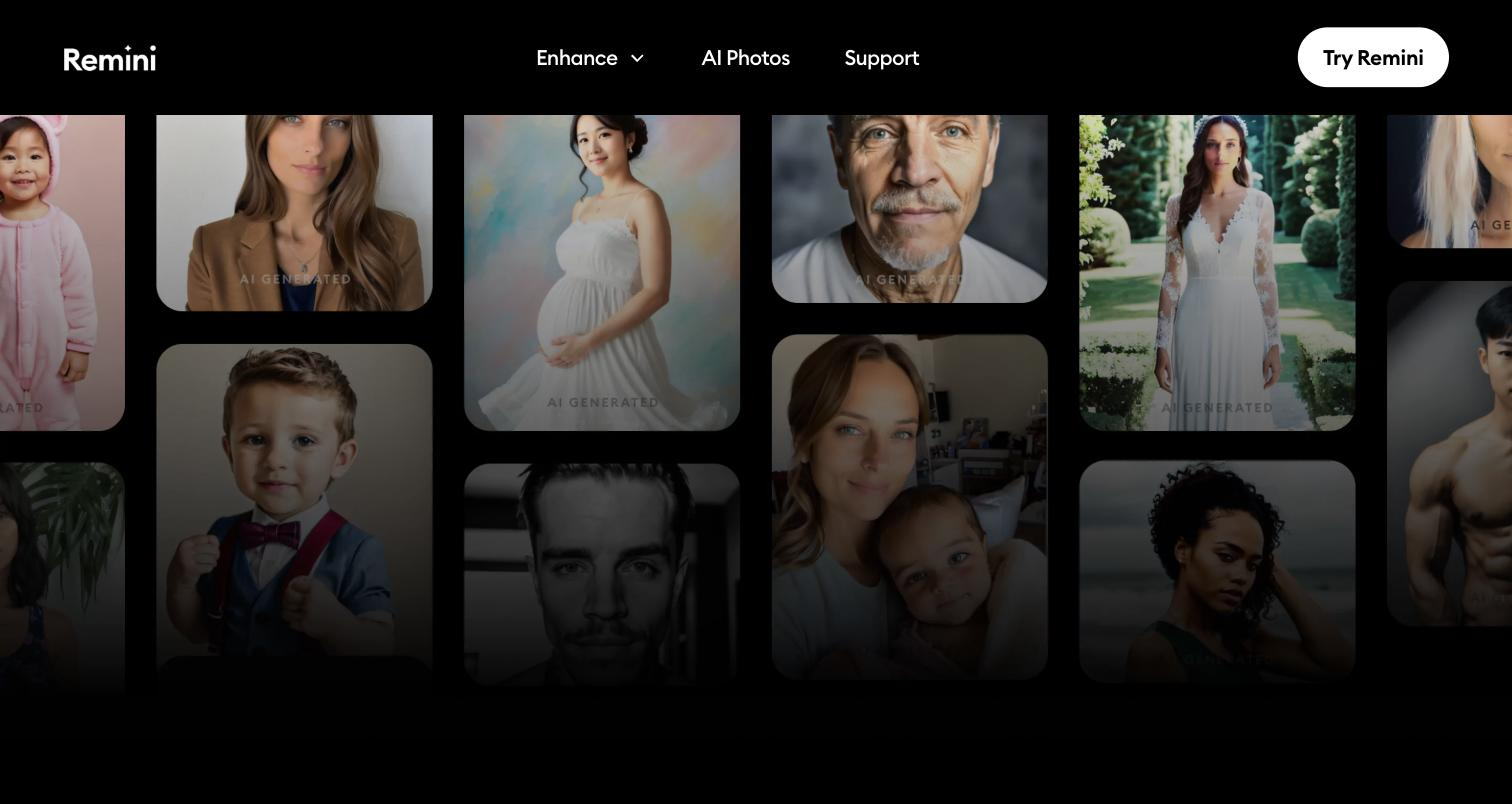
Generates AI photos of yourself alongside the enhancement tools.
Pricing tiers and what's included in each.
Remini offers a free, ad-supported tier. Paid subscription pricing is shown in-app and on app stores rather than on the marketing site.
A short path to first value.
Common questions about this tool, answered.
Up to a point — it reconstructs from detail that's present, so badly degraded images have a ceiling, and results vary.
It reconstructs plausibly rather than perfectly, so check restored or enhanced faces against the original before relying on them.
Yes — enhancement applies to video as well as photos, though longer clips take more processing.
It focuses on enhancement, restoration, and some generation, so creative editing or composition needs another tool.
Context for choosing between this tool and alternatives.
Photo enhancers split between restoration and upscaling; Remini leans into restoring old and low-quality images and faces. Let's Enhance and Upscale.media focus on resolution and cleanup at scale. Compare on whether restoration and face enhancement or batch upscaling is the need.
Other tools that show up for the same kind of work.
Pixelcut
Freemium
Upscale.media
Freemium
Erase.bg
Freemium