Voicemod
Changes your voice in real time with a soundboard, built for gaming and streaming.
FreemiumFree planWeb
Last verified Jul 7, 2026
Changes your voice in real time with a soundboard, built for gaming and streaming.
Last verified Jul 7, 2026
Fast-read signals for fit, pricing, and trust.
Voicemod is a real-time AI voice changer and soundboard for gaming, streaming, and online chat. It is aimed at gamers, streamers, and friends hanging out on Discord and in-game voice who want to change how they sound or drop sound effects live. It offers hundreds of voices, a soundboard, and a voice lab to create your own. It changes voice live, so quality depends on your mic and setup.
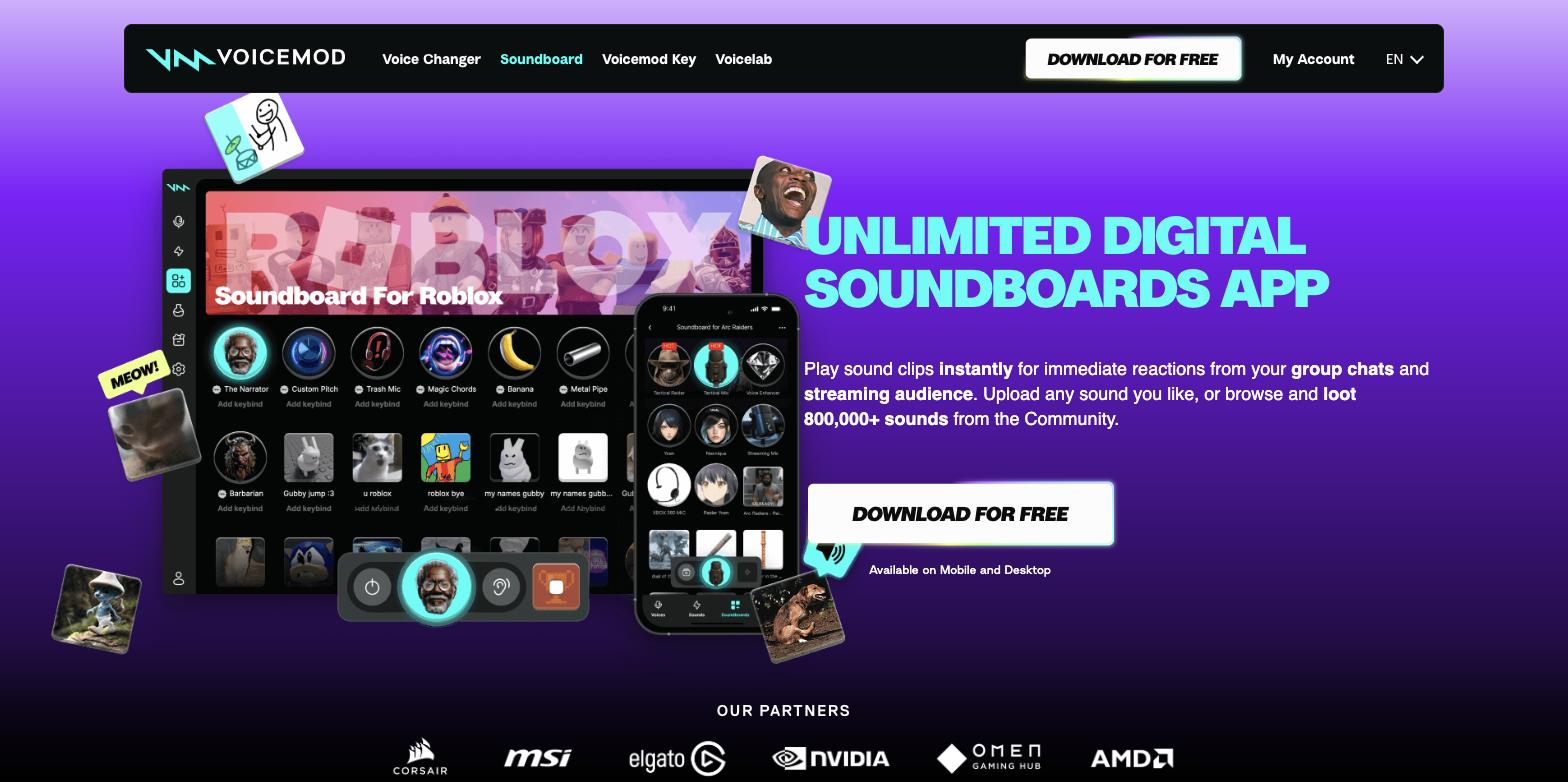
It sits between your microphone and whatever voice app or game you're in, changing your voice in real time into one of hundreds of options and routing a soundboard of effects and memes into the same channel. A voice lab lets you create or tweak voices by mixing effects, and a recorder captures clips from any source to add to your soundboards, with community voices and sounds to pull from.
The users are gamers, streamers, and friends on Discord or in-game voice chat who want to change how they sound or react with sounds while talking. It works live during a call or stream, layered over your existing voice setup.
The boundary: it is built for live, social and entertainment use, so output depends on your microphone and audio setup, and it isn't aimed at producing polished voiceover assets.
Quick fit check against how you actually work.

What you can actually do with this tool.
Changes your voice live in voice apps and in-game chat into one of hundreds of options, with no recording step.
Plays sound effects and memes into your channel for live reactions while you talk.
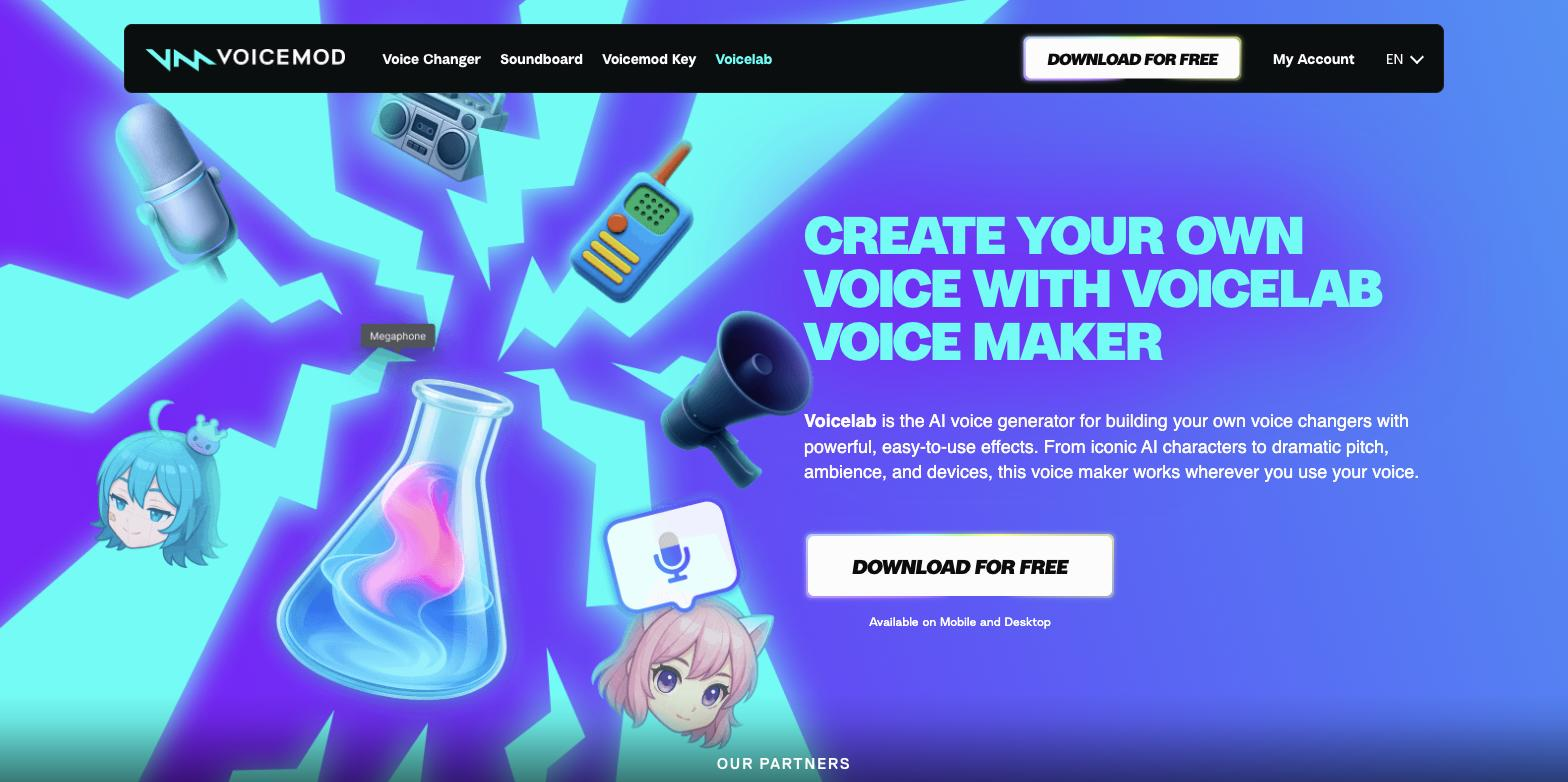
Lets you create or tweak voices by mixing effects, from reverb and delay to wilder ones, for your own custom sound.
Captures sound clips from any source, like YouTube or in-game audio, to add to your soundboards.
Works across voice apps like Discord as well as in-game voice chats, so the changed voice carries everywhere.
Lets you pull voices and sounds shared by the community to keep your soundboards fresh.
Pricing tiers and what's included in each.
Voicemod offers a free real-time voice changer and soundboard app. Pro pricing is shown only at in-app checkout rather than as a fixed public price.
A short path to first value.
Voicemod Beginner's Guide: Unlock Amazing Voice Effects in Minutes! 🎤✨
Common questions about this tool, answered.
It works across voice apps such as Discord and in-game voice chats by sitting between your mic and the app, so the changed voice carries into whatever you use.
Yes — Voicelab lets you create or tweak voices by mixing effects, and you can pull additional voices and sounds shared by the community.
It is built for live, social use in gaming and streaming, so it is not aimed at producing polished voiceover assets; a dedicated voiceover tool fits that.
Because it changes your voice live, the result depends on your microphone and audio setup, so a decent mic and clean input give the best results.
Context for choosing between this tool and alternatives.
The decision is live, social voice-changing versus produced voice assets. Voicemod suits gamers and streamers who want real-time voices and a soundboard in chat. For generating voiceovers or narration for video, a tool like Murf fits an entirely different job. Choose by whether you want to change your voice live in a game or produce polished speech for content.
Other tools that show up for the same kind of work.
Murf
Freemium
Synthesia
Freemium