
Synthesia
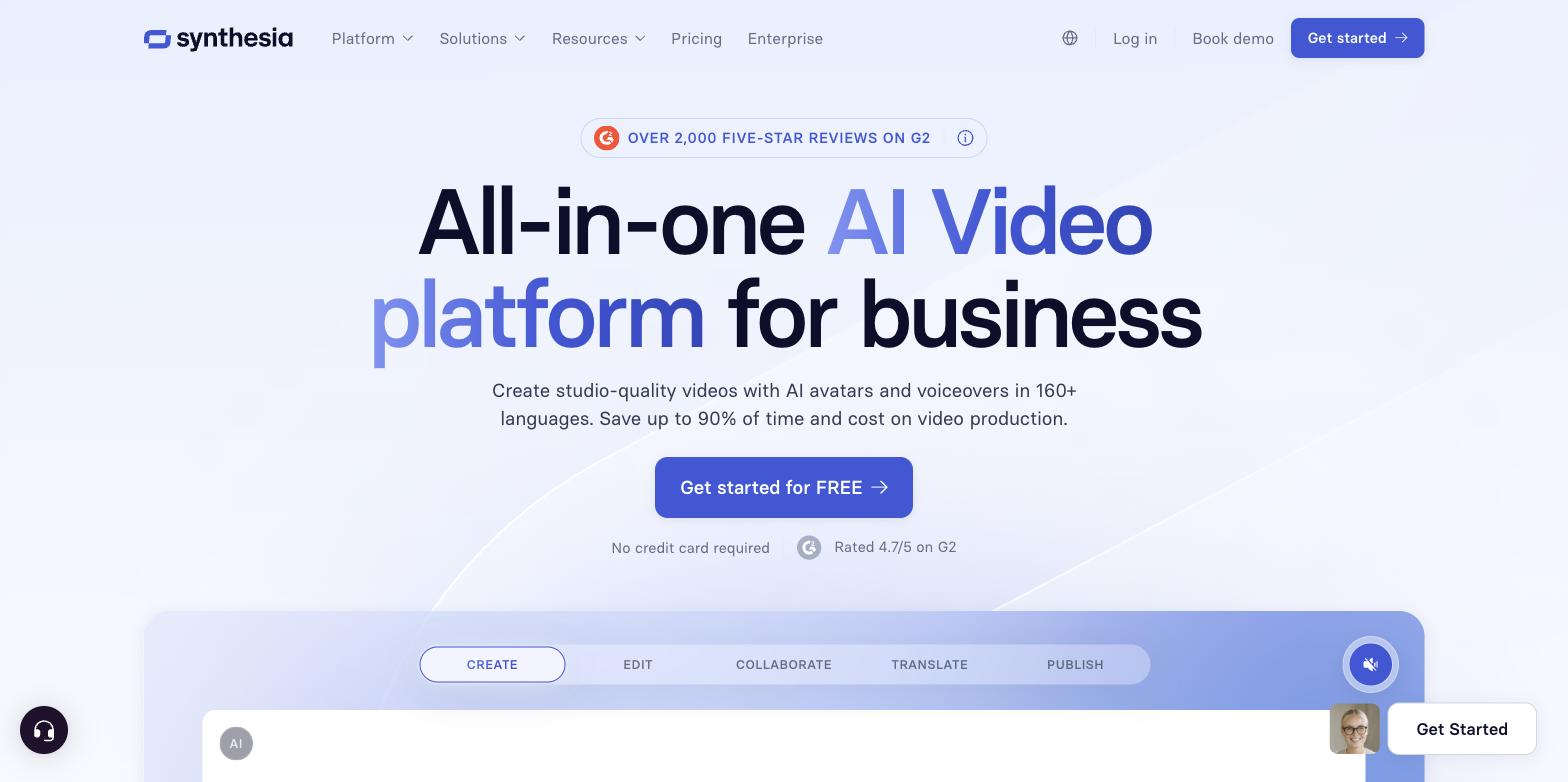
Turns scripts and documents into avatar-narrated videos in 160+ languages, with no camera or studio.
FreemiumFree planNo credit cardWeb
Last verified Jun 30, 2026
Turns scripts and documents into avatar-narrated videos in 160+ languages, with no camera or studio.
Last verified Jun 30, 2026
Fast-read signals for fit, pricing, and trust.
Synthesia is an AI video platform for business teams that need narrated video without filming. You write a script — or import a document or link — pick an avatar and language, and it produces a presenter-led video you can edit and localize. It suits training, marketing, and internal communication, where the same explainer often ships in several languages and gets updated often. It is not built for live-action or performance-driven video, where a real shoot still does better work.
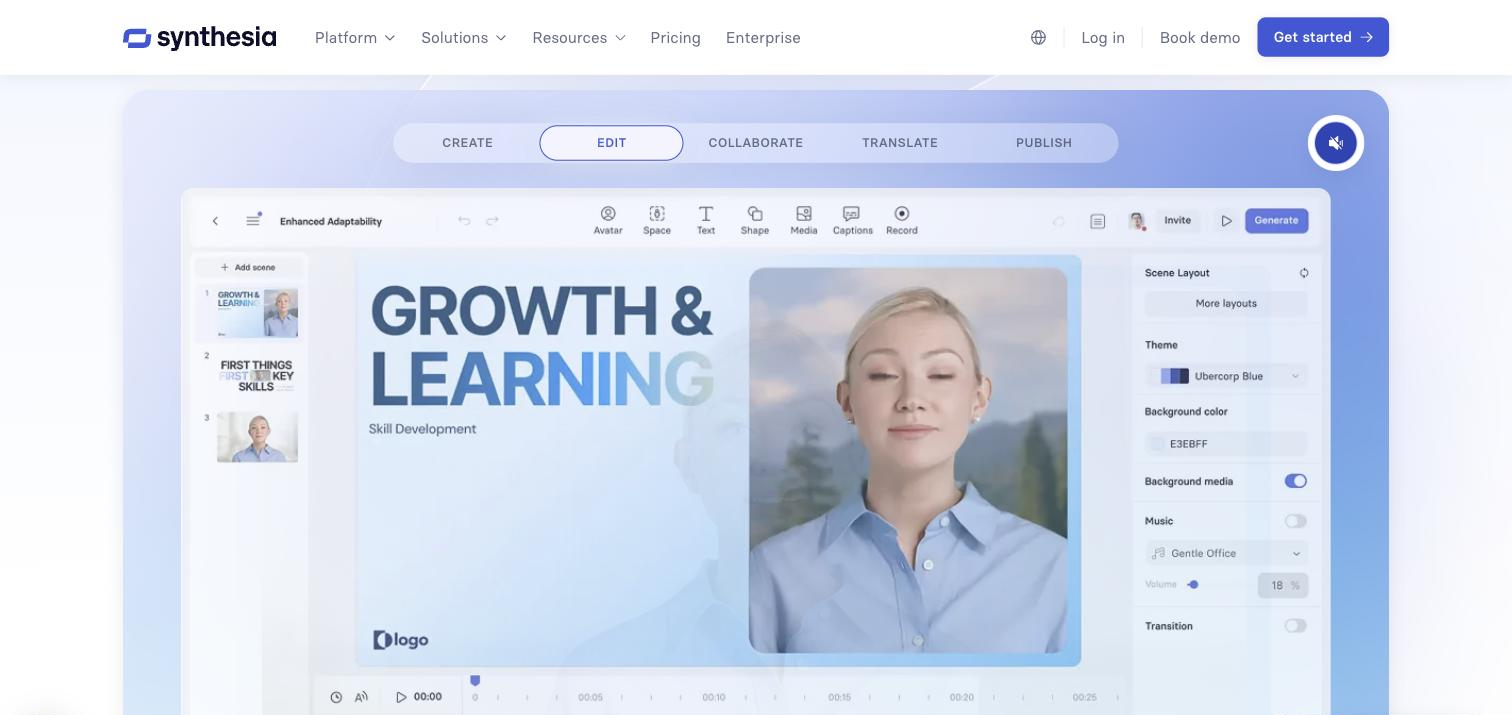
Synthesia generates videos narrated by AI avatars. Instead of filming, you write a script — or hand it an existing document or link — and it produces a presenter-led video with voiceover, available in many languages. Templates, a screen recorder, and a shared review space round out production.
It is aimed at teams that produce a steady stream of explainer, training, and update videos and don't want the cost or scheduling of a shoot. Learning-and-development, product marketing, and internal-comms teams are the core users: they can localize one video into several languages and update it later by editing the script rather than re-filming.
In the stack it replaces the recording-and-editing step for talking-head content and feeds wherever you host video. The limitation worth stating: output is avatar-led, so it is not the right tool for live-action, on-location, or performance-driven video — the strength is consistency and speed across many videos.
Quick fit check against how you actually work.
What you can actually do with this tool.
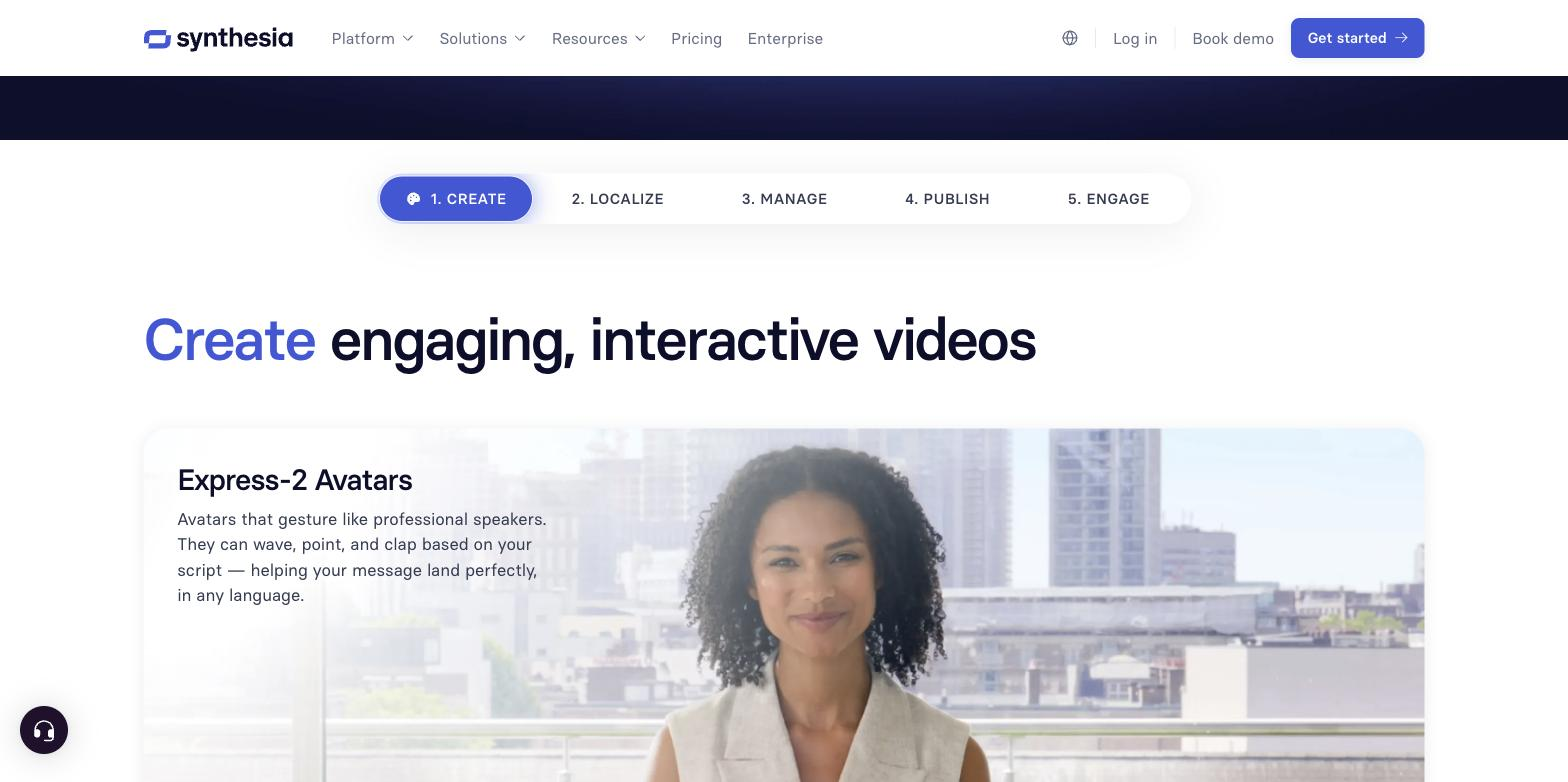
Generates a digital presenter that delivers your script on camera, with a large stock library and the option to create a custom avatar you control.
Turns an existing document, link, or notes into a first-draft video, so teams start from material they already have.
Produces narration across many voices and 160+ languages, letting one video be localized by changing the language.
Provides pre-built layouts for common business video formats — explainers, training, and updates — giving non-editors a starting structure.
Lets teammates comment on and edit videos in a shared workspace, so feedback happens in one place.
Captures screen walkthroughs that can sit alongside avatar narration, useful for demos and how-to content.
Pricing tiers and what's included in each.
Free plan available. Paid plans start at $29 per month.
A short path to first value.
import an existing document or link and let the platform draft a first version.
up a custom avatar you can reuse so videos keep a consistent presenter.
recordings where a product walkthrough helps explain the point.
with synced voiceover in the language you chose, ready to preview.
request edits in the same workspace, keeping feedback in one place.
update, then export to your LMS, help center, or video host.
AI Video in 3 Minutes with Synthesia (Full Tutorial)
Common questions about this tool, answered.
Because you start from a script rather than footage, a draft can be generated in minutes. Most of the time goes into writing the script and reviewing, not filming or editing.
You edit the script or scenes and regenerate, so a change doesn't require re-recording. That makes it practical to keep training or product videos current as details change.
For some audiences, yes — the presenter is generated, not filmed. For internal or informational content that is usually fine; for brand films where a real person matters, it is a weaker fit.
It offers a free tier and paid plans, but exact pricing needs verification before it is shown here. See the official pricing page for current figures.
Context for choosing between this tool and alternatives.
Choose Synthesia when you need consistent, script-based avatar video at scale across many languages, with team review built in. If your main need is a talking-head avatar for shorter marketing or social clips, HeyGen, D-ID, and Yepic AI are worth comparing; they overlap heavily on avatar generation and sometimes lead on features like real-time or photo avatars. Elai.io is another avatar-video option for similar business use. The decision usually turns on language coverage, avatar quality, and whether you need a full platform with collaboration or just a fast generator. Teams focused on turning long-form content into short clips are solving a different problem and should look at repurposing tools instead.