
Murf
Generates realistic AI voiceovers and speech, with an API, dubbing, and voice cloning.
FreemiumFree planWeb
Last verified Jun 30, 2026
Generates realistic AI voiceovers and speech, with an API, dubbing, and voice cloning.
Last verified Jun 30, 2026
Fast-read signals for fit, pricing, and trust.
Murf is an AI voice platform that generates realistic speech for voiceovers, voice agents, and dubbing. It is aimed at creators, learning designers, and developers who need natural-sounding audio without recording a voice actor. It pairs a customizable voiceover studio with a fast text-to-speech API and instant dubbing. It produces synthetic speech, so direction and review still matter for tone and accuracy.
It turns text into natural-sounding speech through two main surfaces: a studio where you craft and customize voiceovers, and a fast text-to-speech API built for voice agents and high-volume use, plus instant AI dubbing to recast audio into other languages. Voice cloning and a voice changer extend it, and integrations connect it to tools like Canva, Google Slides, and PowerPoint.
The users span creators and learning designers producing voiceovers, and developers powering voice features at scale, who want quality audio without studio recording. It works at the audio-production step, feeding videos, courses, apps, and presentations.
The limit to keep in mind: output is synthetic speech, so getting the right tone and accurate pronunciation still benefits from human direction and a review pass.
Quick fit check against how you actually work.
What you can actually do with this tool.
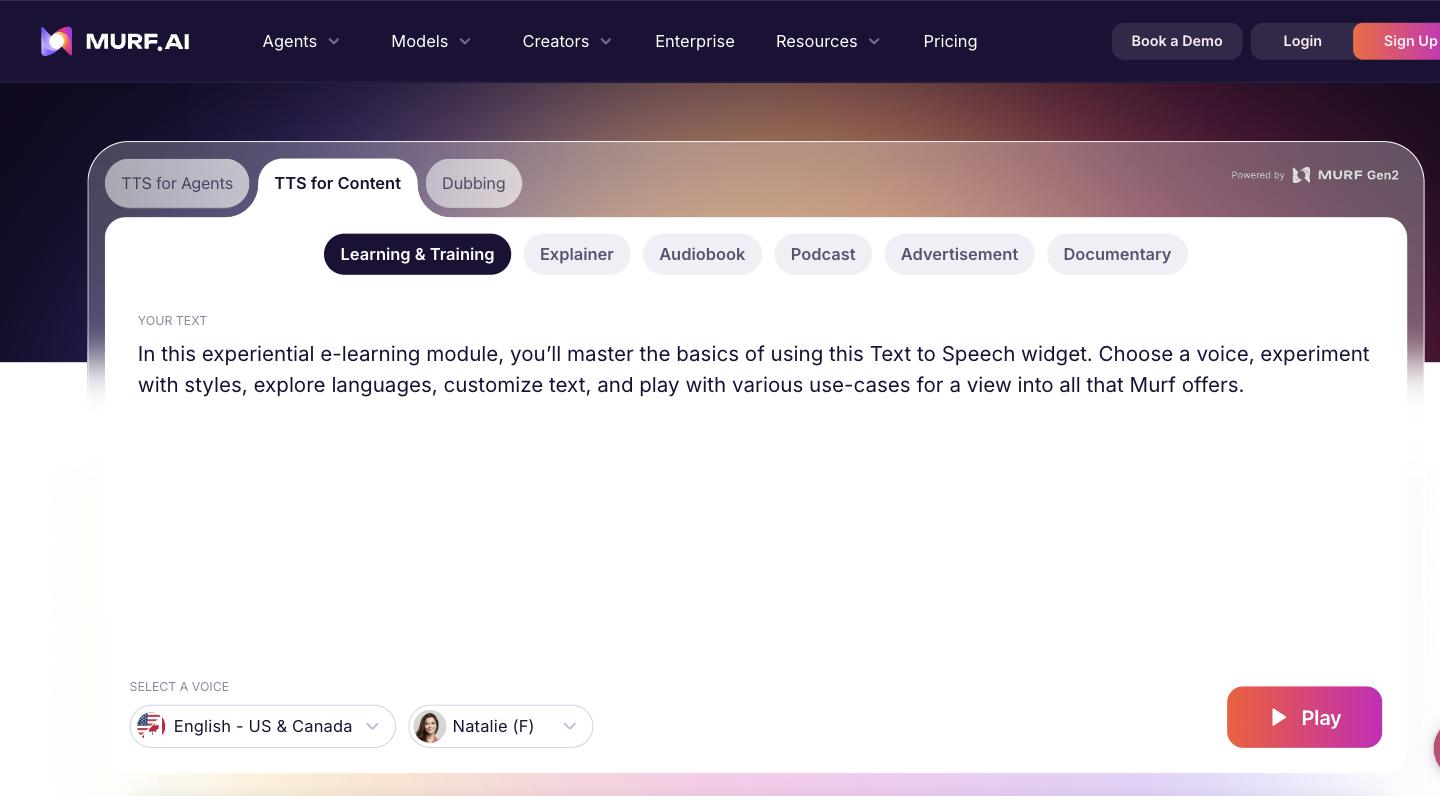
A customisable space to craft and fine-tune voiceovers from text for videos, courses, and other content.
A fast API built for voice agents and high-volume speech generation inside your own product.
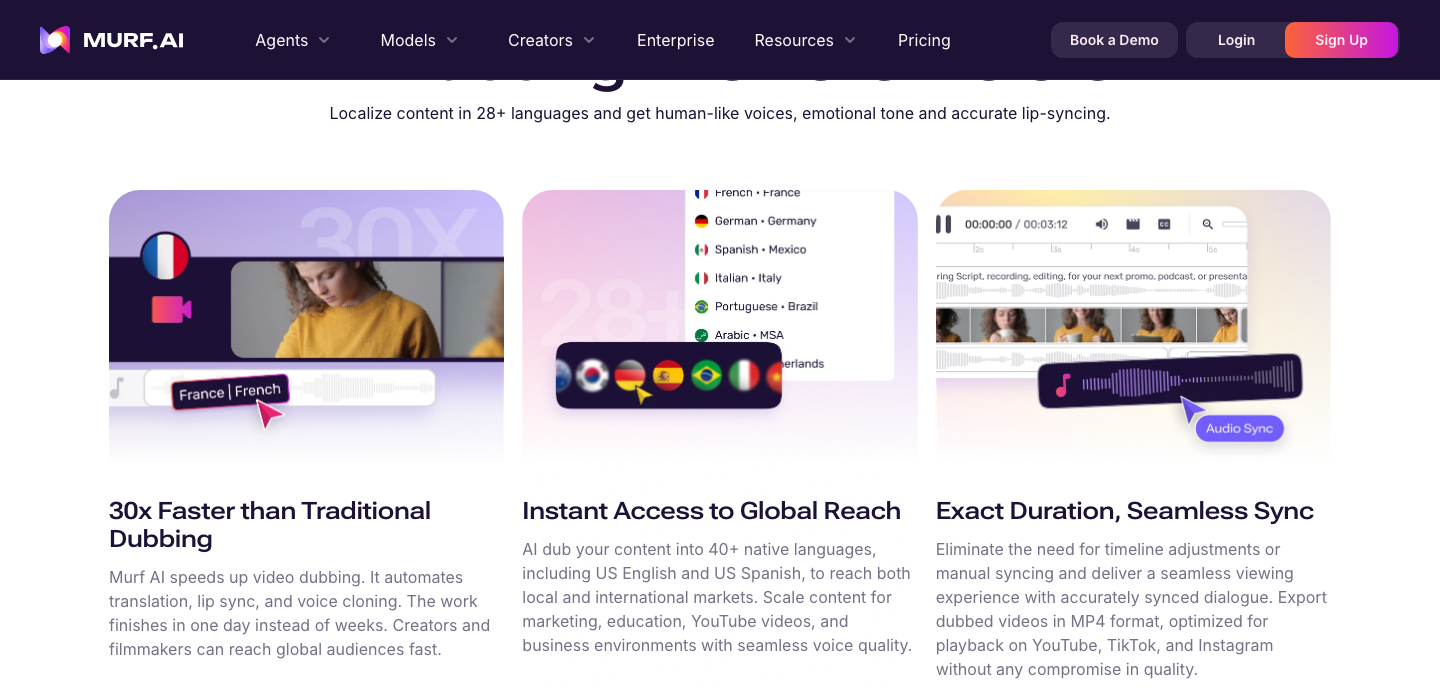
Recasts audio into other languages instantly, so existing video can be localised without re-scripting.
Creates a custom voice for consistent, personalised narration across a body of content.
Changes recorded speech into a different voice without re-recording the original.
Connects with Canva, Google Slides, Adobe tools, and PowerPoint, so narration fits into existing workflows.
Pricing tiers and what's included in each.
Free plan available. Paid plans start at $29 per month ($19/month billed annually).
A short path to first value.
Getting started with Murf Studio | Murf AI
Common questions about this tool, answered.
Yes — alongside the studio, a fast text-to-speech API is built for voice agents and high-volume use, so speech can be generated inside your own product.
Instant AI dubbing recasts audio into other languages, which is how teams produce localised versions without re-scripting and re-recording from scratch.
It is built around realistic voices, but output is still synthetic, so tone and pronunciation benefit from direction and a review pass before publishing.
Integrations connect it with Canva, Google Slides, Adobe tools, and PowerPoint, so narration can be added inside content workflows you already use.
Context for choosing between this tool and alternatives.
The decision is a broad voice platform versus a focused tool. Murf suits teams wanting a studio, an API, and dubbing together for voiceovers and voice features. For reading documents aloud across devices, a tool like Speechify fits a different job; for music, a generator is the answer. Choose by whether you need production voiceovers and a speech API or a different kind of audio.
Other tools that show up for the same kind of work.
Synthesia
Freemium