
TurboScribe
An app that transcribes audio and video into text, with speaker labels and many formats.
PaidWeb
Last verified Jul 7, 2026
An app that transcribes audio and video into text, with speaker labels and many formats.
Last verified Jul 7, 2026
Fast-read signals for fit, pricing, and trust.
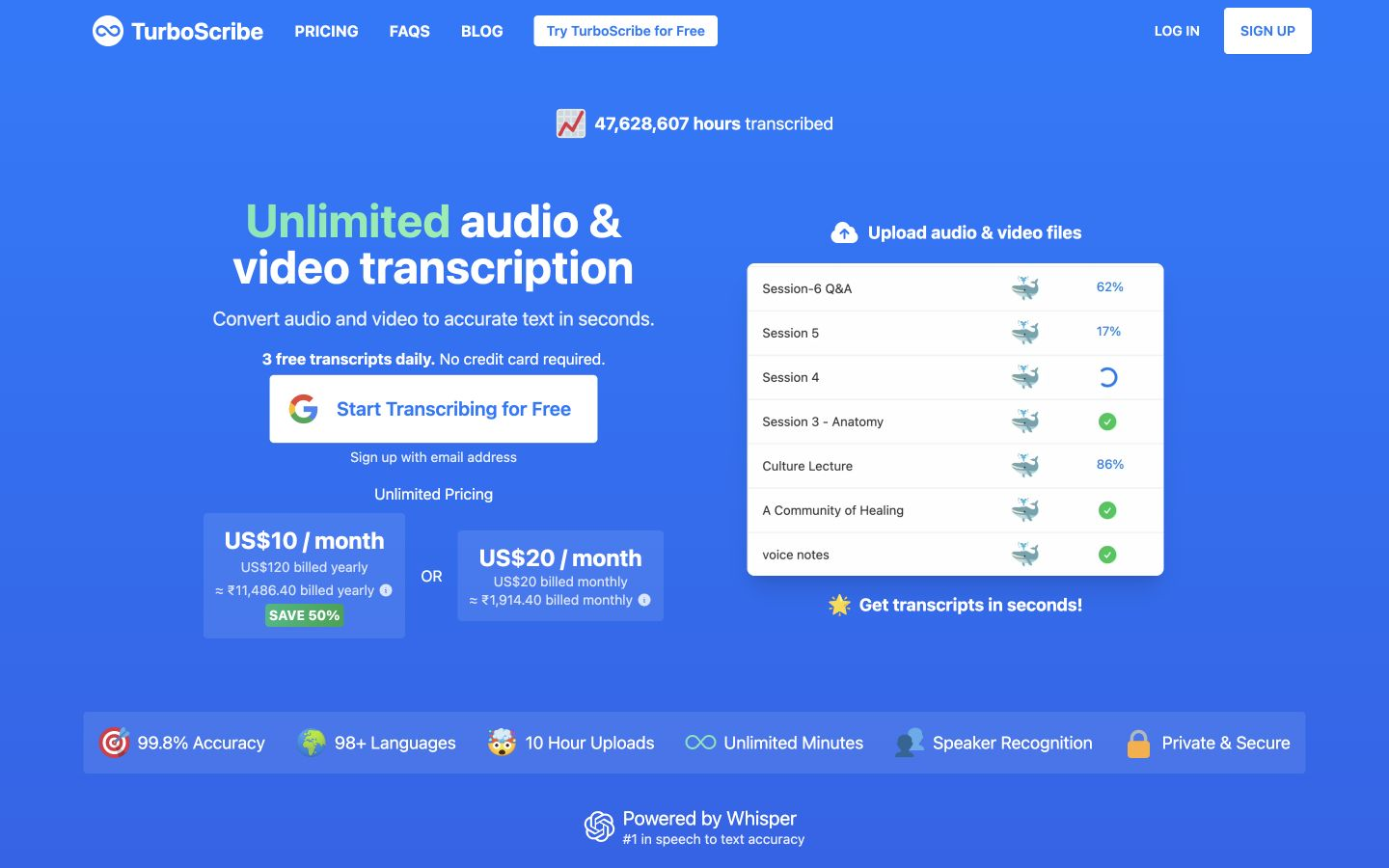
TurboScribe is a transcription app that converts audio and video into text across many languages, with speaker recognition, built-in translation, and export to formats like PDF, DOCX, SRT, and TXT. It is aimed at researchers, journalists, and professionals who want to transcribe files themselves without coding. A simple app with broad export and language support is its draw. Accuracy varies with audio quality and accents.
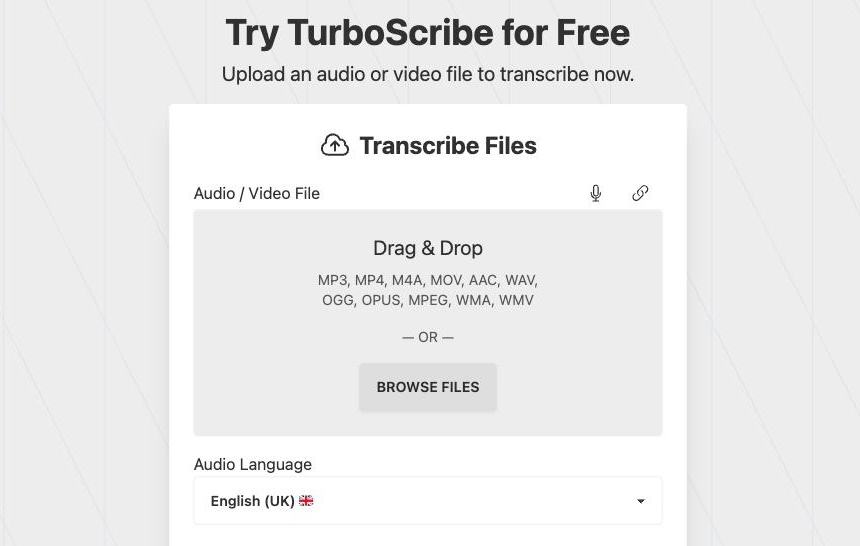
You upload audio or video and it returns a transcript across many languages, with speaker labels, optional translation, and an audio-restoration tool, then exports to PDF, DOCX, SRT, or TXT for documents, subtitles, or editing.
It suits researchers, journalists, students, and professionals who need to turn recordings into usable text themselves, in an app rather than via an API.
Transcription accuracy depends on audio clarity, overlapping speakers, and accents, so a proofread is worth it for important material, and speaker labels can need correcting.
Quick fit check against how you actually work.
What you can actually do with this tool.
Converts recordings into text across many languages.
Labels who said what, so transcripts of conversations are easier to follow.
Translates transcripts, useful for multilingual material.
Exports to PDF, DOCX, SRT, and TXT for documents, subtitles, or editing.
Cleans up audio to improve transcription on rougher recordings.
Pricing tiers and what's included in each.
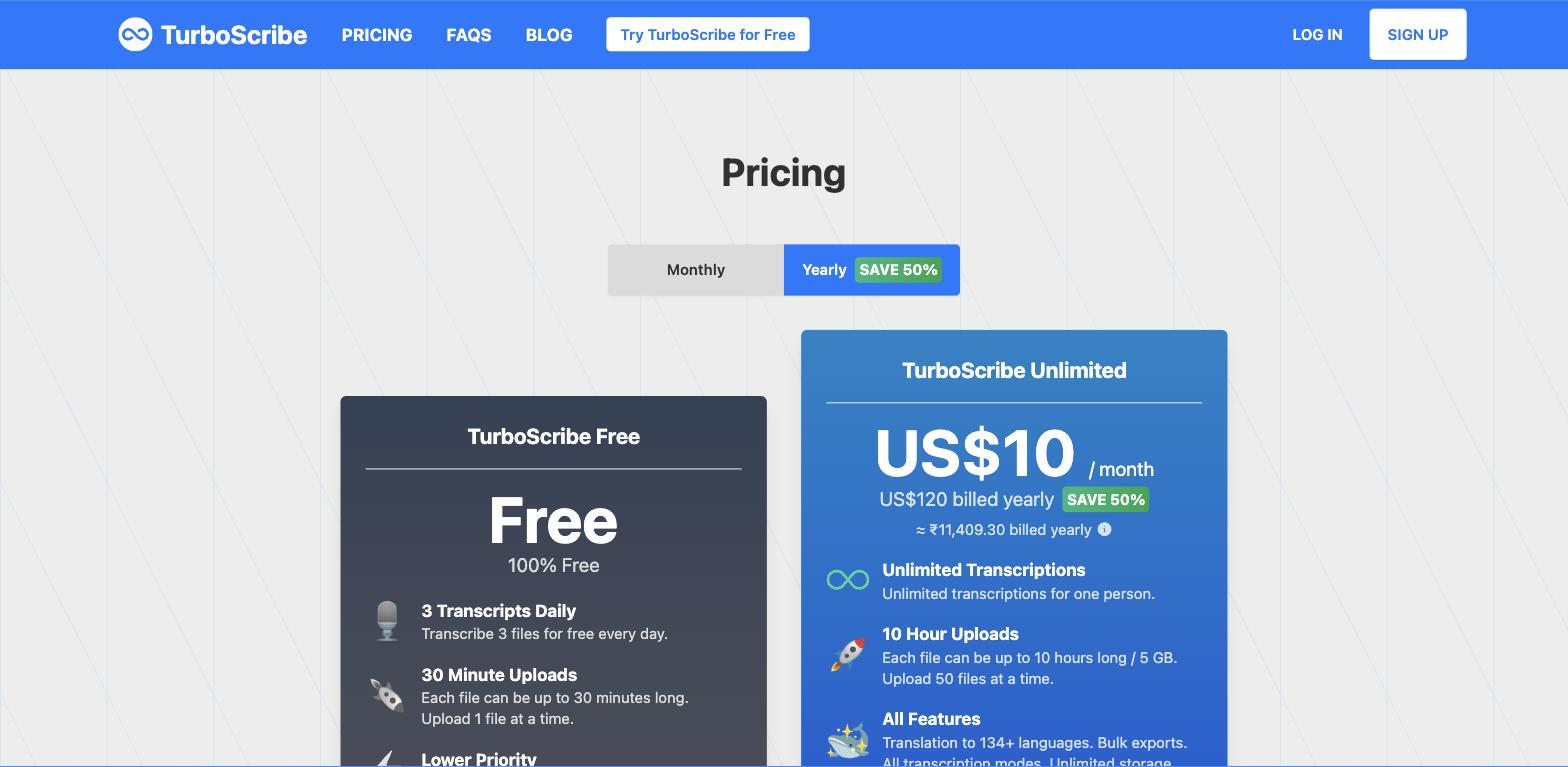
TurboScribe offers a free plan (limited daily transcriptions) plus a paid Unlimited plan.
A short path to first value.
Common questions about this tool, answered.
Generally good on clear audio, but overlapping speakers, accents, and noise reduce accuracy, so proofread important material.
It labels different speakers in the transcript, though on busy or overlapping audio those labels can need correcting.
PDF, DOCX, SRT, and TXT, which covers documents, subtitles, and editing workflows.
An app — you transcribe files yourself, so for building transcription into a product an API like Rev AI fits better.
Context for choosing between this tool and alternatives.
As an app rather than an API, TurboScribe suits people transcribing files themselves, with broad export formats. Rev AI is the developer-API alternative for building features; other apps trade format range for extras. Compare on whether you want a ready app or an API to integrate.
Other tools that show up for the same kind of work.
Murf
Freemium
Speechify
Freemium