
Speechify
Reads text aloud with natural AI voices across browser, mobile, and desktop.
FreemiumFree planWeb
Last verified Jun 16, 2026
Reads text aloud with natural AI voices across browser, mobile, and desktop.
Last verified Jun 16, 2026
Fast-read signals for fit, pricing, and trust.
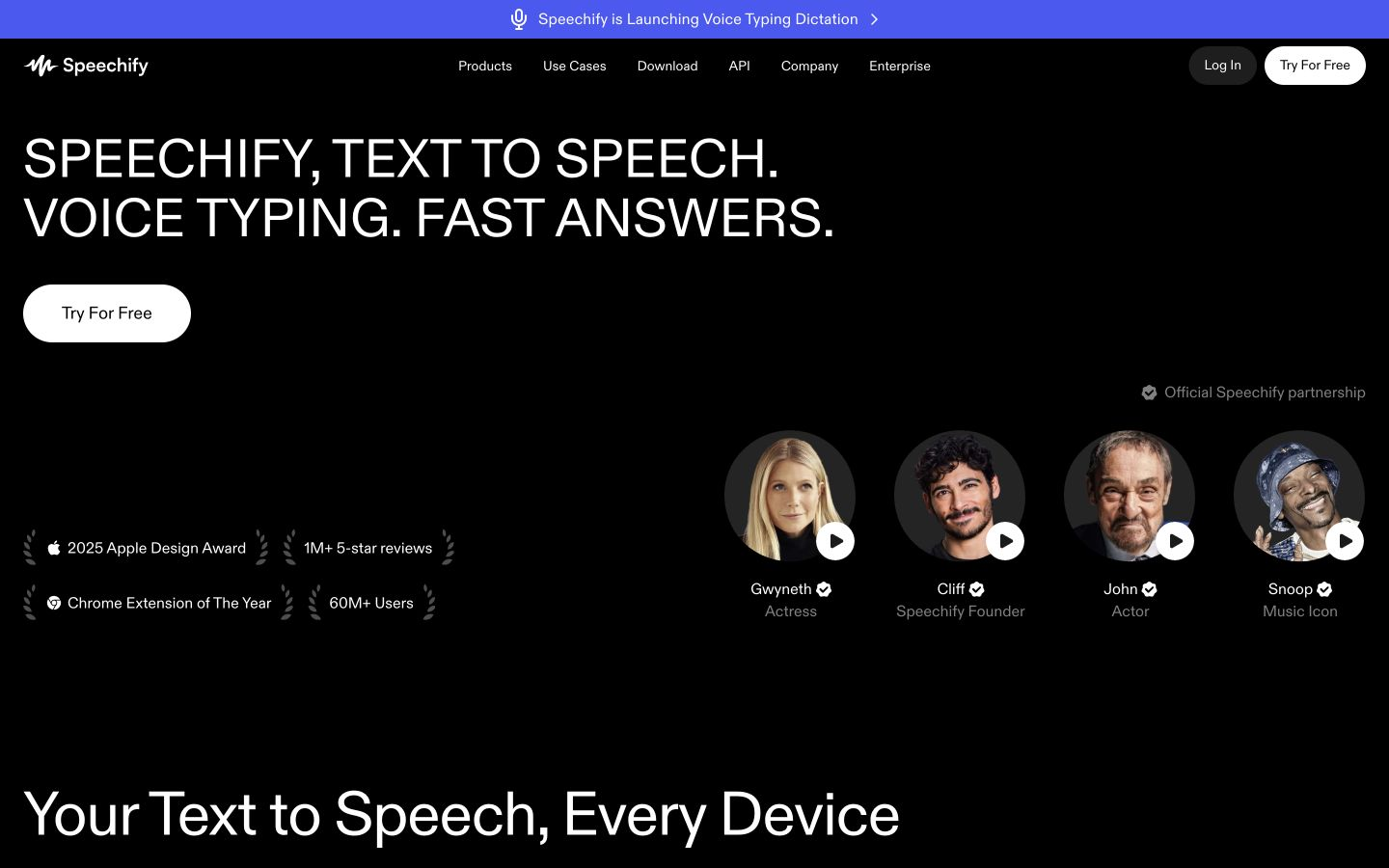
Speechify is a text-to-speech app that reads documents, articles, and PDFs aloud in natural voices across devices. It works as a browser extension, mobile and desktop apps, and a PDF reader, with 1,000+ voices, adjustable speed. It is aimed at people who prefer to listen — students, professionals, and anyone reading a lot. Quality and features vary by surface and plan.
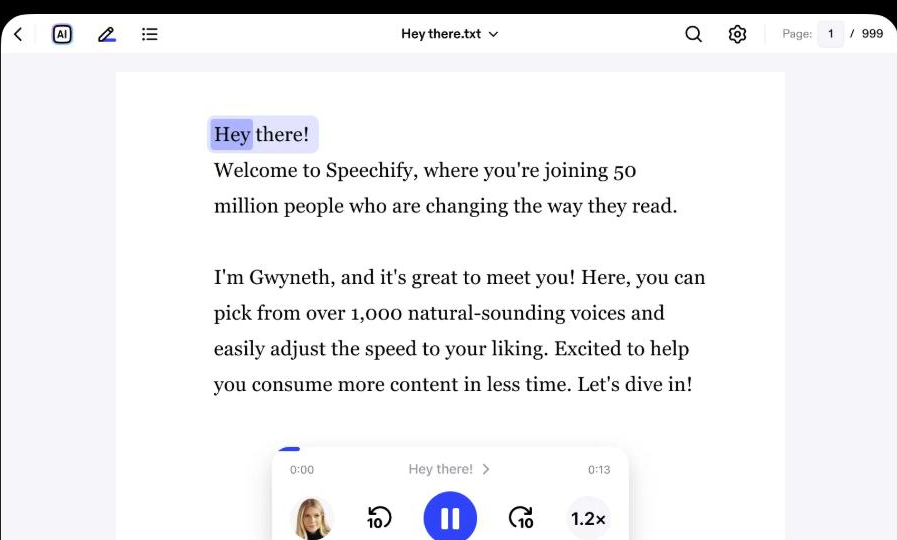
It reads text aloud in natural voices wherever you work — a Chrome extension, iOS and Android apps, and desktop apps for Mac and Windows — handling PDFs, articles, emails, and documents, with adjustable speed and a voice assistant that can summarize or answer questions about what you're hearing.
It suits students, busy professionals, and anyone who absorbs more by listening, including people with reading differences, who want their material read aloud across devices. It works as a listening-and-voice layer over the apps and browsers already in use.
The boundary: it spans many surfaces and features, so capabilities and voice quality vary by platform and plan, and breadth means some features matter to you while others won't.
Quick fit check against how you actually work.
What you can actually do with this tool.
Reads text aloud through a browser extension and mobile and desktop apps, so you can listen to content on whichever device you are using.
Offers a large library of voices with adjustable playback speed, so you can pick a voice you like and listen faster than you would read.
Reads PDFs, articles, and documents aloud and can summarise them, which suits getting through long or dense material.
Pricing tiers and what's included in each.
Speechify Reader offers a free plan (text-to-speech only). Premium is $29 per month.
A short path to first value.
How to use Speechify - Tutorial
Common questions about this tool, answered.
It runs as a Chrome extension and as apps for iOS, Android, Mac, and Windows, so you can have text read aloud across the browsers and devices you already use.
It offers adjustable playback speed alongside a large voice library, so you can listen faster than you would read while still following the content.
It centres on reading and listening across devices for productivity; for polished, studio-grade voiceover assets for video, a dedicated voiceover tool tends to fit better.
Context for choosing between this tool and alternatives.
Reading across your apps versus producing audio is the split. Choose it when you want flexible text-to-speech for getting through material on any device. If the need is studio-grade voiceover for video or product narration, Murf or ElevenLabs offer more production control. Heavy readers value the cross-device reading; creators making audio for content lean to a dedicated voiceover tool.
Other tools that show up for the same kind of work.
Synthesia
Freemium
Murf
Freemium