
Topview
Turns products and URLs into short video ads with AI avatars, voiceover, and captions.
PaidWeb
Last verified Jul 8, 2026
Turns products and URLs into short video ads with AI avatars, voiceover, and captions.
Last verified Jul 8, 2026
Fast-read signals for fit, pricing, and trust.
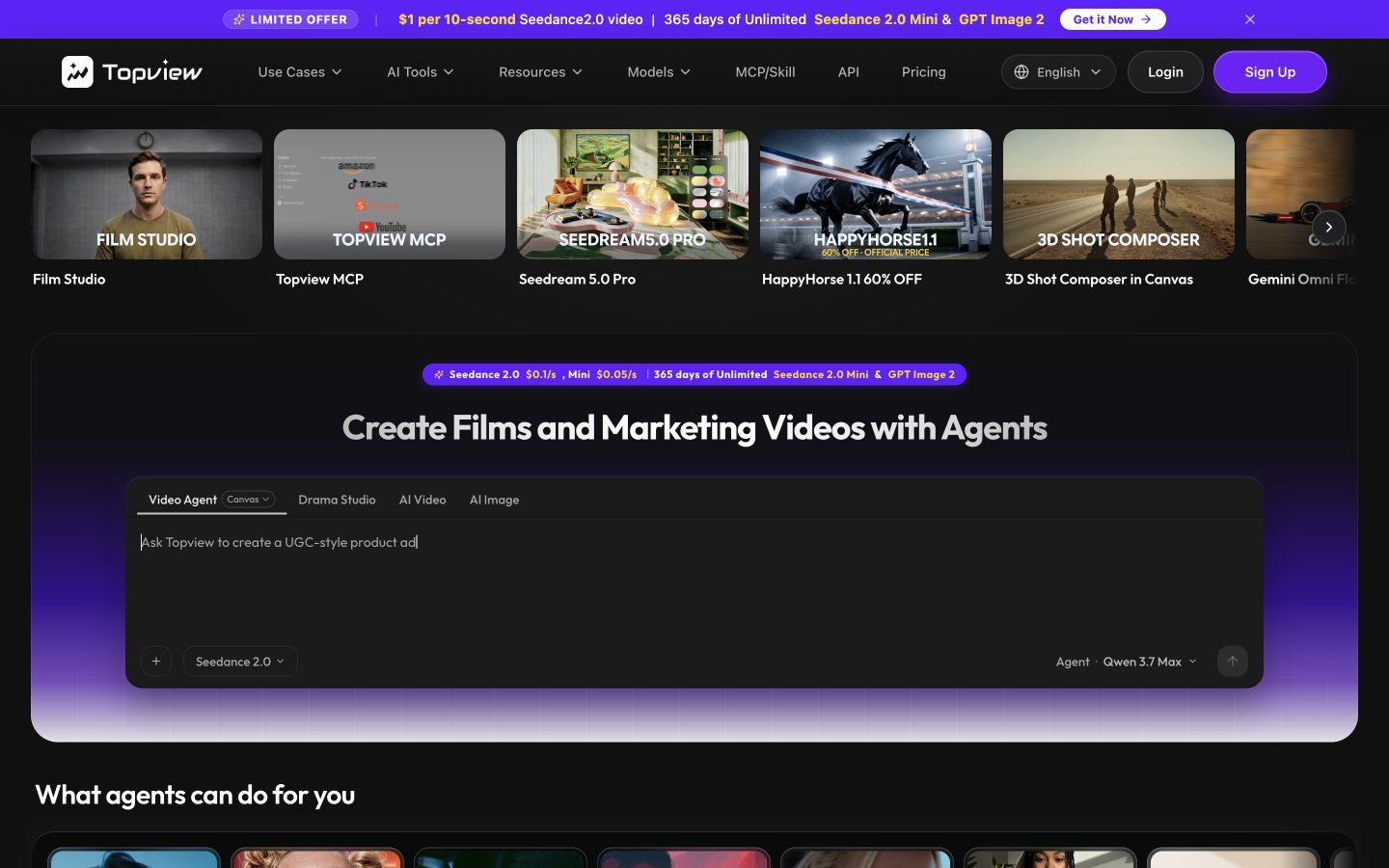
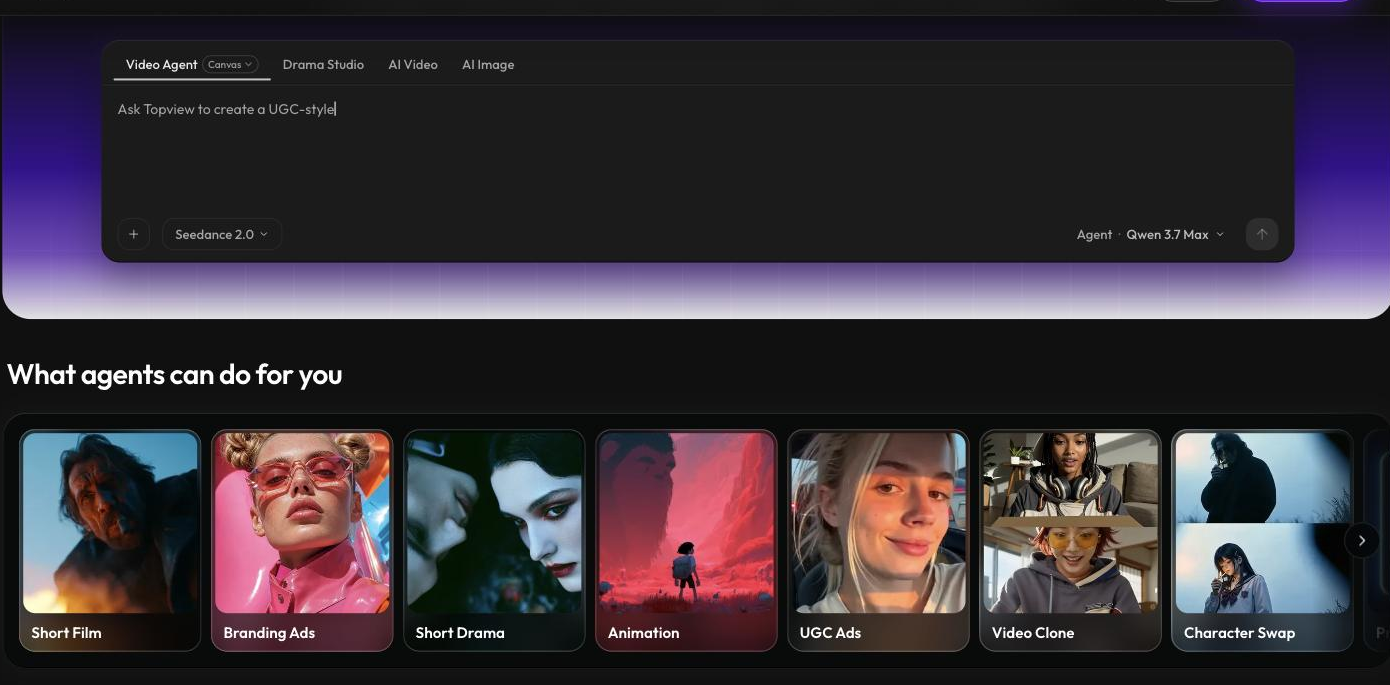
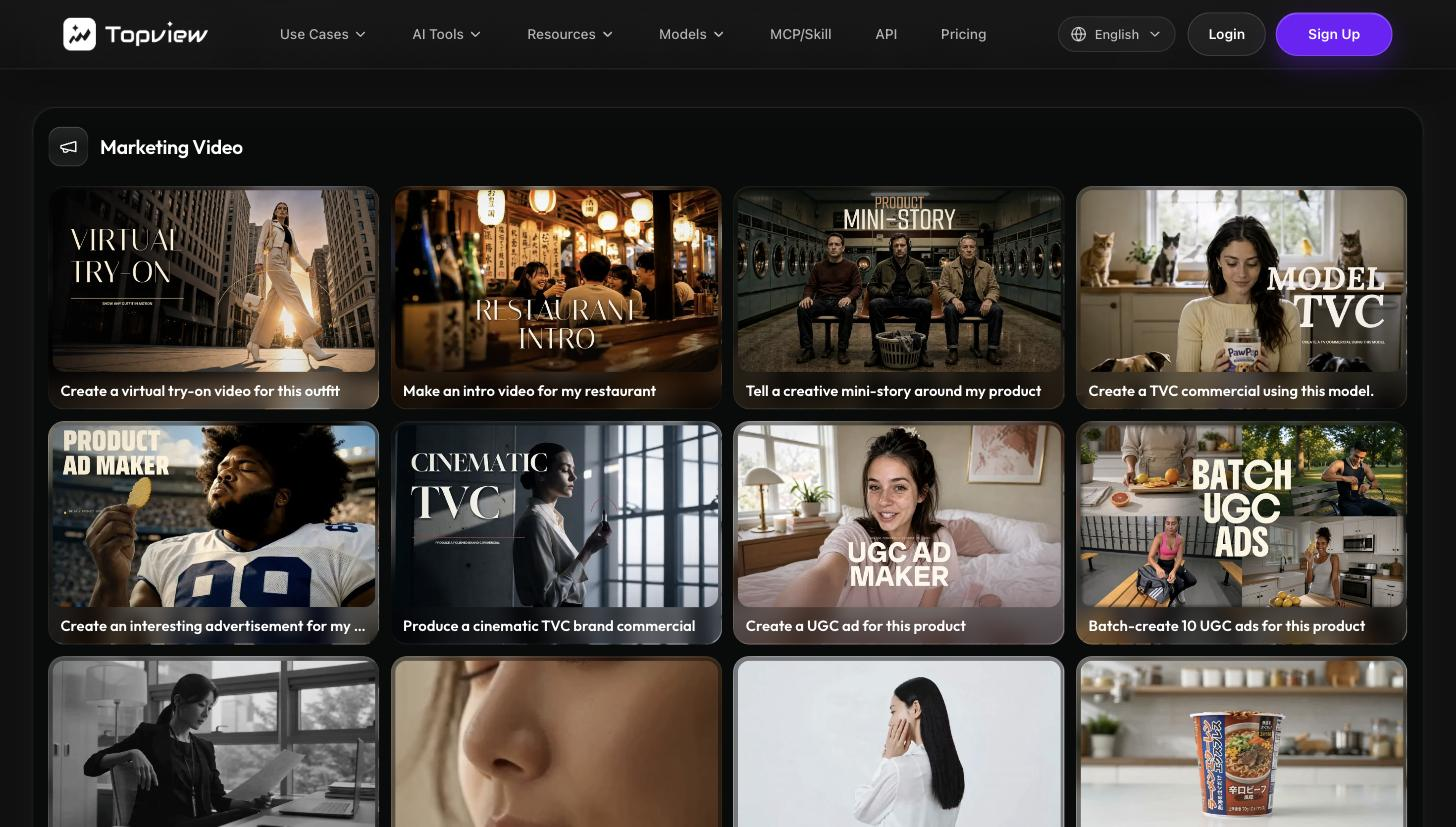
Topview is an AI video-ad generator that turns a product, URL, or footage into short marketing videos with AI script, clip editing, voiceover, avatars, and captions. It is aimed at ecommerce sellers and social marketers who need a stream of video ads without filming or editing. URL-to-video and product-avatar features focus it on commerce. Generated video is a fast draft that needs a review for accuracy and brand fit.
You start from a product, a URL, or footage and it assembles a short video ad — writing a script, selecting and editing clips, adding AI voiceover, avatars, and auto-captions, with multi-language support. Product-focused modes turn a listing or image into a video.
It suits ecommerce sellers, performance marketers, and creators who need frequent short-form video for ads and social and can't film each one.
Generated videos use AI voiceover and avatars and assemble clips automatically, so accuracy, pacing, and brand fit warrant a review, and the most polished campaign work may still need manual editing.
Quick fit check against how you actually work.
What you can actually do with this tool.
Generates an ad script from a product or URL, so a video starts with structured copy.
Selects and edits clips automatically, assembling a draft without manual cutting.
Adds AI voiceover, so a video has narration without recording.
Includes avatars and talking-photo options to present a product on camera without filming.
Adds captions and supports 20-plus languages, widening reach without manual subtitling.
Turns a product, image, or URL into a video, focusing the tool on commerce use.
Pricing tiers and what's included in each.
Topview offers four paid plans. Pro is $16 per month (960 credits per year, roughly 240 videos, 4 concurrent tasks). Business is $44 per month (3,000 credits per year, ~750 videos, 8 concurrent tasks). Ultra is $50 per month (500 credits per month, 12 concurrent tasks). Team is $56 per seat per month (500 credits per seat per month, collaboration features). Enterprise pricing is available on request. Note: prices shown on the site included promotional discounts at the time of review — verify current rates at topview.ai/pricing.
A short path to first value.
Common questions about this tool, answered.
Usually a review at least — auto-assembled clips, voiceover, and pacing benefit from a check for accuracy and brand fit before posting.
Yes — product and URL modes are core, turning a listing into a draft video, though results vary with the source page.
It uses AI voices, which are clear but synthetic, so review tone and pronunciation for important ads.
It's tuned for short ads and social clips, so long-form or highly produced video sits outside its sweet spot.
Context for choosing between this tool and alternatives.
For turning products into video ads, Topview centres on commerce. Creatify is the closest comparison for product-to-video; Omneky and AdCreative.ai lean to static and omnichannel creative; Synthesia focuses on avatar business video. Compare on whether product-driven short ads or a different video style is the need.
Other tools that show up for the same kind of work.