
Creatify
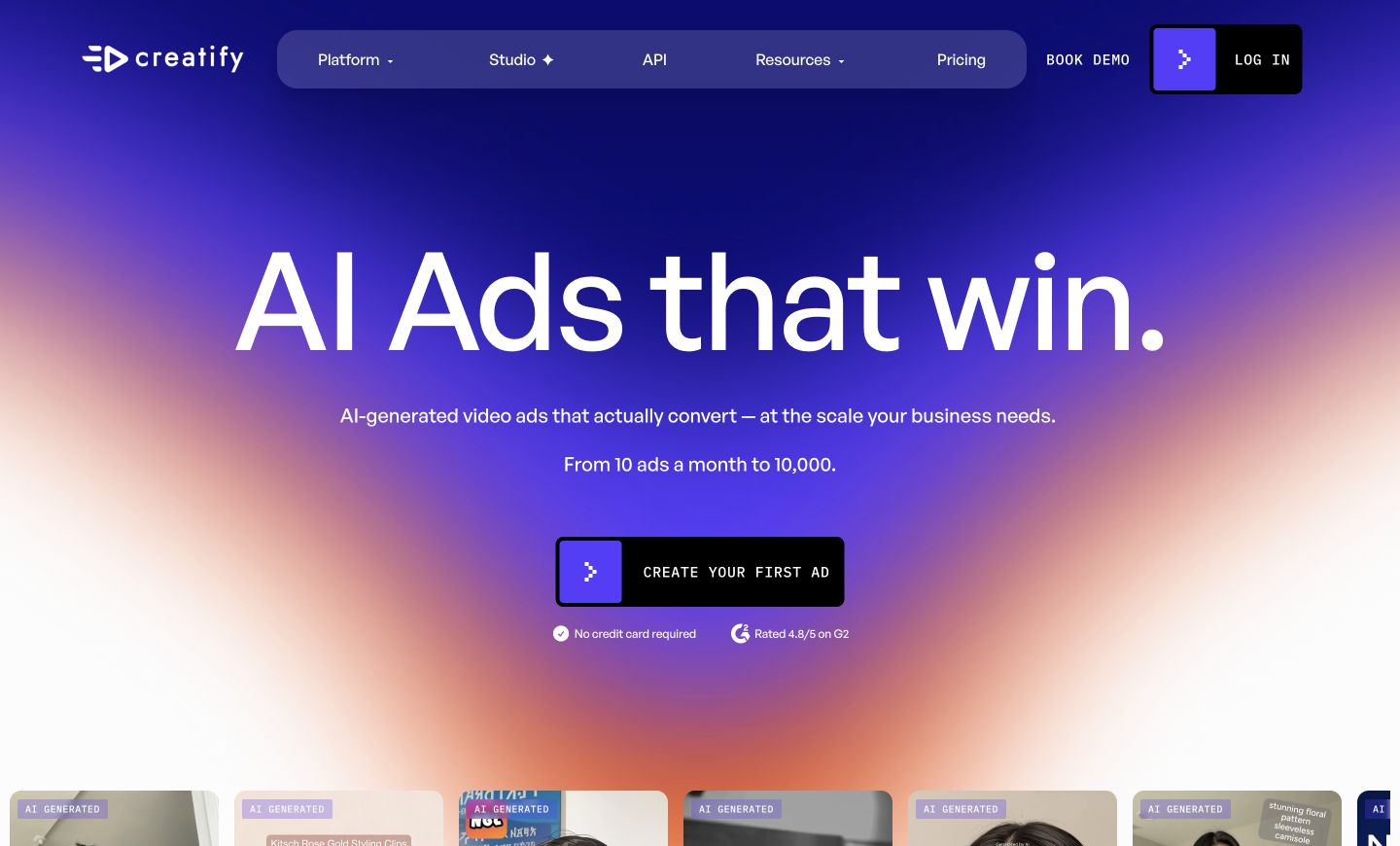
Generates video ads from a product URL using AI avatars, voiceovers, and scripts, at scale.
FreemiumFree planWeb
Last verified Jun 16, 2026
Generates video ads from a product URL using AI avatars, voiceovers, and scripts, at scale.
Last verified Jun 16, 2026
Fast-read signals for fit, pricing, and trust.
Creatify is an AI video-ad platform that turns a product page into short video ads. It writes scripts, adds AI avatars and voiceovers, and produces many ad variations in batch, with a library of templates by industry and platform. It is aimed at performance marketers, ecommerce brands, and agencies that need a steady supply of ad creative. Outputs are a starting point that still need review and testing.
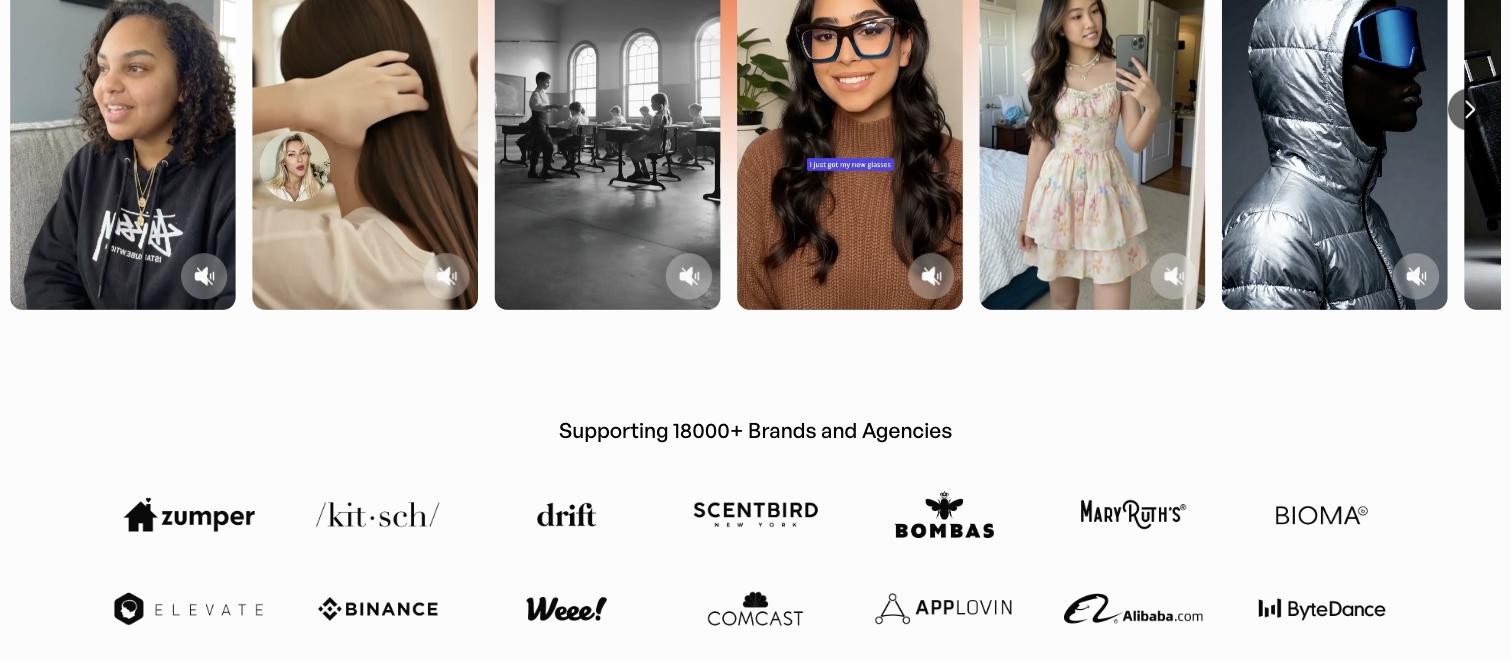
Point it at a product URL or a short description and it drafts an ad script, then assembles a short video with an avatar and voiceover; batch mode spins up many variations at once, and a template library organized by industry and platform gives ready-made structures to start from. Custom avatars and a range of voices let a brand keep a consistent presenter across a campaign.
It is built for ecommerce brands, performance marketers, and agencies running paid social, where more creative than a small team can shoot is the constraint and testing many cuts is the point. It sits at the creative-production step, feeding ad platforms downstream.
The honest edge: output is a starting point. Generated ads need a human pass for brand fit and accuracy, and real testing to find what works, rather than arriving publish-ready.
Quick fit check against how you actually work.

What you can actually do with this tool.
Turns a product URL or a short description into a finished short video ad, so the creative starts from what you already sell rather than a blank timeline.
Adds a realistic on-screen presenter, with custom avatars so a brand can keep a consistent face across many ads.
Gives each ad natural-sounding narration without recording a voice actor, in a range of voices to match the audience.
Drafts the ad script from the product details, so a team doesn't have to write or storyboard each variation from scratch.
Generates many ad variations at once, which suits performance teams that need a steady supply of creative to test across placements.
Offers ad formats organised by industry and platform, giving teams ready-made structures to start from instead of designing each ad alone.
Pricing tiers and what's included in each.
Free plan available ($0, 10 credits/month, watermarked exports). Paid plans start at $39 per month (Starter); Pro is $99 per month.
A short path to first value.
Creatify AI - How to create a video ad with the help of AI in just a few clicks
Common questions about this tool, answered.
It includes a discovery side that surfaces popular ad templates by industry and platform and lets you analyze and remix high-performing example concepts, so creative doesn't start from a blank slate.
Plan for a review-and-test loop: a person signs off each cut before it runs, then you let variations compete to see what converts. Treating the raw output as a finished campaign is the common mistake.
Its volume and batch output suit agencies producing creative for several brands, though keeping each brand's voice consistent still depends on the avatars, voices, and review you set up.
The template library is organized by platform, so a team can start from formats shaped for the placement they are targeting rather than re-sizing a single cut.
Context for choosing between this tool and alternatives.
The question is product-to-video automation versus a wider creative suite. Choose it when you need video-ad variations from product pages, with avatars and batch output. For broader creative including static formats, AdCreative.ai or Omneky cover more; other avatar-video ad tools such as Arcads or Topview overlap on the video side. Performance teams that live on variation testing tend to value the automation; teams needing many formats lean to a suite.
Other tools that show up for the same kind of work.
AdCreative.ai
Paid
Quickads
Paid