Quickads
Generates ads and product visuals, with virtual models and try-on, plus scheduling and publishing.
PaidFree trialNo credit cardWeb
Last verified Jun 30, 2026
Generates ads and product visuals, with virtual models and try-on, plus scheduling and publishing.
Last verified Jun 30, 2026
Fast-read signals for fit, pricing, and trust.
Quickads is an AI ad platform that generates ad creative and product visuals, including virtual photoshoots, and helps schedule and publish campaigns. It is aimed at ecommerce brands and marketers who need a steady supply of ads and on-model product imagery. It pairs a large ad-example library with custom virtual models and try-on. Generated creative is a starting point that still needs review and testing.
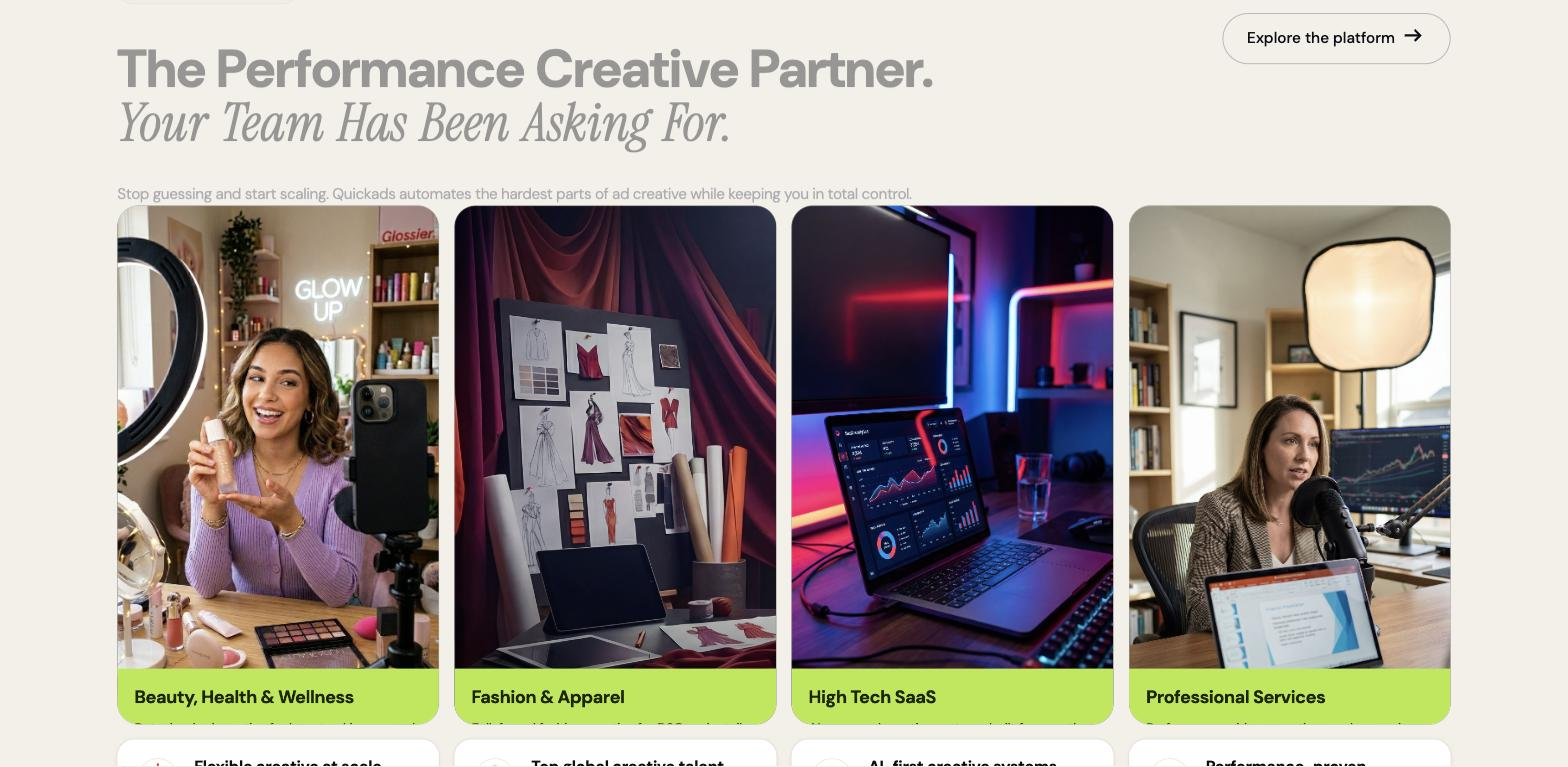
It generates ad creative and runs virtual product photoshoots — you can design custom virtual models, control their appearance, change poses, and use try-on to show garments on those models — then edit video and schedule and publish campaigns to social channels. A large library of ad examples seeds ideas, so creative starts from proven references rather than a blank canvas.
The users are ecommerce brands, performance marketers, and agencies that need both ad creative and product visuals at volume and don't want separate tools or a studio for each. It works across creative production and into scheduling and publishing.
The edge to keep in mind: generated ads and virtual model shots are a starting point — they need a human pass for brand fit and accuracy, and testing to find what performs.
Quick fit check against how you actually work.
What you can actually do with this tool.
Creates ad creative with a large library of ad examples to seed ideas, so you start from proven references rather than a blank canvas.
Runs product photoshoots with custom virtual models you design and control, replacing studio and model logistics.
Lets you tailor a model's body, features, and pose to your specifications for the product visual you need.
Shows garments on virtual models, so apparel can be presented in different poses without a real sample shoot.
Edits video for ad creative inside the same platform, so production and editing stay in one place.
Schedules and publishes campaigns to social channels, so a team can move from creation to running an ad in one tool.
Pricing tiers and what's included in each.
7-day free trial. Paid plans start at $29 per month.
A short path to first value.
QuickAds - AI Ads Generator | Effortless Ads in 30 seconds
Common questions about this tool, answered.
Yes — you can design models and control their body, features, and pose, then use try-on to present apparel, replacing a model-and-studio shoot.
It goes beyond creation into scheduling and publishing to social channels, so a team can move from generating an ad to running it in one place.
Yes — ad creative and virtual model shots are a starting point needing a human check for brand fit and accuracy, plus testing to see which perform.
A large library of ad examples seeds ideas, so you start from proven references rather than a blank canvas, then customise from there.
Context for choosing between this tool and alternatives.
The decision is an all-in-one ad-and-product-visual platform versus focused tools. Quickads suits brands wanting ads, virtual models, and publishing together. For product-to-video ads specifically, a tool like Creatify focuses there; for static ad creative, AdCreative.ai is an option. Choose by whether you want creative, virtual photoshoots, and scheduling under one roof or a single specialized step.