
Revid AI
Turns a story or script into short vertical videos for TikTok, Reels, and Shorts.
PaidNo credit cardWeb
Last verified Jul 4, 2026
Turns a story or script into short vertical videos for TikTok, Reels, and Shorts.
Last verified Jul 4, 2026
Fast-read signals for fit, pricing, and trust.
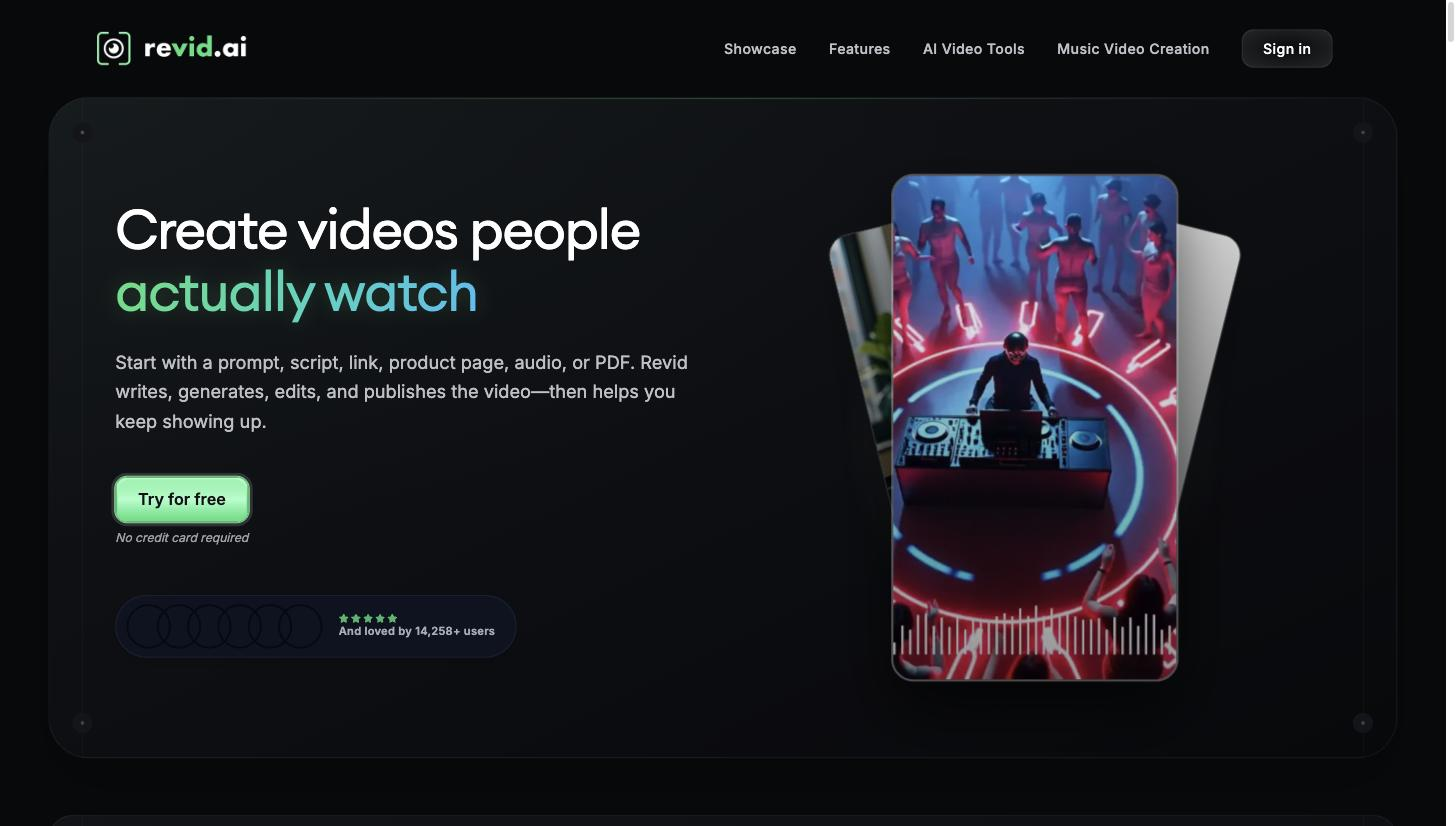
Revid AI is a short-video generator that turns a story, script, or idea into vertical videos for TikTok, Instagram, and YouTube, with AI voices, templates, and one-click publishing. It is aimed at creators and marketers who want a steady stream of short social video without filming or editing. A script generator, many voices, and direct publishing focus it on faceless short-form. Generated clips are a fast draft that needs a review before posting.
You give Revid AI a story, script, or idea and it assembles a short vertical video — generating a script, adding a voice from a large set, applying a style or template, and editing it into a postable clip — with one-click publishing to TikTok, Instagram Reels, and YouTube Shorts.
It suits creators, faceless-channel operators, and social marketers who need a steady stream of short-form video and want the script-to-publish steps in one place rather than moving between a writer, a voice tool, and an editor; it sits at the production end of a social workflow, feeding straight into the platforms. It is a single product focused on short vertical video.
The honest limit: auto-generated scripts, voices, and edits are a fast first draft, so accuracy, pacing, and originality warrant a review, and a standout video may still need manual editing before it posts.
Quick fit check against how you actually work.

What you can actually do with this tool.
Drafts a script from a story or idea, so a video starts with structured narration.
Offers many AI voices, so narration fits the channel's tone without recording.
Applies video styles and templates, so clips look consistent across a channel.
Provides an editor to adjust the clip without a full video suite.
Publishes directly to social platforms, closing the gap from creation to posting.
Pricing tiers and what's included in each.
Paid plans start at $39 per month (Hobby); higher tiers scale by monthly AI-credit allowance up to $199 per month (Ultra). Some prices may be promotional — check the official site.
A short path to first value.
Common questions about this tool, answered.
Usually a review at least — auto script, voice, and edits benefit from a check for accuracy, pacing, and originality before it goes live.
One-click publishing connects to social platforms, so you can post from the tool, though you'll still review first.
It offers a large voice set to match a channel's tone, though all are synthetic, so check pronunciation for important clips.
It's tuned for short vertical clips, so long-form or highly produced video sits outside its focus.
Context for choosing between this tool and alternatives.
For short social video, the question is faceless-and-fast versus a broader or different format. Revid AI centres on story-to-clip for vertical platforms; Crayo.ai targets the same faceless short-form niche, Fliki leans to text-and-voice video, and InVideo AI is a broader general-purpose video generator. Compare on whether faceless short-form with one-click publishing is your core need.
Other tools that show up for the same kind of work.
InVideo AI
Freemium