
InVideo AI
Turns a text prompt into an edited video using AI, templates, and stock media.
FreemiumFree planNo credit cardWeb
Last verified Jul 5, 2026
Turns a text prompt into an edited video using AI, templates, and stock media.
Last verified Jul 5, 2026
Fast-read signals for fit, pricing, and trust.
InVideo AI is a text-to-video platform that turns a prompt or script into an edited video using AI, a large template library, and stock media, with single-click editing and a mobile app. It is aimed at creators and marketers who want assembled video drafts without manual editing. Prompt-to-edited-video with heavy automation is its angle. Generated videos are a fast draft; accuracy, pacing, and brand fit still need a review before publishing.
You give InVideo AI a prompt or script and it generates an edited video — assembling clips from a large stock library, applying templates, adding an AI voice, and letting you revise with plain-text commands rather than a timeline — with team features and official iOS and Android apps (browser access also available) for creating and editing on the go.
It suits creators, marketers, and small teams producing video at volume who want automation to handle assembly instead of editing each clip by hand; it sits in the content-production layer, feeding finished videos to social, ads, or a site. InVideo AI is the text-to-video generation surface of the broader InVideo platform, distinct from InVideo's separate legacy timeline editor.
The honest limit: auto-assembled media, voice, and pacing are a starting point, so a video benefits from a review for accuracy and brand fit, and bespoke or highly produced footage still needs separate work.
Quick fit check against how you actually work.
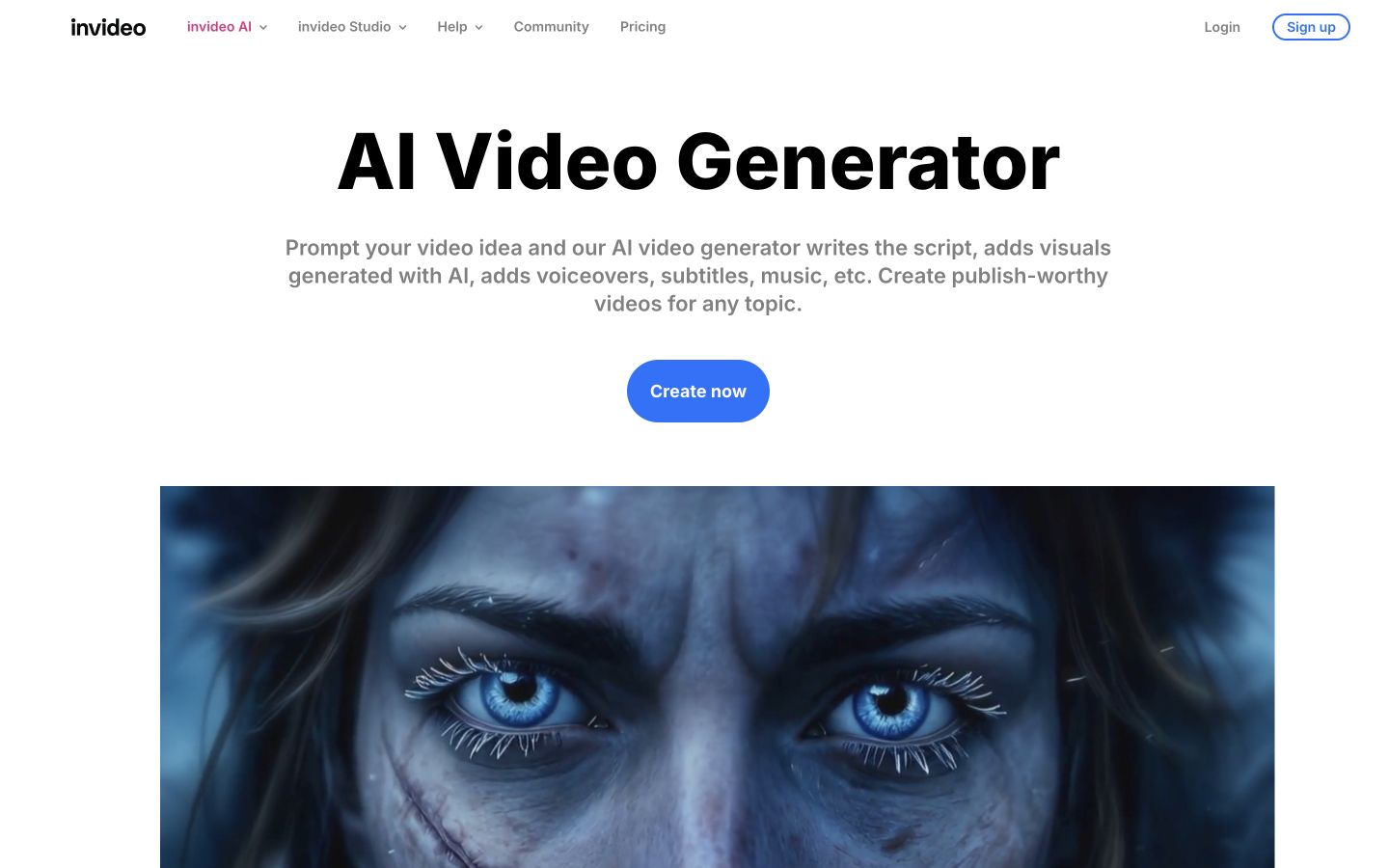
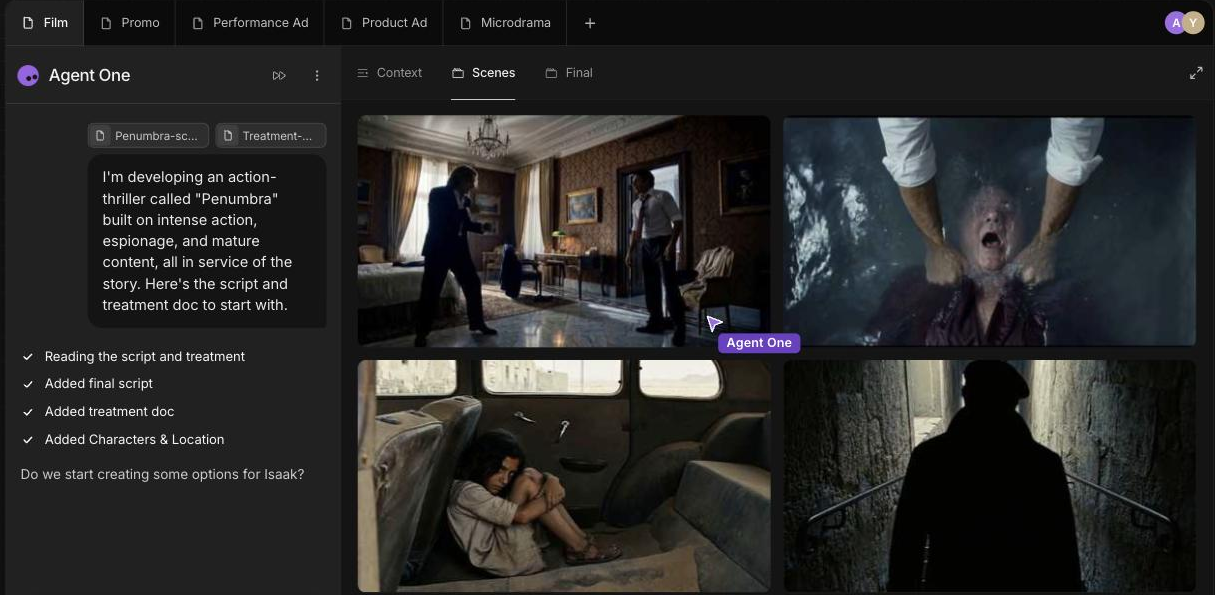
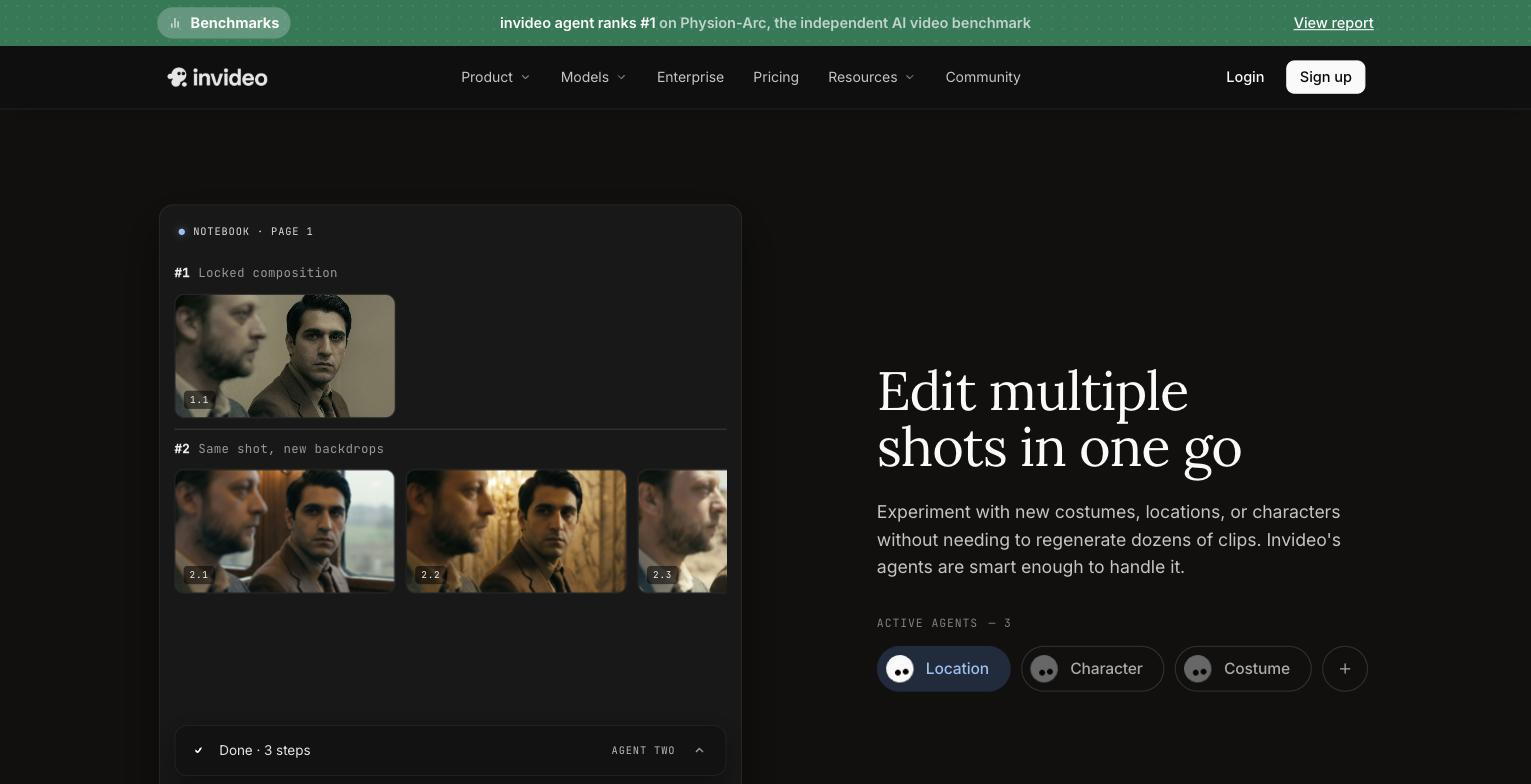
What you can actually do with this tool.
Turns a prompt or script into an edited video automatically.
Offers a large library of templates to shape the video.
Pulls from a large stock library so videos have visuals without sourcing.
Lets you revise the video with simple instructions rather than a timeline.
Supports teams collaborating on videos.
Create and edit InVideo AI projects through the official iOS and Android apps, with browser access also available.
Pricing tiers and what's included in each.
Free plan available (no credit card). Paid access starts at $17 per month on annual billing; higher Plus/Max tiers exist but exact amounts are not listed here — check the official site.
A short path to first value.
Common questions about this tool, answered.
Usually a review at least — auto-assembled media, voice, and pacing benefit from a check for accuracy and brand fit before publishing.
A large stock library matched to the script, plus templates, so it's assembled rather than original footage.
With simple commands rather than a manual timeline, which speeds revisions but offers less frame-level control.
It suits a range, though highly produced or bespoke video still needs dedicated editing.
Context for choosing between this tool and alternatives.
Text-to-video tools differ on how much they automate and in what style. InVideo AI leans on agents, templates, and stock to assemble a full edit from a prompt; Kling AI, the closest alternative here, is a general video generator, while PixVerse focuses on image-to-video and Revid AI on short vertical social clips. Compare on whether heavy edit automation or a different video style fits your work.
Other tools that show up for the same kind of work.
Revid AI
Paid