
PixVerse
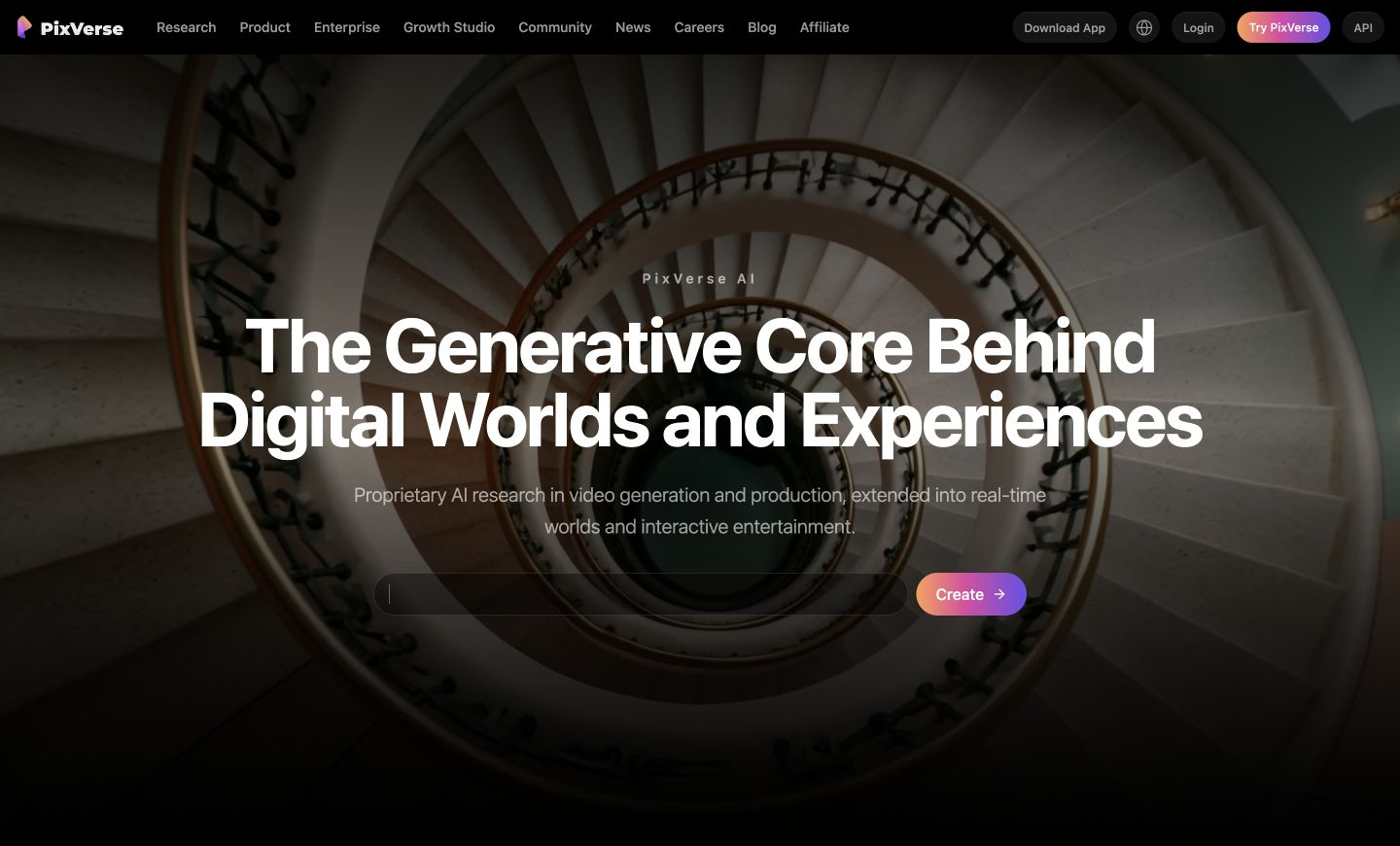
Generates short videos from text or photos, with trending effects and style controls.
PaidWeb
Last verified Jul 7, 2026
Generates short videos from text or photos, with trending effects and style controls.
Last verified Jul 7, 2026
Fast-read signals for fit, pricing, and trust.
PixVerse is an AI video generator that creates short videos from text prompts or photos, with trending effects and style options. It is aimed at social creators and marketers who want eye-catching clips without filming or editing. It supports multiple models, multi-subject scenes, and styles like anime and 3D animation. Output is generated video to review and use, not a substitute for produced footage where realism matters.
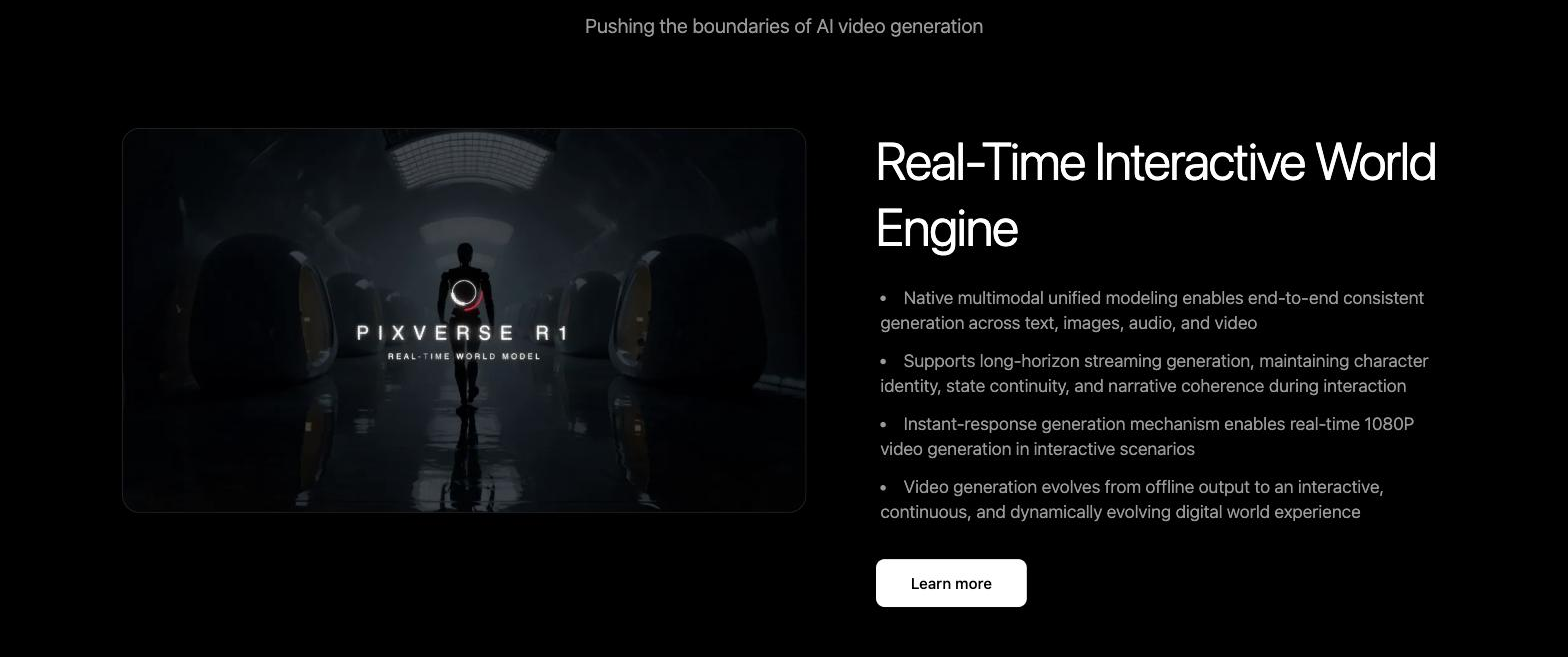
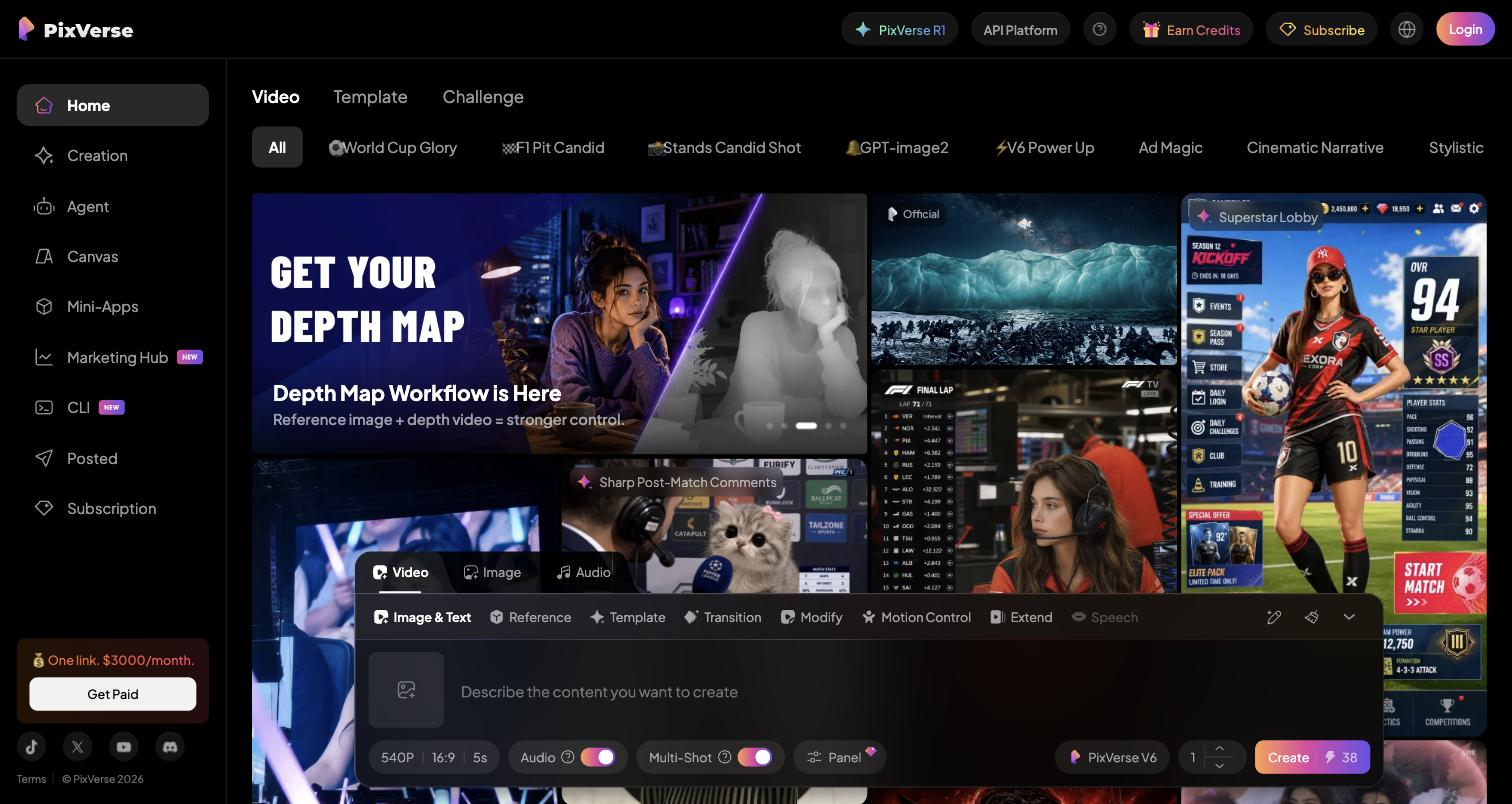
You start from a text prompt or a photo and it generates a short video, with trending effects designed for social platforms, customizable settings, and style options from anime to 3D animation; multiple model versions and multi-subject support give different looks and scene complexity. The underlying research targets consistency and cinematic control, but the day-to-day product is generating shareable clips quickly.
The users are social creators and marketers who want attention-grabbing video for feeds and ads without a camera or editing suite. It works at the creation step, feeding social channels and campaigns.
The boundary: it generates stylized short video, so for realistic, on-brand footage or precise control it's a starting point that needs review, and longer or highly specific productions remain outside its sweet spot.
Quick fit check against how you actually work.
What you can actually do with this tool.
Generates a short video from a text prompt or an uploaded photo, so a clip can come from an idea or an existing image.
Offers effects designed for social platforms, so clips feel current rather than generic.
Produces styles from anime to 3D animation, so output can match the look a feed or campaign calls for.
Provides several model versions, so you can trade off quality and look for the clip you are making.
Handles scenes with more than one subject, for richer compositions than a single-subject clip.
Adjusts video settings to shape the output toward what you have in mind.
Pricing tiers and what's included in each.
PixVerse's official developer/API platform pricing includes Essential at $100/month, Scale at $1,500/month, and Business at $6,000/month, plus pay-as-you-go credit packs. This is separate from the consumer web-app subscription, whose pricing is shown in the product rather than on a public page.
A short path to first value.
Common questions about this tool, answered.
You can start from a text prompt or an uploaded photo, then shape the result with styles, effects, and model versions, so a clip can come from an idea or an image.
It offers styles from anime to 3D animation along with trending social effects, so output can match the look a feed or campaign needs.
It generates stylised short clips that suit social, but for realistic or on-brand footage it is a starting point that needs review rather than finished production.
Several model versions let you trade off quality and look, so you can pick the one that best fits the clip you are making.
Context for choosing between this tool and alternatives.
The decision is stylized short-video generation versus avatar or produced video. PixVerse suits creators who want trend-driven clips from prompts or photos. For narrated, avatar-led business video, a tool like Synthesia fits a different job; for product-to-ad video, Creatify focuses there. Choose by whether you want short, stylized social clips or a more structured kind of video.
Other tools that show up for the same kind of work.
InVideo AI
Freemium
Synthesia
Freemium
HeyGen
Freemium