
Mokker AI
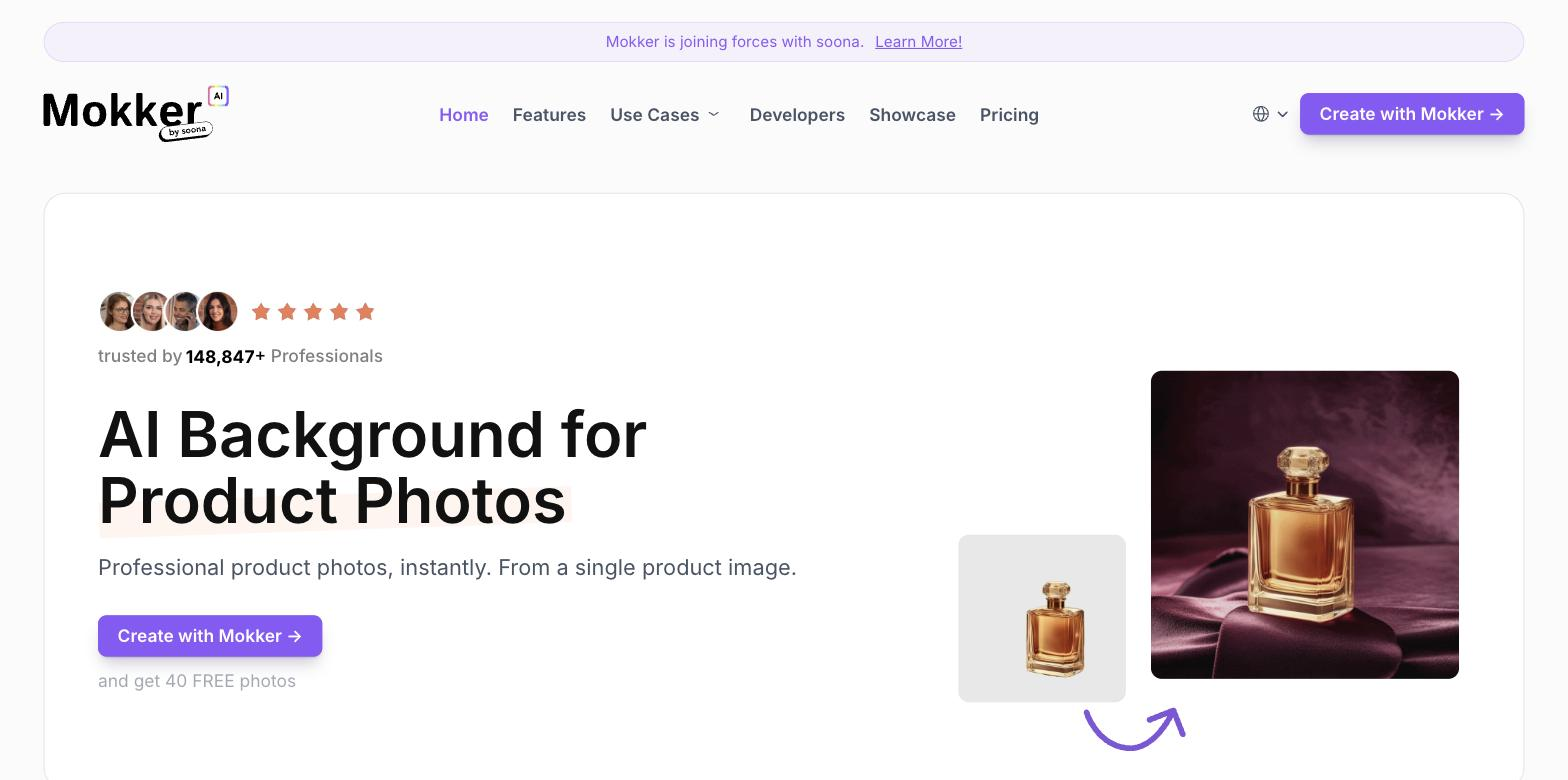
Swaps product backgrounds for clean, on-brand scenes from templates, fast.
FreemiumFree planNo credit cardWeb
Last verified Jul 8, 2026
Swaps product backgrounds for clean, on-brand scenes from templates, fast.
Last verified Jul 8, 2026
Fast-read signals for fit, pricing, and trust.
Mokker AI is an AI product-photo tool that replaces plain backgrounds with clean, themed scenes from templates, turning basic shots into listing-ready images. It is aimed at ecommerce sellers and marketers who want better product backgrounds quickly without a studio or designer. Template-driven speed and color control keep it simple and focused. It restyles product backgrounds; it isn't a full scene-composition or design tool.
You upload a product photo, pick a template or describe a scene, and it replaces the background with a clean, on-brand setting, with color control and resizing to fit where the image will run. The flow is deliberately quick — upload, choose, generate, download.
It suits print-on-demand sellers, small brands, and marketers who need many product images with better backgrounds fast, without the control overhead of a full studio tool.
It focuses on backgrounds, so composing complex scenes, on-model apparel, or full edits falls to other tools, and generated results still want a quick check for realism.
Quick fit check against how you actually work.
What you can actually do with this tool.
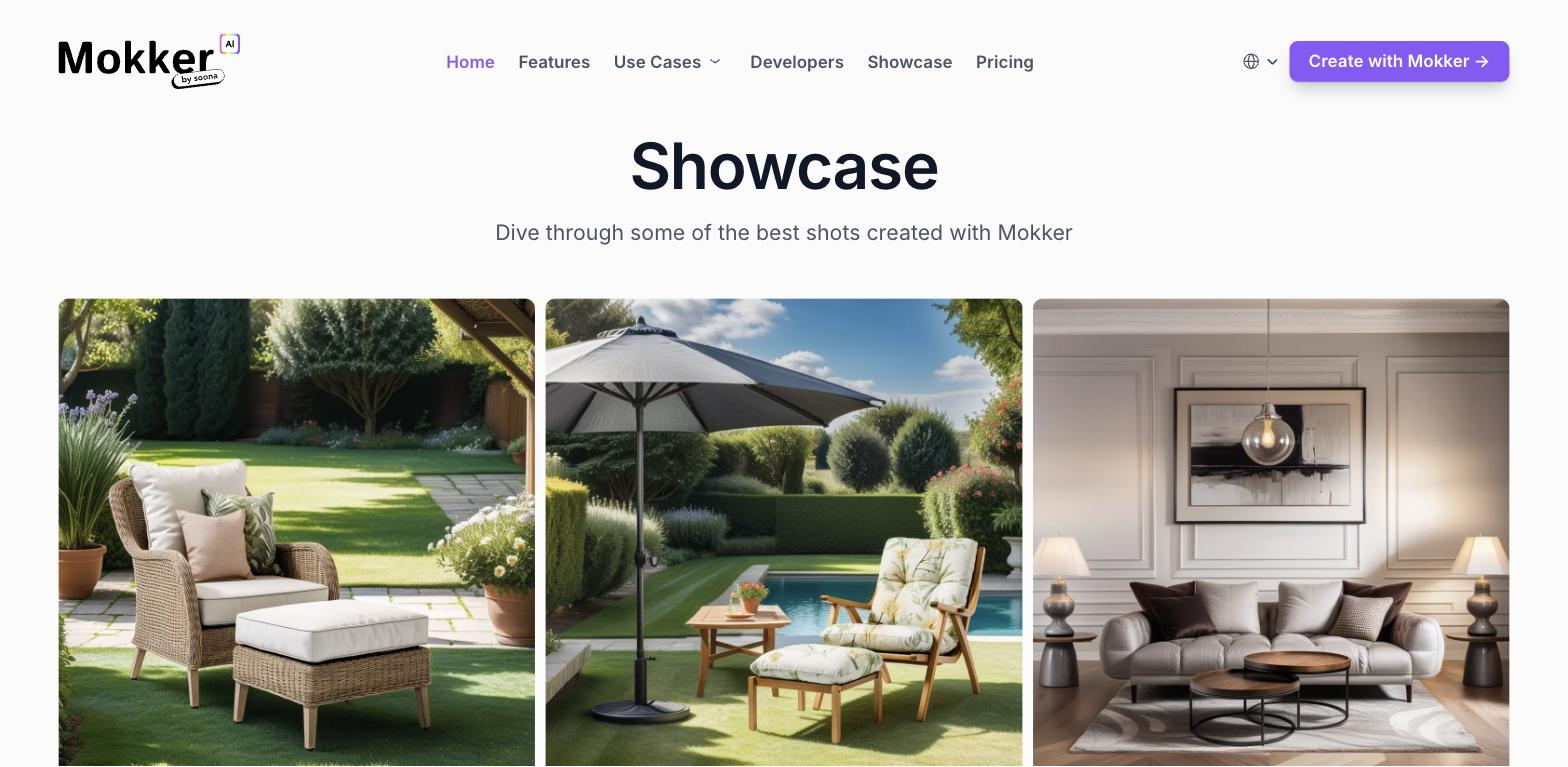
Swaps a plain background for a clean, themed scene, turning a basic shot into a listing-ready image.
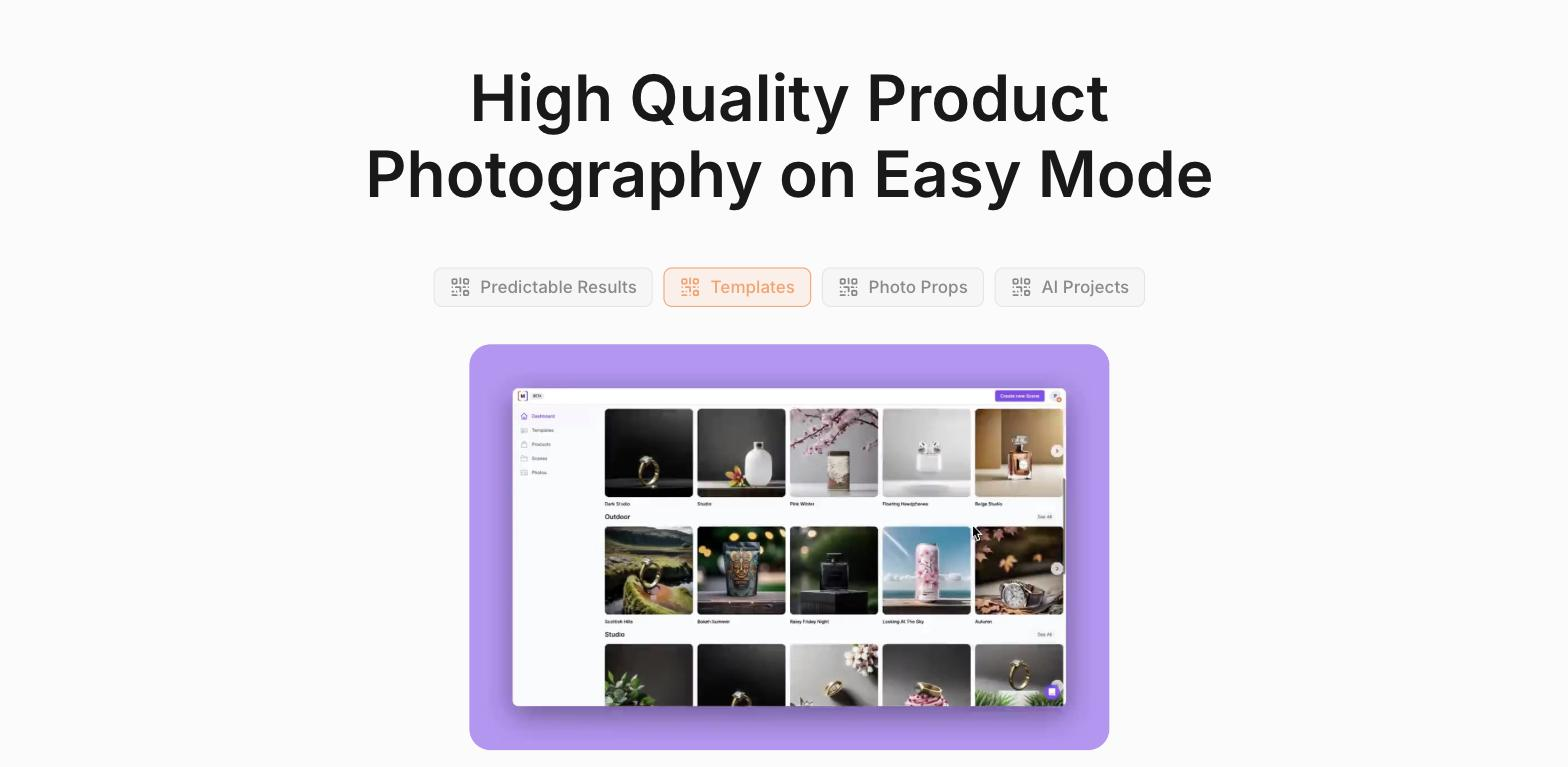
Offers ready scene templates, so you pick a look instead of building one.
Adjusts colors to keep a product image on-brand across shots.
Resizes output to fit listings, ads, or social placements without manual reformatting.
Generates product imagery from a base photo, speeding routine catalogue work.
Pricing tiers and what's included in each.
Mokker AI has a free plan with 20 one-time photo uses, full studio access, and all templates — no credit card required. The Starter plan is $13 per month. The Team plan is $29 per user per month (500 photos per month, high-quality export, custom prompts). The Organization plan starts at $83.25 per user per month for teams of 5 or more, with unlimited photos and a custom AI model option (listed as coming soon). Annual billing saves approximately 35%.
A short path to first value.
Common questions about this tool, answered.
Largely yes — that focus is the point, so for full scene composition, ads, or on-model apparel you'd reach for a broader tool.
Usually for clean product shots, but generated backgrounds can need a quick check, especially for reflective or complex items.
Color control and templates help repeat a consistent style across many product images.
Yes — the quick upload-pick-download flow suits sellers processing many SKUs rather than one-off edits.
Context for choosing between this tool and alternatives.
If the job is product backgrounds at speed, Mokker AI keeps it simple. Flair AI gives full canvas control plus ads and video; Botika handles on-model apparel; Mockey leans to template mockups. Compare on whether you want quick backgrounds or broader scene and ad composition.
Other tools that show up for the same kind of work.
SellerPic
Freemium
Mockey AI
Freemium