
Mockey AI
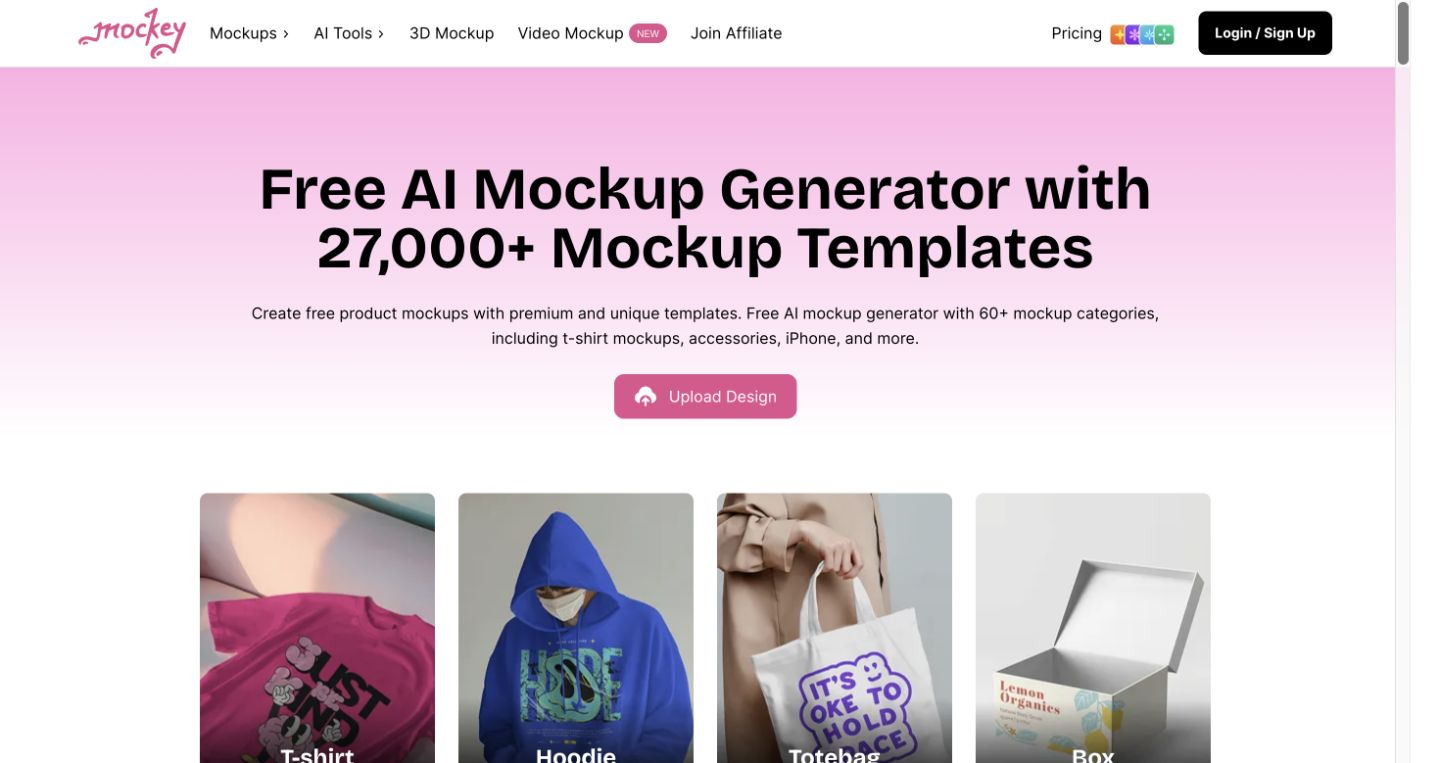
Places your design onto product mockups from a large template library, ready to download.
FreemiumFree planWeb
Last verified Jul 7, 2026
Places your design onto product mockups from a large template library, ready to download.
Last verified Jul 7, 2026
Fast-read signals for fit, pricing, and trust.
Mockey AI is a mockup generator that puts your design onto product templates — apparel, accessories, devices, print — for listings, ads, and social. It is aimed at sellers, marketers, and print-on-demand creators who need product visuals without a photoshoot or a designer. It offers thousands of templates plus custom mockups from your own product images. It produces presentation mockups, not photoreal studio photography.
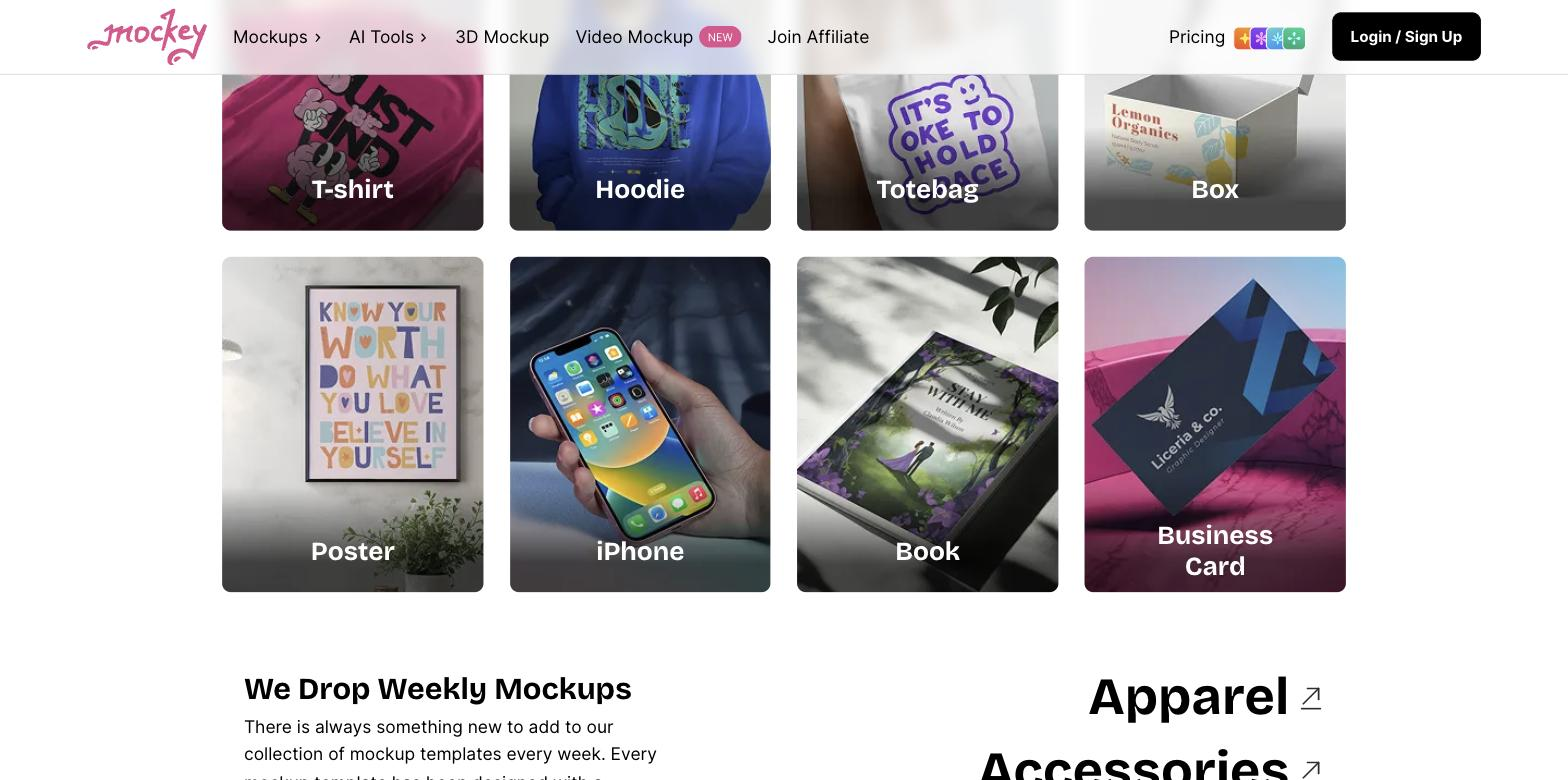
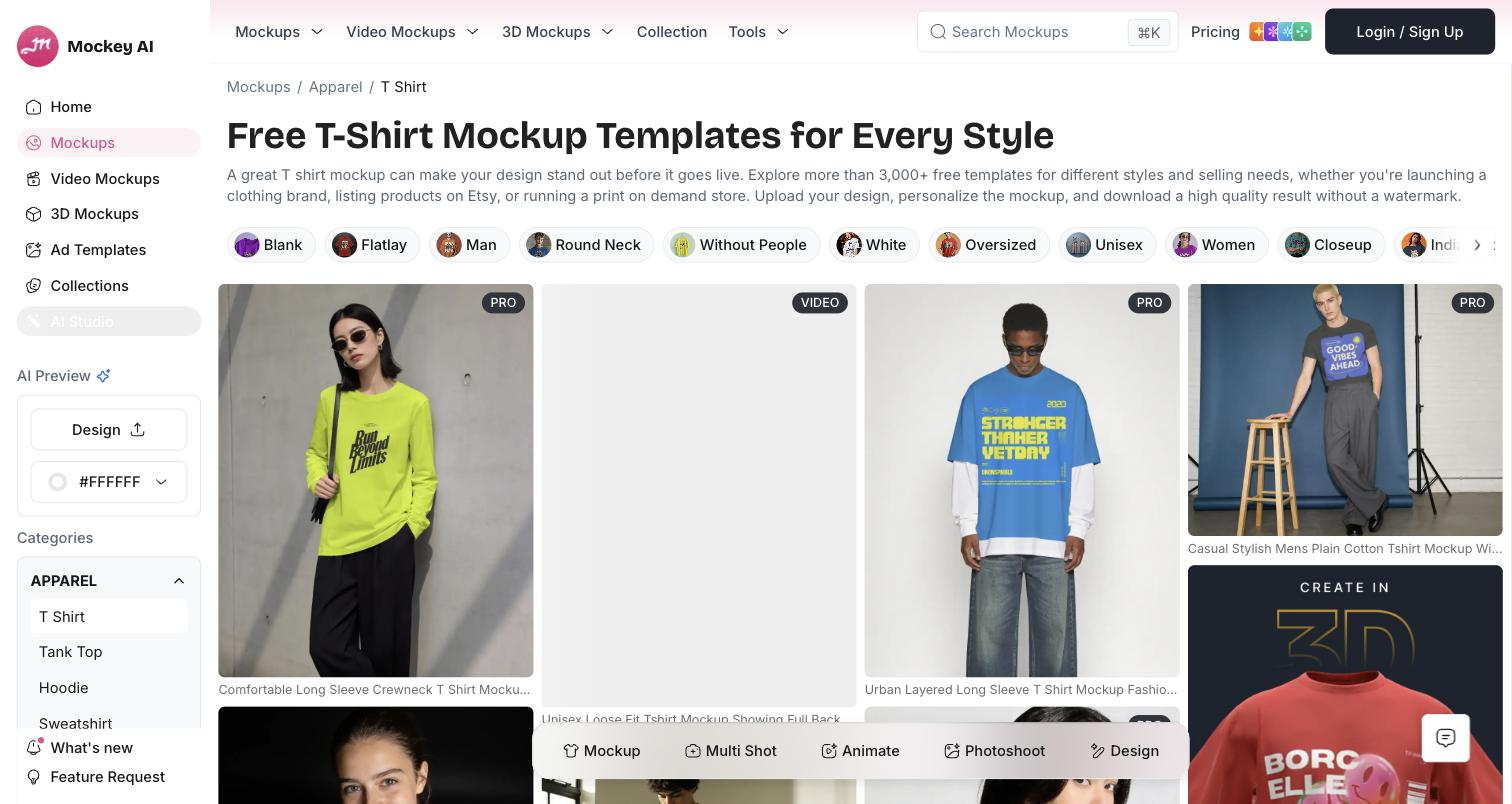
You pick a product template from a large library — t-shirts, hoodies, tote bags, phones, posters, and more — upload your design, adjust it in the editor, and download the finished mockup. Beyond templates, a custom-mockup option turns any product image into an editable mockup where you place a design and tune shadows and highlights, and a multi-shot view produces several angles of the same product.
The users are print-on-demand sellers, ecommerce marketers, and small brands who need product visuals quickly for listings, ads, and social posts, without commissioning a shoot. It works at the asset step, between a finished design and where it gets published.
The boundary: mockups are template-based presentations of a design, so they communicate a product well but aren't a substitute for real product photography when authenticity matters.
Quick fit check against how you actually work.
What you can actually do with this tool.
Thousands of product mockup templates across dozens of categories, from apparel and accessories to devices and print, ready to drop a design onto.
Lets you upload a design, position it precisely, and adjust it on the chosen template before downloading the finished mockup.
Turns any of your own product images into an editable mockup, with control over how shadows and highlights fall on the design.
Generates several angles of the same product mockup, so a listing can show the product from more than one view.
Adjusts the background so a mockup matches the look you want for a listing, ad, or social post.
Exports finished mockups ready for social, ads, ecommerce, or any project, without a separate render step.
Pricing tiers and what's included in each.
Mockey AI offers a free plan (watermark-free downloads with a daily limit) plus paid Starter and Creator plans.
A short path to first value.
How to Create Custom Mockups with AI | Easy Mockey.ai Tutorial (No Photoshop Needed!)
Common questions about this tool, answered.
Yes — the custom-mockup option turns any product image into an editable mockup with control over shadows and highlights, so you are not limited to the template library.
No — they are template-based presentations of a design on a product, which communicate it well but are not a substitute for authentic photography when realism matters.
A multi-shot view generates several angles of the same mockup, so a listing can present the product from more than one perspective.
It fits print-on-demand closely, since each new design needs listing visuals fast and the library covers common apparel and accessory products.
Context for choosing between this tool and alternatives.
The choice is template-based mockups versus generated or photographed product imagery. Mockey suits creators who need a design shown on many products fast. For AI-generated product scenes or model shots, a tool like SellerPic does more; for authentic photos, a real shoot is the answer. Decide by whether you're presenting a design on products or producing realistic product photography.
Other tools that show up for the same kind of work.