
Flair AI
A canvas-based studio for AI product photos, scenes, models, and ad visuals.
FreemiumFree planWeb
Last verified Jun 16, 2026
A canvas-based studio for AI product photos, scenes, models, and ad visuals.
Last verified Jun 16, 2026
Fast-read signals for fit, pricing, and trust.
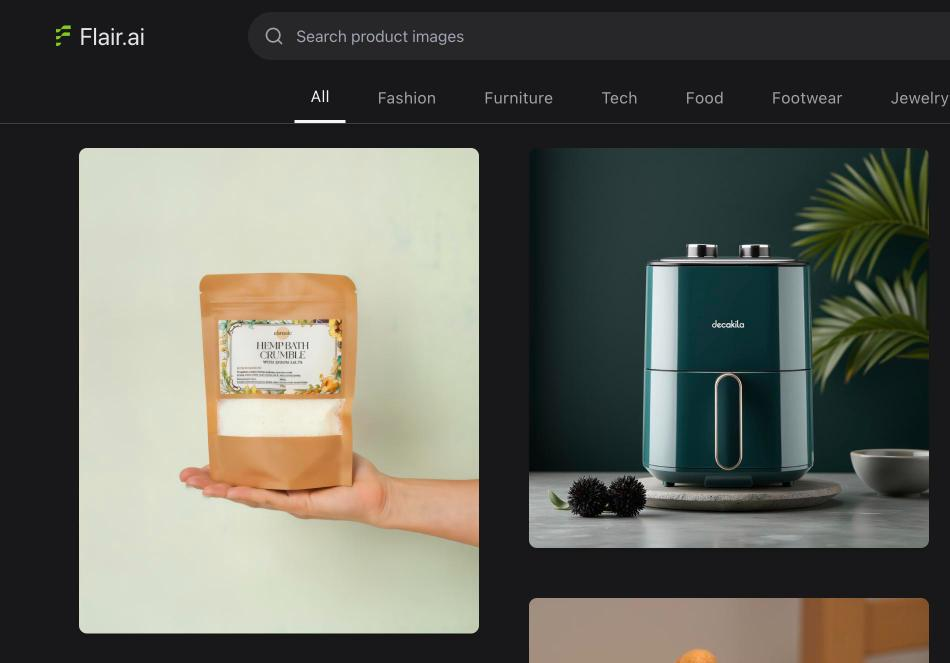
Flair AI is an AI product-photography studio where you compose shots on a drag-and-drop canvas — placing products in scenes, on AI human models, or into ad layouts. It is aimed at ecommerce and marketing teams who want art-directed product visuals and ads without a studio. Its canvas control and brand-asset management distinguish it from one-click generators. Generated visuals are a strong base that still needs a review for realism.
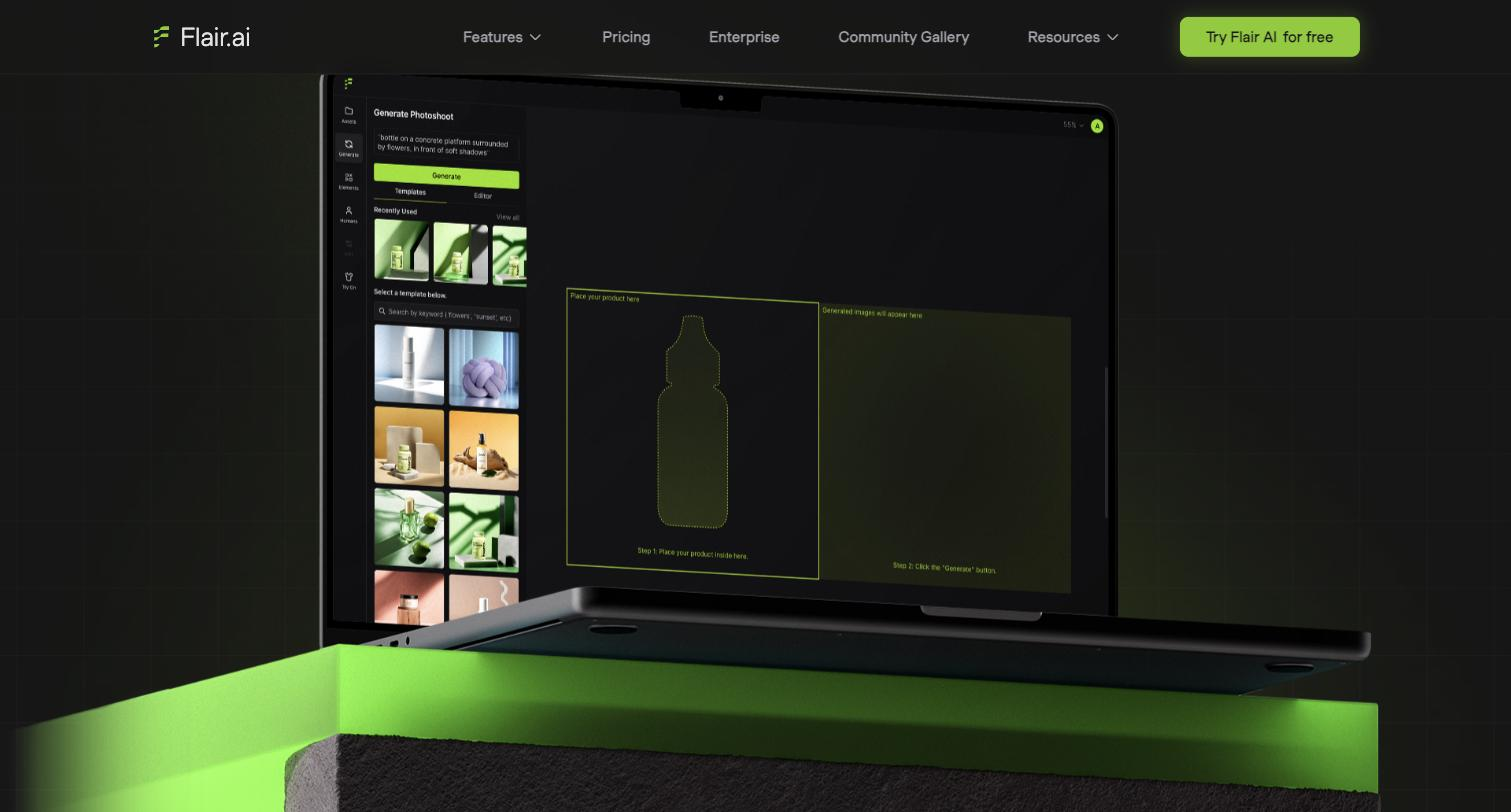
You place a product image on a canvas and build the shot — backgrounds, props, scenes, AI human models, on-model photography — with drag-and-drop control rather than a single prompt, then generate ad creative and even product videos from the same place. Brand-asset management and team collaboration support repeated work.
It suits ecommerce brands, agencies, and marketing teams who want more compositional control than a one-click tool and produce visuals and ads at some volume.
More control means more hands-on effort than a one-tap generator, and generated scenes and models still need checking for realism and accuracy before they ship.
Quick fit check against how you actually work.
What you can actually do with this tool.
Composes product shots on a drag-and-drop canvas, giving control over scene and placement beyond a single prompt.
Places products on AI models for on-model visuals without a model shoot.
Turns product scenes into ad creative, so visuals and ads come from one setup.
Generates short product videos alongside stills, extending a scene into motion.
Keeps brand assets organised, so repeated visuals stay consistent.
Supports teams working on the same visuals, suiting agencies and brand teams.
Pricing tiers and what's included in each.
Free plan available. Paid plans start at $8 per month.
A short path to first value.
AI PRODUCT PHOTOGRAPHY: Tutorial #1 - FLAIR AI
Common questions about this tool, answered.
More than a one-tap tool — the canvas gives control, which means a bit of setup, so it rewards users who want to direct the shot.
Yes — AI scenes and models are produced, so check realism, lighting, and accuracy before using them on listings or ads.
Yes — a composed product scene can become ad creative and short product video, keeping visuals and ads in one workflow.
Anyone wanting only quick background removal or a no-setup generator may find the canvas more than they need.
Context for choosing between this tool and alternatives.
Flair AI versus single-purpose product-photo tools turns on control: it offers a compositional canvas plus ads and video. Mokker AI and Botika are faster and narrower (backgrounds, on-model apparel); SellerPic bundles commerce visuals and try-on. Compare on whether you want art-directed control or one-tap speed.
Other tools that show up for the same kind of work.
SellerPic
Freemium
Pixelcut
Freemium