
LOVO
Generates AI voiceovers and offers voice cloning, editing, and subtitles in one suite.
PaidFree trialNo credit cardWeb
Last verified Jul 8, 2026
Generates AI voiceovers and offers voice cloning, editing, and subtitles in one suite.
Last verified Jul 8, 2026
Fast-read signals for fit, pricing, and trust.
LOVO is an AI voice platform that generates text-to-speech voiceovers across many voices and languages, with voice cloning, a video editor, and auto-subtitles. It is aimed at creators, marketers, and learning teams who need narrated content without recording. Pairing voices with an editor and subtitles makes it more than a standalone TTS. Output is synthetic speech, so direction and a review pass still matter for tone and accuracy.
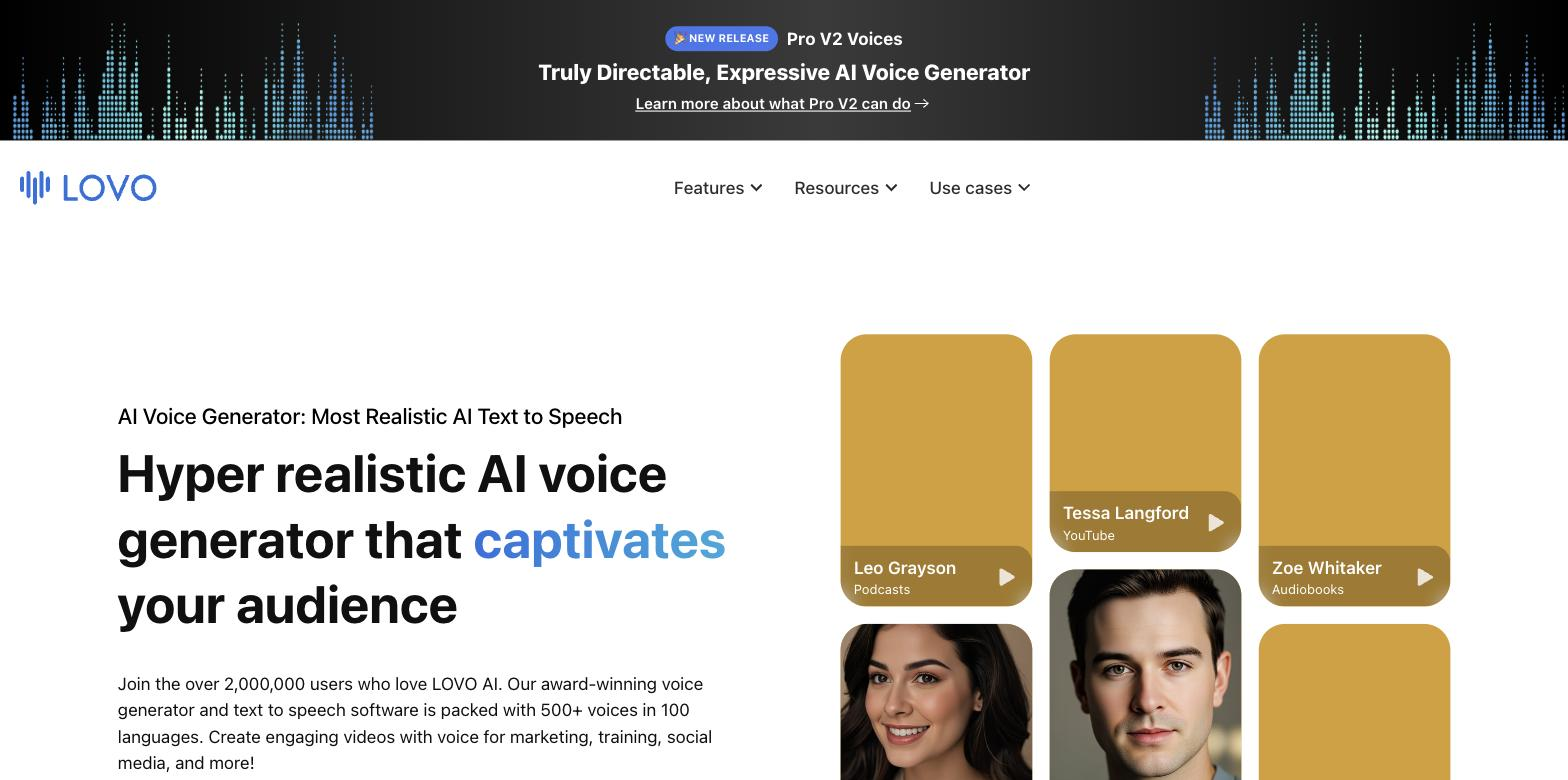
You enter a script and it generates a voiceover from a large set of voices and languages, with voice cloning for a consistent custom voice, an online video editor to assemble the piece, and auto-subtitles to caption it.
It suits content creators, marketers, and learning teams producing narrated video who want voice, editing, and captions handled in a single workflow.
Voices are realistic but synthetic, so tone and pronunciation benefit from direction and review, and a cloned voice should only use a voice you have the right to clone.
Quick fit check against how you actually work.
What you can actually do with this tool.
Generates voiceovers from text across many voices and languages.
Creates a custom voice for consistent narration, for a voice you may clone.
Assembles the video around the voiceover in one place.
Generates captions for the video without manual subtitling.
Includes a built-in script writer and AI image generator alongside the voice tools, so a complete narrated video can be assembled without additional software.
Covers many languages for localised narration.
A short path to first value.
Introducing Pro V2 Voices
Common questions about this tool, answered.
Realistic but synthetic — a review pass for tone and pronunciation is worth it before publishing.
Only a voice you have the right to clone — cloning someone else's voice without permission can cause harm and break rules.
No — it pairs voices with a video editor and auto-subtitles, so narrated video can be assembled without switching between tools.
Yes — for important content, a native review of pronunciation and nuance is worth it before publishing.
Context for choosing between this tool and alternatives.
Voice tools trade voice range against extras; LOVO bundles voices with editing and subtitles, while Murf centres on a voiceover studio and API, Speechify on reading text aloud, and WellSaid on enterprise voices. Compare on whether an all-in-one voice-and-video suite or a focused voice tool fits.
Other tools that show up for the same kind of work.
Murf
Freemium
Speechify
Freemium