
Let's Enhance
Upscales and cleans up images — sharper resolution, less blur and artifacts.
FreemiumFree planWeb
Last verified Jul 11, 2026
Upscales and cleans up images — sharper resolution, less blur and artifacts.
Last verified Jul 11, 2026
Fast-read signals for fit, pricing, and trust.
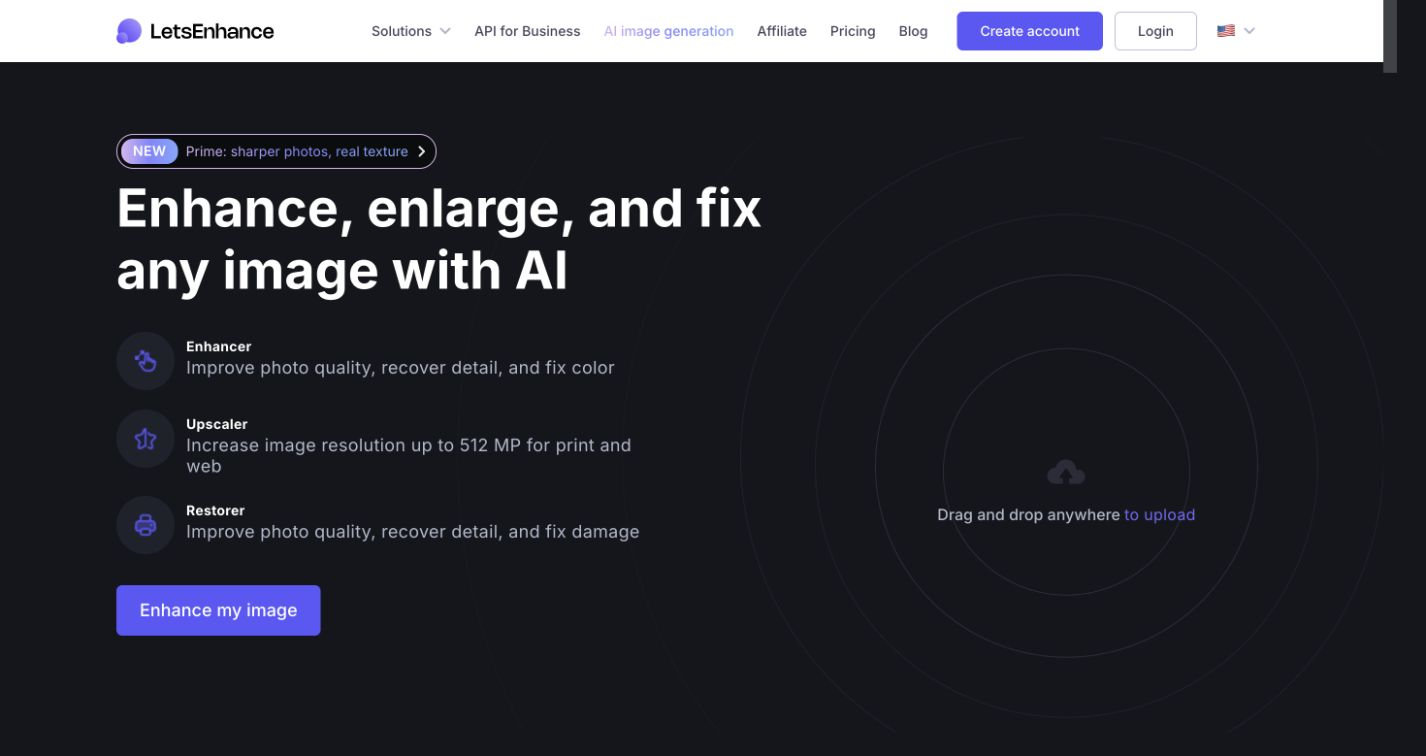
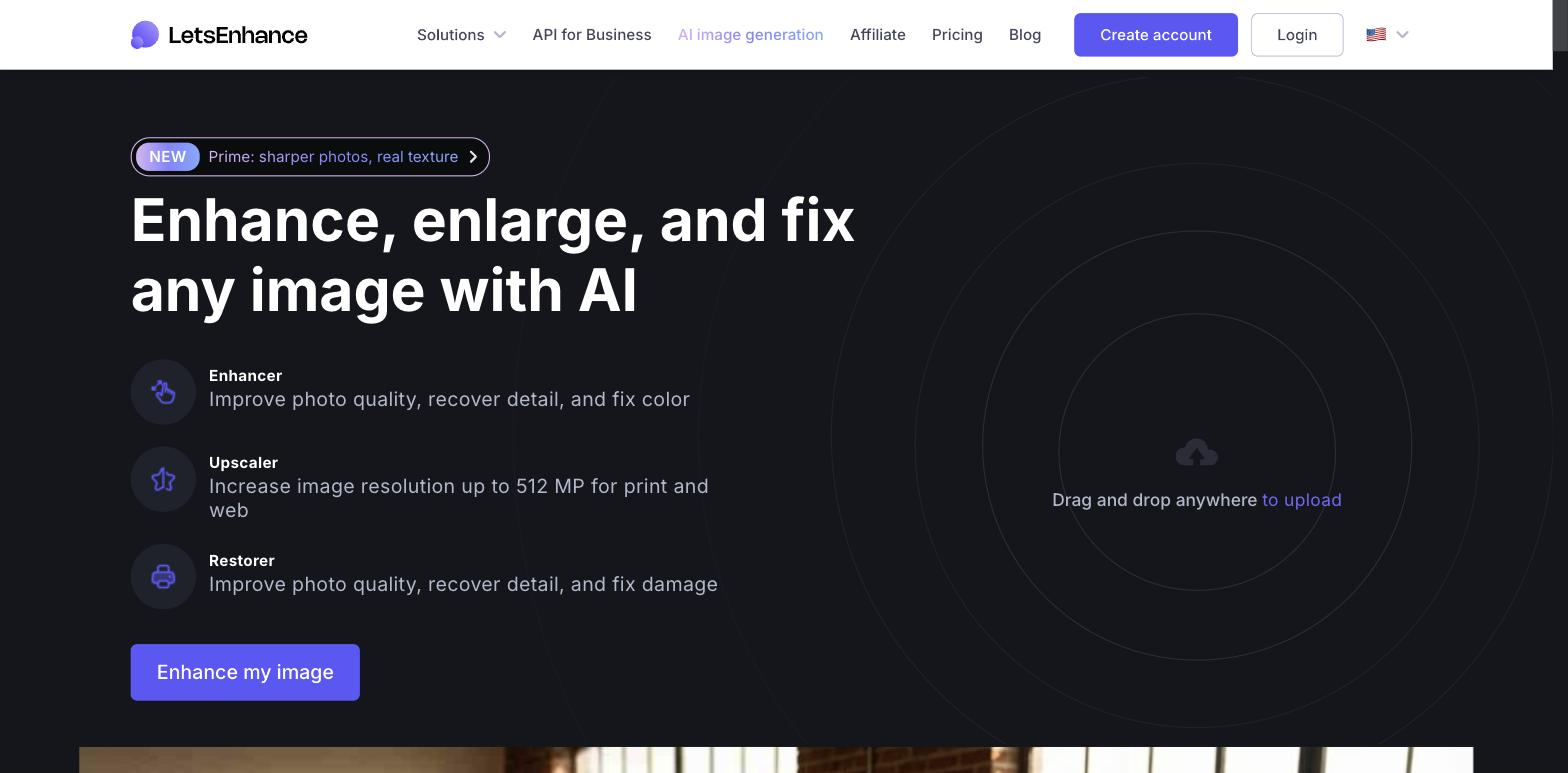
Let's Enhance is an AI image-enhancement tool that upscales resolution and cleans up images — removing blur, pixelation, and JPEG artifacts, and correcting color and light. It is aimed at ecommerce sellers, marketers, and creators who need higher-quality images from low-resolution sources. Batch handling and an API suit volume. It improves existing images and can generate new ones; results depend on how much usable detail the source holds.
You upload an image and it increases resolution while reducing blur, pixelation, and compression artifacts, with color and light correction, returning a cleaner, larger version. Higher volumes are handled in batches, and an API folds enhancement into a workflow; it also offers AI image generation alongside upscaling.
It suits ecommerce teams preparing product images, marketers reusing low-res assets, and creators who need print- or web-ready quality from imperfect sources.
Enhancement works from what's in the image, so a very low-quality or heavily degraded source limits how much can be recovered — it improves, it doesn't invent missing detail perfectly.
Quick fit check against how you actually work.

What you can actually do with this tool.
Increases image resolution, turning small or low-res sources into larger, sharper versions.
Reduces blur and pixelation, recovering clarity from imperfect images.
Cleans up JPEG compression artifacts that show on reused or saved images.
Adjusts color and lighting, improving overall image quality in the same pass.
Handles many images at once and exposes an API, suiting volume and automated workflows.
Pricing tiers and what's included in each.
Let's Enhance has a Free tier (10 credits on signup) and paid plans from $9/month annual. Starter ($9/mo annual) gives 100 credits and 256MP upscaling. Pro ($24/mo annual) gives 300 credits and 350MP. Max ($34/mo annual) gives 500 credits and 512MP upscaling.
A short path to first value.
Let's Enhance new platform tutorial
Common questions about this tool, answered.
Up to a point — it recovers detail that's present, so extremely degraded sources have limits, and results vary with the input.
Yes — batch processing and an API target volume, so preparing many images doesn't mean one-by-one work.
It reconstructs plausibly rather than inventing perfectly, so check important images for accuracy after enhancement.
It focuses on enhancement and some generation, so cropping, composition, or retouching may still need a separate editor.
Context for choosing between this tool and alternatives.
For upscaling and cleanup, weigh breadth against focus. Let's Enhance pairs upscaling, artifact removal, and correction with batch and API. Upscale.media is a close, lighter comparison; full editors do more but aren't tuned for recovery. Compare on whether volume enhancement or broader editing is the need.
Other tools that show up for the same kind of work.
Claid.ai
Paid
Erase.bg
Freemium
Upscale.media
Freemium