Khroma
A free AI color tool that learns your personal taste from a few picks, then generates endless palettes tuned to what you like.
FreeFree planWeb
Last verified Jul 14, 2026
A free AI color tool that learns your personal taste from a few picks, then generates endless palettes tuned to what you like.
Last verified Jul 14, 2026
Fast-read signals for fit, pricing, and trust.
Khroma trains a lightweight model on colors you like, then generates unlimited palettes, gradients, and type/image previews tuned to your taste. It's completely free with no account required, so its value is capability and personalization rather than tiers.
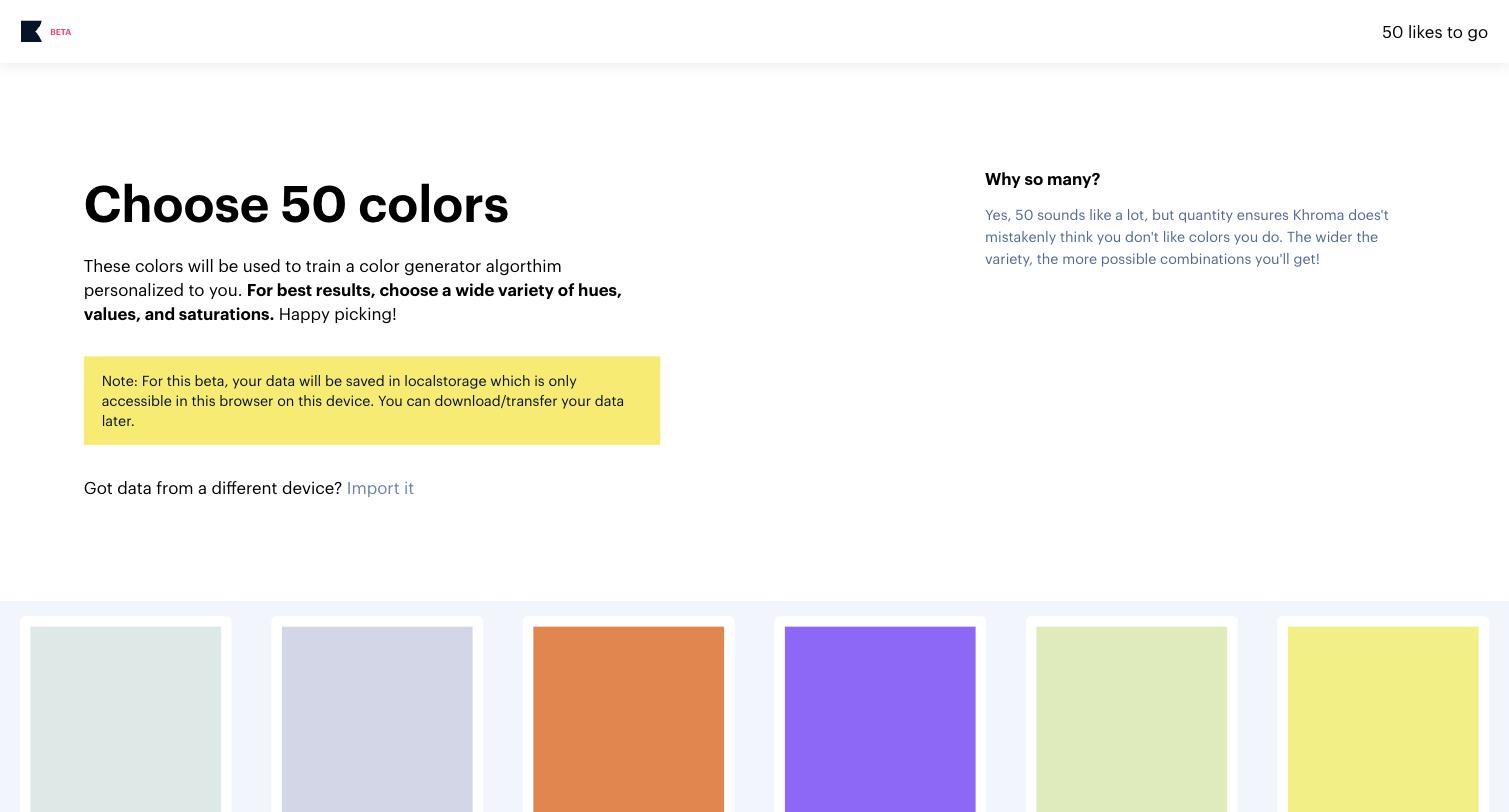
Khroma takes a different angle on color generation: instead of handing you random palettes, it learns what you personally like first. When you start, you pick roughly fifty colors you're drawn to, and Khroma trains a small algorithm on those choices. From then on, every palette, gradient, and combination it generates is biased toward your taste, which makes the endless stream of suggestions feel relevant rather than arbitrary. It's a project out of a university lab, offered completely free with no account or payment. The practical value is in ideation and personalization. A designer, brand builder, or hobbyist can browse infinite palettes that already lean toward their aesthetic, preview colors as text, gradients, and image overlays to judge real usage, and save favorites. Because it shows color in context — as type and on images — it helps you evaluate whether a combination actually works, not just whether two swatches look nice side by side. It pairs naturally with tools like Colormind, giving you a personalized ideation companion alongside more structured palette generators. Compared with Colormind, which generates from broad visual datasets without personalisation, and Huemint, which prioritises palettes shown in specific layout contexts, Khroma is the pick when the starting point is your own taste — it tells you what you like, not what fits a layout or what broad data says is popular. The honest framing is that this is a free ideation tool, not a full brand-color-management system. It won't manage tokens, enforce accessibility contrast rules, or export into a design-system pipeline the way heavier tools do, and the initial fifty-color training step is a small upfront investment before the personalization kicks in. Because it's free with no tiers, the decision isn't about price — it's about whether personalized, taste-driven color ideation fits your workflow. For anyone who wants an inspiring, tailored color-discovery tool at no cost, Khroma is an easy yes; for structured brand-color governance or accessibility auditing, you'll want to combine it with something more formal. In practice, many designers use Khroma at the very start of a project to discover directions they're drawn to, then hand the chosen colors off to a more formal tool to check contrast and lock them into a system.
Quick fit check against how you actually work.
What you can actually do with this tool.
Learns from your initial color picks so suggestions match your aesthetic.
An infinite stream of palettes and combinations for ideation.
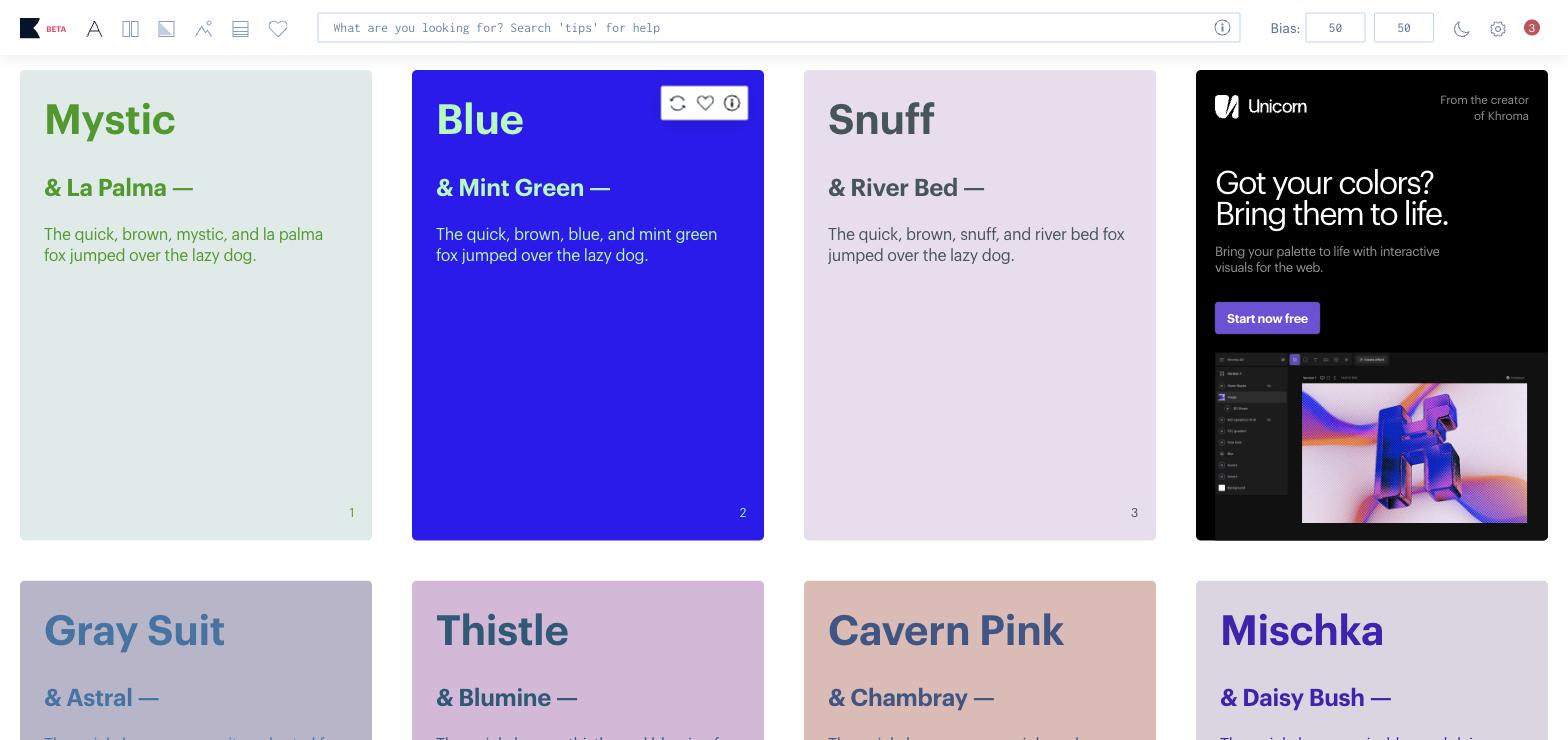
See colors as text, gradients, and on images to judge real usage.
Keep the combinations you want to reuse.
Start immediately with no signup friction.
Full functionality at no cost, so budget is never a factor.
Pricing tiers and what's included in each.
Khroma is completely free, with no paid tiers and no account required — it's a university-lab project.
A short path to first value.
Common questions about this tool, answered.
Yes — it's completely free with no paid tiers and no account required.
You pick colors you like at the start, and it trains a small model to bias suggestions toward your taste.
Yes, it previews palettes as text, gradients, and over images.
No — it's an ideation tool, not a governance or accessibility-auditing platform.
Other tools that show up for the same kind of work.
Colormind
Free
Huemint
Free