
Huemint
An AI color tool that generates coordinated palettes for brands, websites, and graphics, with control over how colors are distributed across a layout.
FreeFree planWeb
Last verified Jul 14, 2026
An AI color tool that generates coordinated palettes for brands, websites, and graphics, with control over how colors are distributed across a layout.
Last verified Jul 14, 2026
Fast-read signals for fit, pricing, and trust.
Huemint uses machine learning to generate coordinated color schemes for specific contexts like brand identities, websites, and graphics, letting you lock colors and control their distribution. It's usable for generation without an account; broader licensing terms should be checked on its site.
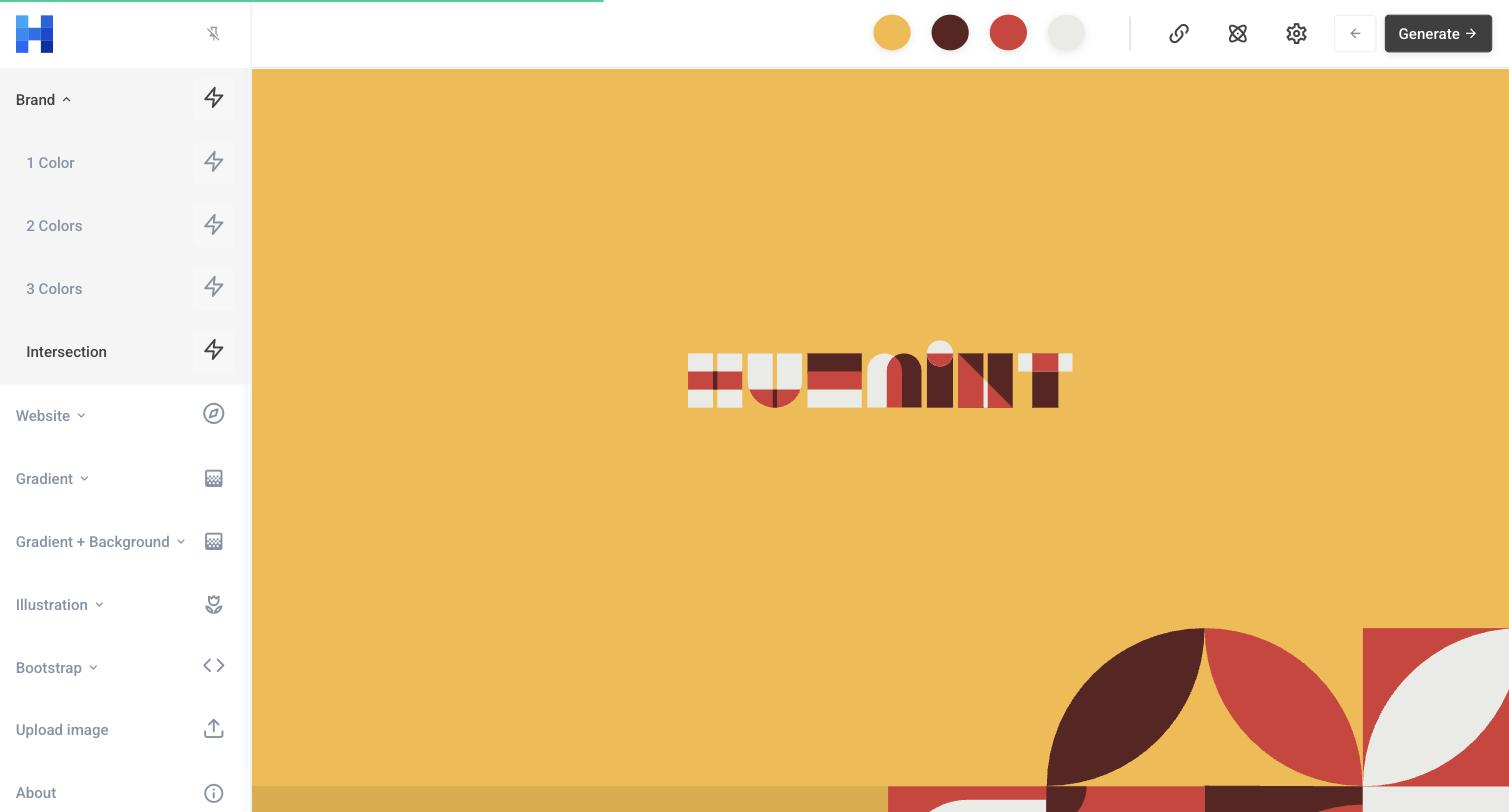
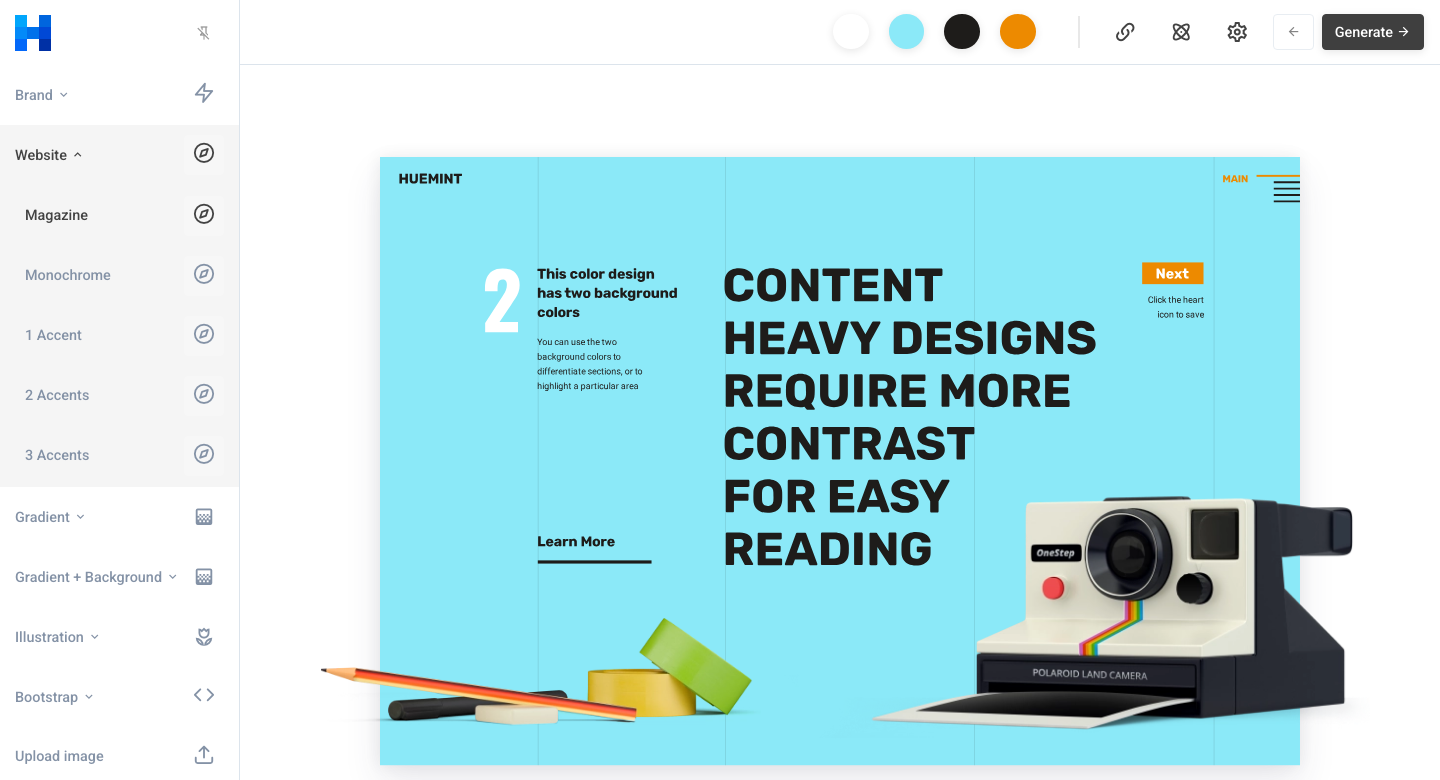
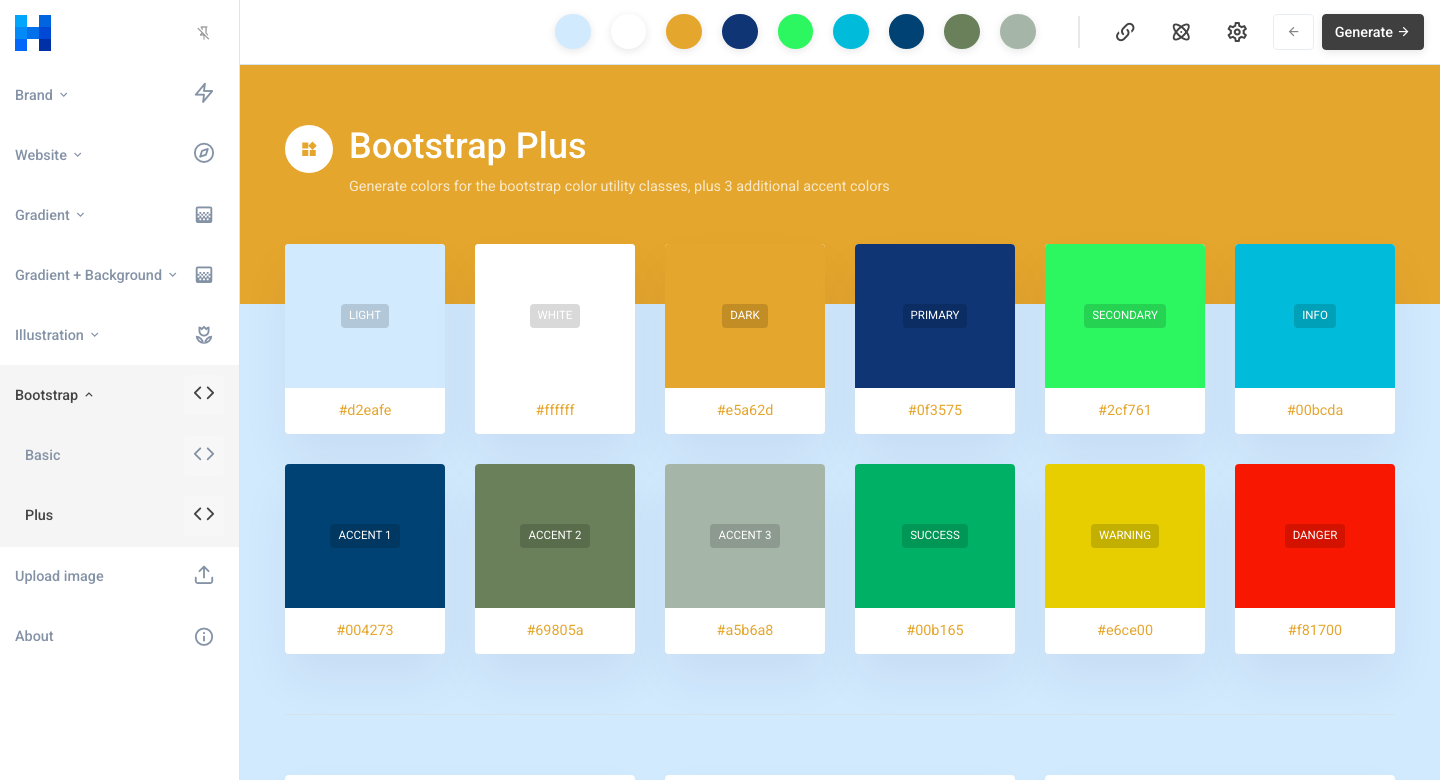
Huemint approaches color generation with context in mind. Rather than spitting out a strip of five swatches, it generates palettes tailored to a use — a brand identity, a website layout, a graphic — and shows them applied to a mockup so you can see how the colors distribute across background, text, and accents. Its machine-learning model aims for combinations that feel intentional and harmonious for the chosen context, which is more useful than a random palette when you're actually trying to design something. The control is what sets it apart. You can lock a color you want to keep and regenerate around it, adjust how contrasting or harmonious the scheme should be, and iterate toward a set that fits a real layout. For a designer, brand builder, or founder mocking up a site, this contextual, adjustable approach shortcuts the trial-and-error of assembling a palette by hand, and Where Khroma personalises suggestions to your individual taste and Colormind generates from broad visual datasets, Huemint's distinct value is showing palettes applied to a real layout — it answers 'how do these colors work together in context' rather than 'which colors suit my preferences.' It rounds out a color-tool stack by focusing on applied, layout-aware schemes rather than taste-driven ideation. On honesty and limits: Huemint is usable for generation and ideation without requiring an account. The specifics of commercial licensing for generated output aren't clearly documented publicly, so if you intend to use output commercially, check Huemint's official site for current terms before proceeding. Functionally, it's a generation and ideation tool, not a full brand-asset manager, and like all algorithmic color tools it still needs a human eye to make the final call on brand fit and accessibility. For designers who want context-aware, adjustable palettes for real layouts, Huemint is a genuinely useful tool; just confirm licensing directly with the source before relying on it commercially. Treating it as a fast way to explore layout-aware color directions, and then confirming the final colors against your accessibility and brand requirements, gets the most out of what it does well.
Quick fit check against how you actually work.
What you can actually do with this tool.
Palettes tuned for brand, website, or graphic use rather than generic swatches.
Keep a chosen color and regenerate the rest around it.
Dial schemes toward more harmonious or more contrasting sets.
See how colors distribute across a real layout.
Aims for intentional, coordinated results, not random pairs.
Start generating without signup friction.
A short path to first value.
Common questions about this tool, answered.
It generates palettes for a specific context and shows them applied to a layout, with control over color distribution.
Yes, you can lock colors and regenerate the rest around them.
You can start generating palettes without creating an account. For licensing and commercial-use terms, check Huemint's official site.
No — it's a generation and ideation tool, not a brand-asset manager.
Other tools that show up for the same kind of work.
Colormind
Free
Khroma
Free