
Colormind
Generates colour palettes learned from photos, art, and film, refreshed daily.
FreeFree planWeb
Last verified Jul 7, 2026
Generates colour palettes learned from photos, art, and film, refreshed daily.
Last verified Jul 7, 2026
Fast-read signals for fit, pricing, and trust.
Colormind is a colour-palette generator that uses deep learning to produce schemes, learning colour styles from photographs, art, and film, with datasets refreshed daily. It is aimed at designers and developers who want harmonious palettes to start from. Learning palettes from real imagery is its angle. It suggests colour schemes; final choices and accessibility still rest with the designer.
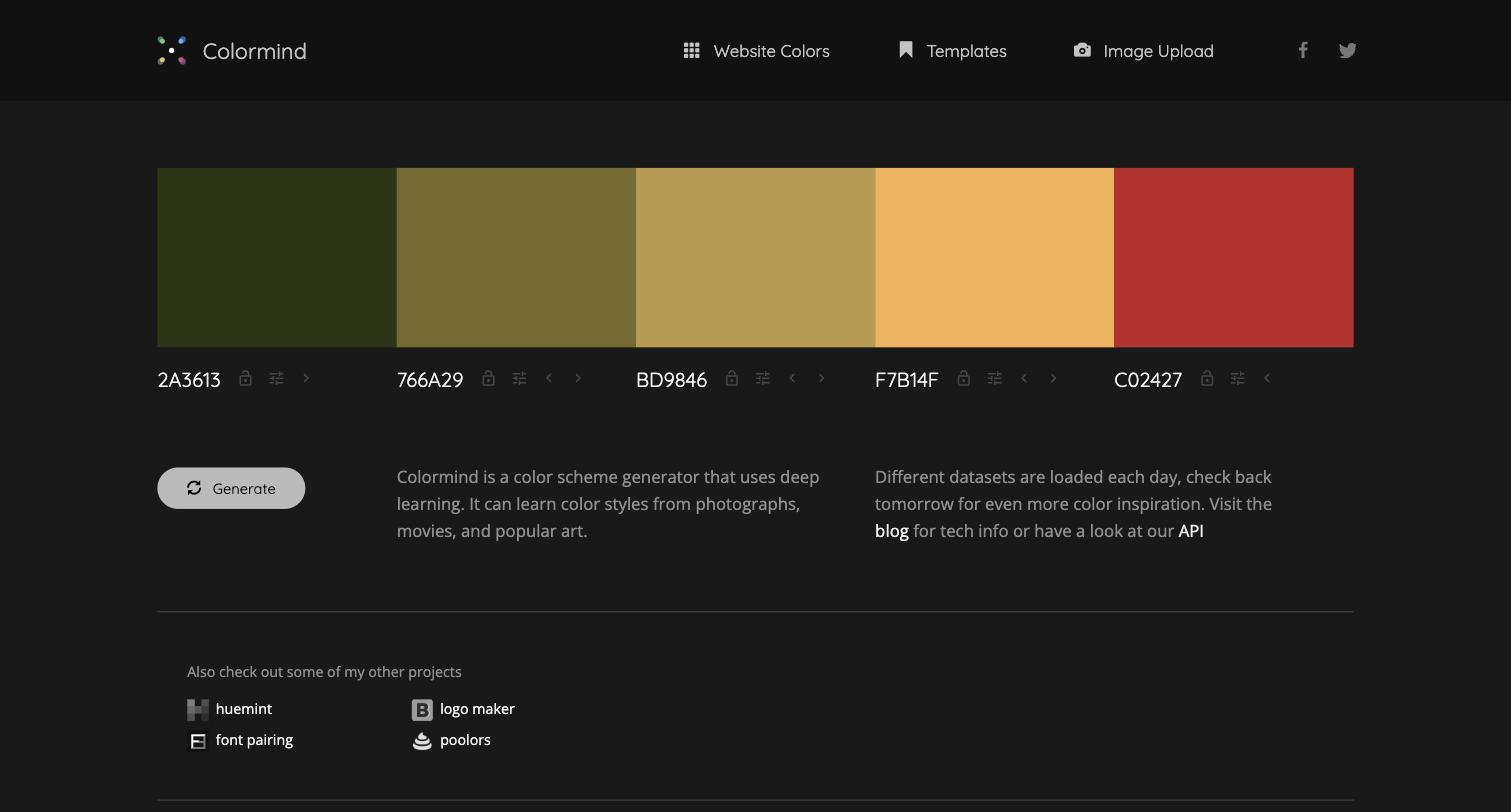
You generate a colour palette and it suggests harmonious schemes learned from photographs, popular art, and film, letting you lock colours you like and regenerate the rest, with the underlying datasets changing each day for variety.
It suits designers, developers, and anyone choosing colours for a layout, brand, or project who wants a strong starting palette rather than a blank swatch.
It suggests schemes from learned styles, so the result is a starting point — final colour choices, brand fit, and contrast or accessibility still need a human eye.
Colormind focuses specifically on colour palettes — it does not generate logos, brand kits, or other identity assets.
Quick fit check against how you actually work.
What you can actually do with this tool.
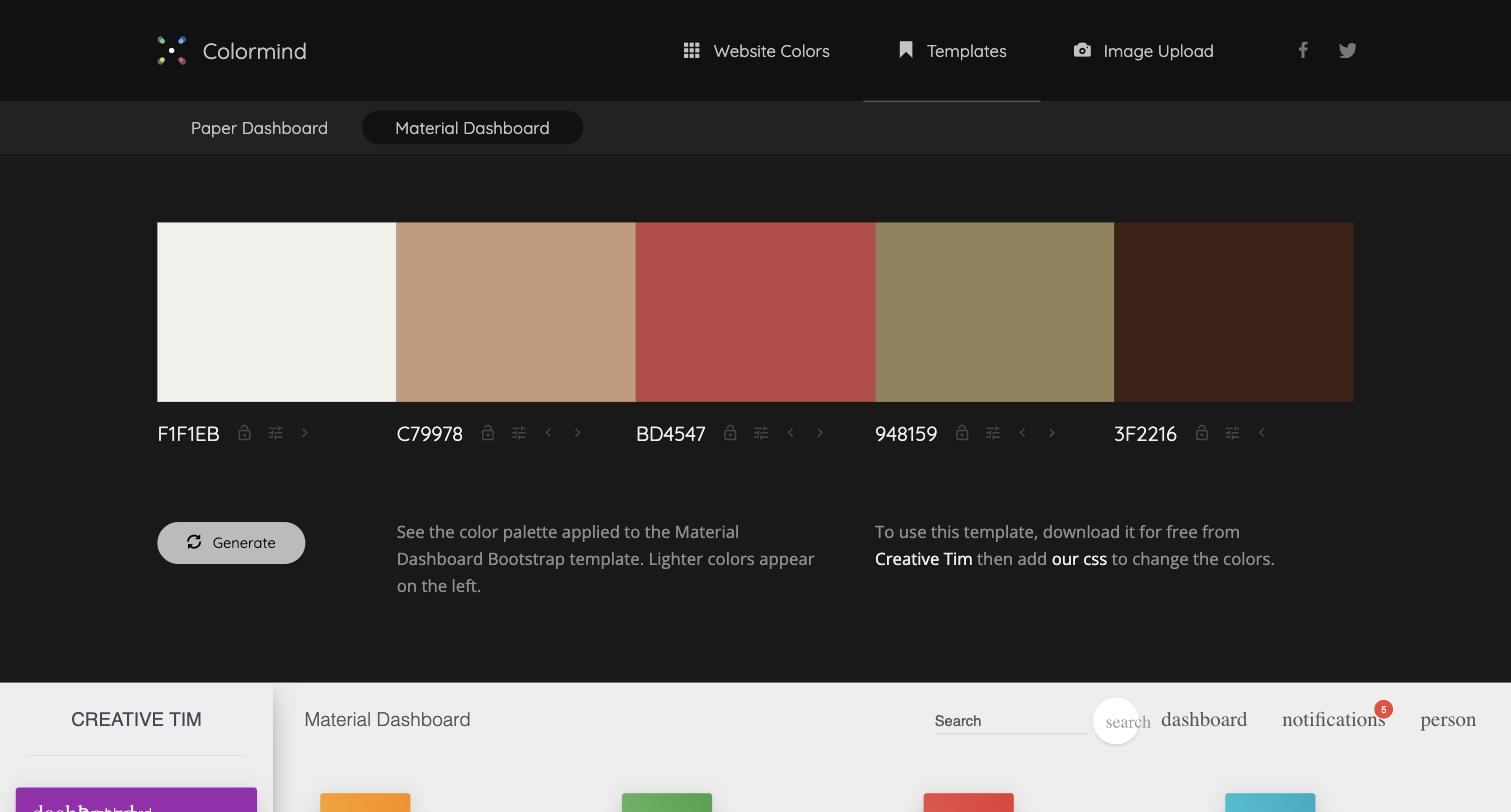
Generates colour schemes learned from photos, art, and film.
Lets you keep colours you like and regenerate the rest.
Refreshes the underlying datasets each day for varied inspiration.
Aims for balanced, harmonious colour combinations.
Pricing tiers and what's included in each.
Colormind is free to use, with no account or payment required for palette generation.
A short path to first value.
Common questions about this tool, answered.
Deep learning trained on photographs, art, and film, so schemes draw on real-world colour styles rather than random combinations.
Yes — lock the ones that work and regenerate the rest, so you refine toward a palette rather than restarting.
Not on its own — contrast and accessibility still need your check before using a palette in production.
The datasets refresh daily, so the inspiration varies day to day, which helps when you want something new.
Context for choosing between this tool and alternatives.
Colour tools differ on how they generate; Colormind learns palettes from images, where Khroma trains on your taste and Huemint balances palettes for a use. Compare on whether image-learned schemes or another colour approach fits.
Other tools that show up for the same kind of work.
Namify
Free
LogoAI
Paid