
FaceSwapper.ai
Swaps faces in photos, videos, and GIFs — single or group — for entertainment edits.
FreeFree planNo credit cardWeb
Last verified Jul 7, 2026
Swaps faces in photos, videos, and GIFs — single or group — for entertainment edits.
Last verified Jul 7, 2026
Fast-read signals for fit, pricing, and trust.
FaceSwapper.ai is a face-swapping tool that replaces faces in photos, videos, GIFs, and group shots, with batch swapping and a clothes-swap option. It is aimed at creators and casual users making entertainment edits and memes. Coverage across photo, video, and group formats is its breadth. Because it edits people's likenesses, it should only be used on images you have the right and consent to alter.
You upload a photo, video, or GIF, choose the face to swap in, and it replaces the target face, handling single subjects, multiple faces in a group, and batch runs across many images, with a clothes-swap option alongside.
It suits creators and casual users making playful edits — memes, reels, group gags — across common formats, online without installing software.
Swapping a person's face raises consent and likeness questions, so it should be used only on images you own or have permission to edit, and results can look artificial on difficult angles or lighting.
Quick fit check against how you actually work.
What you can actually do with this tool.
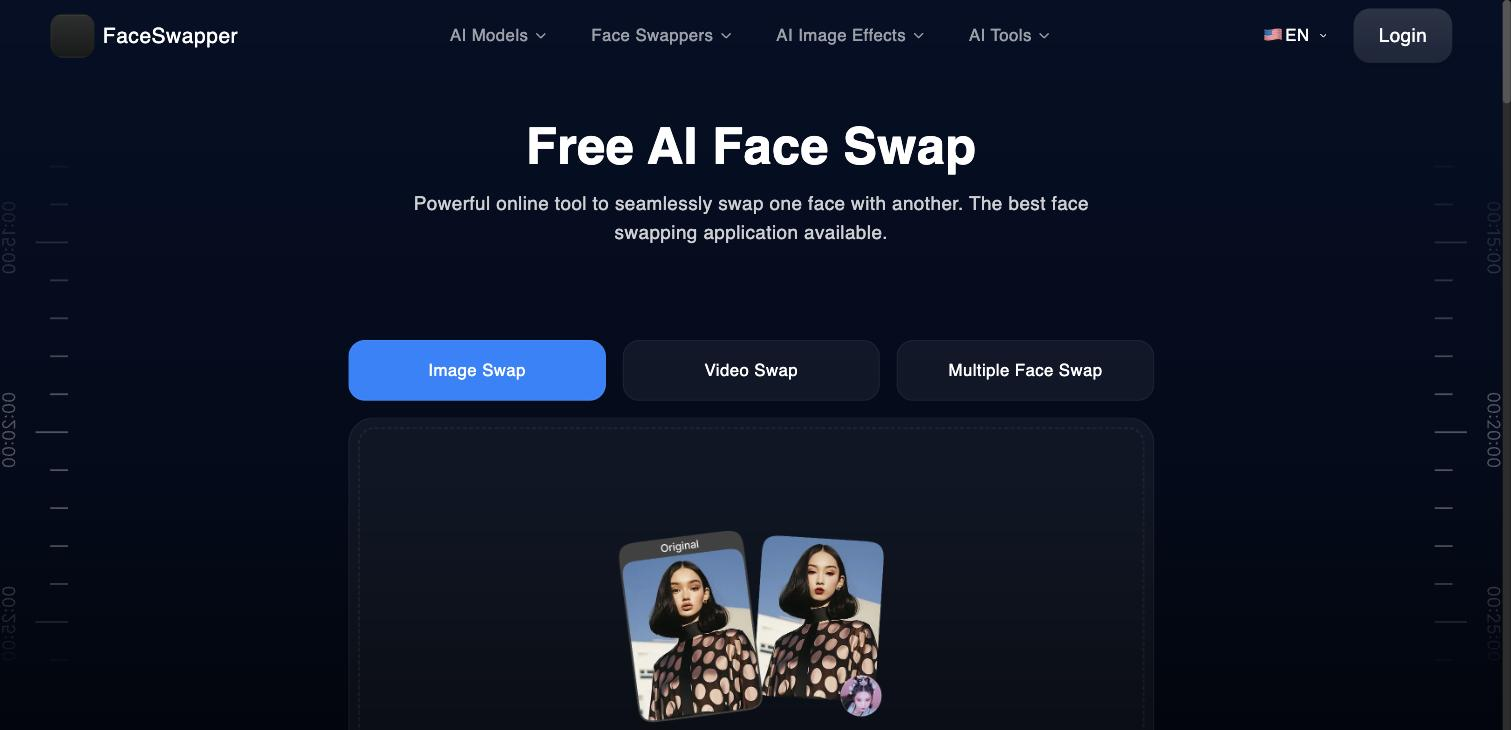
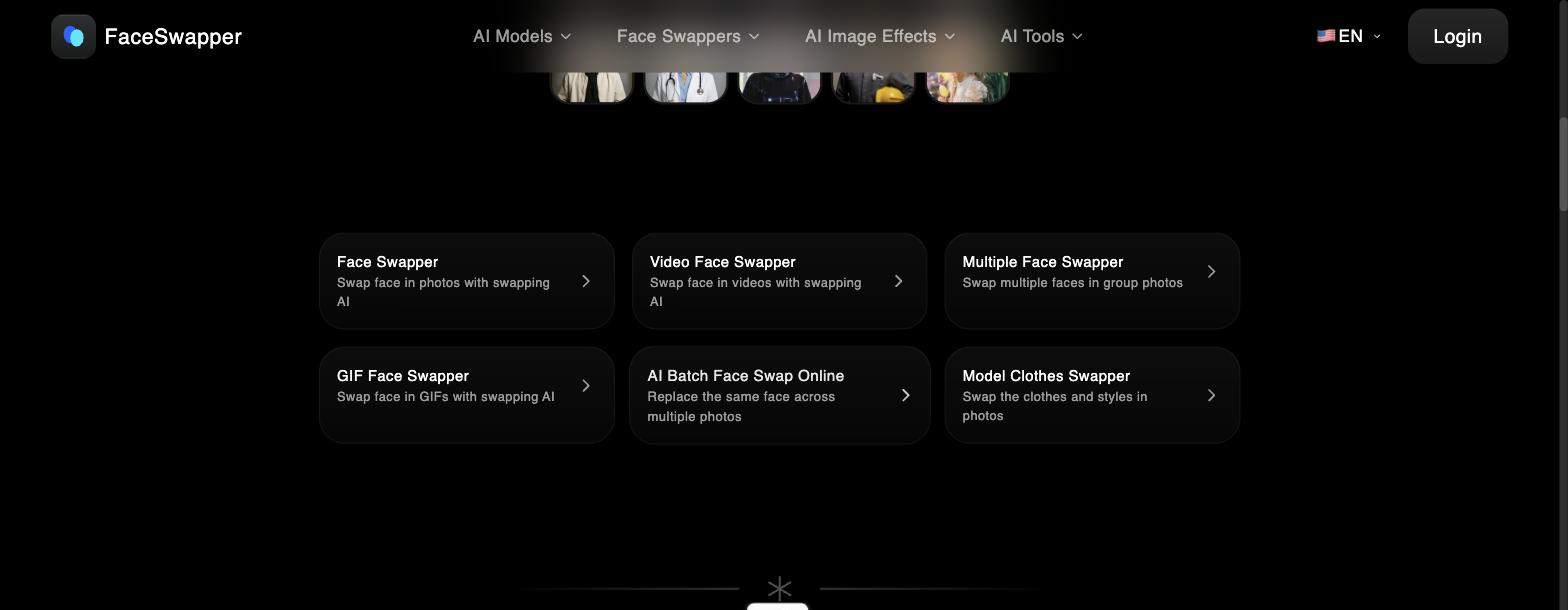
Replaces a face in a still image, the core entertainment edit.
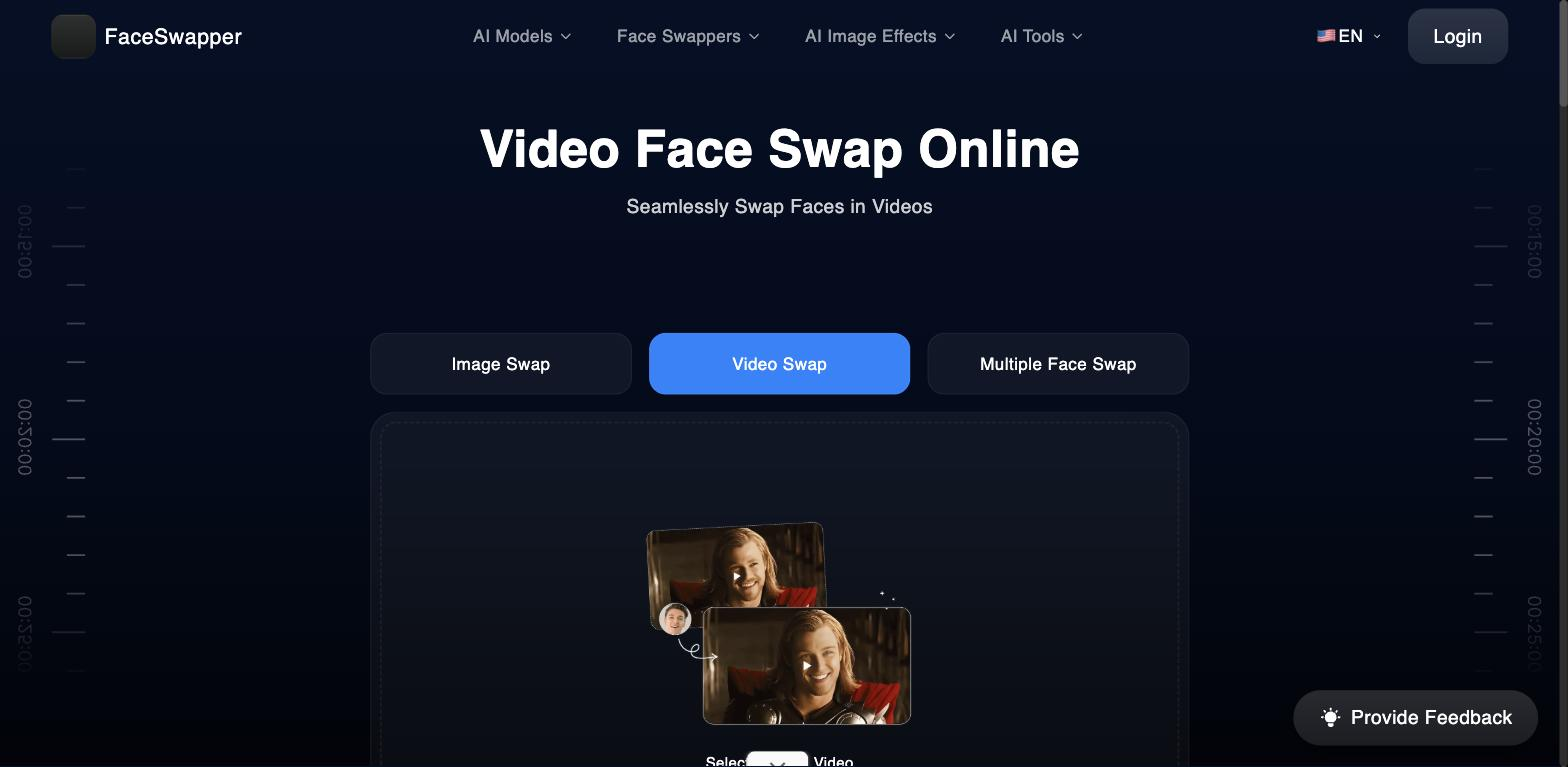
Extends swapping to videos and GIFs, not just stills.
Swaps several faces in a group photo in one pass.
Replaces the same face across many images at once.
Swaps clothing and styles in photos as an additional edit.
Pricing tiers and what's included in each.
FaceSwapper.ai is free to use, with unlimited face swaps and no sign-up required.
A short path to first value.
Common questions about this tool, answered.
Only with rights and consent — editing a person's likeness without permission can cause harm or break platform and legal rules, so stick to images you're allowed to use.
Good for casual edits, but difficult angles, lighting, or low-quality sources can look artificial, so it suits entertainment over convincing realism.
Yes — a group shot with several faces is handled in one pass, and there's a batch option for repeating a swap.
It swaps faces in video and GIFs as well as photos, though longer or complex clips vary in quality.
Context for choosing between this tool and alternatives.
Face-swap tools range from playful to production; FaceSwapper covers photo, video, GIF, and group edits for casual use. Reface is a close consumer comparison; broader editors handle composition. Compare on format coverage and whether your use is entertainment rather than professional likeness work.
Other tools that show up for the same kind of work.
Erase.bg
Freemium
Pixelcut
Freemium