
Crayo.ai
Edits faceless short videos with AI captions, voiceovers, and viral-style effects.
PaidWeb
Last verified Jul 8, 2026
Edits faceless short videos with AI captions, voiceovers, and viral-style effects.
Last verified Jul 8, 2026
Fast-read signals for fit, pricing, and trust.
Crayo.ai is a short-video tool for faceless content, generating clips with AI captions, voiceovers, background gameplay, effects, and scripts from a file or a YouTube/TikTok link. It is aimed at creators producing high-volume short-form for TikTok, Reels, and Shorts. Faceless, link-to-short editing with viral-style formats is its angle. Generated clips are a fast draft; check accuracy and originality before posting.
You start from a file or a YouTube/TikTok link and it edits a short video — adding AI captions, a voiceover, background gameplay, music, and effects in viral-style formats, with script generation to start from an idea.
It suits faceless-channel creators and social marketers producing short-form at volume who want captions, voice, and effects assembled rather than edited by hand.
Auto-generated captions, voice, and effects are a starting point, so a review for accuracy, timing, and originality matters before posting, and standout clips may still need manual editing. Only repurpose linked YouTube or TikTok content you own or have permission to use.
Quick fit check against how you actually work.

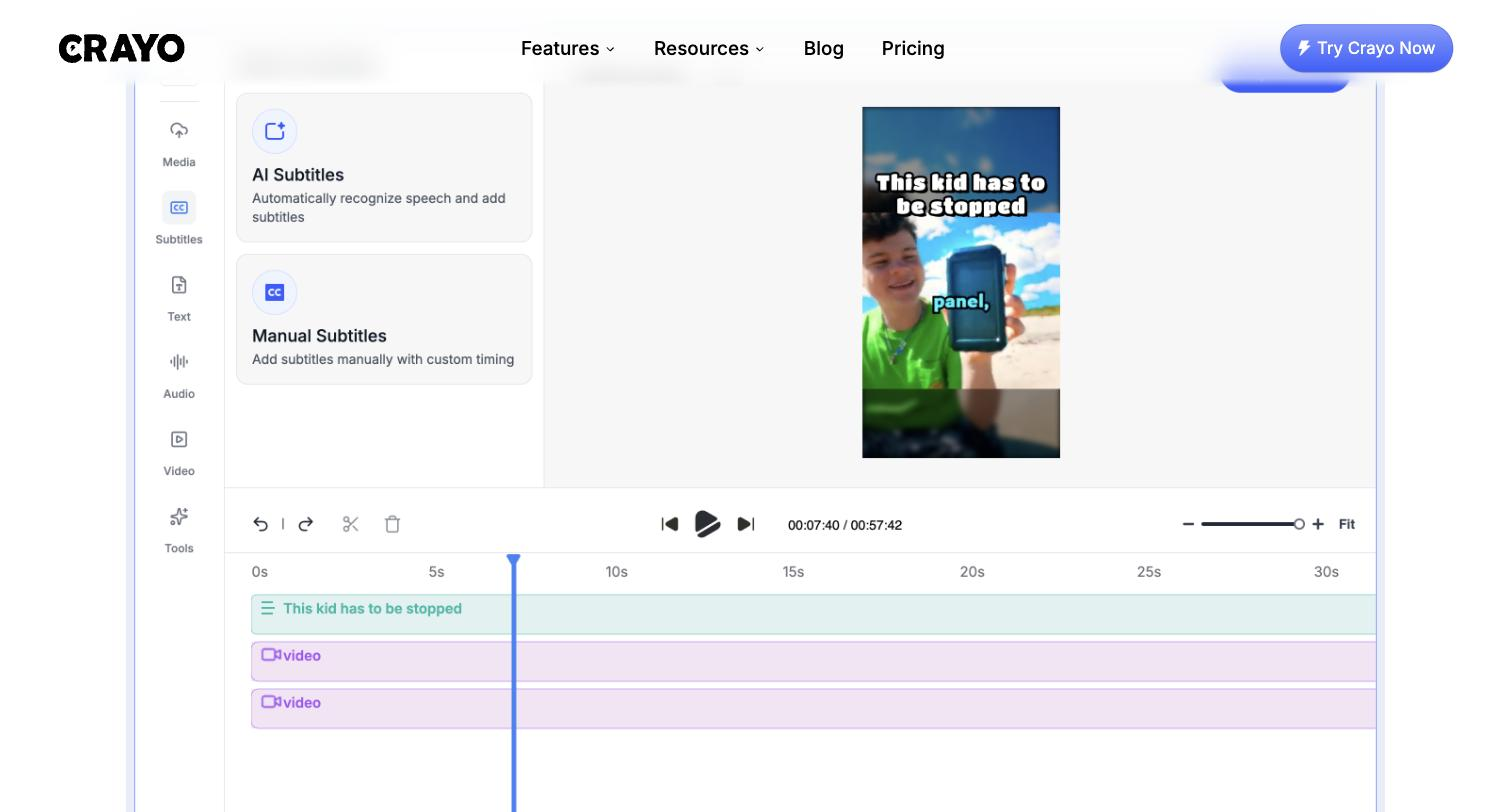

What you can actually do with this tool.
Edits short videos with captions, voice, and effects without filming.
Generates captions automatically for short-form.
Adds a voiceover narration without recording.
Adds gameplay backgrounds and effects in viral-style formats.
Generates a script to start from an idea.
Starts from a file or a YouTube/TikTok link.
Pricing tiers and what's included in each.
Crayo.ai has no permanent free plan and no trial. Annual billing is the primary model. Hobby plan: $13/month billed annually ($160/year) — 50 workflow credits/month, 40 minutes export, 30 voiceover minutes, 100 AI images, 25GB storage, 1 social account. Clipper plan (most popular): $27/month annually ($327/year) — 150 credits, 2 hours export, 120 voiceover minutes, 300 AI images, 100GB storage, 3 social accounts. Pro plan: $55/month annually ($664/year) — 250 credits, 4 hours export, 180 voiceover minutes, 500 AI images, 500GB storage, 10 social accounts. All plans include all Crayo tools (fake texts, Reddit videos, split-screen formats, plus voice changer, face swap, subtitle remover). Verified from crayo.ai/pricing on 2026-07-08.
A short path to first value.
Common questions about this tool, answered.
Worth a look — auto captions, narration, and timing can drift, so a quick pass for accuracy and originality saves a re-edit later.
Only content you own or have permission to use — a link or file can be the starting point, but reposting someone else's clip can break copyright and platform rules, so keep it to your own material or cleared content.
It's clear AI narration but synthetic, so check pronunciation and pacing for clips that matter.
No — it's tuned for short-form, so long or highly produced video sits outside its focus.
Context for choosing between this tool and alternatives.
Short-video tools differ on niche; Crayo leans to faceless gameplay and clip-to-short editing, while Revid AI focuses on story-to-clip and publishing, and Topview on product video. Compare on whether faceless, link-driven shorts or another short-form approach fits.
Other tools that show up for the same kind of work.