
ColoringBook.ai
Generates print-ready coloring pages from text prompts or photos, with batch and book modes.
FreemiumFree planWeb
Last verified Jul 7, 2026
Generates print-ready coloring pages from text prompts or photos, with batch and book modes.
Last verified Jul 7, 2026
Fast-read signals for fit, pricing, and trust.
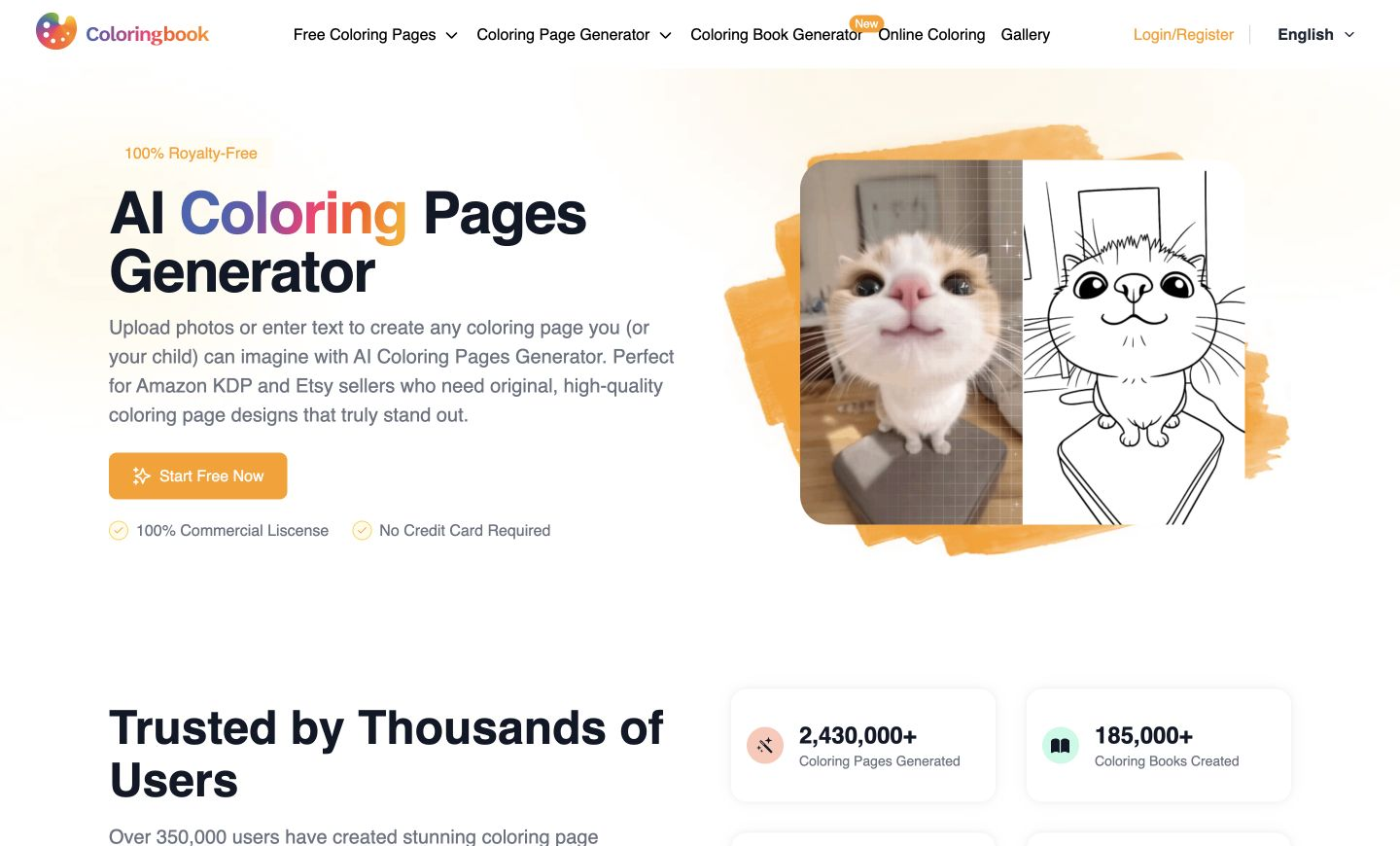
ColoringBook.ai generates printable coloring pages from a text prompt or an uploaded photo. It is aimed at parents, teachers, and print-on-demand sellers on Amazon KDP and Etsy who need original, print-ready line art. It offers age-specific styles, batch generation, and PDF and PNG output. It produces coloring-page line art rather than full illustration or design work.
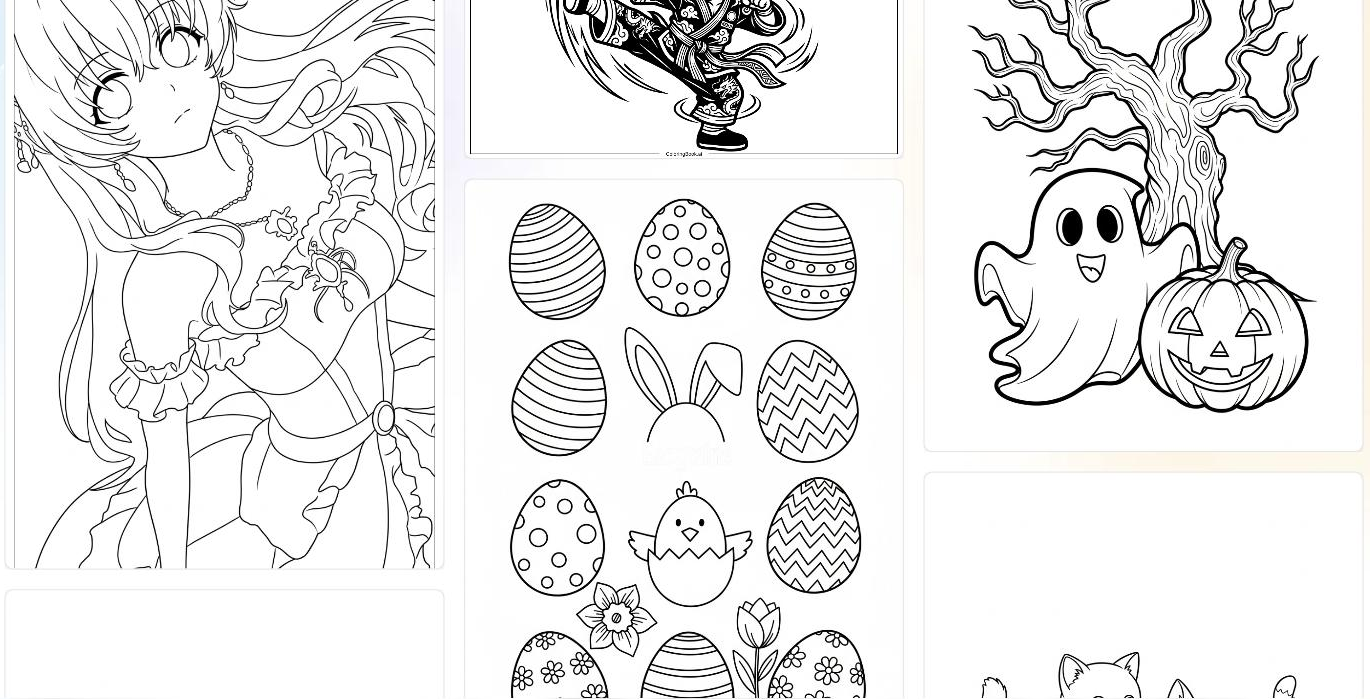
You either describe a scene or upload a photo, and it produces clean black-and-white line art sized for coloring, with options for age-specific styles, canvas formats, and templates. Output comes as print-ready PDF or PNG, batch mode generates many pages or a full book at once, and the line work is detailed enough for professional printing, with border or watermark removal and upscaling available.
The users are parents and teachers wanting custom pages, and print-on-demand sellers producing original coloring books for marketplaces who need designs that stand out. It works at the asset-creation step, ahead of printing or listing.
The boundary: it makes coloring-page line art specifically, so it isn't a general illustration or design tool, and commercial sellers still curate and assemble the pages into a product.
Quick fit check against how you actually work.
What you can actually do with this tool.
Generates coloring-page line art from a written prompt or an uploaded photo, so a page can come from an idea or an image.
Offers styles and complexity suited to different ages, from simple shapes for young children to detailed scenes for adults.
Generates many pages, or a full coloring book, in one pass rather than creating each page one at a time.
Exports crisp PDF and PNG files detailed enough for professional printing of books and individual pages.
Removes borders or watermarks and upscales pages, so the line art meets print requirements without manual fixing.
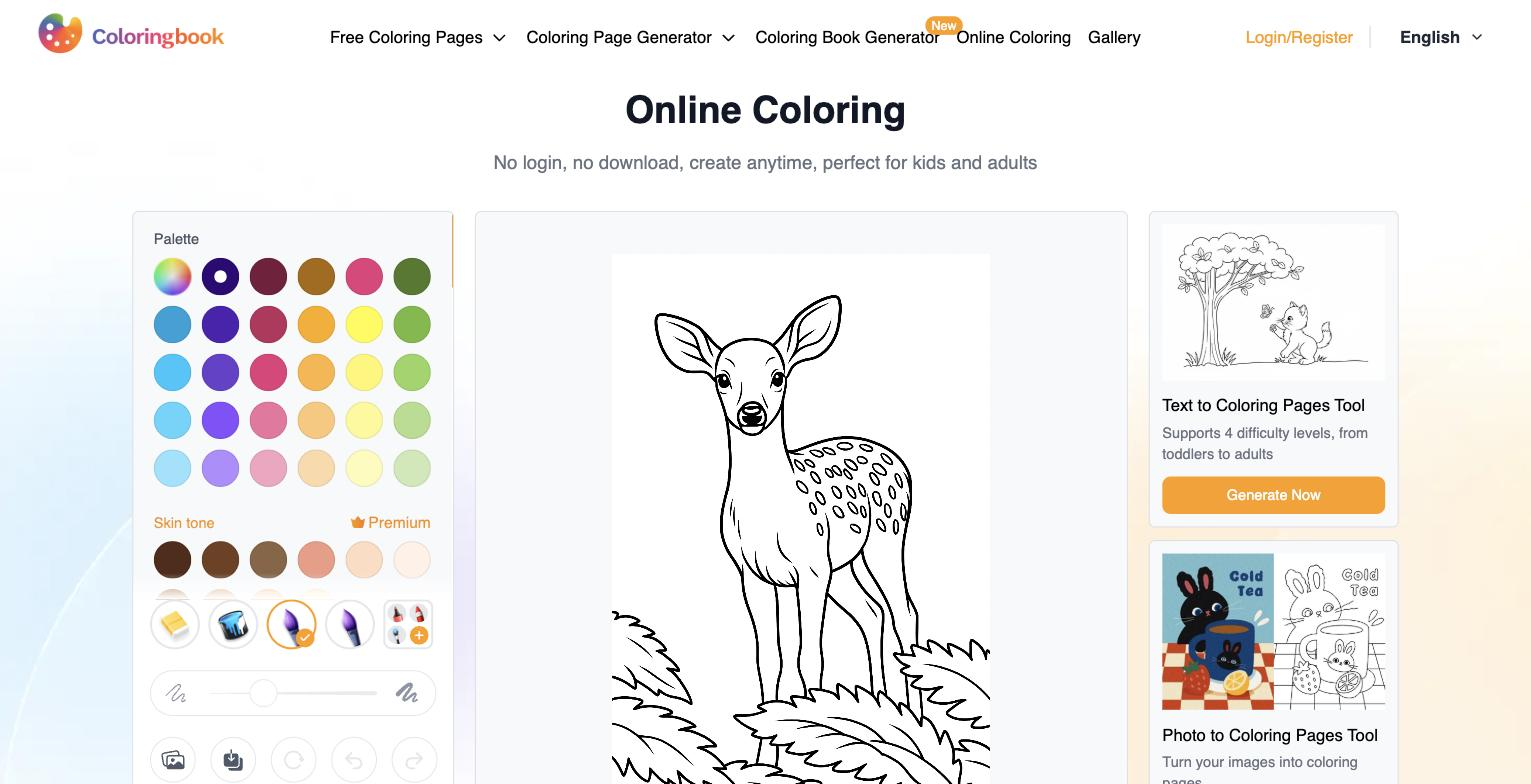
Lets pages be colored online as well as printed, which suits sharing digital activities.
Pricing tiers and what's included in each.
ColoringBook.ai offers a limited free tier (4 credits/month, personal use only) plus paid plans: Starter $6.99/mo, Hobby $13.99/mo, Professional $27.99/mo, and Business $69.99/mo (shown as annual billing on the official site).
A short path to first value.
Common questions about this tool, answered.
Yes — batch mode generates many pages, or a full book, in one pass, which suits sellers assembling a product rather than making pages one at a time.
It exports crisp PDF and PNG line art detailed enough for print, with border and watermark removal and upscaling to help meet print requirements.
Yes — alongside text prompts you can upload a photo and turn it into coloring-page line art, which is useful for personalised pages.
No — it produces black-and-white line art for coloring; full-color illustration needs a different tool, though pages can be colored online or printed.
Context for choosing between this tool and alternatives.
The decision is a dedicated coloring-page generator versus general image generation. ColoringBook.ai suits sellers and educators who need print-ready line art at volume. For broader image creation, a general generator does more but isn't tuned for clean coloring line work; for illustration, a design tool fits. Choose by whether print-ready coloring pages in batches are the specific need.
Other tools that show up for the same kind of work.