
Xmind AI
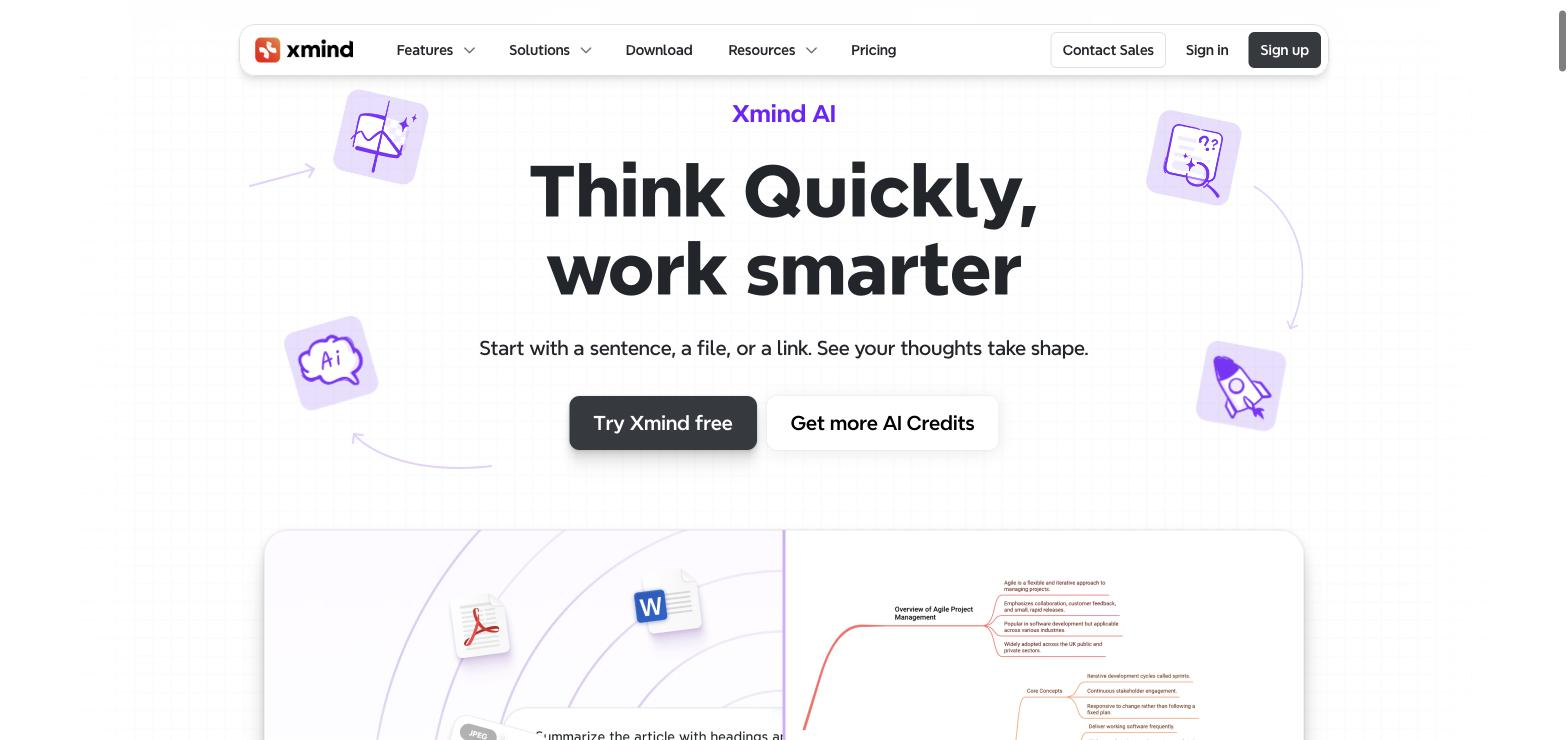
An AI mind-mapping tool that turns a sentence, file, or link into a structured map.
FreemiumFree planWeb
Last verified Jul 11, 2026
An AI mind-mapping tool that turns a sentence, file, or link into a structured map.
Last verified Jul 11, 2026
Fast-read signals for fit, pricing, and trust.
Xmind AI is a mind-mapping and brainstorming tool where AI turns a sentence, file, or link into a structured map, with a copilot for summarizing, to-do generation, slides, and real-time collaboration. It is aimed at people organizing ideas, projects, or notes who want structure quickly. AI-driven map generation plus collaboration distinguishes it from a manual mapping tool. It structures and suggests; the thinking and judgement stay yours.
You start from a sentence, a file, or a link and it generates a structured mind map, with a copilot that summarizes and explains nodes, generates to-do lists, and can turn a map into slides, all shareable for real-time collaboration.
It suits students, planners, and teams organizing ideas, projects, or research who want AI to kick-start the structure rather than building every branch by hand.
AI gives a starting structure, so the map still needs your judgement to be accurate and useful, and generated summaries reflect the source you provide.
Quick fit check against how you actually work.

What you can actually do with this tool.
Turns a sentence, file, or link into a structured mind map, so structure starts fast.
Summarizes and explains nodes, adding detail and context to a map.
Turns a map into to-do lists, bridging ideas and action.
Converts a map into slides for presenting the thinking.
Shares maps for collaborative editing in real time.
Turns a visual into an editable, structured map.
Pricing tiers and what's included in each.
Xmind AI has a Free plan (10 maps, 10 AI credits) and paid plans from $4.92/month annual. Pro removes watermarks and adds custom themes. Premium ($8.25/mo annual) adds real-time collaboration, Gantt charts, and 500 monthly AI credits.
A short path to first value.
Xmind AI | Product Demo
Common questions about this tool, answered.
No — it starts the structure, but the map needs your judgement to be accurate and genuinely useful, so treat it as a kick-start.
Yes — it generates to-do lists and can turn a map into slides, bridging from ideas to action or presentation.
They reflect the source you provide, so clear inputs give better summaries; check them before relying on them.
Real-time collaboration supports teams mapping together, alongside solo use.
Context for choosing between this tool and alternatives.
Mind-mapping tools differ on how much the AI drives; Xmind AI generates structure from inputs and adds a copilot. Manual mappers give full control; broader brainstorming or PM tools cover adjacent jobs. Compare on whether AI-started structure and collaboration or hands-on control matters more.
Other tools that show up for the same kind of work.