
Secta AI
An AI headshot tool that produces a large volume of portraits in many styles from one upload, on a single one-time price.
PaidWeb
Last verified Jul 14, 2026
An AI headshot tool that produces a large volume of portraits in many styles from one upload, on a single one-time price.
Last verified Jul 14, 2026
Fast-read signals for fit, pricing, and trust.
Secta AI generates around 300 portraits across 100+ styles from your uploaded photos for a flat $49 one-time fee, with a refund window. Some advanced Remix tools may consume extra credits beyond the base package.
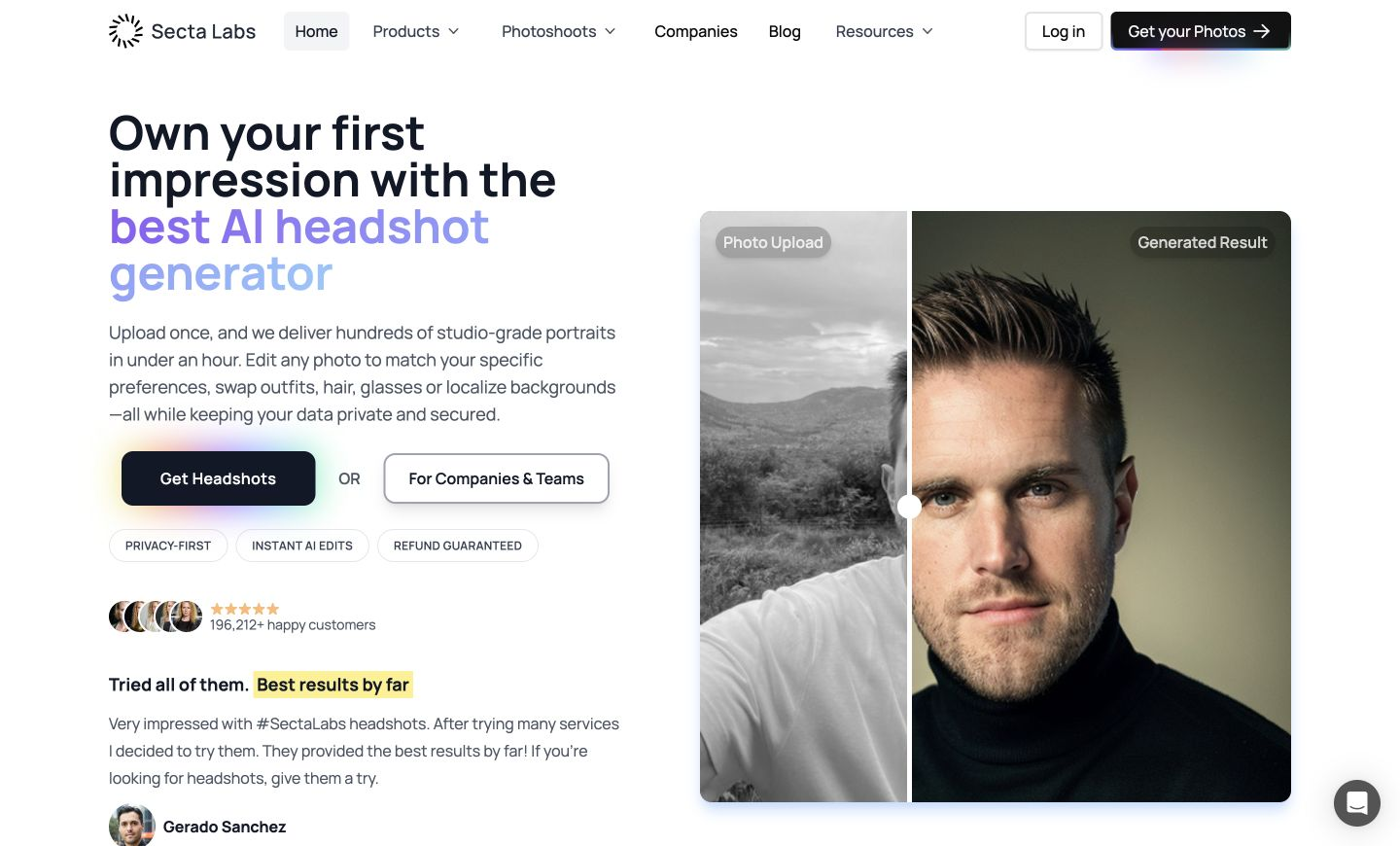
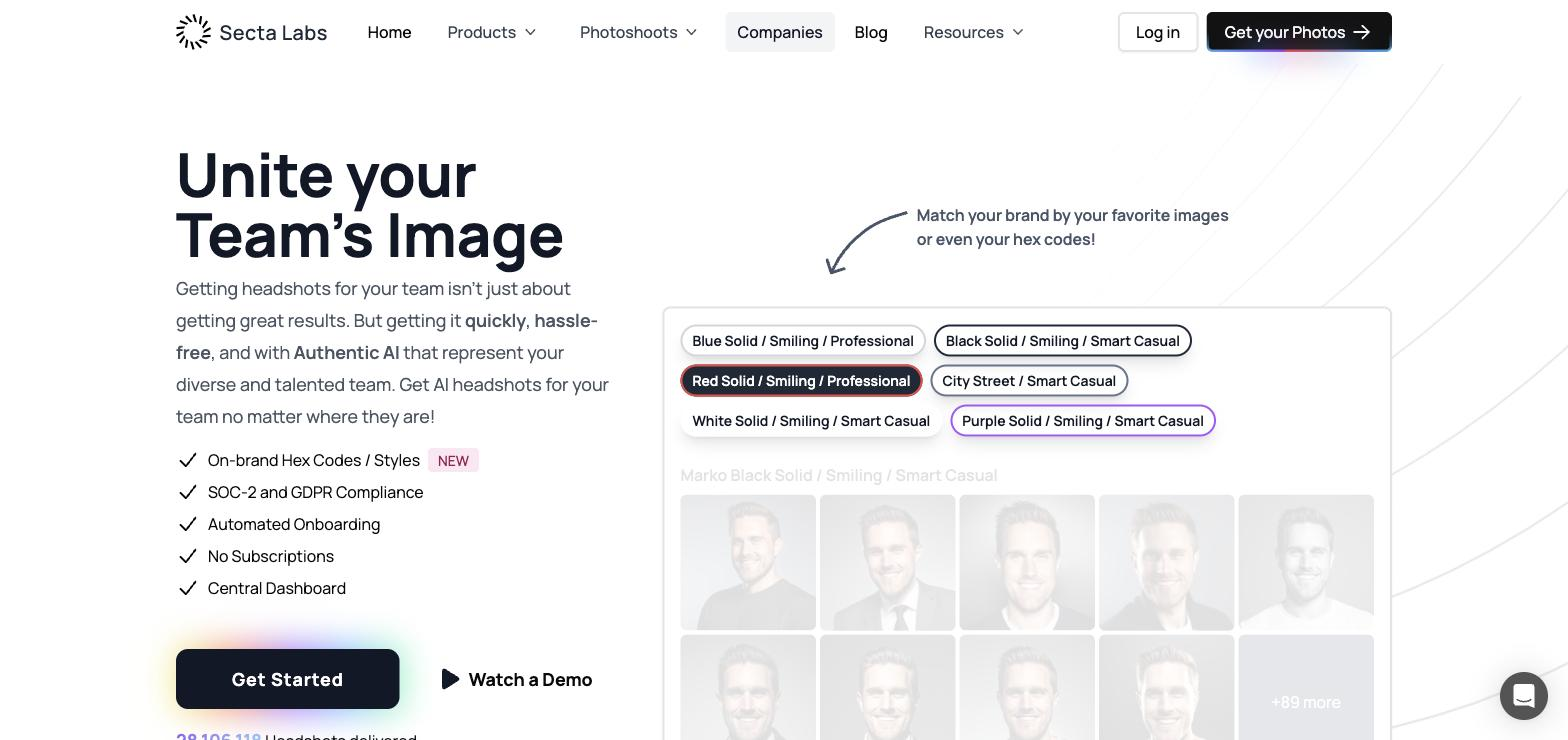
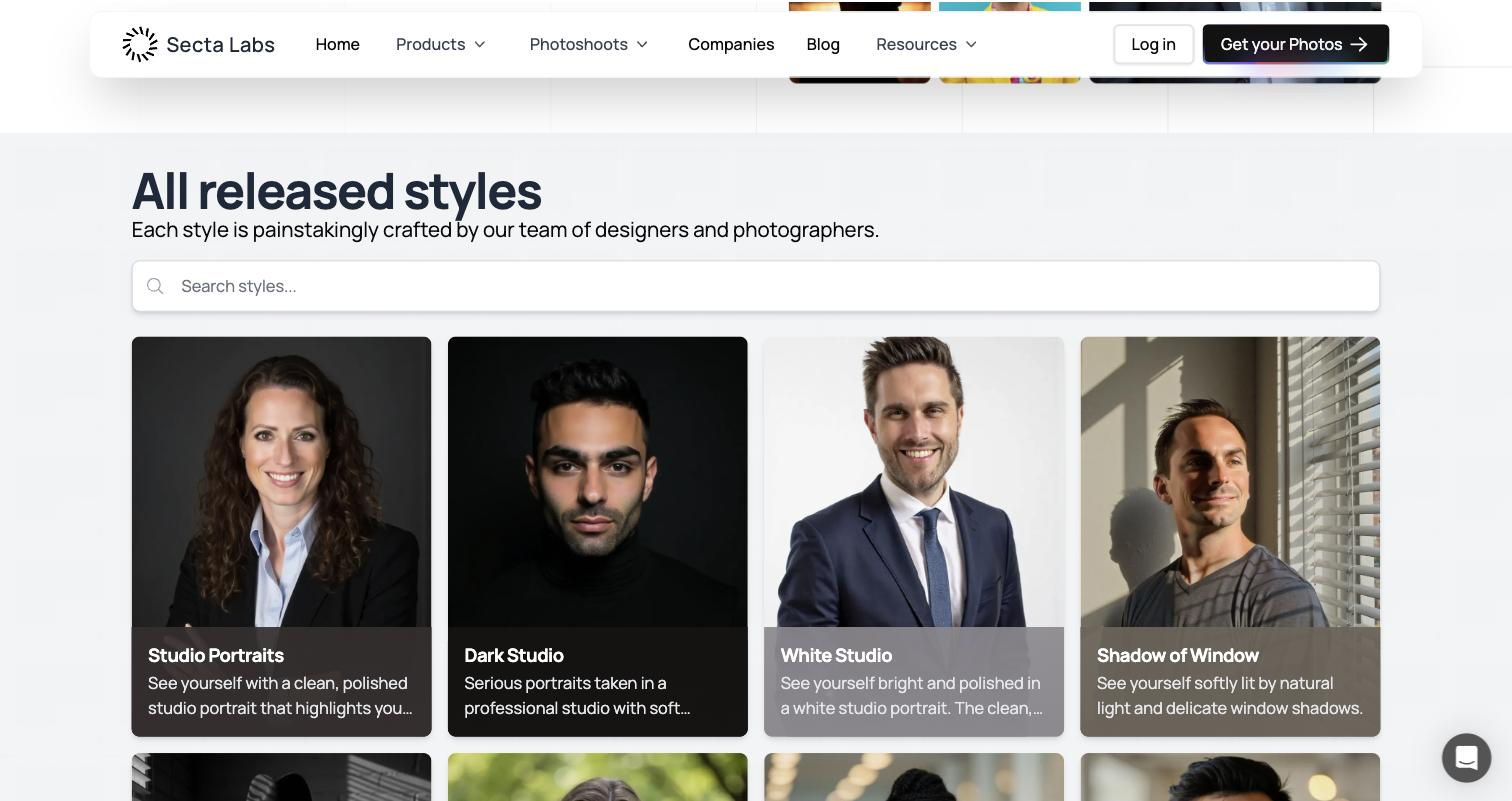
Secta AI competes in the AI headshot space on volume and variety: for a single $49 one-time payment, it generates roughly 300 portraits across more than 100 styles from the photos you upload. The bet is that giving you a large pool of looks — different backgrounds, outfits, and lighting treatments — raises the odds that several shots land as genuinely usable, which is the metric that actually matters for a headshot buyer. It targets professionals refreshing LinkedIn, resume, or team profiles who'd rather browse a big set than a handful. The workflow is standard for the category: upload a variety of selfies, wait while the model trains and generates, then browse and download your favorites. A 30-day refund reduces the commitment risk somewhat, and Teams pricing exists for organizations that want to outfit a whole staff with consistent portraits. Being honest about the trade-offs: volume is a double-edged feature. Getting 300 images sounds generous, but only a subset will be truly usable, and sifting a large batch takes time — the real value is in the best 10–20 shots, not the headline count. Output quality, as with every AI headshot tool, depends heavily on the range and quality of the photos you provide; limited or inconsistent uploads yield weaker results and occasional off-looking faces. There's no free tier, so you pay before seeing your own results. And Secta's advanced "Remix" tools can consume additional credits beyond the base package, so the flat $49 isn't necessarily the ceiling if you lean on those extras. For someone who wants maximum variety at a low flat price and will invest time curating, Secta is a strong pick; for someone who wants a small, curated set or a free preview, a different tool may suit better. If you do choose Secta, budget some time to sort the large batch down to the handful of portraits you'll genuinely use, because that curation step is where the real value of the volume actually shows up.
Quick fit check against how you actually work.
What you can actually do with this tool.
About 300 images per session raises the odds of several usable shots.
Wide range of backgrounds, outfits, and lighting from one upload.
$49 covers the base package with no subscription.
Lowers the risk of committing before seeing results.
Custom pricing to give a whole staff consistent portraits.
Extra editing options, though they can consume additional credits.
Pricing tiers and what's included in each.
Secta AI is $49 one-time for around 300 portraits across 100+ styles, with a 30-day refund. Teams pricing is custom. Note that some advanced Remix tools may consume extra credits.
A short path to first value.
Secta Labs Teams Demo
Common questions about this tool, answered.
Around 300 across 100+ styles for the $49 one-time fee.
No, but there's a 30-day refund window.
No — expect to curate a strong handful from the large batch; results depend on your input photos.
Advanced Remix tools can consume additional credits beyond the base package.
Other tools that show up for the same kind of work.
HeadshotPro
Paid
AI SuitUp
Paid
ProPhotos
Paid
BetterPic
Paid
Try It On AI
Paid