
BetterPic
An AI headshot generator that delivers 4K professional portraits from your selfies on a one-time-purchase model, with optional human editing.
PaidWeb
Last verified Jul 14, 2026
An AI headshot generator that delivers 4K professional portraits from your selfies on a one-time-purchase model, with optional human editing.
Last verified Jul 14, 2026
Fast-read signals for fit, pricing, and trust.
BetterPic turns uploaded selfies into professional 4K headshots across styles, sold as one-time packages rather than a subscription. There's no free tier, and optional paid add-ons cover manual edits and redos.
BetterPic is an AI headshot generator aimed at professionals who need a polished LinkedIn- or resume-ready portrait but don't want to book a photographer. You upload a set of selfies, choose styles and settings, and it generates studio-style headshots — with a specific emphasis on 4K output, which sets it apart from tools that deliver lower-resolution results better suited to small avatars than to print or high-DPI displays. The commercial model is also a differentiator: BetterPic sells one-time packages rather than a recurring subscription, so you pay once for a defined number of headshots. For the target buyer — a job seeker, consultant, or team member refreshing profiles — the appeal is getting a range of professional looks in a few hours for far less than a studio session, and keeping the option to pay a small fee for a human editor to retouch the best shots. The one-time pricing is easy to reason about: Basic is $35 for 20 headshots, Pro $39 for 60, and Expert $79 for 120, with add-ons like a manual edit ($8) or a redo ($10). Honest limitations: there is no free tier or trial, so you commit to a purchase before seeing your own results, which is the main risk with any AI headshot tool — output quality depends heavily on the variety and quality of selfies you provide. As with all such tools, some generated shots will look off or slightly synthetic, and the usable-to-generated ratio matters more than the raw count; 120 headshots is only valuable if a solid handful are genuinely usable. Likeness accuracy varies by person, and unusual features or inconsistent input photos reduce results. For someone who wants high-resolution, one-time-purchase headshots and values the human-edit safety net, BetterPic is a strong fit; for anyone who wants to test quality free first, a tool with a trial may feel safer.
Quick fit check against how you actually work.
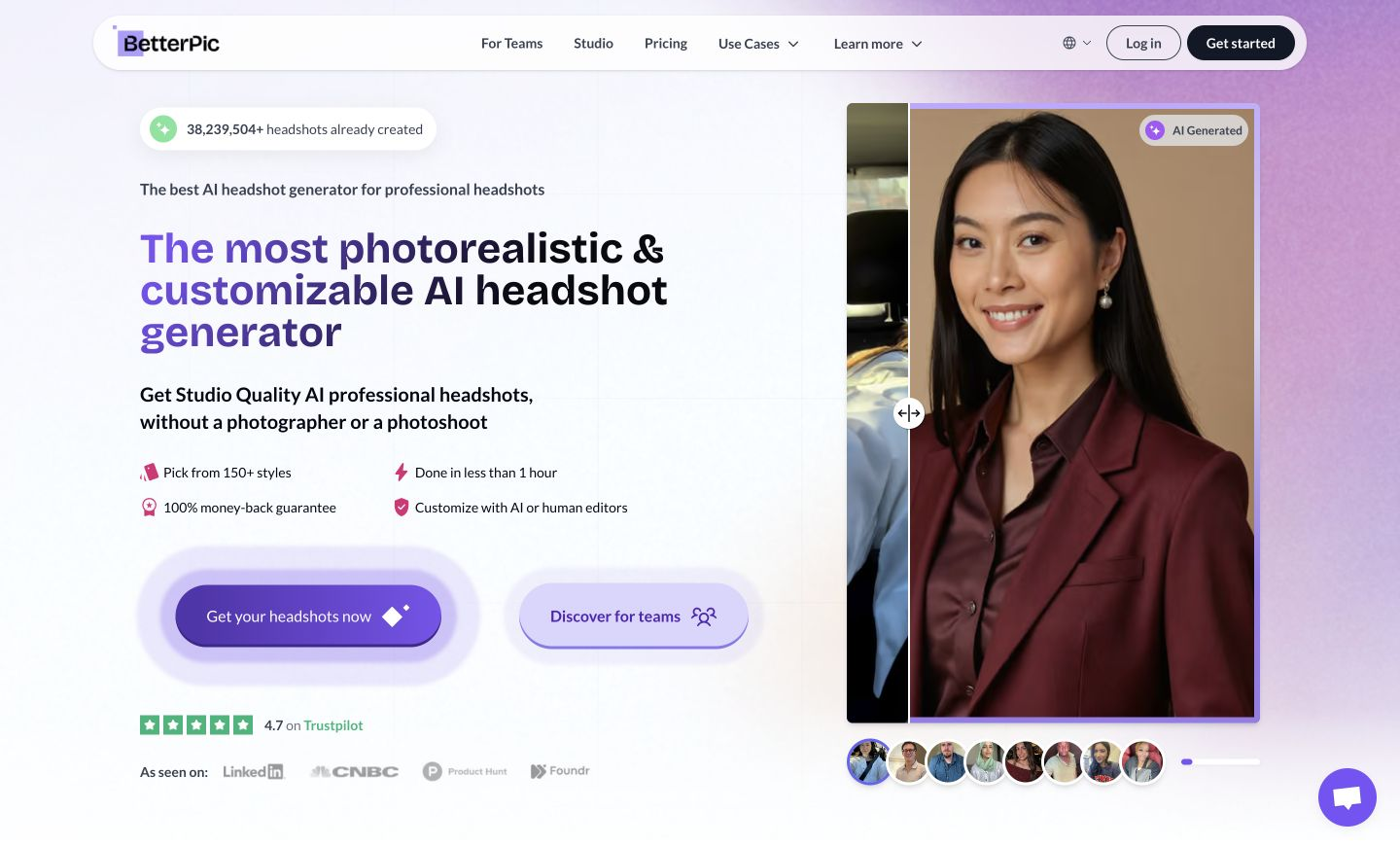
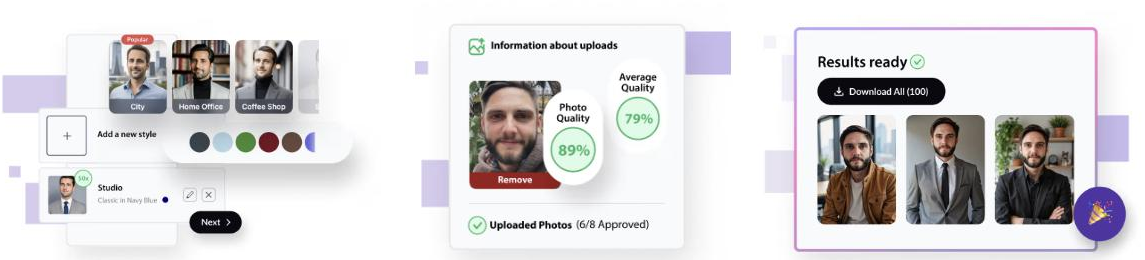
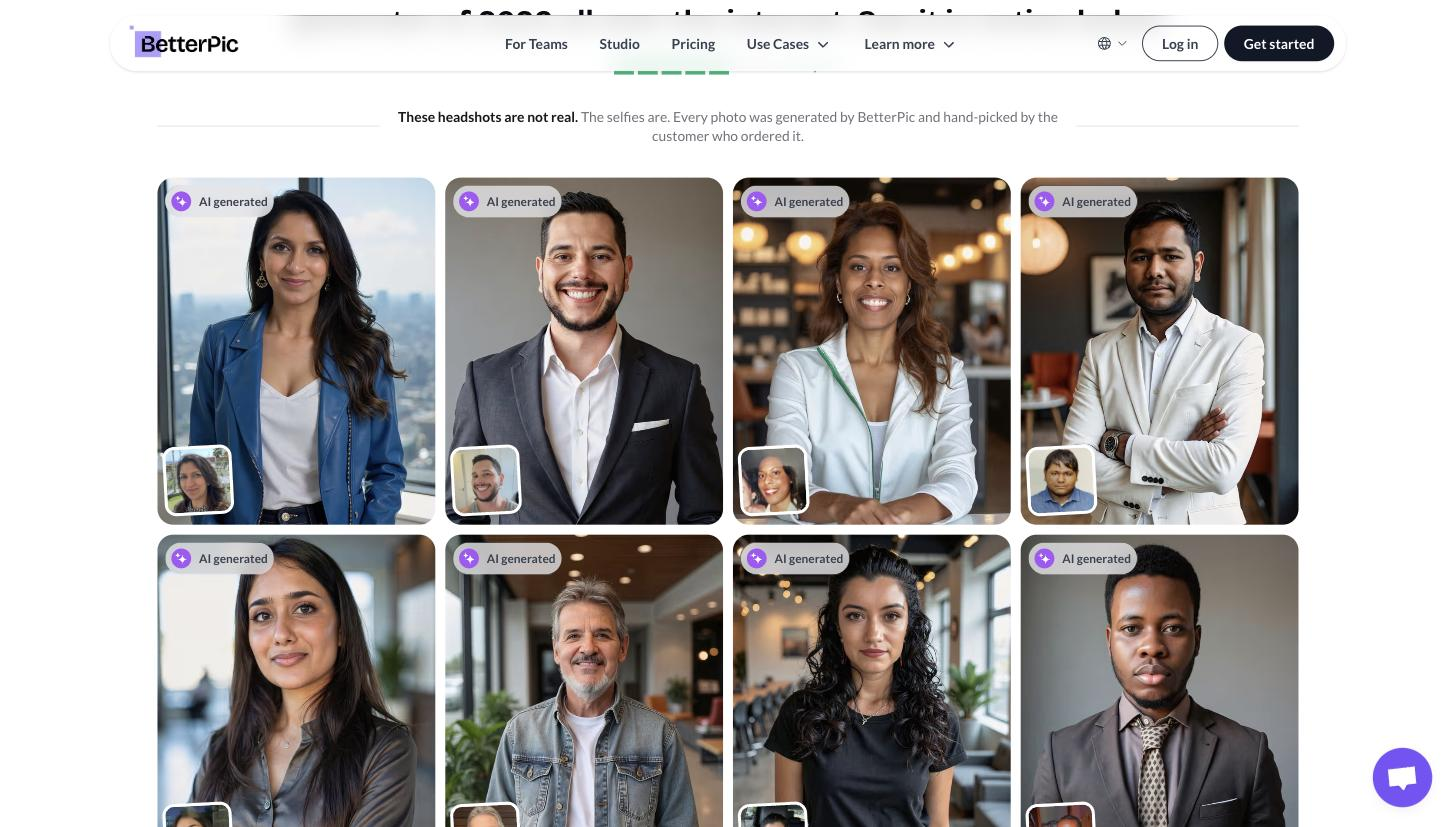
What you can actually do with this tool.
High-resolution portraits usable for print and high-DPI screens, not just thumbnails.
Multiple professional looks from a single upload.
Pay once for a set number of headshots with no subscription.
Retouch standout shots for a small extra fee when AI output needs polish.
Regenerate when a batch misses, reducing the risk of a wasted purchase.
Scale from 20 to 120 headshots depending on how many looks you want.
Pricing tiers and what's included in each.
BetterPic uses one-time pricing: Basic $35 (20 headshots, 4K), Pro $39 (60), and Expert $79 (120). Add-ons include a manual edit ($8) and a redo ($10). There is no free tier or trial.
A short path to first value.
Common questions about this tool, answered.
No — BetterPic is a paid one-time purchase with no free tier or trial.
Up to 4K, suitable for print and high-DPI displays.
20 on Basic, 60 on Pro, and 120 on Expert, all one-time.
You can order a redo add-on or a human manual edit; results still depend on your input photos.
Other tools that show up for the same kind of work.
HeadshotPro
Paid
AI SuitUp
Paid
ProPhotos
Paid
Secta AI
Paid
Try It On AI
Paid