
Quick QR Art
An AI QR-code generator that blends scannable codes into custom artwork, with a free-forever tier and paid plans for tracking and customization.
FreemiumFree planWeb
Last verified Jul 14, 2026
An AI QR-code generator that blends scannable codes into custom artwork, with a free-forever tier and paid plans for tracking and customization.
Last verified Jul 14, 2026
Fast-read signals for fit, pricing, and trust.
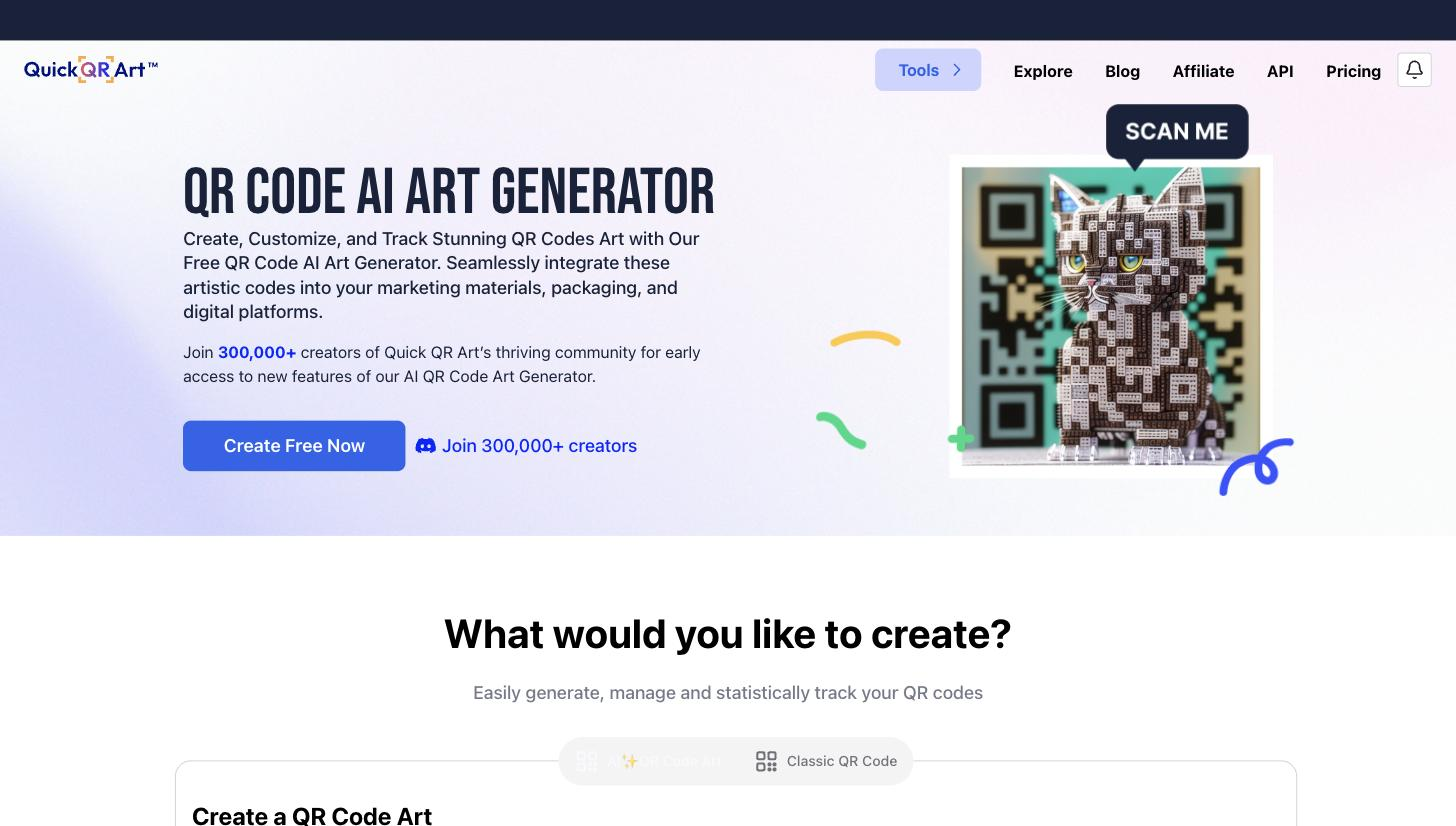
Quick QR Art generates artistic, on-brand QR codes that stay scannable, with a free-forever plan and paid tiers adding tracking and deeper customization. It's aimed at marketers and creators who want QR codes that fit their visual identity.
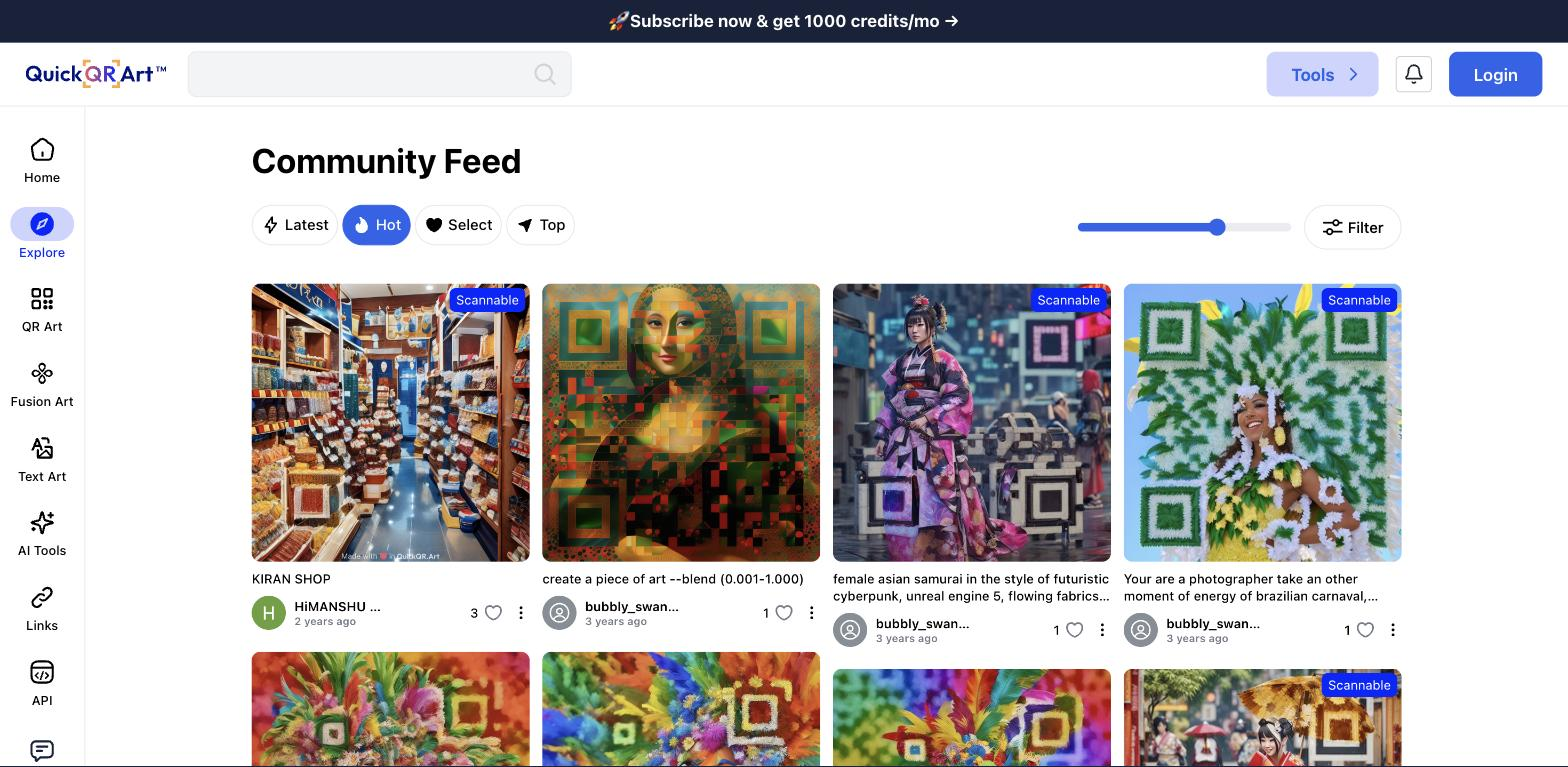
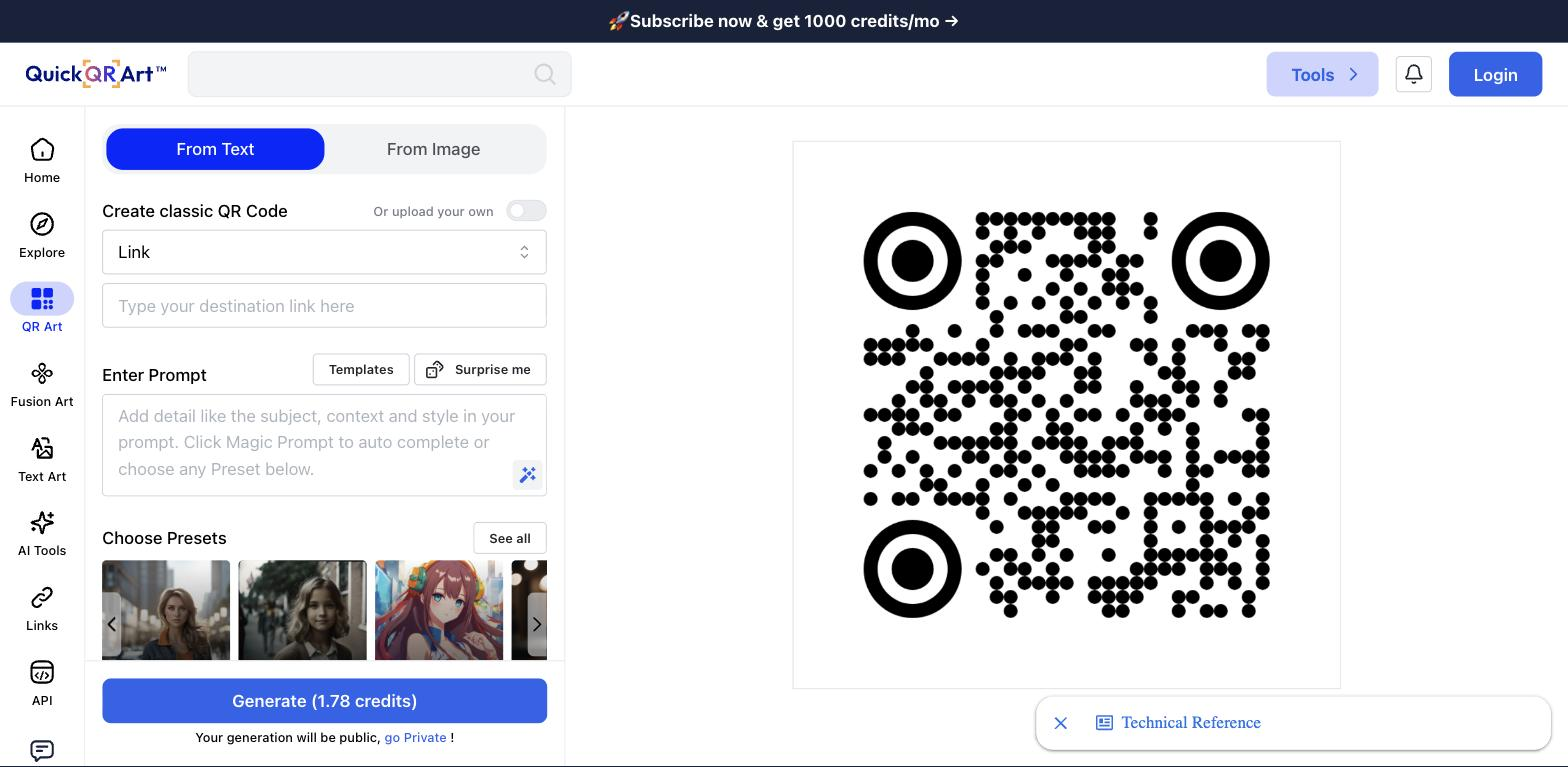
Quick QR Art solves a small but real marketing problem: standard QR codes are ugly, and ugly codes get ignored. Using AI image generation, it blends a scannable QR code into custom artwork — a code that looks like a themed illustration, a product scene, or a branded graphic while still resolving reliably when scanned. For marketers, event organizers, restaurants, and creators, that means a code that fits a poster, menu, or packaging design instead of clashing with it, which can meaningfully lift scan rates. The workflow is approachable: you enter the destination URL, describe or choose an art style, generate options, and download a code that matches your visual identity. The free-forever plan lets anyone create artistic codes without commitment, while paid plans (from about $11/mo) add the things businesses actually need — scan tracking, more customization, and management features. It sits naturally alongside published tools like QR Code AI and QRBTF as part of the AI-QR niche. Honest limitations: artistic QR codes trade some reliability for beauty. The more heavily stylized a code is, the higher the risk that certain scanners or poor lighting struggle with it, so any artistic code should be tested across a few phones before it goes to print — this is the single biggest practical caveat with AI QR tools. The free tier's feature set is limited compared with paid plans, and the current product documentation is light, so the tier-by-tier breakdown is best confirmed on the site. For anyone who wants QR codes that reinforce a brand rather than blemish it — and who tests before printing — Quick QR Art is a useful, low-cost tool; for purely functional, guaranteed-max-reliability codes, a plain generator is safer. The right call usually depends on the setting: a well-lit menu or business card can carry a more stylized code, while a code that must scan from a distance or in poor light is safer kept simpler and less heavily illustrated.
Quick fit check against how you actually work.
What you can actually do with this tool.
Blend a scannable code into custom, on-brand artwork.
Create artistic codes at no cost to evaluate the tool.
Measure how often and where codes are scanned.
Tune style and design to match brand assets.
Point a code at any destination quickly.
Organize and update codes for campaigns.
Pricing tiers and what's included in each.
Quick QR Art has a free-forever plan. Paid plans start at about $11/mo and add AI-art QR codes with scan tracking and deeper customization.
A short path to first value.
Introducing QuickQR Art: Transforming QR Codes into Artistic Masterpieces, powered by AI
Common questions about this tool, answered.
Yes, but heavily stylized codes should be tested across devices before printing.
Yes, a free-forever plan for creating artistic codes.
Scan tracking, more customization, and management features, from about $11/mo.
Artistic styling can reduce reliability, so always test before deploying.
Other tools that show up for the same kind of work.
QR Code AI
Freemium
QRBTF
Freemium