
Numerous.ai
An AI add-on for Google Sheets and Excel that brings ChatGPT-style functions into your spreadsheet for categorizing, extracting, and generating data at scale.
PaidWeb
Last verified Jul 14, 2026
An AI add-on for Google Sheets and Excel that brings ChatGPT-style functions into your spreadsheet for categorizing, extracting, and generating data at scale.
Last verified Jul 14, 2026
Fast-read signals for fit, pricing, and trust.
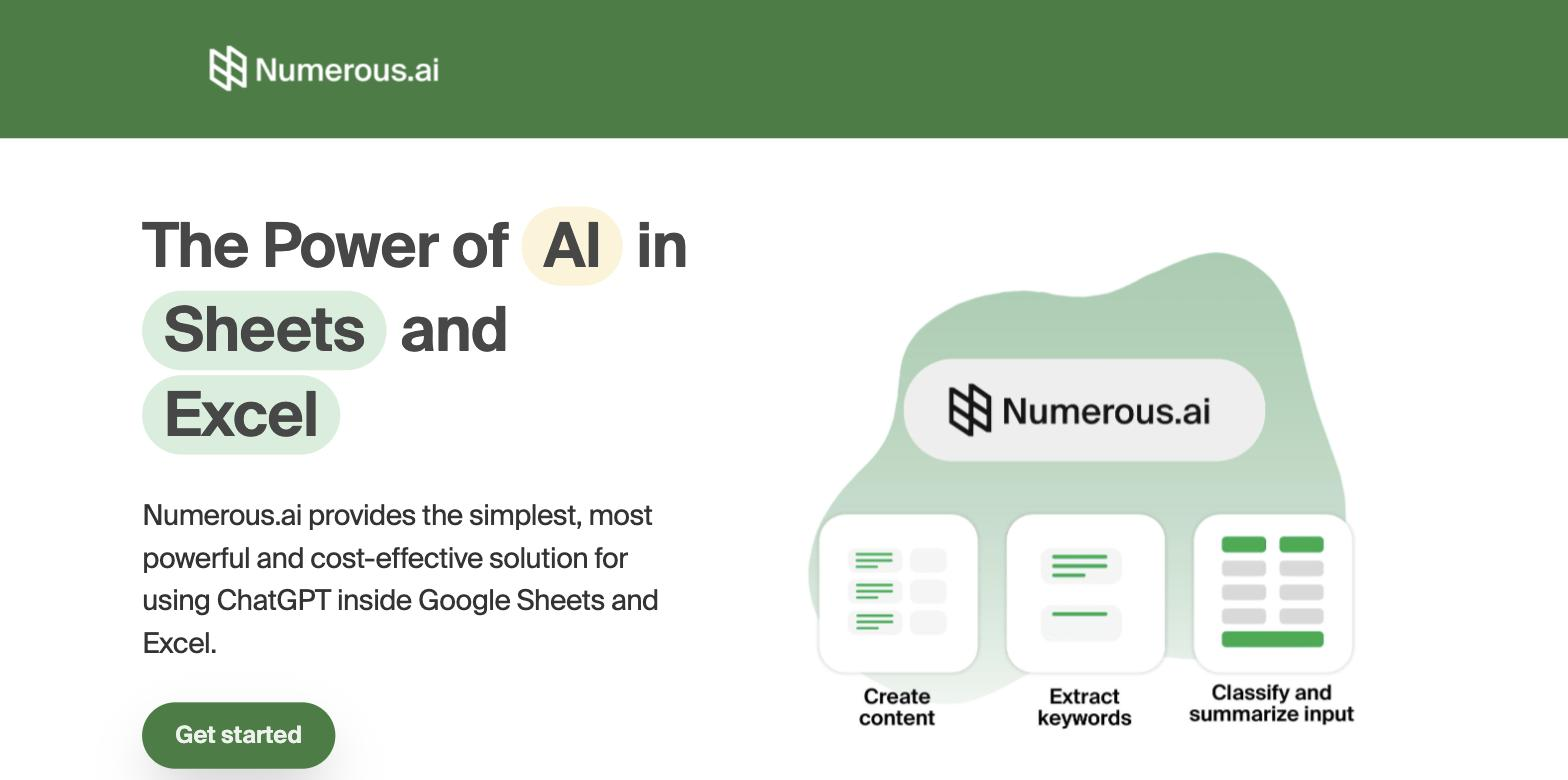
Numerous.ai is a spreadsheet AI add-on for Google Sheets and Excel that lets you categorize, extract, clean, and generate data with AI-powered functions, dragging them down like any formula. It suits marketers, analysts, and operators who want to run AI tasks on large datasets without writing code.
Numerous.ai meets people where a huge amount of real work already happens: the spreadsheet. It's an add-on for Google Sheets and Microsoft Excel that exposes AI as a function you can drag down a column, so tasks that would normally require a script or tedious manual effort — categorizing a list of products, extracting a field from messy text, cleaning inconsistent entries, writing product descriptions, or sentiment-tagging feedback — become a formula applied across thousands of rows. For marketers, analysts, e-commerce operators, and ops people who live in spreadsheets, that's a genuinely practical way to use AI without leaving their workflow or learning a new app. The strength is accessibility. You don't need to know how to call an API or write code; if you can write a spreadsheet formula, you can apply AI to a whole dataset. Julius AI, the closest comparable tool, takes the opposite approach — it moves your data into a separate chat environment for analysis and visualisation. Numerous.ai's bet is that most enrichment work already happens in a spreadsheet grid, so bringing AI into the grid beats asking people to change where they work. Julius AI is the better fit when the task calls for charts, modelling, or conversational follow-up; Numerous.ai wins when the goal is enriching or classifying data row by row, in place. Honest limitations are worth stating. AI-generated cell outputs need review — the model can be confidently wrong, so it's best for first-pass categorization, drafting, and enrichment rather than final numbers you won't check. Running AI across very large sheets consumes usage and can be slow, so batch thoughtfully. For spreadsheet-heavy teams who want AI where their data already lives, Numerous.ai is a smart fit, provided you treat its output as a fast draft to verify rather than a finished answer. The most reliable pattern is to run it across a small sample of rows first, check the accuracy by hand, and only then apply it to the full dataset. That sample-first step matters most when errors would compound — re-categorizing thousands of records or generating content that will publish without further review are both cases where a small upfront validation saves significant cleanup.
Quick fit check against how you actually work.
What you can actually do with this tool.
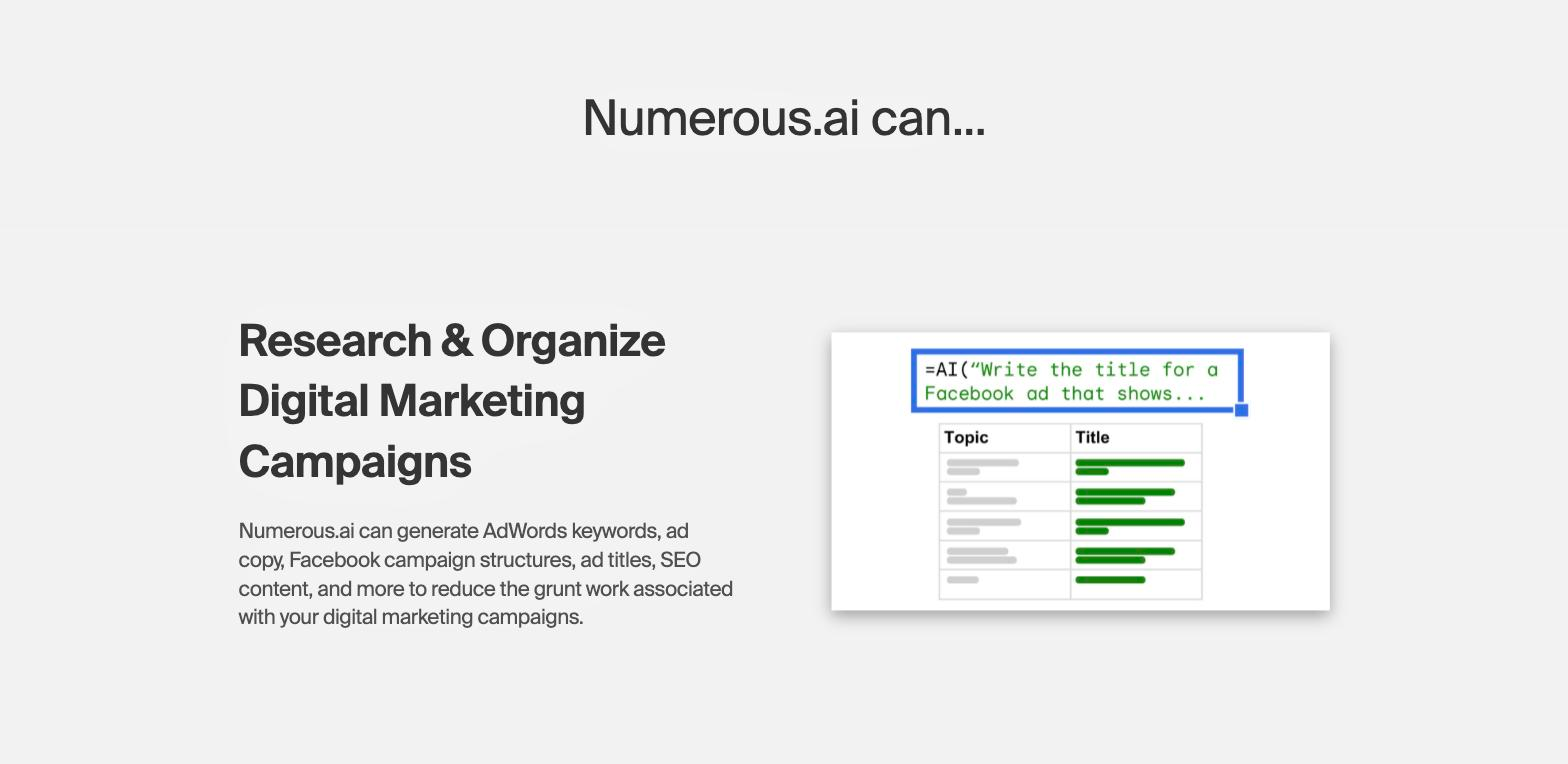
Apply AI like a formula you drag down a column.
Works inside the tools your data already lives in.
Tag or classify thousands of rows in one pass.
Pull fields from messy text and standardize entries.
Draft descriptions or summaries per row.
Use AI on datasets without scripts or APIs.
A short path to first value.
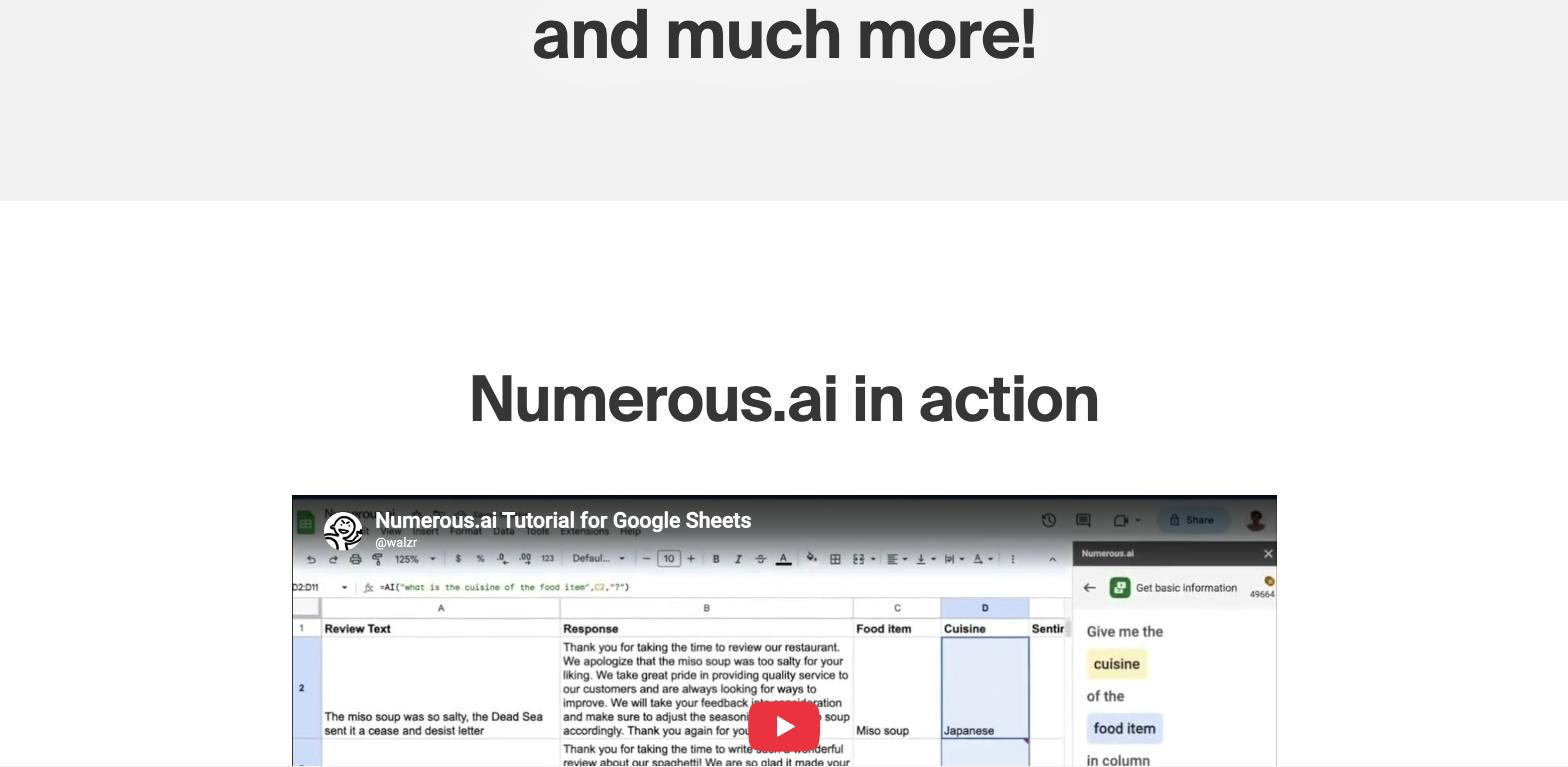
Numerous.ai Tutorial for Google Sheets
Common questions about this tool, answered.
It adds AI functions to Google Sheets and Excel so you can categorize, extract, clean, and generate data across rows.
No — if you can write a spreadsheet formula, you can apply AI to your data.
Treat them as a fast first pass to review; the model can be confidently wrong.
Run it on a small sample first and check the results by hand before applying the formula to a full dataset.
Other tools that show up for the same kind of work.
Julius AI
Freemium