
Julius AI
Ask questions about uploaded data in plain language and get charts, analyses, and summaries.
FreemiumFree planWeb
Last verified Jul 12, 2026
Ask questions about uploaded data in plain language and get charts, analyses, and summaries.
Last verified Jul 12, 2026
Fast-read signals for fit, pricing, and trust.
Julius AI is an AI data analyst that lets you upload spreadsheets, CSVs, or connect databases and ask questions in plain language to generate charts, run analyses, and produce reports without writing code. It is aimed at analysts, researchers, and business teams who need fast answers from tabular data. A free plan is available; Plus starts at $20/month (or $16/month billed annually).
You upload a file or connect a data source, then ask questions in plain English — such as 'what drove the revenue spike in March' or 'plot churn by region' — and Julius produces charts, statistics, or written summaries. Julius supports frontier models including GPT-5.5 and Claude Opus 4.8 on paid plans. Notebooks organise analyses into reusable, shareable workflows. The Business plan adds Postgres, BigQuery, and Snowflake connectors, custom agents, a Slack agent for report delivery, and scheduled report runs for teams of up to 50.
Quick fit check against how you actually work.


What you can actually do with this tool.
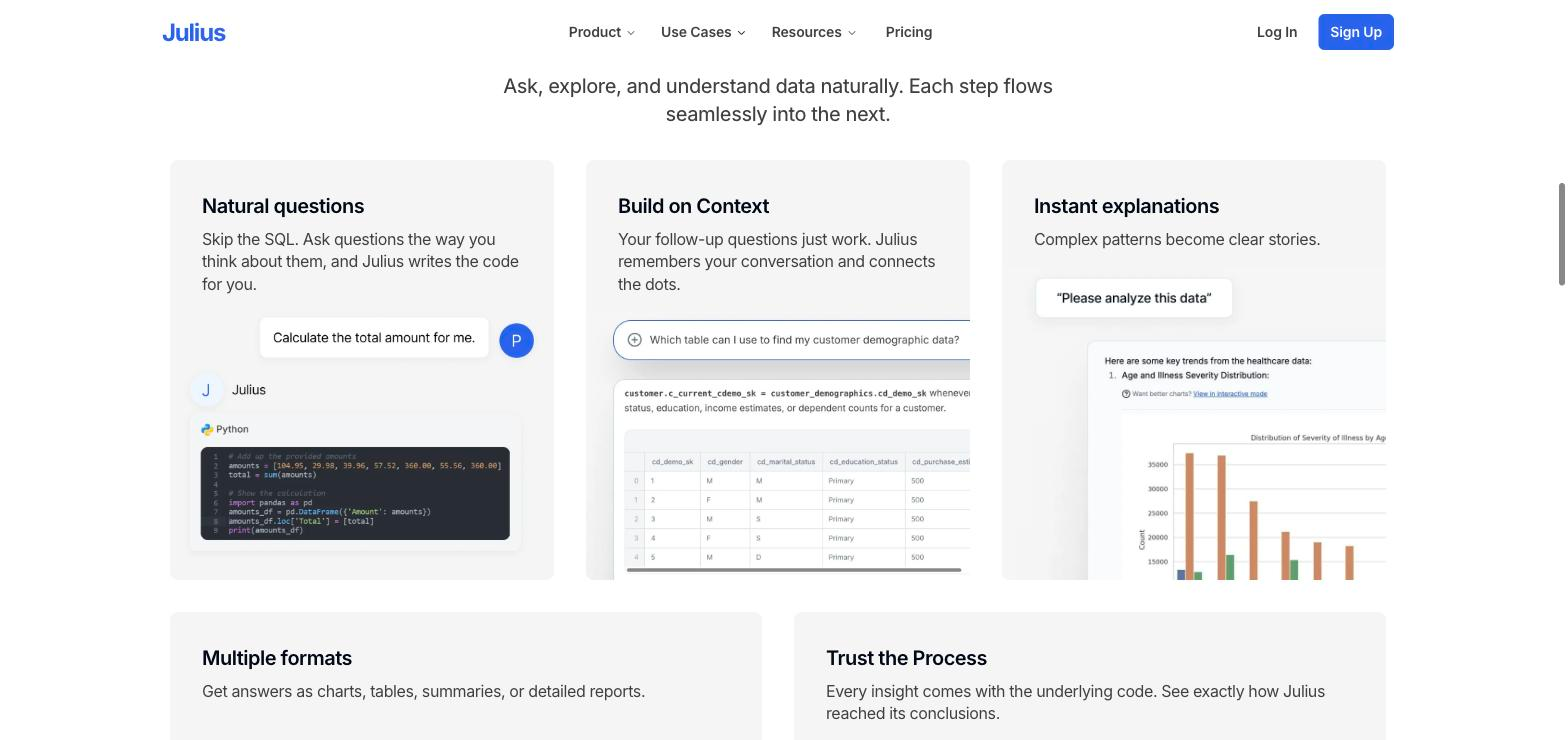
Ask questions about your data in plain English and receive charts, statistics, or written summaries — no formula or code required.
Accepts spreadsheets, CSVs, and common file formats; Business plan adds Postgres, BigQuery, and Snowflake direct connectors with no table limits.
Generates visualisations — bar charts, line charts, scatter plots, and more — from a question or analysis request, exportable for use in reports.
Plus and higher tiers include frontier models including GPT-5.5 and Claude Opus 4.8 for higher-quality analysis and more nuanced reasoning.
Organises analyses into notebooks for repeatable, shareable data workflows, available on all tiers including the free plan.
Business plan adds scheduled report runs, a Slack agent for automated delivery, unlimited custom agents, and collaboration for up to 50 team members.
Pricing tiers and what's included in each.
Julius AI has a free plan with notebooks and Google Drive connector. Plus is $20/month (monthly) or $16/month (annual) with 2,000 credits, frontier models, and exports. Pro is $45/month ($37/month annual) with 5,000 credits and 32 GB RAM. Max is $200/month ($166/month annual) with 25,000 credits. Ultra is $500/month ($416/month annual) with 70,000 credits. Business is $450/month ($375/month annual) for teams of up to 50.
A short path to first value.
Build With Us: Creating an Energy Inflation Model in Under 15 minutes
Common questions about this tool, answered.
Yes — the free plan includes notebooks, common file format support, Google Drive data connector, and 2 GB RAM. Credit limits and advanced model access require paid plans.
No — Julius is built for natural language queries. You describe what you want from your data and it handles the analysis and chart generation.
The free plan accepts file uploads and Google Drive. The Business plan adds direct connectors for Postgres, BigQuery, and Snowflake with no table limit.
Business ($450/month, $375/month annual) supports up to 50 team members, 60,000 monthly credits, database connectors, unlimited custom agents, a Slack agent, and scheduled report runs.
Context for choosing between this tool and alternatives.
Julius sits between a spreadsheet tool and a full BI platform: faster to start than building dashboards, more analytical than a simple chart tool. It suits ad-hoc and repeatable analysis rather than enterprise reporting infrastructure. Compare on whether natural language querying and credit-based access fits your team's data workflow rhythm.