
MyMap.AI
An AI visual-thinking tool that turns prompts and ideas into mind maps, diagrams, and canvases for brainstorming and planning.
FreemiumFree planWeb
Last verified Jul 14, 2026
An AI visual-thinking tool that turns prompts and ideas into mind maps, diagrams, and canvases for brainstorming and planning.
Last verified Jul 14, 2026
Fast-read signals for fit, pricing, and trust.
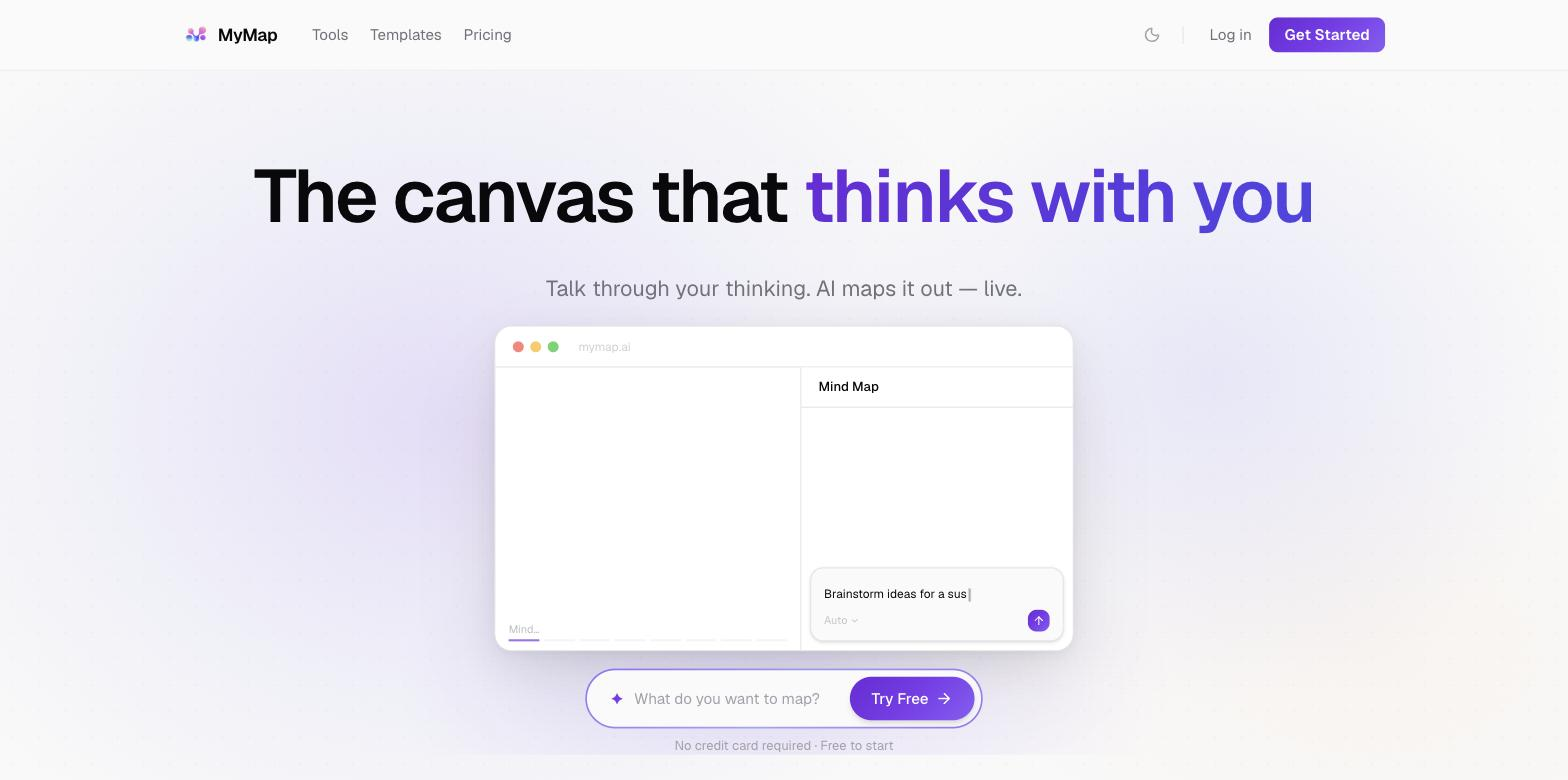
MyMap.AI generates mind maps, diagrams, and visual canvases from prompts, helping you brainstorm, plan, and organize ideas visually. It has a free tier with monthly credits and paid plans that scale up canvases and usage.
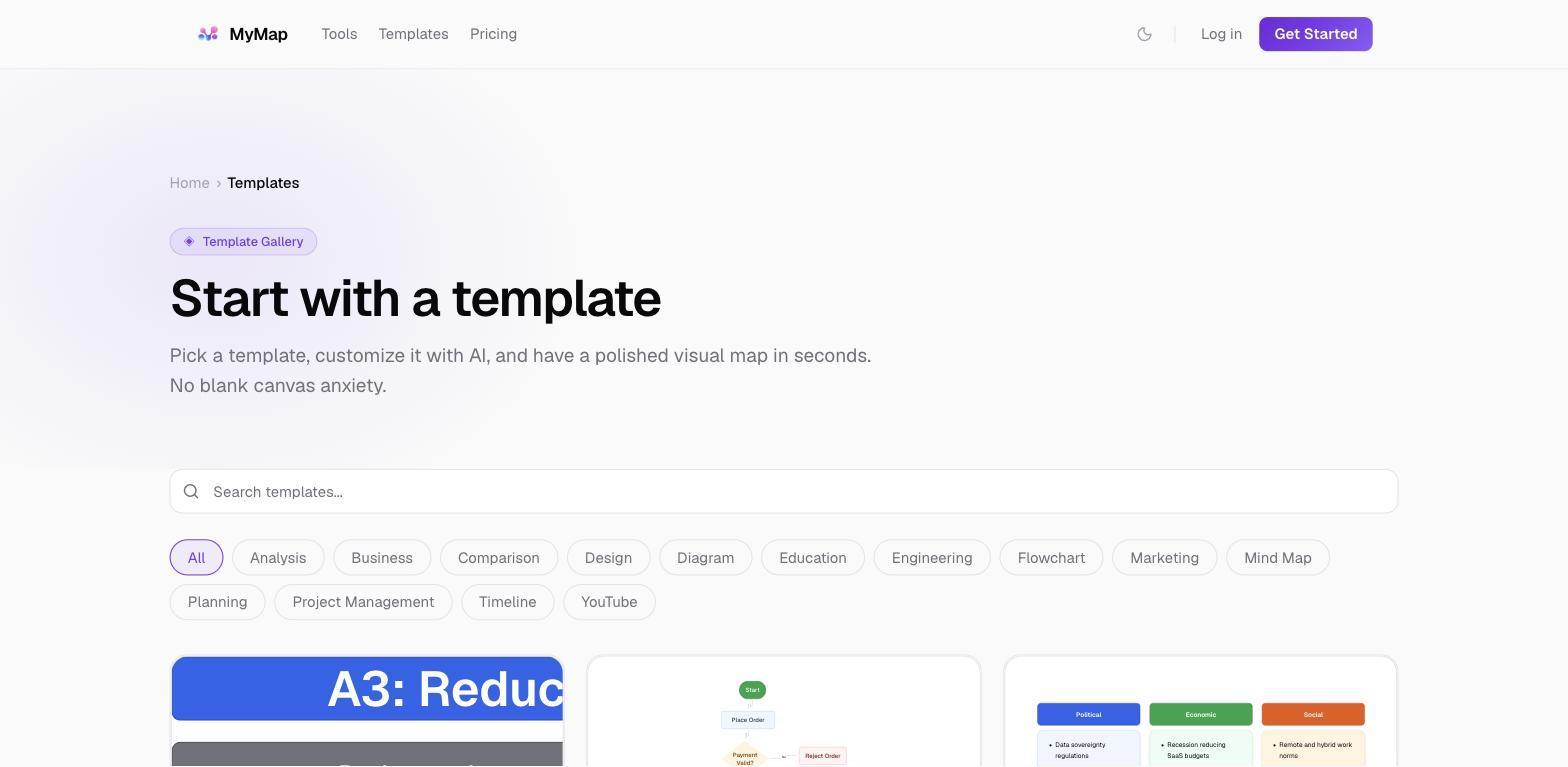
MyMap.AI is a visual-thinking tool that uses AI to turn a prompt or a pile of raw ideas into a structured map. Instead of staring at a blank canvas, you describe a topic and it generates a mind map, diagram, or flow you can then expand, rearrange, and refine. The goal is to shortcut the hardest part of brainstorming and planning — getting an initial structure down — so you can spend your time thinking rather than formatting boxes and lines. It fits students, planners, founders, and anyone who processes information better as a picture than as a list. In use, the AI generation is the differentiator versus manual mind-mapping tools: you can go from a one-line prompt to a first-draft map in seconds, then edit it into shape. Compared with Mapify — which focuses on converting existing documents and URLs into visual maps — and XMind AI, which adds AI to a mature, feature-rich manual mind-map editor, MyMap.AI prioritises the generation-first experience: getting from a blank page to a first-draft map quickly rather than building out an elaborate editing workspace. It works best for early ideation, outlining, and turning topics or documents into a navigable visual. Honest limitations: AI-generated structure is a starting point, not a finished artifact — the first map often needs human editing to reflect how you actually think about the topic, and for complex or highly specific domains the generated hierarchy can be generic. The plan lineup has several closely spaced tiers (Plus $15, Pro $20, Team Pro $25), so it's worth reading what each unlocks rather than assuming the cheapest paid plan is enough; the free tier is real but capped at a modest number of monthly credits and a few canvases. There's also a low-cost short trial to test paid features. For visual thinkers who want AI to jump-start their maps and don't mind refining the output, MyMap.AI is a productive tool; for people who prefer building structure entirely by hand or need a heavyweight diagramming suite, a more specialized tool may fit better.
Quick fit check against how you actually work.
What you can actually do with this tool.
Turn a one-line topic into a first-draft mind map in seconds.
Go beyond mind maps to flows and visual canvases.
Rearrange and expand generated structure to match your thinking.
Turn source material into a navigable visual.
Scale canvases and usage as your needs grow.
Test paid features briefly before subscribing.
Pricing tiers and what's included in each.
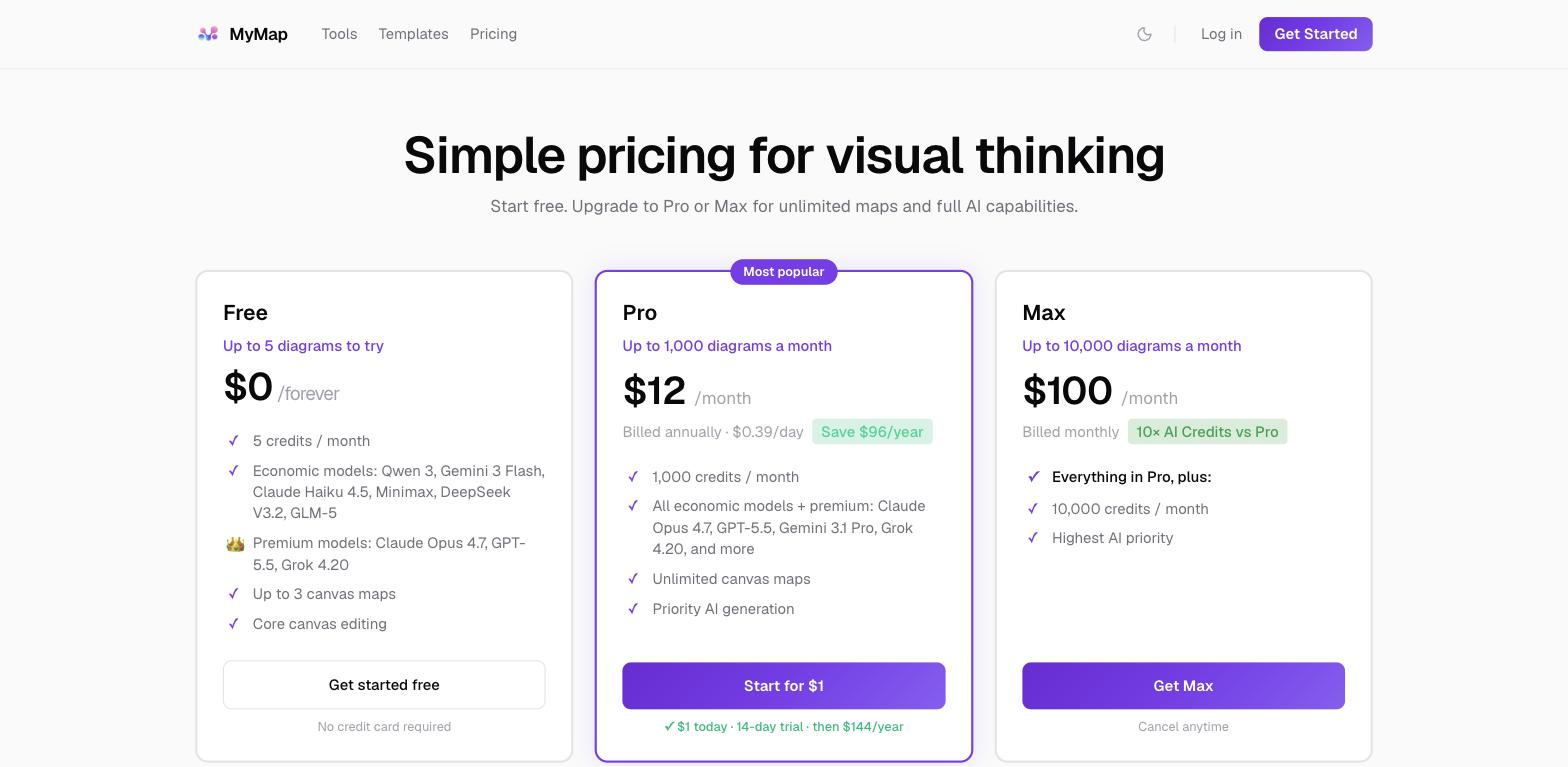
MyMap.AI has a free tier with 20 credits a month and 3 canvases (no card). Paid plans are Plus $15/mo, Pro $20/mo, and Team Pro $25/mo, plus a $1 three-day trial and 40% off annual billing.
A short path to first value.
Common questions about this tool, answered.
Yes — 20 credits a month and 3 canvases, with no card required.
Mind maps, diagrams, and visual canvases from a prompt or source material.
Yes — generated maps are a strong starting point that usually benefit from human refinement.
Yes, a $1 three-day trial lets you try paid functionality.
Other tools that show up for the same kind of work.