
Kling AI
Generates video clips from text and image prompts with voice control and multi-shot composition.
FreemiumFree planWeb
Last verified Jul 12, 2026
Generates video clips from text and image prompts with voice control and multi-shot composition.
Last verified Jul 12, 2026
Fast-read signals for fit, pricing, and trust.
Kling AI is an AI video generator that produces video clips from text prompts and images, with tools for voice control, multi-shot video creation, video extension, and image upscaling. It is aimed at video creators, animators, and content teams who need AI-generated video clips for creative and commercial projects. A free Basic plan is available; Standard starts at $6.99/month under current special offer pricing.
You enter a text or image prompt and Kling AI generates a video clip, with paid plan options for voice control, video extension, and AI multi-shot composition. The Basic plan offers daily free uses but no monthly credit allowance, and generated content is not for commercial use. Paid plans run on a monthly credit system and include commercial use of generated content. Subscription prices shown are special offer rates; next renewal prices differ. Credit top-up packs and team plans are also available.
Quick fit check against how you actually work.
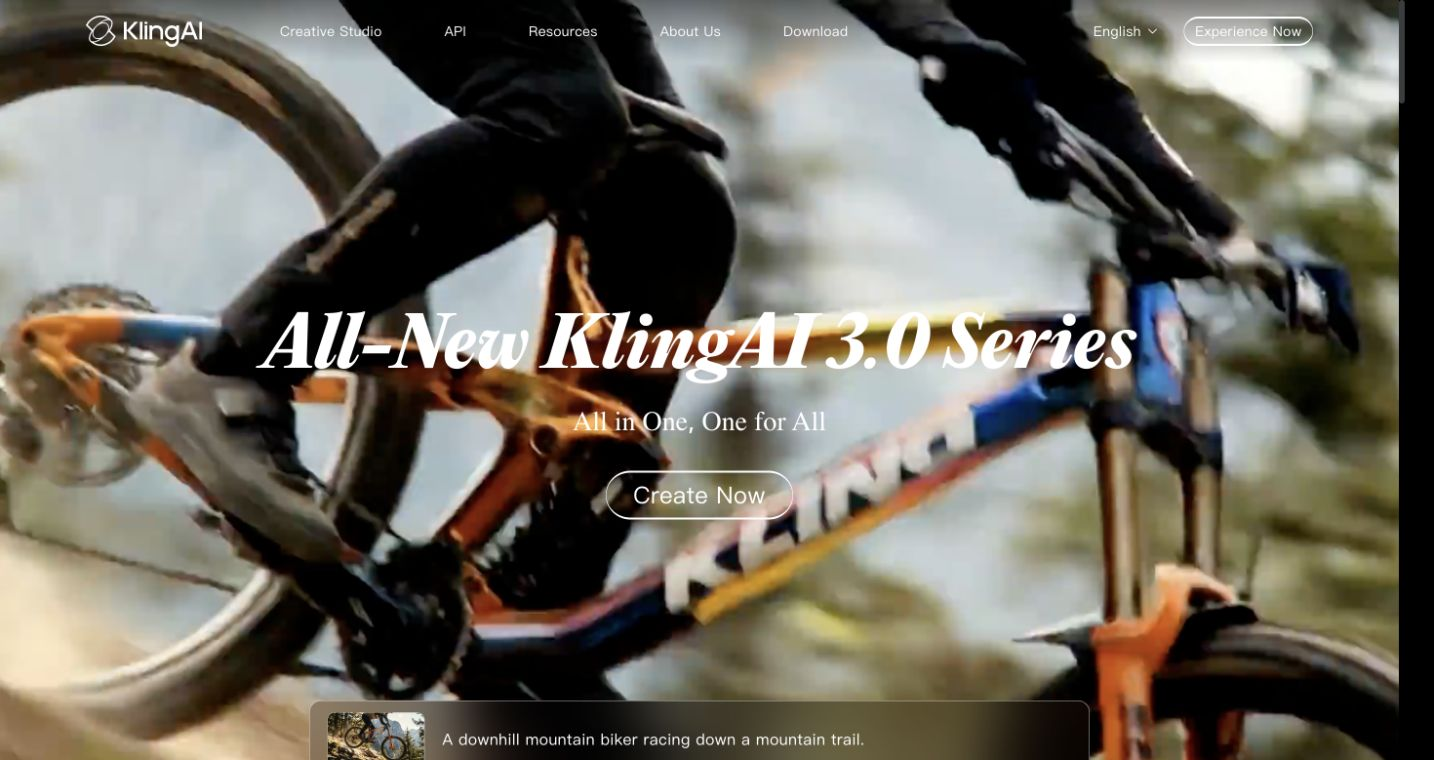
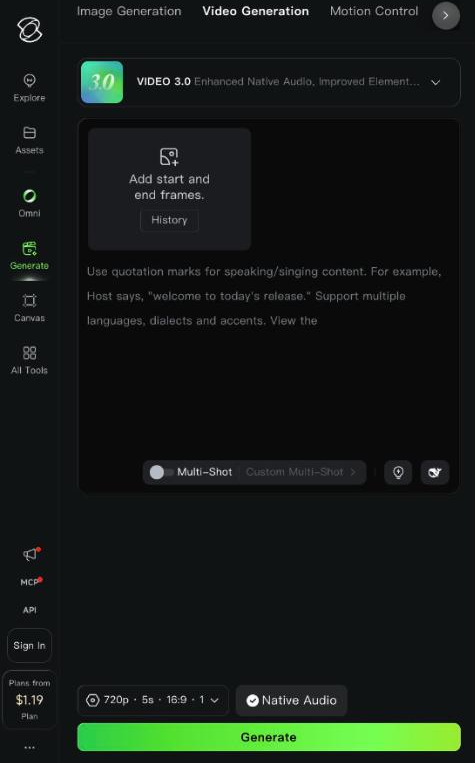
What you can actually do with this tool.
Generates video clips from a text description or an uploaded image prompt, producing motion content without traditional filming or animation.
VIDEO 2.6 voice control on paid plans lets you direct voice and audio characteristics of generated video clips.
VIDEO 01 element AI multi-shot capability for composing multi-shot sequences within a single generation request.
Extends the duration of generated videos beyond the initial clip length, available on paid subscription plans.
Upscales images within the generation pipeline for higher-resolution source or output material.
Paid subscription plans include commercial use of generated content. Basic plan output is not for commercial use.
Pricing tiers and what's included in each.
Kling AI has a free Basic plan (daily free uses, no commercial use). Standard is $6.99/month special offer ($79.20/year) with 660 credits/month and commercial use. Pro is $25.99/month special offer ($293.04/year) with 3,000 credits/month. Premier is $64.99/month ($728.64/year) with 8,000 credits/month. Ultra is $127.99/month ($1,429.99/year) with 26,000 credits/month. Team plans from $79/seat/month.
A short path to first value.
Common questions about this tool, answered.
Yes — the Basic plan is free and includes 3 daily free uses and image upscaling. Basic plan content is not approved for commercial use.
Commercial use is stated as included on paid subscription plans (Standard and above). Basic plan content is not for commercial use. Review current terms for your specific plan before commercial publication.
Prices shown are special offer rates at time of verification: Standard $6.99/month (next renewal $8.80/month; yearly $79.20/year), Pro $25.99/month, Premier $64.99/month, Ultra $127.99/month.
Yes — packs range from 100 credits for $1.49 to 48,000 credits for $600, available separately from subscriptions.
Context for choosing between this tool and alternatives.
Kling AI competes in the text-to-video generation space alongside other AI video tools. Its differentiators are the voice control, multi-shot composition, and the tiered credit system that scales from casual to high-volume production. Compare on credit costs per generation, clip length limits, and commercial use terms for your specific production workflow.
Other tools that show up for the same kind of work.
InVideo AI
Freemium