
Cleanup.pictures
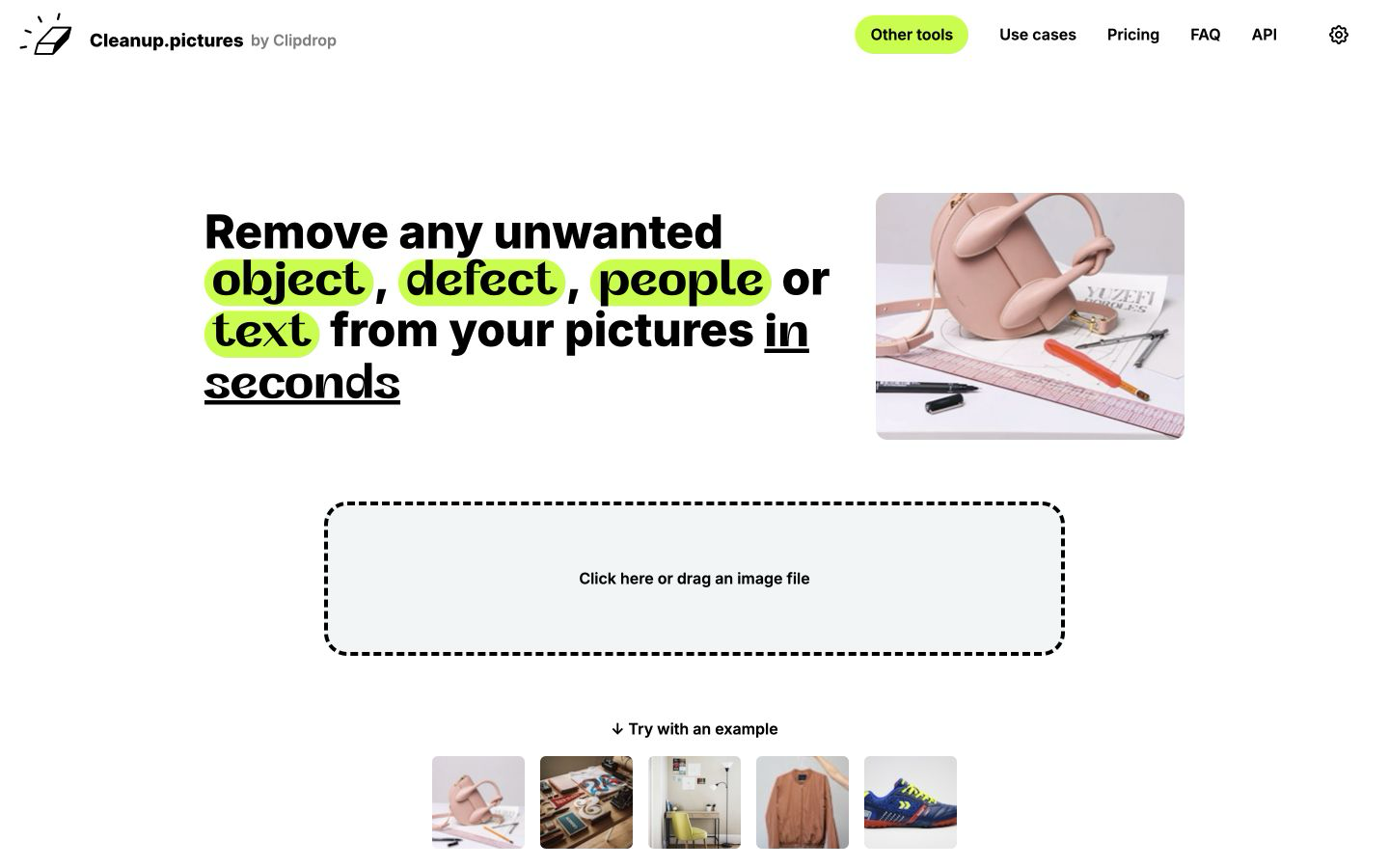
Removes unwanted objects, people, and watermarks from photos using AI inpainting.
FreemiumFree planWeb
Last verified Jul 12, 2026
Removes unwanted objects, people, and watermarks from photos using AI inpainting.
Last verified Jul 12, 2026
Fast-read signals for fit, pricing, and trust.
Cleanup.pictures is a photo cleanup tool that removes unwanted objects, people, and watermarks from images using AI inpainting, filling the erased area with plausible background. It is aimed at photographers, marketers, and anyone who needs a distraction-free image without opening a full editor. The free tier handles unlimited images at 720p; Pro at $3/month (annual) removes the resolution cap.
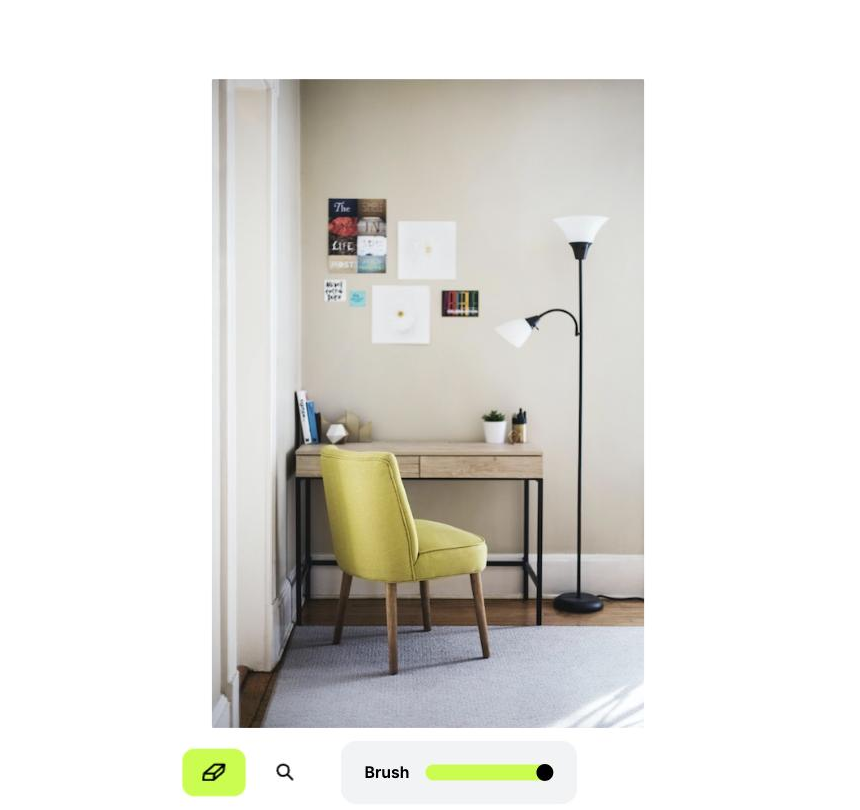
You upload an image, paint over the area you want removed, and it reconstructs the background behind the erased region. Object removal works on people, text, logos, and clutter; results are strongest when the background has a clear texture or pattern to infer from. The free plan limits output to 720p; the Pro plan unlocks full resolution and a quality refiner.
Quick fit check against how you actually work.
What you can actually do with this tool.
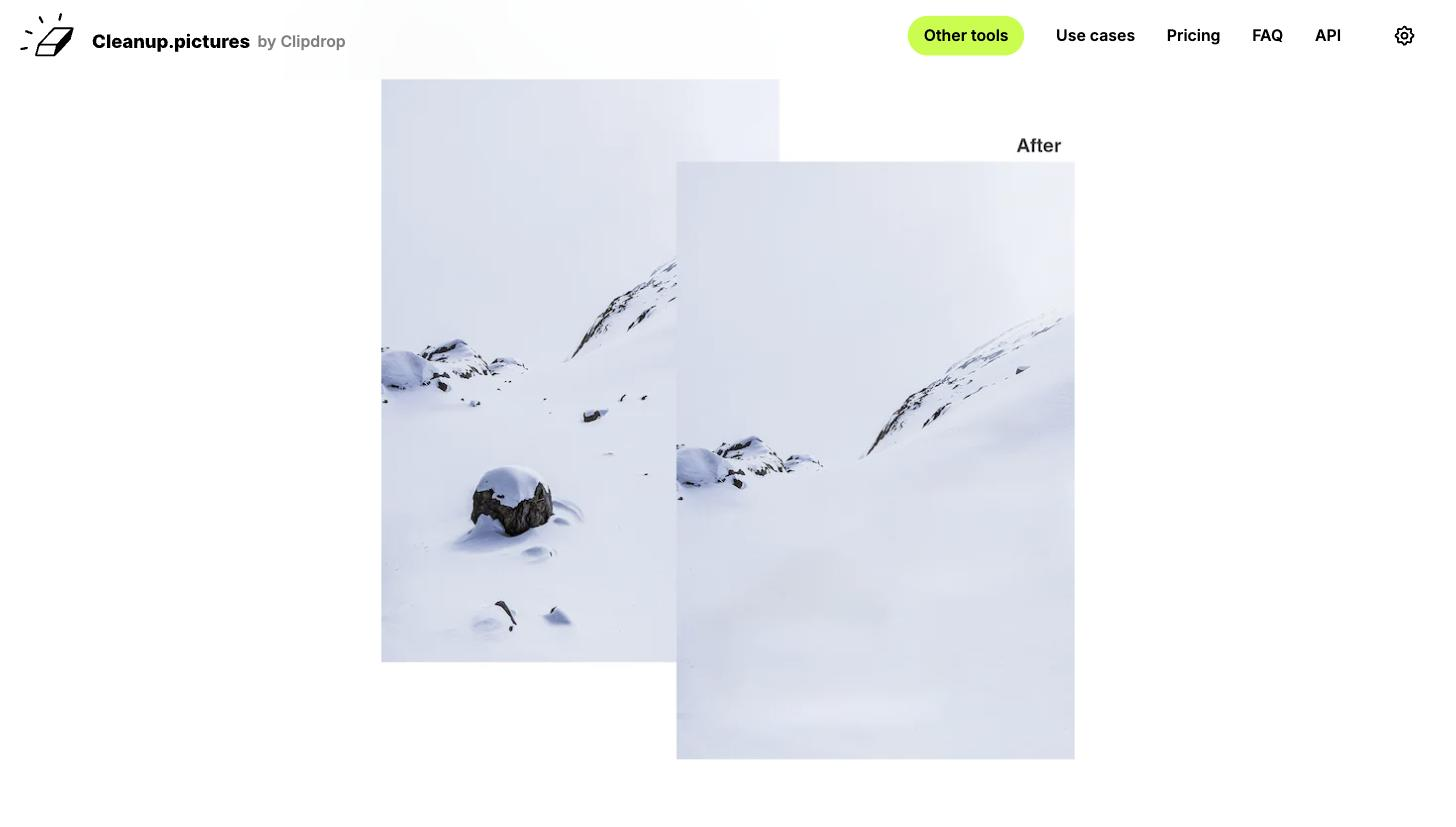
Erases objects or people and reconstructs the background behind them, so you get a clean frame without manual cloning.
Removes text watermarks and logos from images you own or are authorized to edit, filling the erased area with reconstructed background.
Processes unlimited images at 720p resolution at no cost, covering small-scale needs without a subscription.
Pro removes the 720p cap and adds a quality refiner, suitable for print and high-resolution publishing at $3/month annual.
Uses a brush to mark removal areas rather than precise selections, so you indicate the zone and the AI handles reconstruction.
Pricing tiers and what's included in each.
Cleanup.pictures has a free plan for unlimited images at 720p resolution. Pro is $5/month (monthly billing) or $3/month (billed annually at $36/year) and removes the resolution cap, adding unlimited resolution and a quality refiner. A ClipDrop Pro bundle at $11/month adds additional tools including background removal and generative fill.
A short path to first value.
Common questions about this tool, answered.
Yes — the free tier processes unlimited images at up to 720p resolution at no cost. Pro at $5/month (monthly) or $3/month (annual) removes the resolution cap.
Results depend on background complexity; simple, textured backgrounds reconstruct more cleanly than cluttered or heavily patterned scenes.
Yes — watermark removal is a listed use case on the official site, though results vary with the complexity of the background.
Yes — an API is available with usage-based pricing for developers integrating cleanup into their own tools or pipelines.
Context for choosing between this tool and alternatives.
For quick object removal, Cleanup.pictures competes with Clipdrop's cleanup tool and Adobe Firefly's generative fill. Clipdrop offers more tools beyond removal; Photoshop's generative fill gives more directional control on complex backgrounds. Cleanup.pictures is the fastest free starting point for a single-use-case removal task.
Other tools that show up for the same kind of work.
WatermarkRemover.io
Freemium
Clipdrop
Freemium