
Vectorizer.AI
Converts raster images into clean, editable vector files for logos, print, and CAD work.
PaidFree trialWeb
Last verified Jul 4, 2026
Converts raster images into clean, editable vector files for logos, print, and CAD work.
Last verified Jul 4, 2026
Fast-read signals for fit, pricing, and trust.
Vectorizer.AI is a tool that traces raster images — PNG, JPG, GIF, WebP — into clean vector files such as SVG, PDF, EPS, and DXF. It is aimed at designers, print shops, and CAD/CNC users who need resolution-independent, editable artwork from a bitmap. It produces smooth curves and clean colors automatically in the browser. It vectorizes existing images rather than designing new artwork.
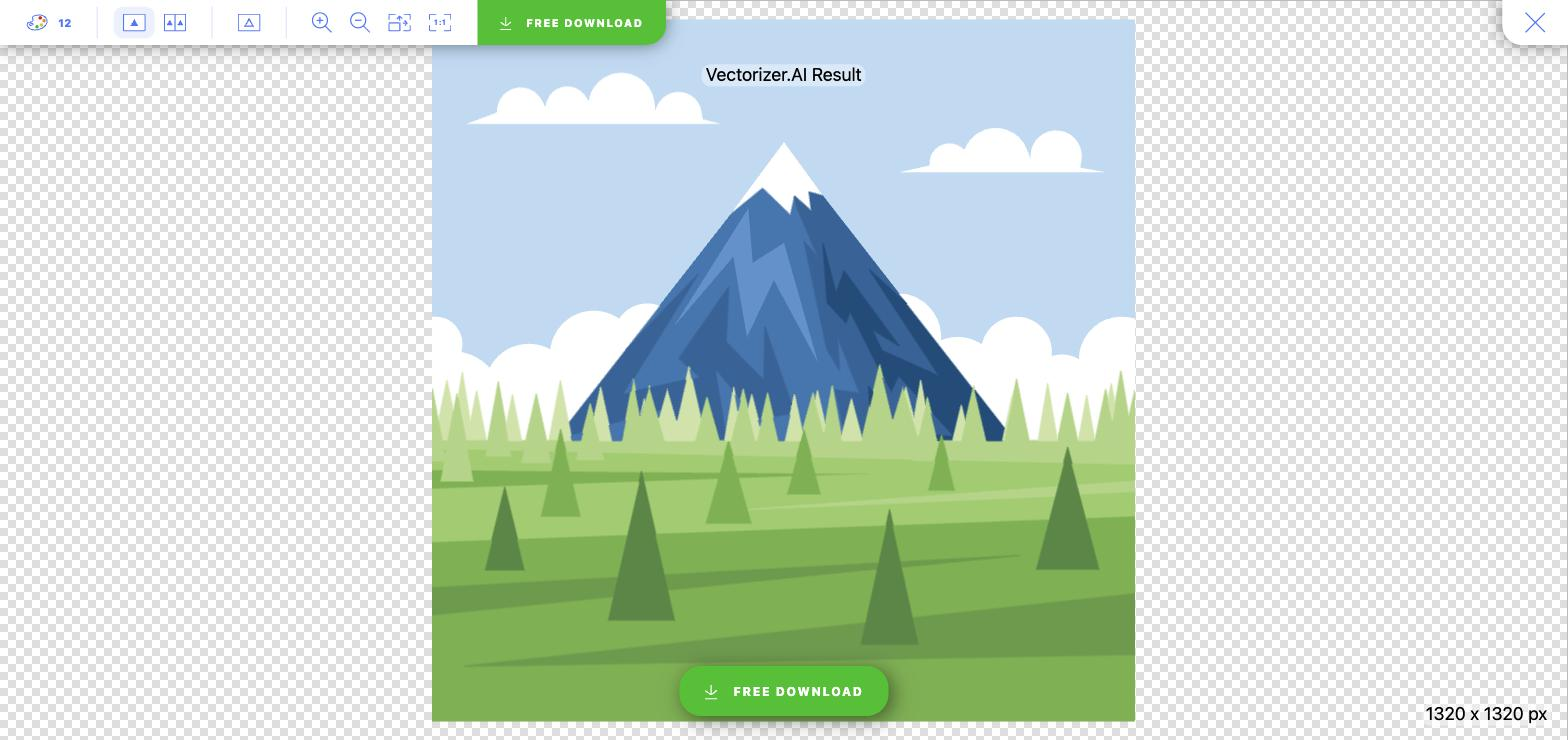
You upload a bitmap and its engine traces the pixels into editable vector shapes — smooth curves, fine detail, clean colors — then lets you export practical formats: SVG and PDF for web and print, EPS for design, DXF for CAD and CNC. Everything runs in the browser with no install, and full-color support handles illustrations as well as line art.
The users are designers, print and apparel shops, and CAD/CNC operators who receive a logo or image as a raster and need it as scalable, editable vector artwork for print, cutting, or design work. It works as a conversion step between a bitmap source and a vector workflow.
The limit worth stating: it traces what's in the image, so a low-quality or ambiguous source constrains the result, and it converts rather than creating original artwork.
Quick fit check against how you actually work.
What you can actually do with this tool.
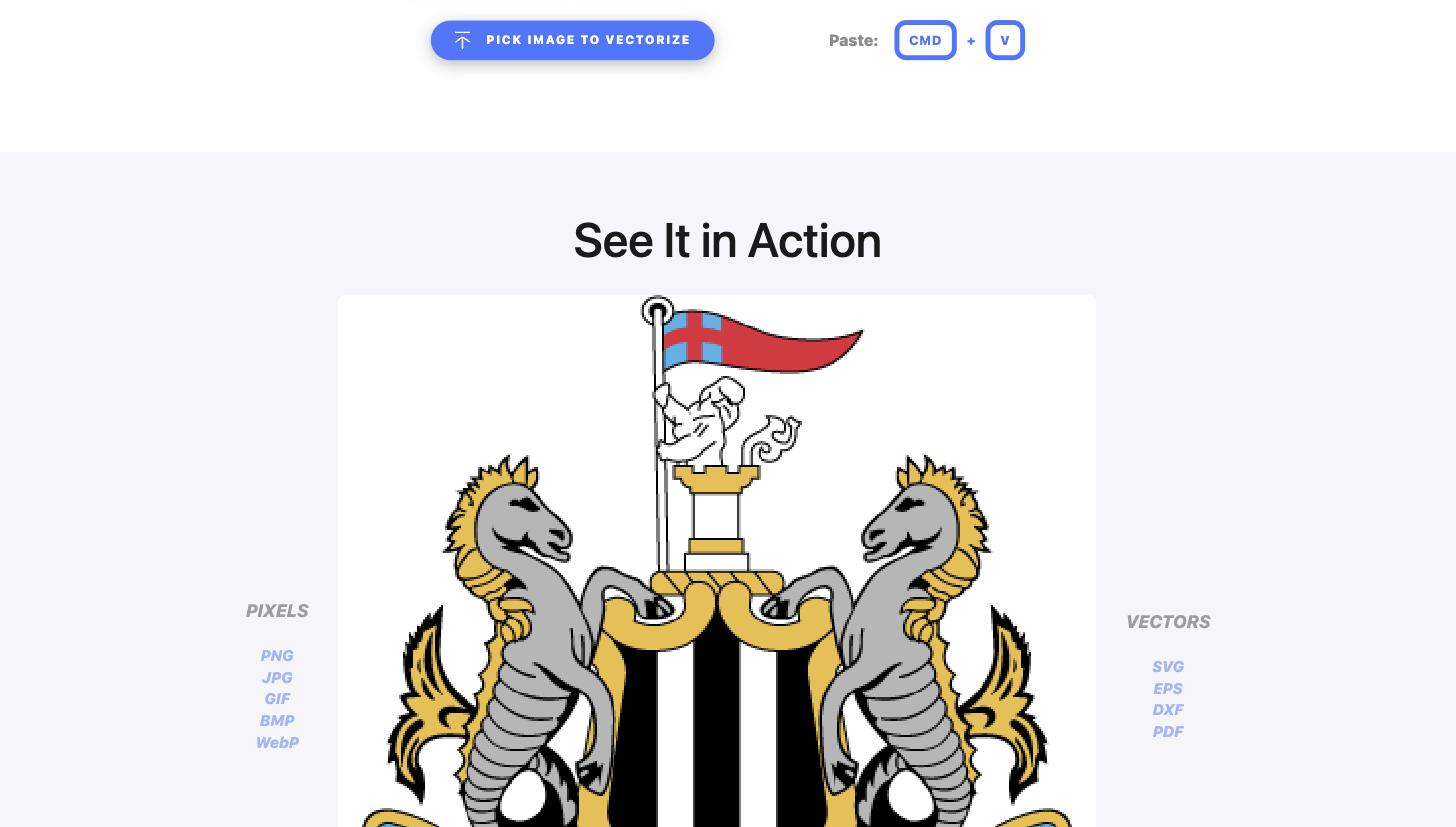
Traces a raster image into editable vector shapes with smooth curves and fine detail, so a bitmap becomes scalable artwork.
Handles full-color images, not just line art, so detailed illustrations vectorize cleanly rather than only simple logos.
Exports SVG, PDF, EPS, and DXF to suit web, print, design, and CAD or CNC workflows from one conversion.
Accepts common bitmaps including PNG, JPG, GIF, BMP, and WebP, so most source images can be vectorized directly.
Runs entirely in the browser with no software to install, so you can vectorize and export from anywhere.
Produces artwork that scales cleanly and reduces file size while keeping clarity across screens and in print.
Pricing tiers and what's included in each.
The Web App subscription starts at $9.99 per month for unlimited web-image vectorization (interactive previews are free but are not a permanent free production plan). A separate usage-based API is priced by credit packs. The Web App and API are separate pricing mechanisms.
A short path to first value.
Common questions about this tool, answered.
It accepts bitmaps like PNG, JPG, GIF, and WebP and exports SVG, PDF, EPS, and DXF, covering web, print, design, and CAD or CNC needs from one conversion.
Yes — full-color support means detailed illustrations vectorize cleanly, not just simple line art or single-color logos.
Tracing reflects the source, so a low-quality or ambiguous image limits how clean the vector can be; a clear, higher-quality input gives a cleaner result.
No — it runs entirely in the browser, so you can vectorize and export without installing any design software.
Context for choosing between this tool and alternatives.
The decision is dedicated raster-to-vector conversion versus a broader design or editing tool. Vectorizer.AI is built specifically to trace bitmaps into clean, editable vectors across formats, including DXF for CAD and CNC. The canonical inventory holds no other tool doing the same raster-to-vector job, so there is no like-for-like alternative to list here; if you instead need to design or edit vector artwork, a full vector design tool covers that separate need.